Separate the reference structure from your product
Supply the reference clip or URL and your product photos. Describe which framing or rhythm to borrow and which subject details must change.

Bulk Clone Viral Videos
Create product video variations from a reference clip with Cuta. Use your product and character images to adapt a visual concept for different campaigns.
Supply the reference clip or URL and your product photos. Describe which framing or rhythm to borrow and which subject details must change.
Add the materials to their named inputs. Reference video: one video (optional); Product images: up to 5 images; Person: one image (optional).
Available settings include Reference source (Upload video, HTTPS link); Reference video HTTPS URL; Clip start in seconds; Clip end in seconds; Output duration in seconds; Language. Review the full options in Studio before generation.
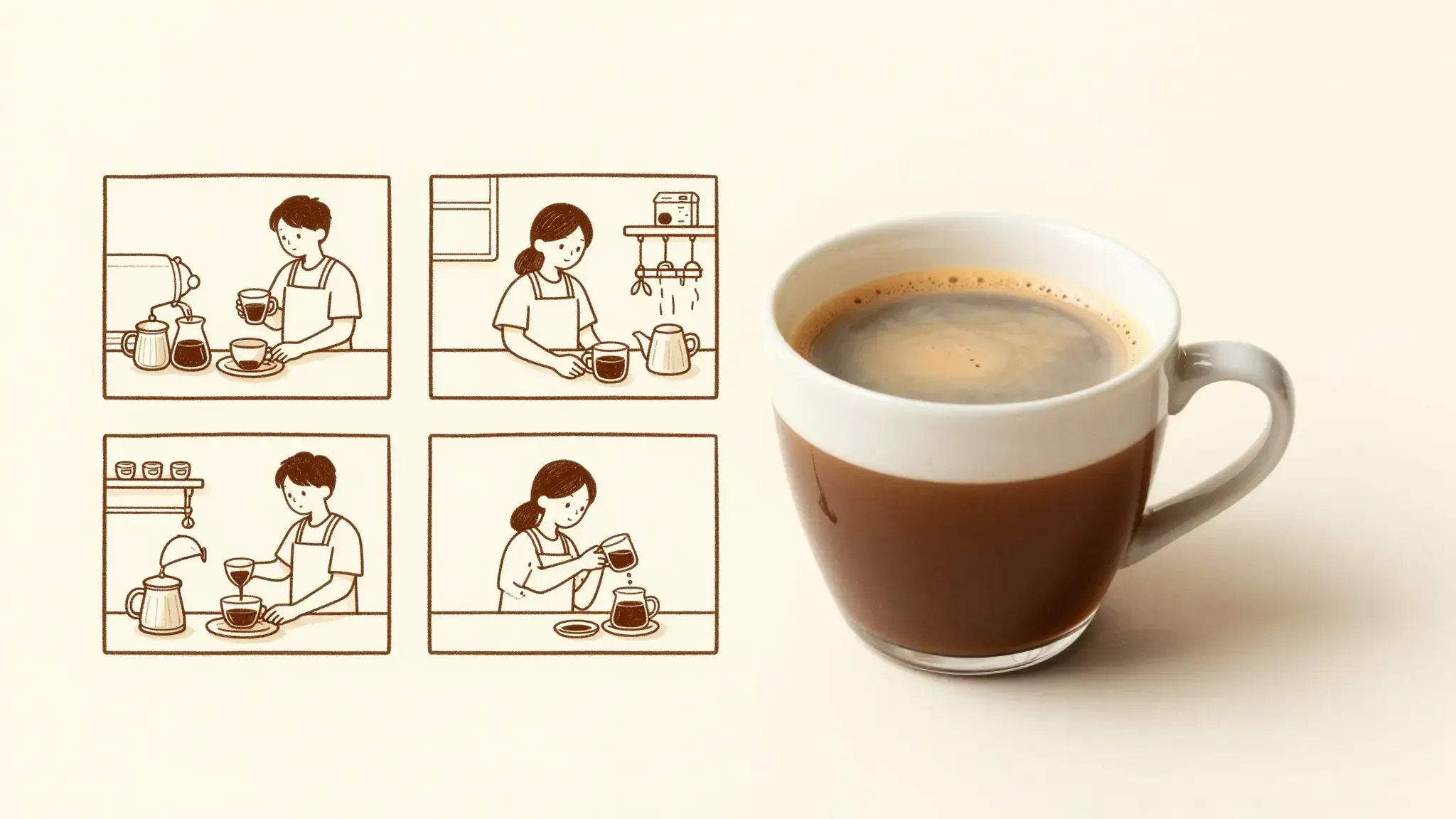
Illustrative artwork shows the intended visual direction. Your result depends on your source materials and settings.
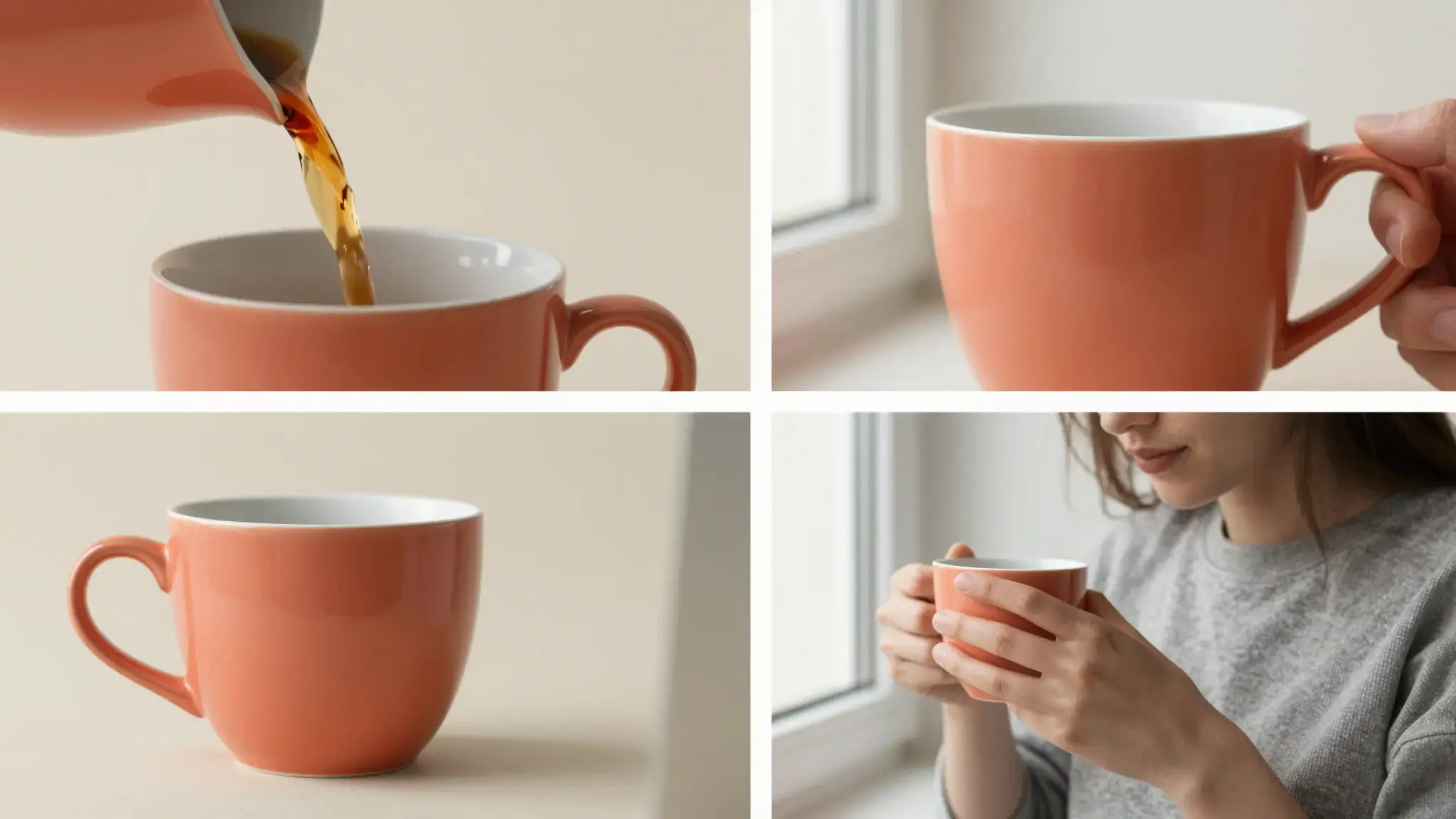
Three adjacent advertising scenes featuring the same unmarked coral ceramic cup: hands pouring coffee, the cup standing on a cream pedestal, an adult holding it beside a sunny window, consistent product shape and color, clean photographic triptych
Try it nowCompare multiple interpretations of an opening, demonstration and closing sequence.
Explore a familiar video structure with a different product and verify its appearance in each clip.
From idea to creation
Add the materials to their named inputs. Reference video: one video (optional); Product images: up to 5 images; Person: one image (optional).
Available settings include Reference source (Upload video, HTTPS link); Reference video HTTPS URL; Clip start in seconds; Clip end in seconds; Output duration in seconds; Language. Review the full options in Studio before generation.
Compare every result with both the reference structure and your product. Check that borrowed pacing has not carried over unrelated visuals or claims.
Add the materials to their named inputs. Reference video: one video (optional); Product images: up to 5 images; Person: one image (optional).
Keep exploring
Your next creation starts here
Start with your own content in Bulk Clone Viral Videos. Review the settings in Studio and create your result.