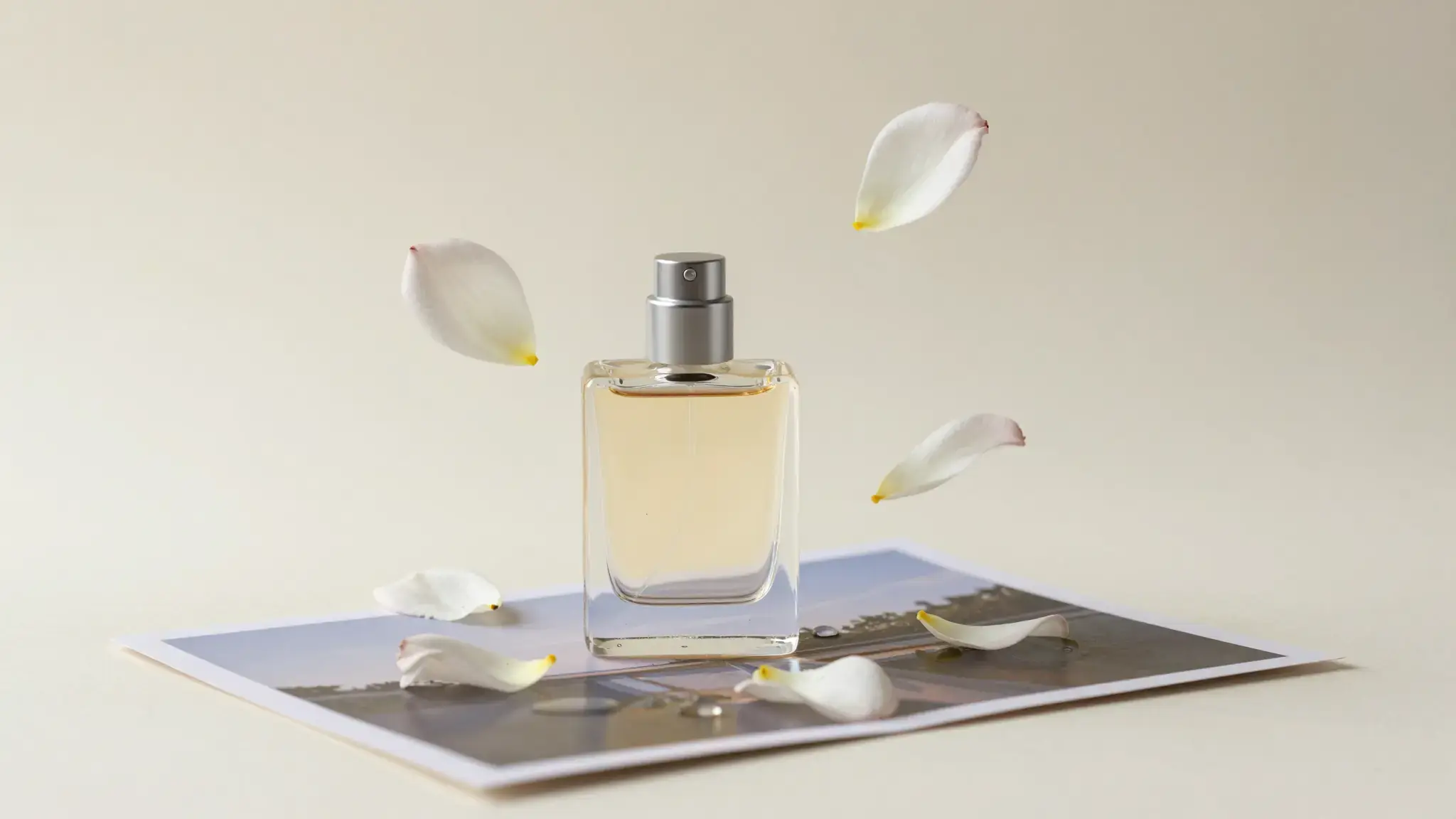
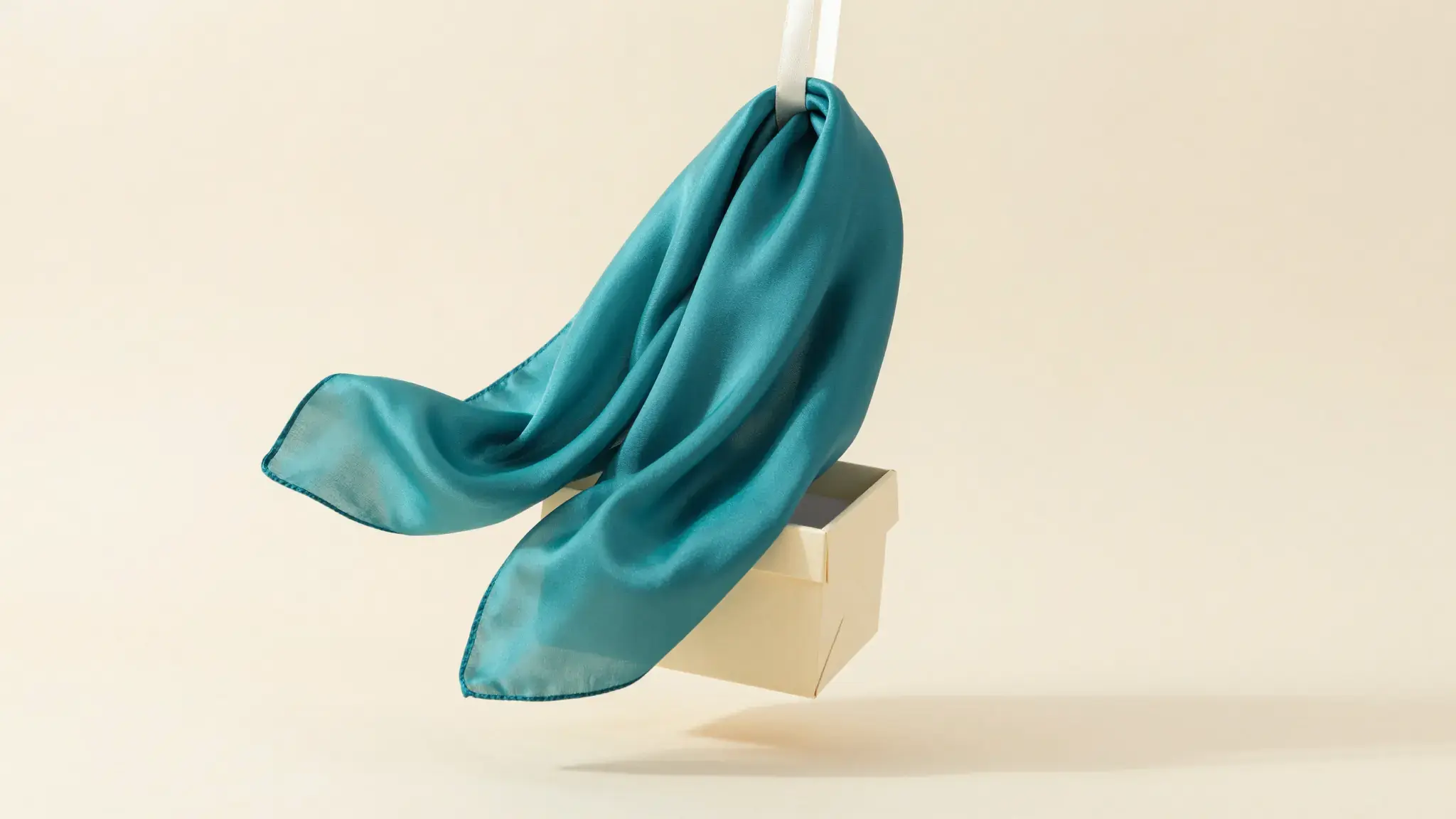
Lead with the product and a clear message
Describe the hook, product demonstration and closing action. Supply verified product details and references that show its shape, colors and labels.

Script to Video Ads
Script to Video Ads Maker: create videos from text with Cuta. Develop product scenes and promotional concepts for your next campaign.
Describe the hook, product demonstration and closing action. Supply verified product details and references that show its shape, colors and labels.
Start with a written brief. Include the subject, the intended result and any details that must appear accurately.
Available settings include Product name; Key selling points; Offer or discount; Audience; Call to action; Brand name; Offer deadline. Review the full options in Studio before generation.
Illustrative artwork shows the intended visual direction. Your result depends on your source materials and settings.
A neat row of three wordless hand-drawn storyboard illustrations of a coffee ritual leading to a large realistic final coffee scene, simple sequential visual storytelling on a cream surface. gentle side lighting, warm cream and natural neutral tones
Try it nowPlan one visible action that explains the item, followed by the detail that supports the message.
Keep the product and approved message fixed while exploring another scene, audience or opening.
From idea to creation
Start with a written brief. Include the subject, the intended result and any details that must appear accurately.
Available settings include Product name; Key selling points; Offer or discount; Audience; Call to action; Brand name; Offer deadline. Review the full options in Studio before generation.
Watch for changes in the product between shots. Review the narration, claims, pacing and closing message before publishing.
Start with a written brief. Include the subject, the intended result and any details that must appear accurately.
Keep exploring
Your next creation starts here
Start with your own content in Script to Video Ads. Review the settings in Studio and create your result.