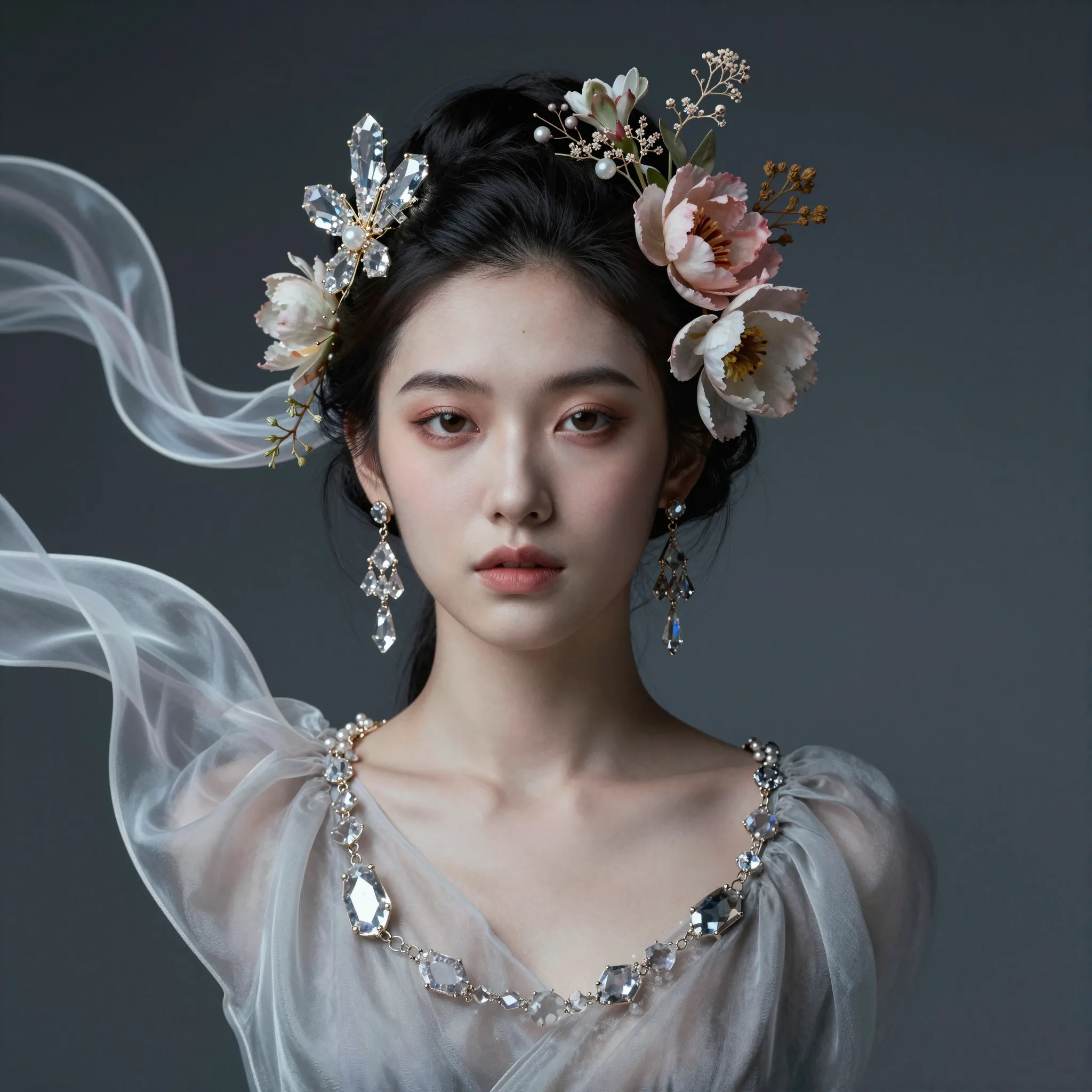
Bring references into one visual concept
Add the images you want to combine and describe which subject, background or visual qualities should come from each reference.
Try it now
Add the images you want to combine and describe which subject, background or visual qualities should come from each reference.
Try it nowPlace the ceramic cup from the first reference on the wooden desk in the second, with matching afternoon light.
Try it nowCheck the boundaries between elements, scale and lighting so the combined scene feels coherent.
Try it nowFrom idea to creation
Add the images you want to combine and describe which subject, background or visual qualities should come from each reference.
Place the ceramic cup from the first reference on the wooden desk in the second, with matching afternoon light.
Check the boundaries between elements, scale and lighting so the combined scene feels coherent.
Add the images you want to combine and describe which subject, background or visual qualities should come from each reference.
Find your next creative tool
Your next creation starts here
Start with your own content in Image Blender. Review the settings in Studio and create your result.



