Realistic Face Swaps
Apply a new face that blends in naturally with your subject and scene.

AI Video Face Swap online
Swap faces in any video with the AI video face swap tool. Drop a new face onto your subject in seconds while keeping motion, expressions, and timing natural.
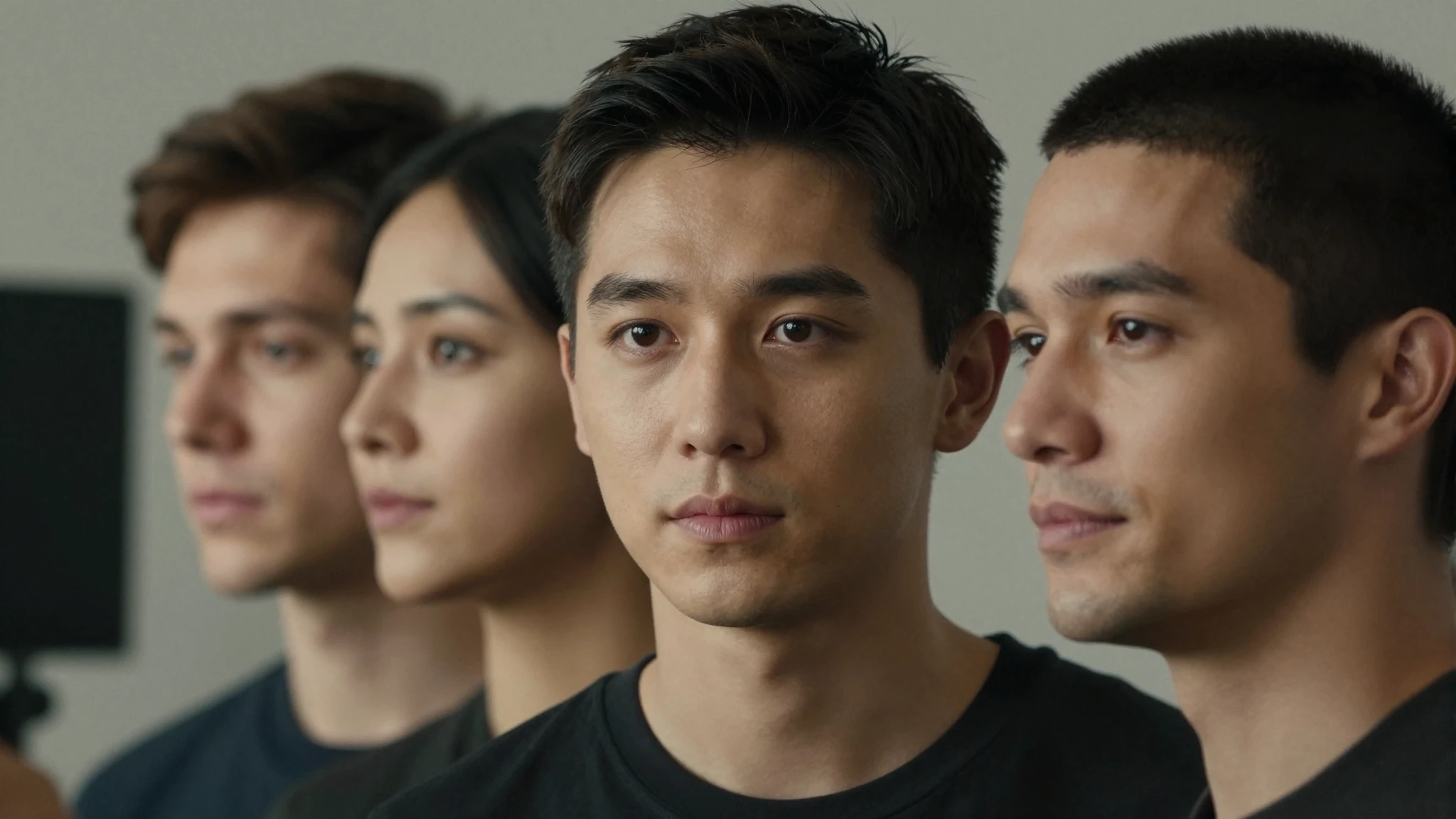
Apply a new face that blends in naturally with your subject and scene.
The swap holds across every frame, so movement and timing stay natural.
Upload, pick a face, and generate in minutes, no editing skills needed.
Creative possibilities
A few visual directions to inspire your next creation. These examples illustrate the styles and ideas you can explore.




Upload a clip and replace the face of your subject in minutes. The AI applies the new face to your video while keeping the body, scene, and action exactly as you shot them.
Try it nowThe new face follows your subject's head turns, expressions, and timing. Movement stays smooth and natural, so the swap looks like real footage instead of a frame-by-frame edit.
Try it nowBring your own face image or pick one from the Cuta Characters library. The AI maps it onto your subject, giving you full freedom over who appears in the final video.
Try it nowThe swapped face holds steady from start to finish. There is no flicker or drift between frames, so the identity stays locked in and believable through the whole clip.
Try it nowFrom idea to creation

Start by uploading the clip with the subject whose face you want to swap. Clear, well-lit footage works best.

Upload a reference face image or pick a character from the Cuta Characters library to apply to your subject.
Generate your video, preview the swap across frames, then adjust and regenerate until it looks right.
Create fun, shareable clips with a fresh face. Swap yourself or a friend into a video for memes, reactions, and trends that grab attention and keep your feed entertaining.
Try it nowRecast a scene without reshooting it. Swap a performer's face for storytelling, fan edits, or creative shorts, giving you more options in post without extra production time.
Try it nowAdapt one video for different faces and audiences. Feature a new spokesperson or persona across campaigns, so brand teams can scale video content from a single shoot.
Try it nowPut a specific face into custom videos. Create personalized greetings, gifts, and fun clips that feel made for one person, all from footage you already have.
Try it nowIt is an Cuta tool that uses AI to replace the face in a video. You upload a clip, choose a new face, and the AI applies it across every frame while keeping the original motion and scene.
Find your next creative tool
Your next creation starts here
Start with your own content in AI Video Face Swap. Review the settings in Studio and create your result.



