No Green Screen Needed
Cuta isolates your subject and replaces the entire background automatically, with no manual editing or keying required.

Video Background Changer online
Change any video background easily with AI. No complex tools or editing experience needed. Upload your footage, pick a scene, and video background changer works in minutes!
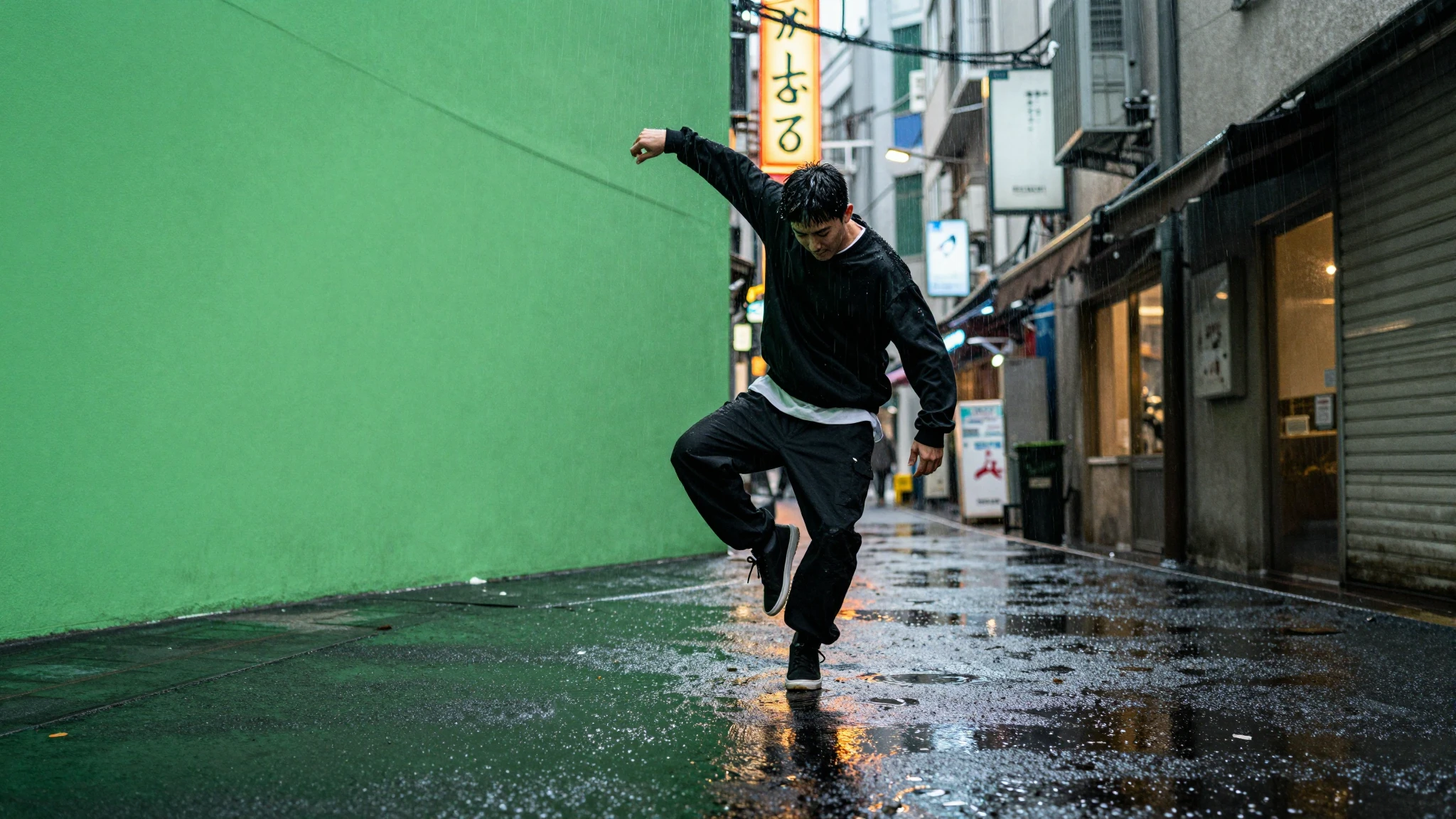
Cuta isolates your subject and replaces the entire background automatically, with no manual editing or keying required.
Pick a preset from library, upload your own reference image, or generate a brand-new scene with AI. The environment behind you is yours to define.
Apply a different background to the same recording as many times as you want, turning a single take into a full library of content variations.
Creative possibilities
A few visual directions to inspire your next creation. These examples illustrate the styles and ideas you can explore.
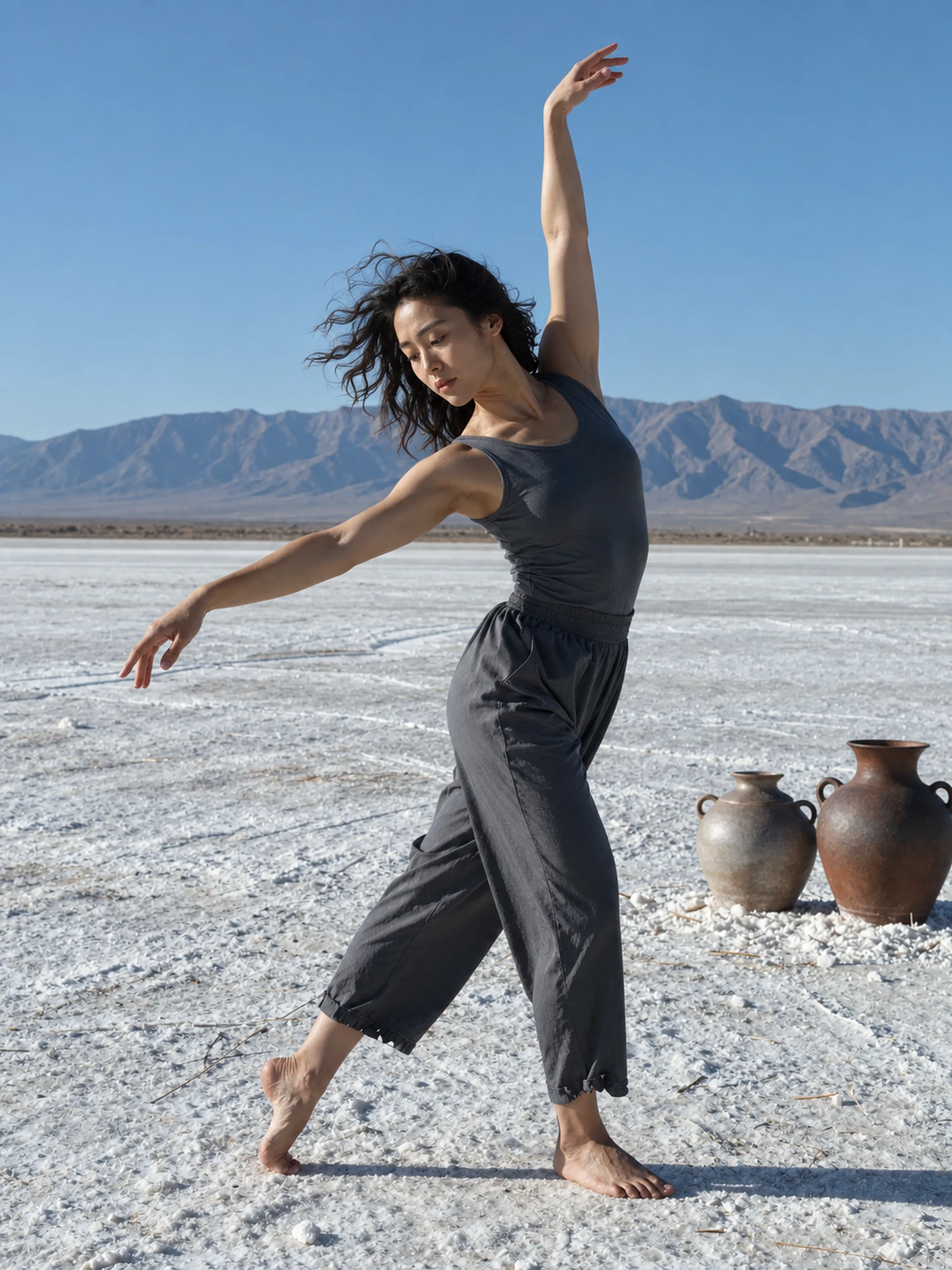
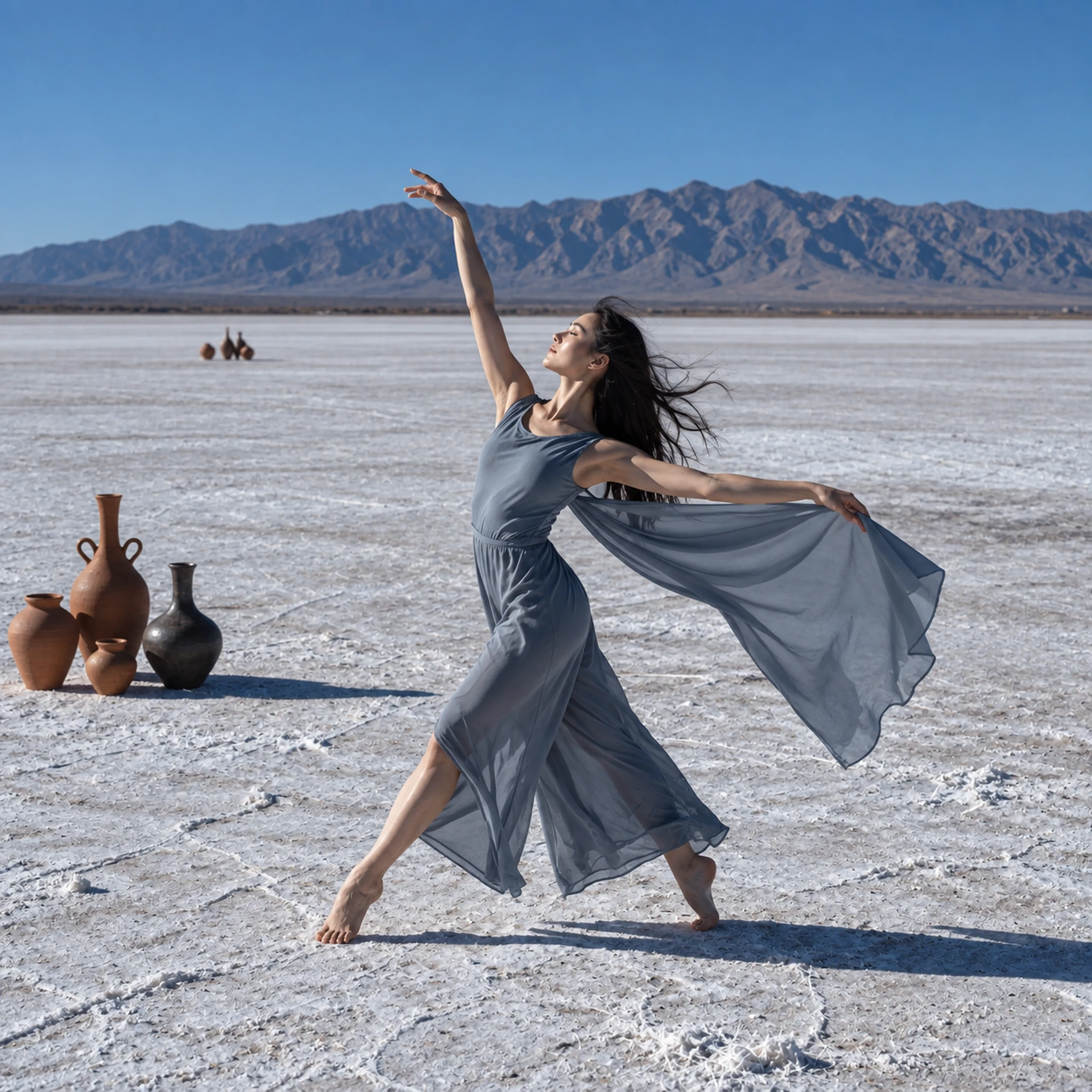
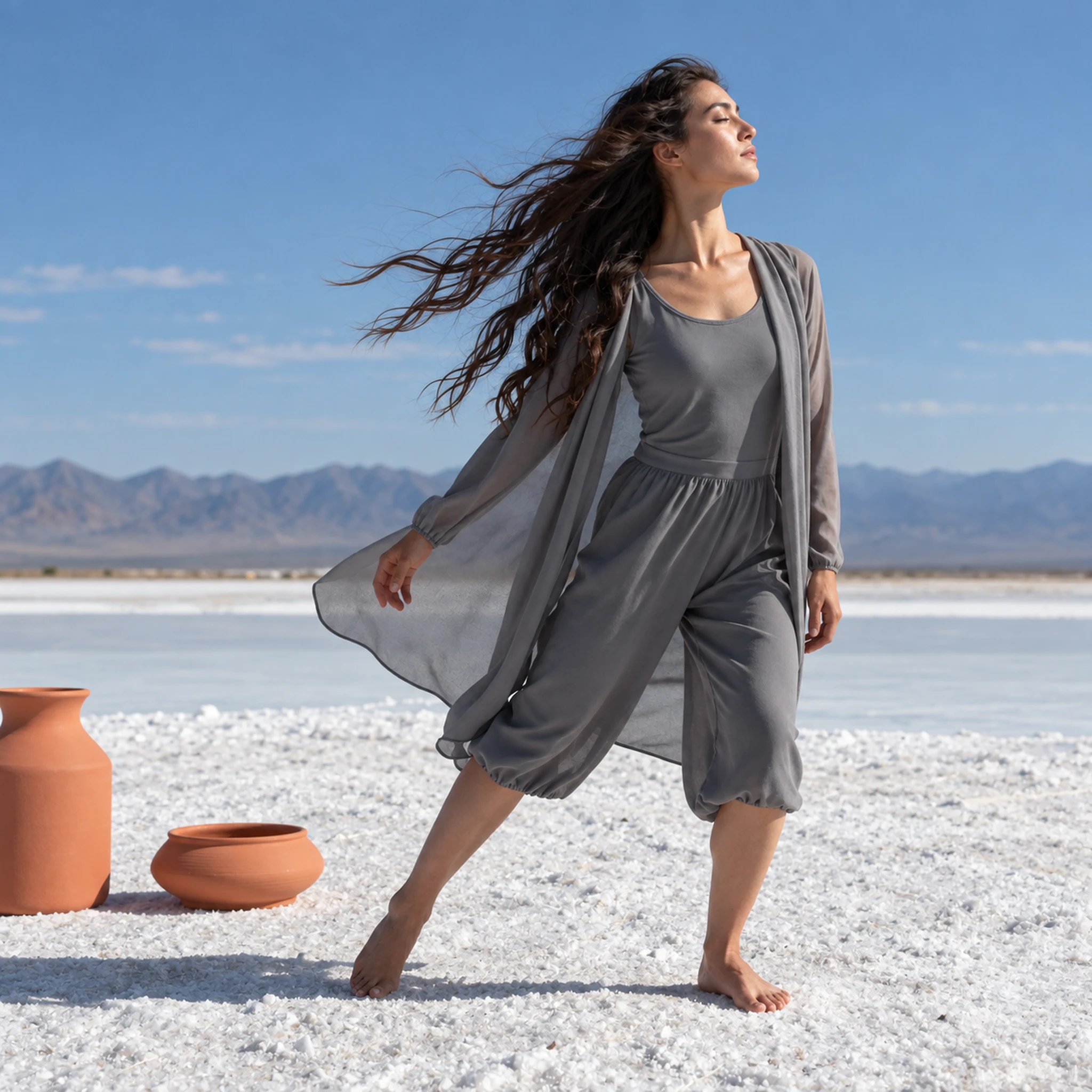
A traditional green screen pipeline requires sourcing and mounting the screen, controlling lighting to avoid color spill, filming under precise conditions, and then manually keying the background out in editing software. The whole process can take hours before a single second of footage is usable. Cuta skips all of it. One upload, no physical setup, no editing workflow, and the background is changed in minutes.
Try it nowRenting a professional studio for a day costs hundreds to thousands of dollars depending on location and setup. Green screen equipment, professional lighting rigs, and the editing software needed to key footage correctly add further cost on top of that. Cuta's Video Background Changer removes those costs from the equation. Any space becomes a valid shooting location.
Try it nowMost creators filming talking-head content, tutorials, or social videos are working from imperfect environments: home offices, bedrooms, kitchens, without studio-grade lighting or gear. Unlike traditional video editing, which requires learning keying techniques, masking, and color correction, Cuta's Video Background Replacement tool requires none of that, and still delivers studio-quality results.
Try it nowRather than reshooting the same performance against different environments, creators and brands can film once and apply multiple AI backgrounds to the same footage. The result is a library of content variations from a single recording session, with no additional camera time, no additional setup, and no additional editing cost.
Try it nowThe physical location of a shoot should not determine the visual story being told. With Cuta, every creator and every brand has full control over the environment behind their subject. A product reviewer is not limited to their apartment. A creator does not have to choose between good lighting and a good backdrop.
Try it nowYouTubers, tutorial channels, review creators, and long-form video makers can transform home-office or bedroom footage into a professional-looking studio shot, a neon-lit city, or a golden-hour exterior. Film anywhere, look like you shot everywhere. The AI keeps you sharp on camera while rebuilding the world around you, so every upload feels intentional and on-brand.
Try it nowShort-form creators shoot and post in the same day. They need scroll-stopping visuals without renting a studio or learning post-production. With Cuta's AI Video Background Changer, you place yourself in any environment in minutes: same you, new background, one click. It is the fastest way to give a Reel or a TikTok a distinct visual signature without changing how you film.
Try it nowSolo podcasters, interview shows, and online educators record from spare rooms and home offices where the background is the weakest part of the frame. Replace it with a professional broadcast studio, a branded environment that fits your show, or any setting that matches the topic. Your room never has to be the limit of your production value again.
Try it nowDTC brands, Shopify and Amazon sellers, and product marketers can shoot a product review or unboxing once and place it in any branded environment, matching a campaign aesthetic, a season, or a specific platform, all from a single recording session. No reshoots, no location hire, no studio budget. One unboxing becomes ten.
Try it nowOnline coaches, corporate video teams, and remote workers recording presentations need a clean, on-brand background every time they hit record. Replace any background with a consistent professional setting and stop worrying about what is behind you. Every recording, professional background, no setup required.
Try it nowFrom idea to creation
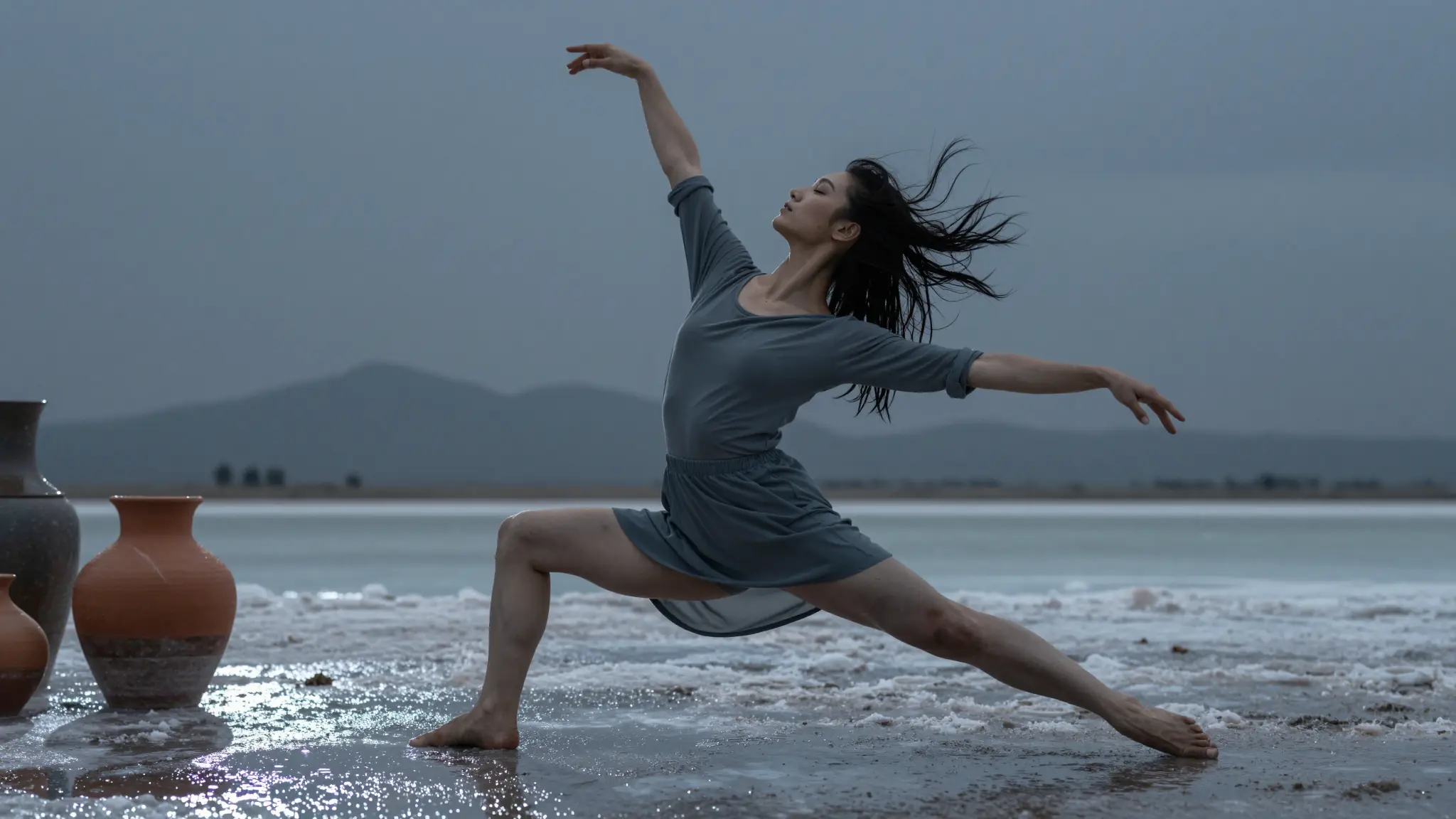
Upload any video clip in MP4 or MOV format. The tool works on any footage from any location, with no green screen, no special lighting, and no studio setup required.
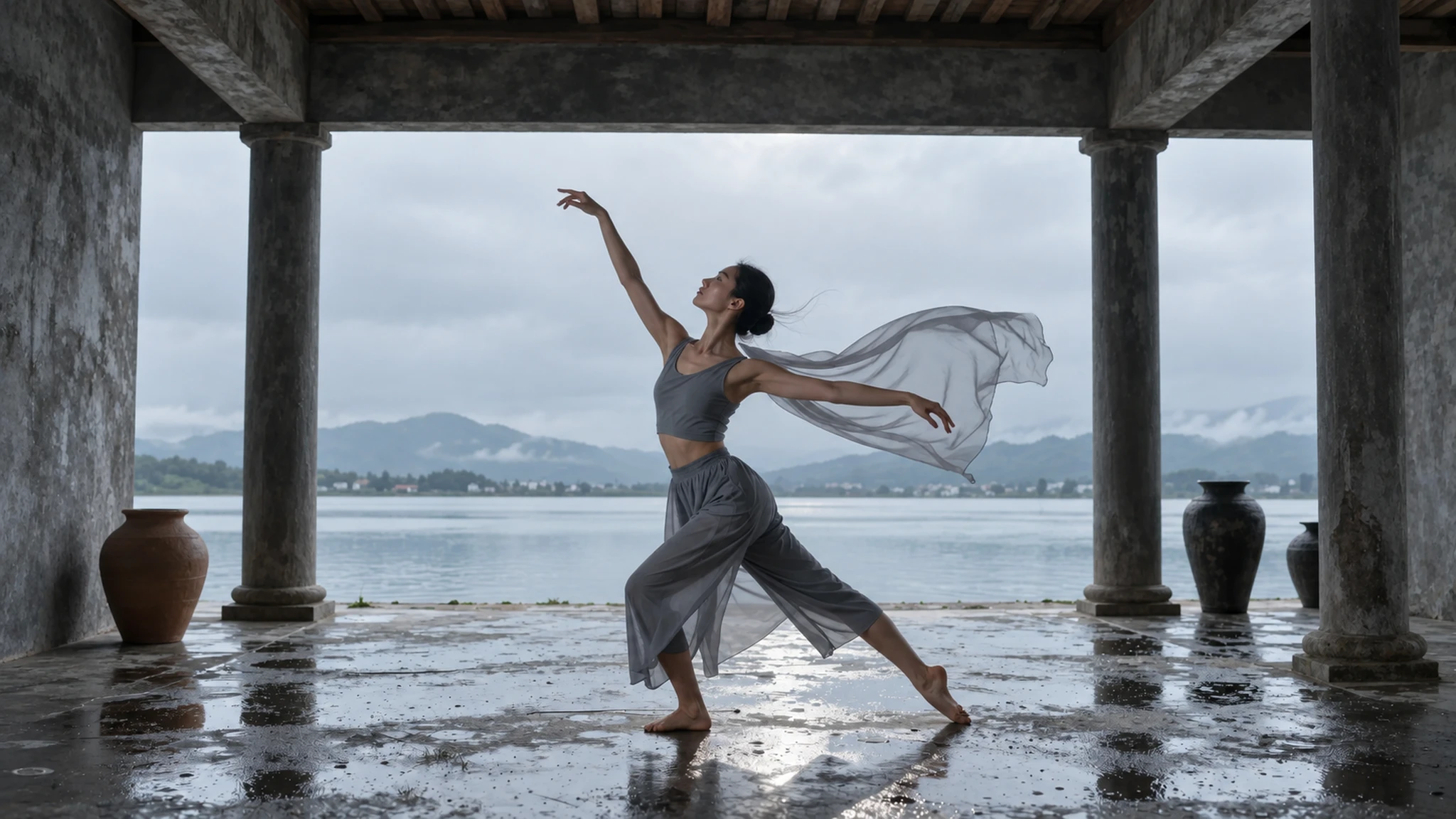
Pick a preset from Cuta's curated background library, upload your own reference image, or generate a brand-new scene with Cuta's AI image generator. Add an optional text prompt if you want to fine-tune the look.
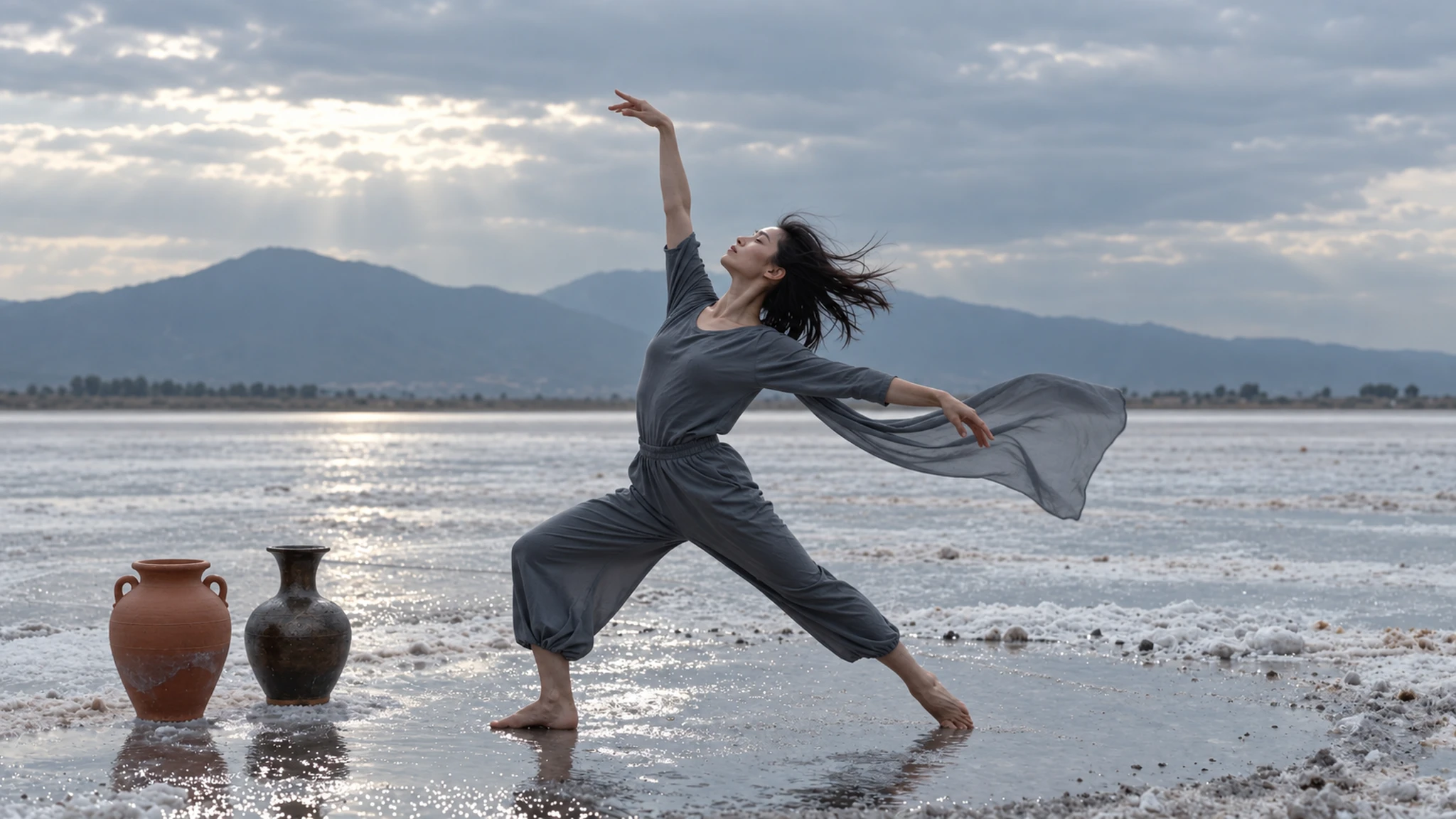
Cuta's AI automatically isolates your subject and replaces the full background with your chosen environment. The result is ready in minutes, with no editing, no masking, and no frame-by-frame work.
Video background changer is a software that removes the background of a video by analyzing the content and replacing it with a different scene without requiring a green screen, studio, or video editing. Cuta's AI Video Background Changer analyzes each frame of your video in real-time, ensuring that the background adapts seamlessly to your subject's movements.
Find your next creative tool
Your next creation starts here
Start with your own content in Video Background Changer. Review the settings in Studio and create your result.



