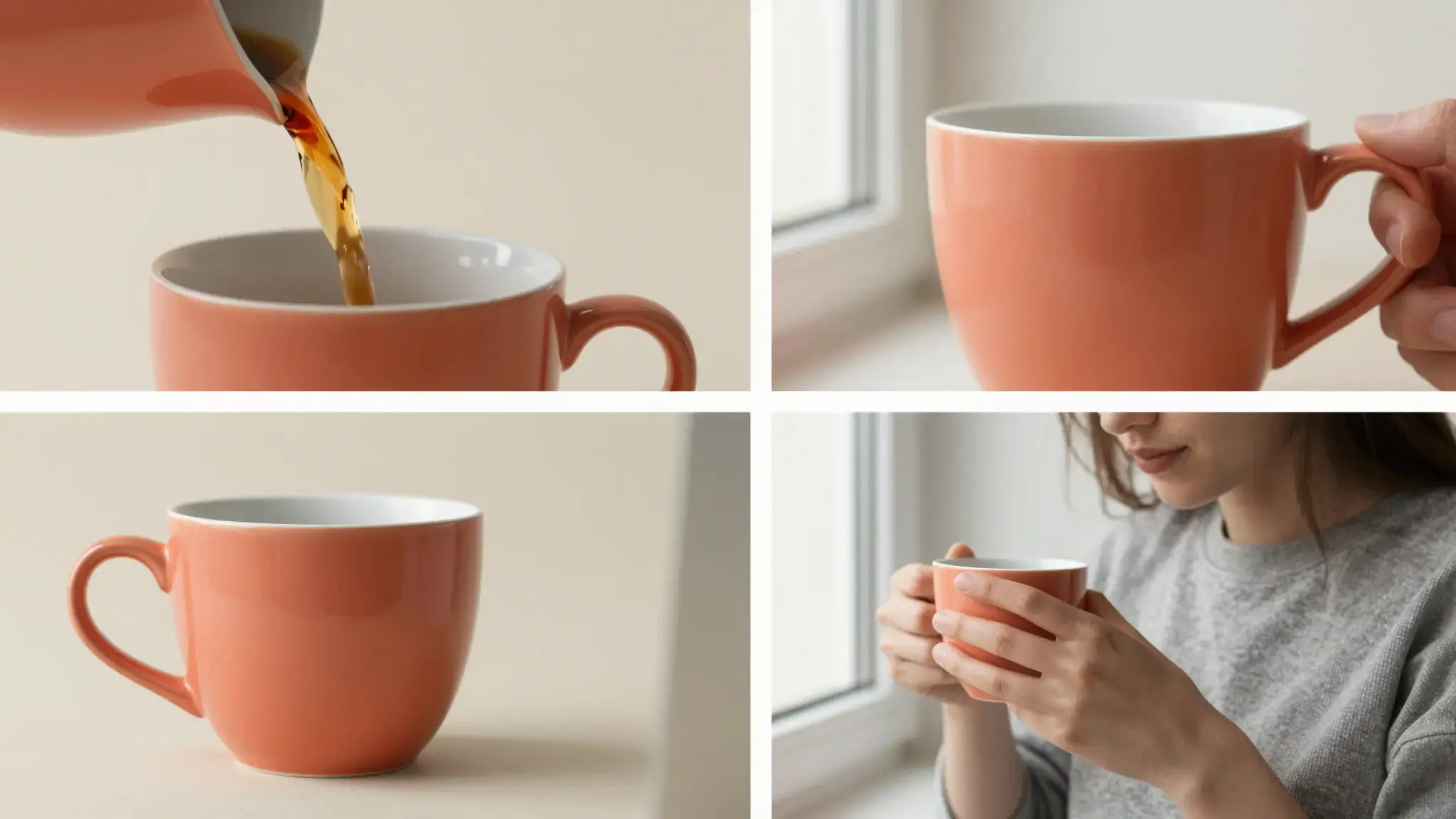
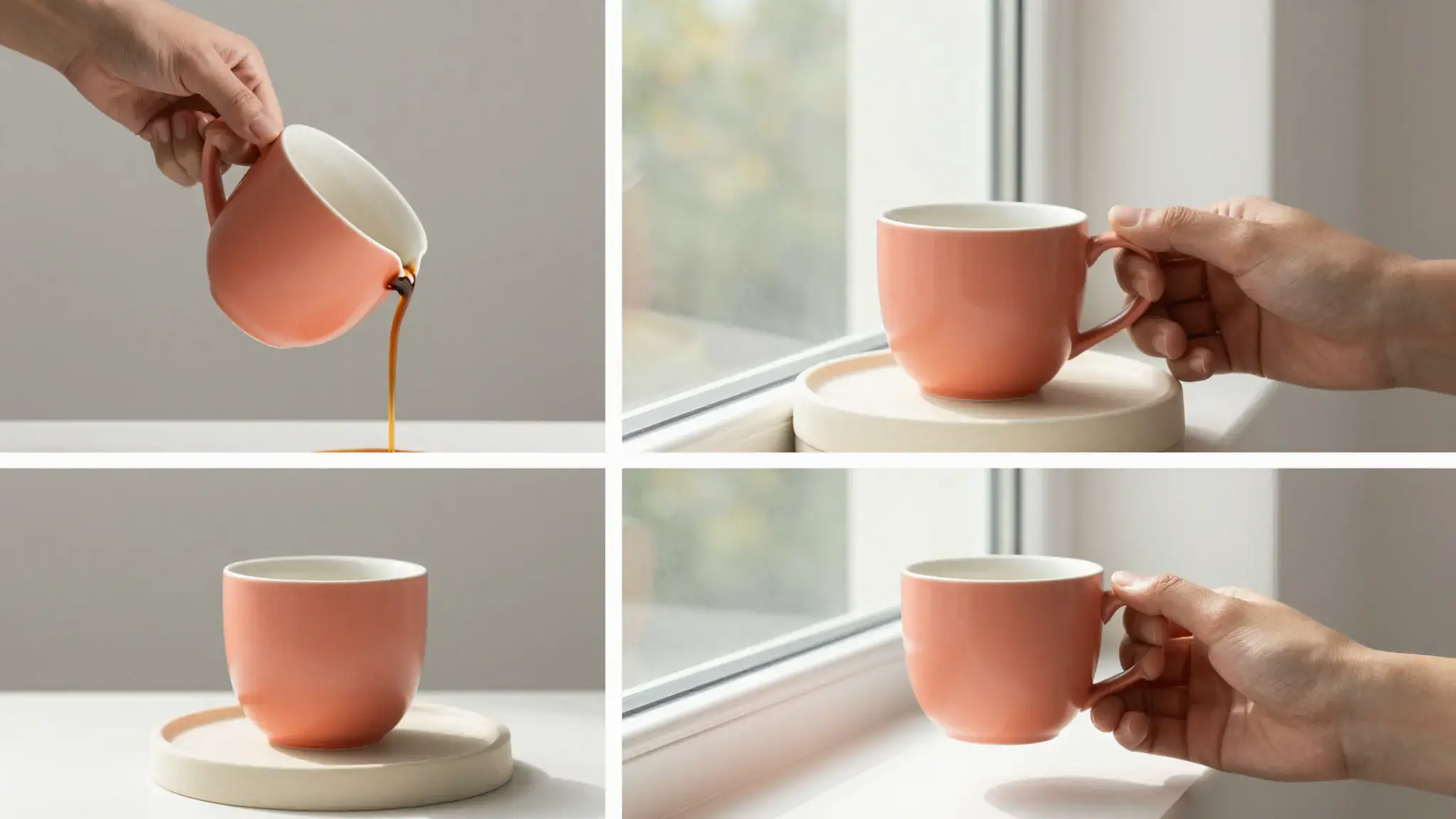
Describe the change over the whole clip
Upload the source video and state the subject, region or visual treatment to change. Name important movement and details to preserve.

TikTok Spark Video Ads
Develop video creative for a TikTok Spark Ads campaign with Cuta. Use source footage and an editing brief to shape the scene around your message.
Upload the source video and state the subject, region or visual treatment to change. Name important movement and details to preserve.
Add the materials to their named inputs. Source image: up to 5 videos (optional).
Available settings include Language; Product name; Key selling points; Offer or discount; Audience; Call to action; Brand name. Review the full options in Studio before generation.
Illustrative artwork shows the intended visual direction. Your result depends on your source materials and settings.
An adult creator laughing naturally while showing a plain mint instant camera in a bright colorful apartment, spontaneous candid close-up, no interface and no branding. luminous diffuse lighting, understated background and distinct subject colors
Try it nowExplore a visual revision while keeping the source clip's action as the starting point.
Compare a treatment across a short clip and inspect whether it remains coherent frame to frame.
From idea to creation
Add the materials to their named inputs. Source image: up to 5 videos (optional).
Available settings include Language; Product name; Key selling points; Offer or discount; Audience; Call to action; Brand name. Review the full options in Studio before generation.
Watch the entire result for flicker, inconsistent edges and unintended changes in unaffected areas.
Add the materials to their named inputs. Source image: up to 5 videos (optional).
Keep exploring
Your next creation starts here
Start with your own content in TikTok Spark Video Ads. Review the settings in Studio and create your result.