Consistent Characters
Cuta's Character Consistency feature preserves facial features, styling, and identity across multiple generations, making it easy to create a cohesive starter pack collection.
Try it now
AI Starter Pack Generator online
Turn your photo into a viral starter pack figurine in seconds. Upload, pick your accessories, and let GPT Image 2 generate a high-quality, plastic-blister-pack toy image. Free to start, no signup required for your first generation.
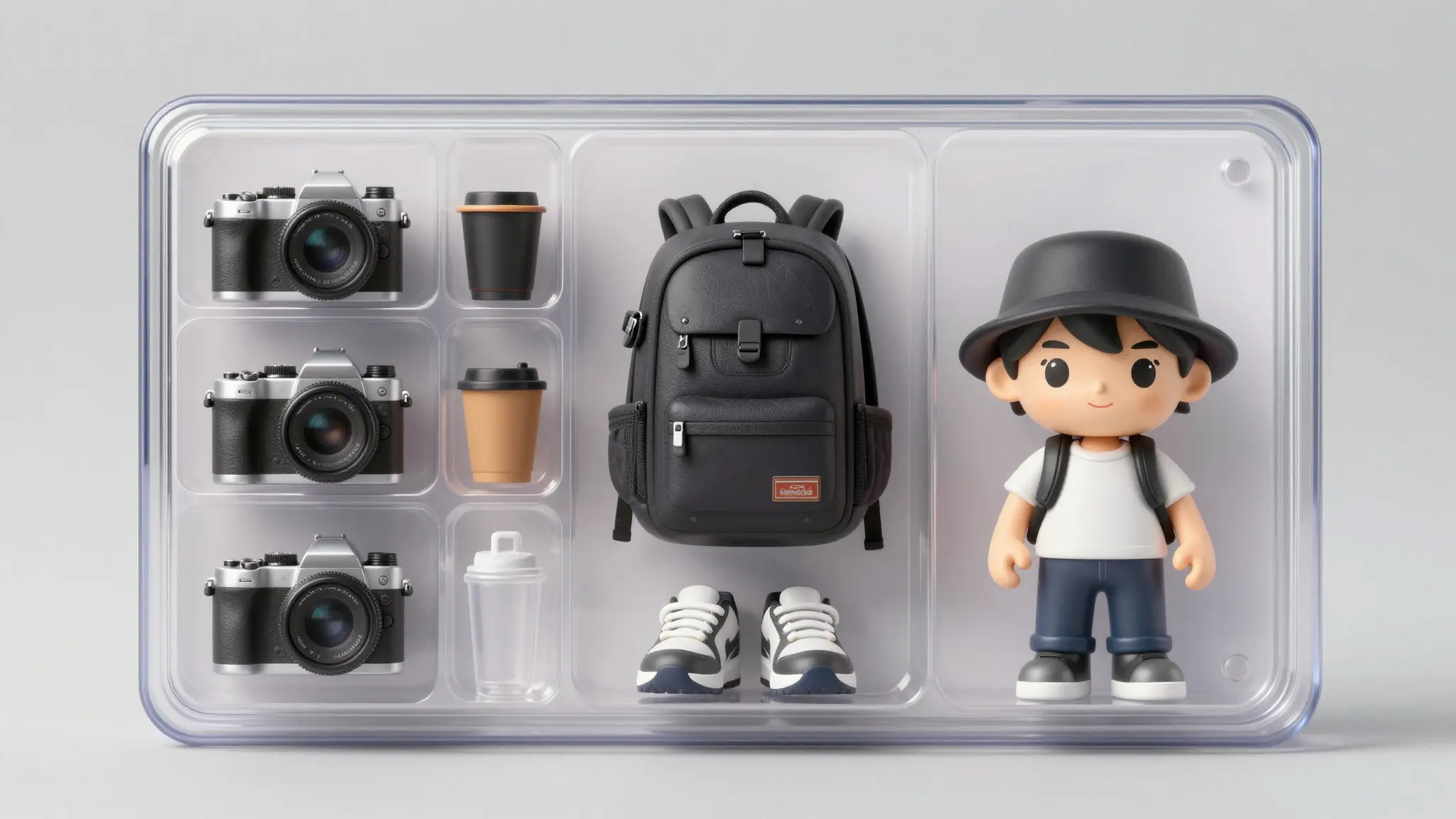
Cuta's Character Consistency feature preserves facial features, styling, and identity across multiple generations, making it easy to create a cohesive starter pack collection.
Try it nowWith Edit Image, accessories, packaging colors, text elements, and other details can be updated without regenerating the entire image.
Try it nowThe built-in AI Upscaler enhances image quality and resolution, making starter packs suitable for merchandise, marketing materials, stickers, and posters.
Try it nowCreate a collectible action-figure version of yourself, your partner, friends, or family members, complete with everyday essentials, favorite hobbies, and personal accessories. Perfect for Instagram, TikTok, and viral social posts.
Try it nowTurn your dog or cat into a limited-edition plastic action figure complete with their favorite tennis ball, the specific brand of treats they obsess over, or the shoe they love to chew. A guaranteed viral format for pet TikTok and Instagram.
Try it nowBring your D&D party, your original novel characters (OCs), or your favorite Twitch streamer to life. It makes incredible fan art, community memes for Discord servers, or unique birthday gifts for internet friends.
Try it nowThe accountant, the indie developer, the crypto trader, or your company's founding team. Turn any profession, creator persona, or brand mascot into a limited-edition collectible toy. It’s the ultimate high-engagement format for scroll-stopping LinkedIn posts, memorable conference presentations, Product Hunt launches, and viral B2B marketing campaigns.
Try it nowFrom idea to creation
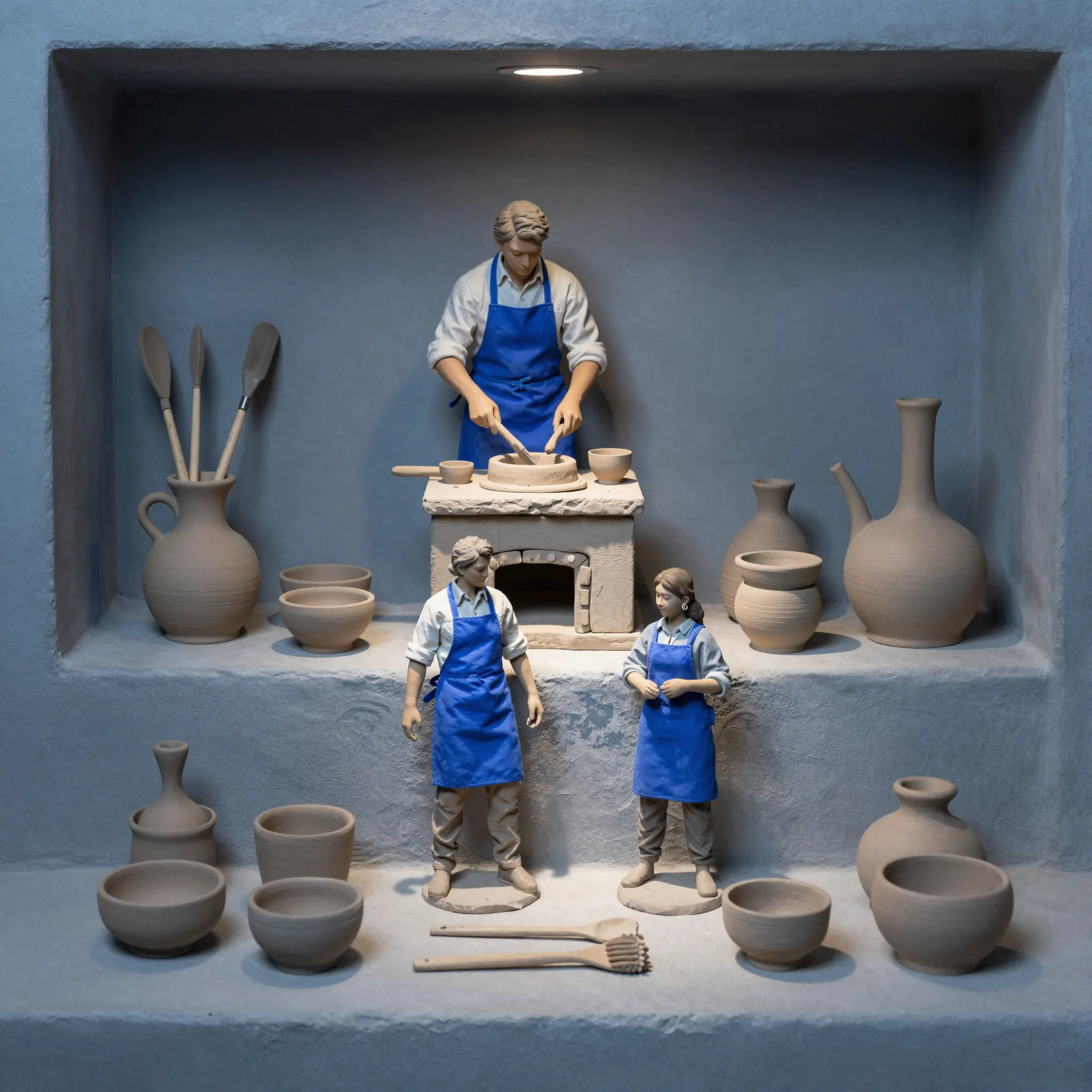
Open the Cuta Suite and upload a clear, front-facing photo of your subject (you, a friend, or your pet) for the best likeness accuracy.
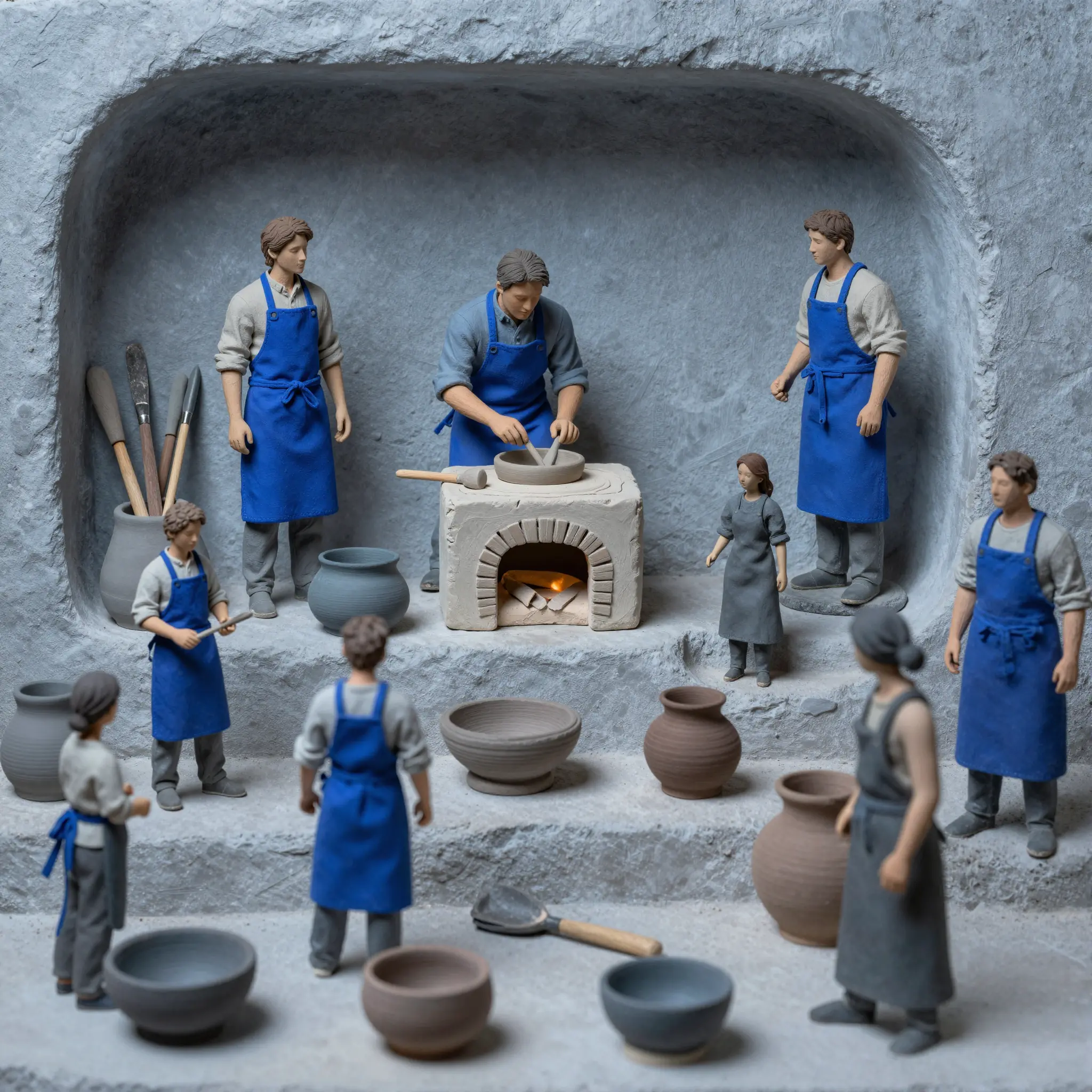
List 3 to 6 iconic items that define the subject. Choose your vibe: realistic collector toy, playful cartoon, or minimalist indie brand. Finally, type your custom box title, like "The Remote Worker Edition".
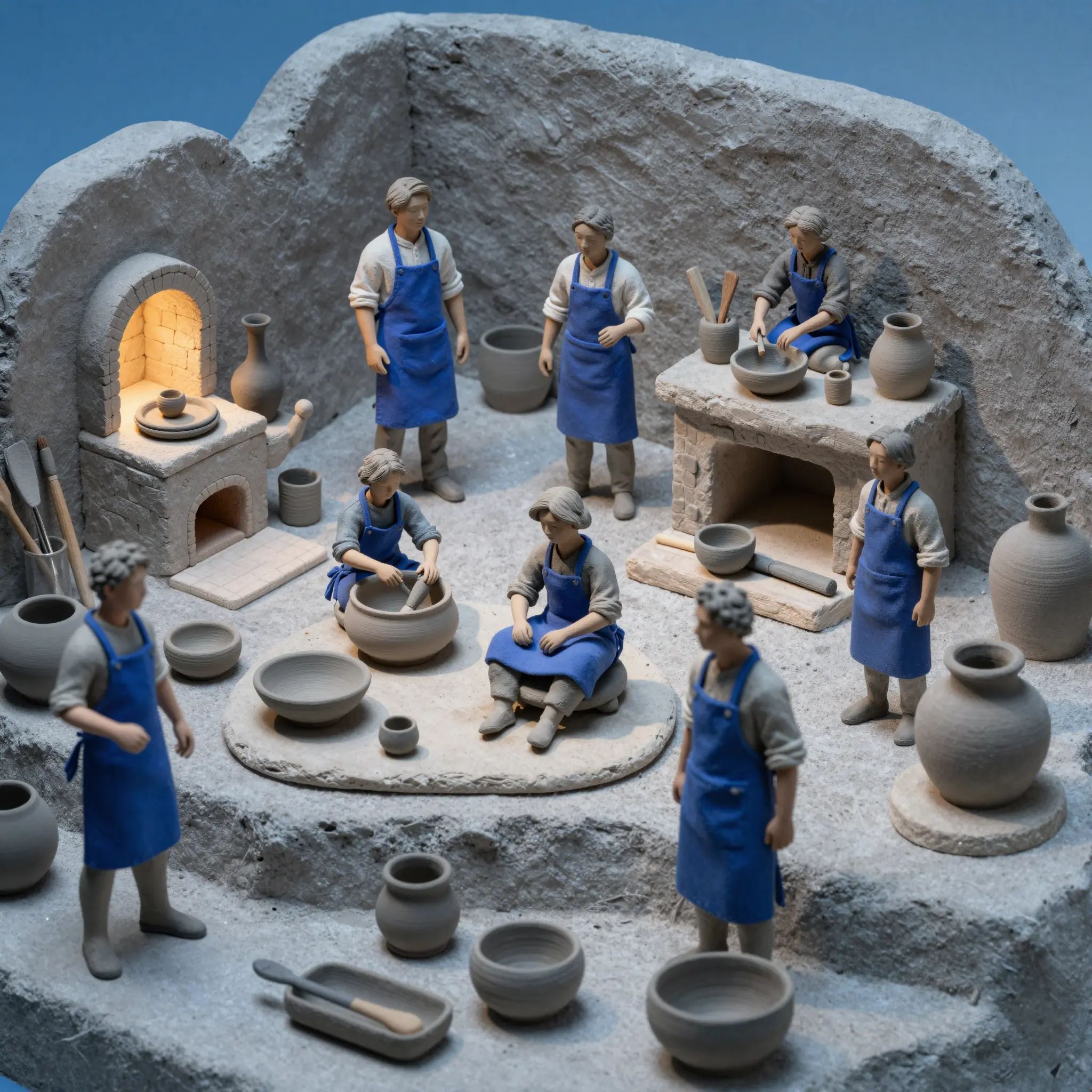
Select the model and hit generate, pick your favorite option, and use the Edit Image tool to tweak any minor details. Upscale the final version to high-res and export as a crisp PNG.
Creative possibilities
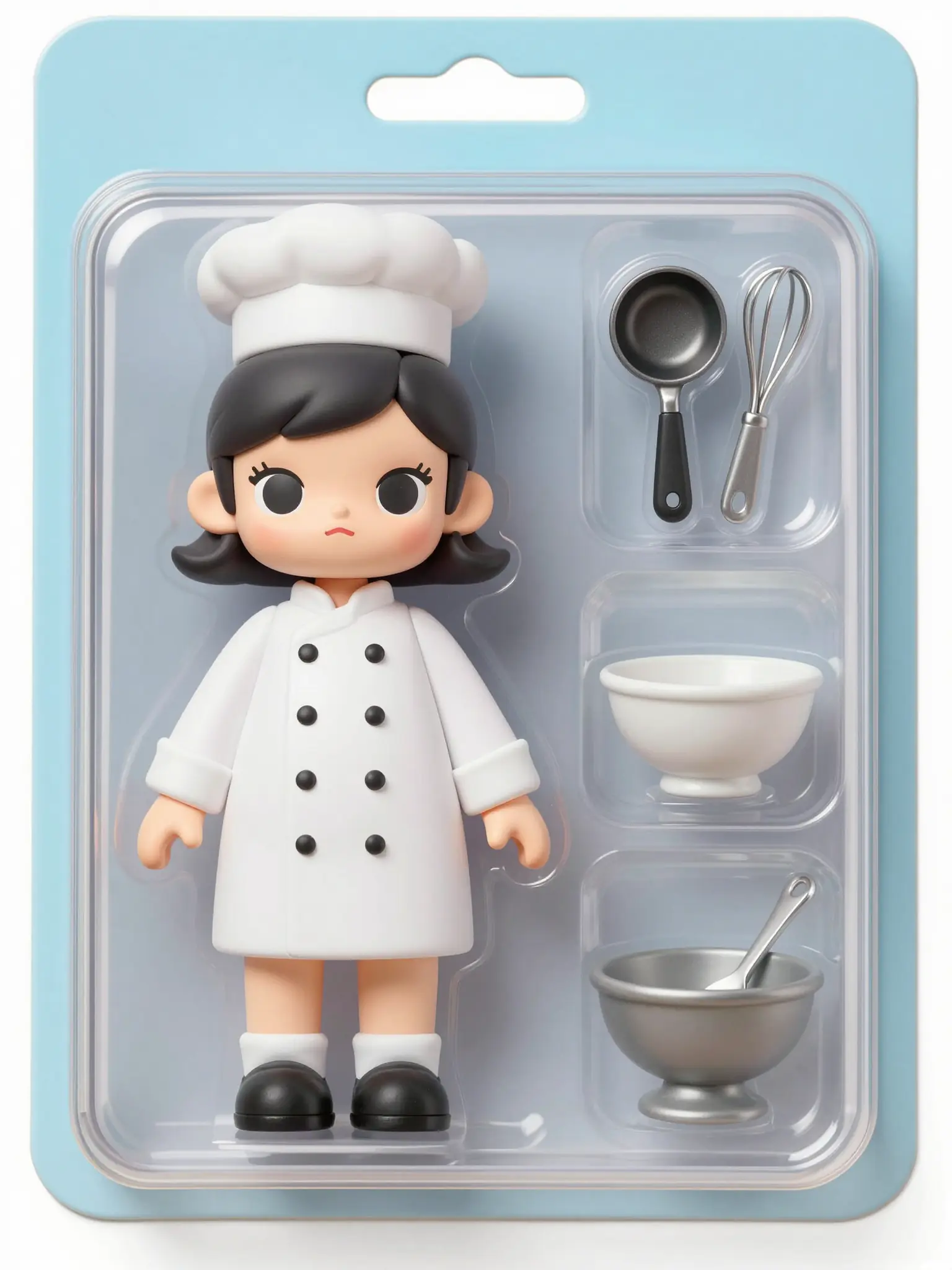
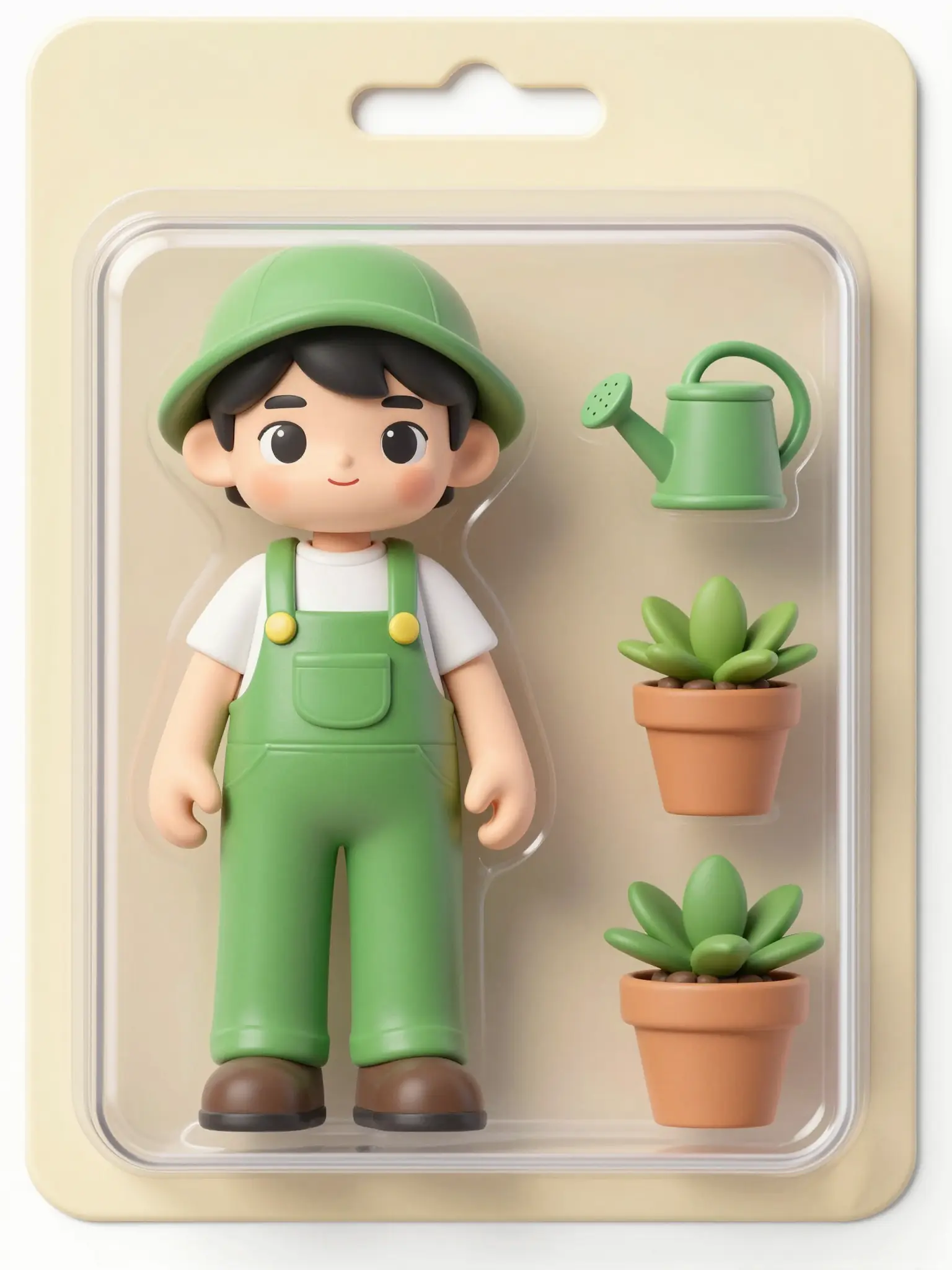
A few visual directions to inspire your next creation. These examples illustrate the styles and ideas you can explore.
YouTube recommends 1280 × 720 pixels (16:9 aspect ratio) with a minimum width of 640 pixels. The file size limit is 2 MB, and YouTube accepts JPG, GIF, PNG, and BMP formats. Generating directly at 1280 × 720 means no cropping or padding before upload. If you want to re-use the same thumbnail at higher resolution for channel art or other promotional uses, run it through Image Upscale.
Find your next creative tool
Your next creation starts here
Start with your own content in AI Starter Pack Generator. Review the settings in Studio and create your result.



