You direct the clip
You don't operate the tool. You vibe with it. You set the hook, the look, and the pace, and the short follows your lead.

AI Short Video Generator online
Direct your own short films with the AI short video generator. Describe the clip in your head, shape it by vibe, and leave with a finished short. Start creating today!

You don't operate the tool. You vibe with it. You set the hook, the look, and the pace, and the short follows your lead.
Say what you want in plain words, like make the opening punchier or cut this tighter. The short responds and reshapes around your note.
Arrive with an idea and leave with a real short video. The output is the point, ready to post, not a rough clip to fix later.
Creative possibilities
A few visual directions to inspire your next creation. These examples illustrate the styles and ideas you can explore.


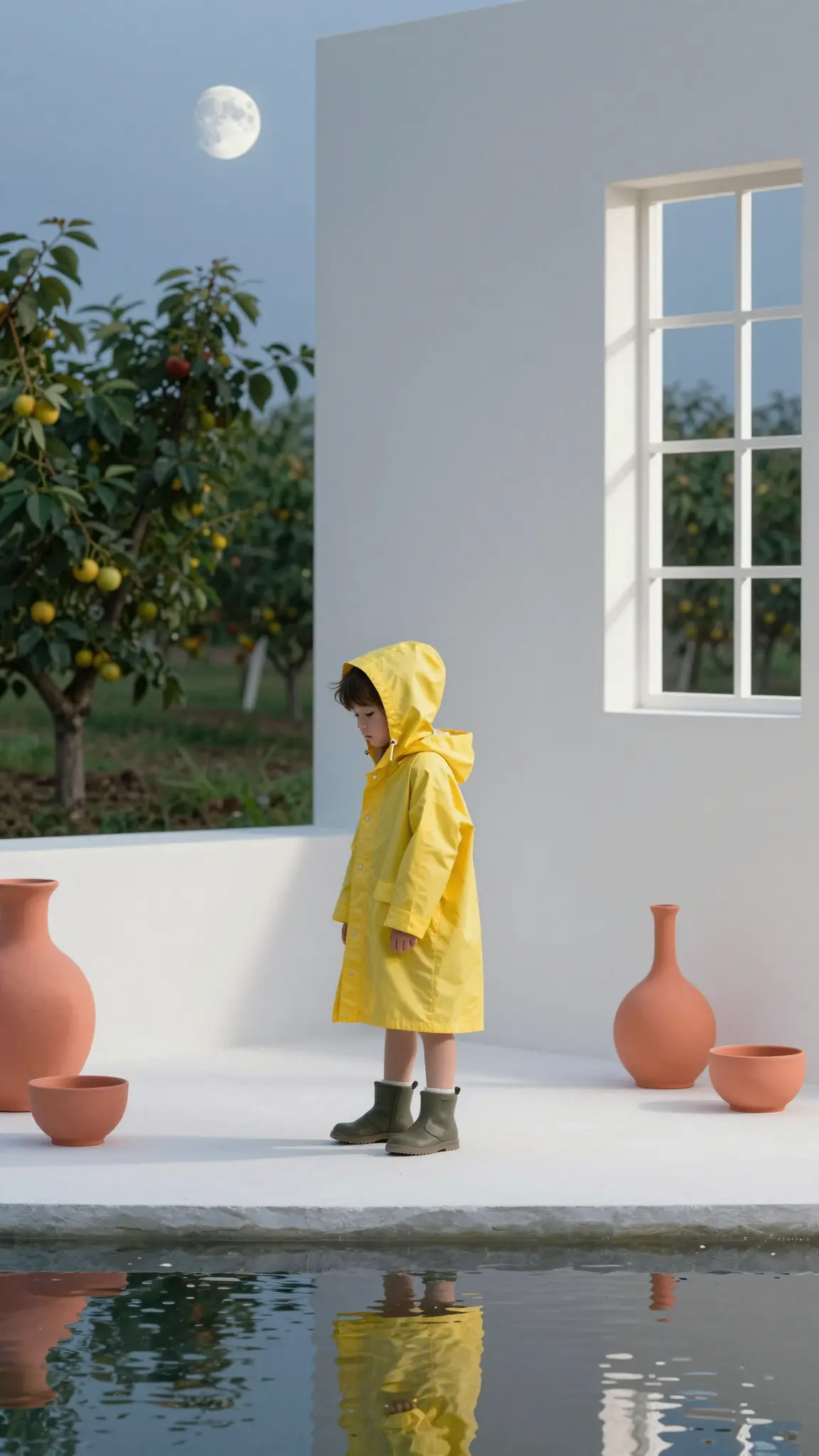

Type the short that's been playing in your head and Director gets to work. You don't open an editor or learn a workflow. You describe the hook, the action, and the vibe in your own words, and the first cut comes back for you to react to.
Try it nowTell Director what to change the way you'd talk to an editor. Say tighten the intro, land the punchline sooner, or make the pacing snappier. Every note reshapes the short, so you keep directing by feel until it holds attention from the first second.
Try it nowDirect your short for wherever it lives, from vertical for Reels and Shorts to square or wide. Director keeps your look consistent across every cut you make. When you want a new aspect ratio or style, you just say so.
Try it nowDirector hands you a finished short, not a draft to rebuild elsewhere. You can keep vibe directing as long as you like, then post it straight to social or batch out a whole week of clips.
Try it nowFrom idea to creation

Type the clip in your head into the prompt box. Add a music track for the audio, a reference image, or one of your saved characters and worlds.

Let the assistant, your AI assistant, ask you about resolution, aspect ratio, and the vibe of the clip, or run it automatically. Then hit Start Directing.

Follow the assistant's steps as it works, then review your cuts in Scenes or your finished short in Timeline.
You post short videos and need a steady stream that stops the scroll. [Cuta Director] ( https://openart.ai/features/director/ ) turns each idea into a finished clip you can ship, so you keep a daily habit without burning out. The makers already living on every new tool will push it the hardest and post first.
You run a business and need short videos that sell without a production budget. Director directs product clips, promos, and ads that look professional. You test more ideas in a week than a shoot would give you in a month.
You teach or explain things and want short videos that hold attention. Director helps you direct clear, watchable clips scene by scene. Working pros use the same flow to ship more explainers without booking an editor.
You have a short idea and just want to make it. Director takes your clip from a thought to a finished short you can share with friends or post anywhere. You've been directing these moments in your head for years, you just never called it that.
It is an AI tool under Cuta's Director product used to make short videos. You describe the clip you want, shape it by feel, and leave with a finished short. You stay the director the whole way through.
Find your next creative tool
Your next creation starts here
Start with your own content in AI Short Video Generator. Review the settings in Studio and create your result.



