
AI image tools
AI Shoe Generator
Explore a shoe design through its silhouette, panels, sole, and materials.
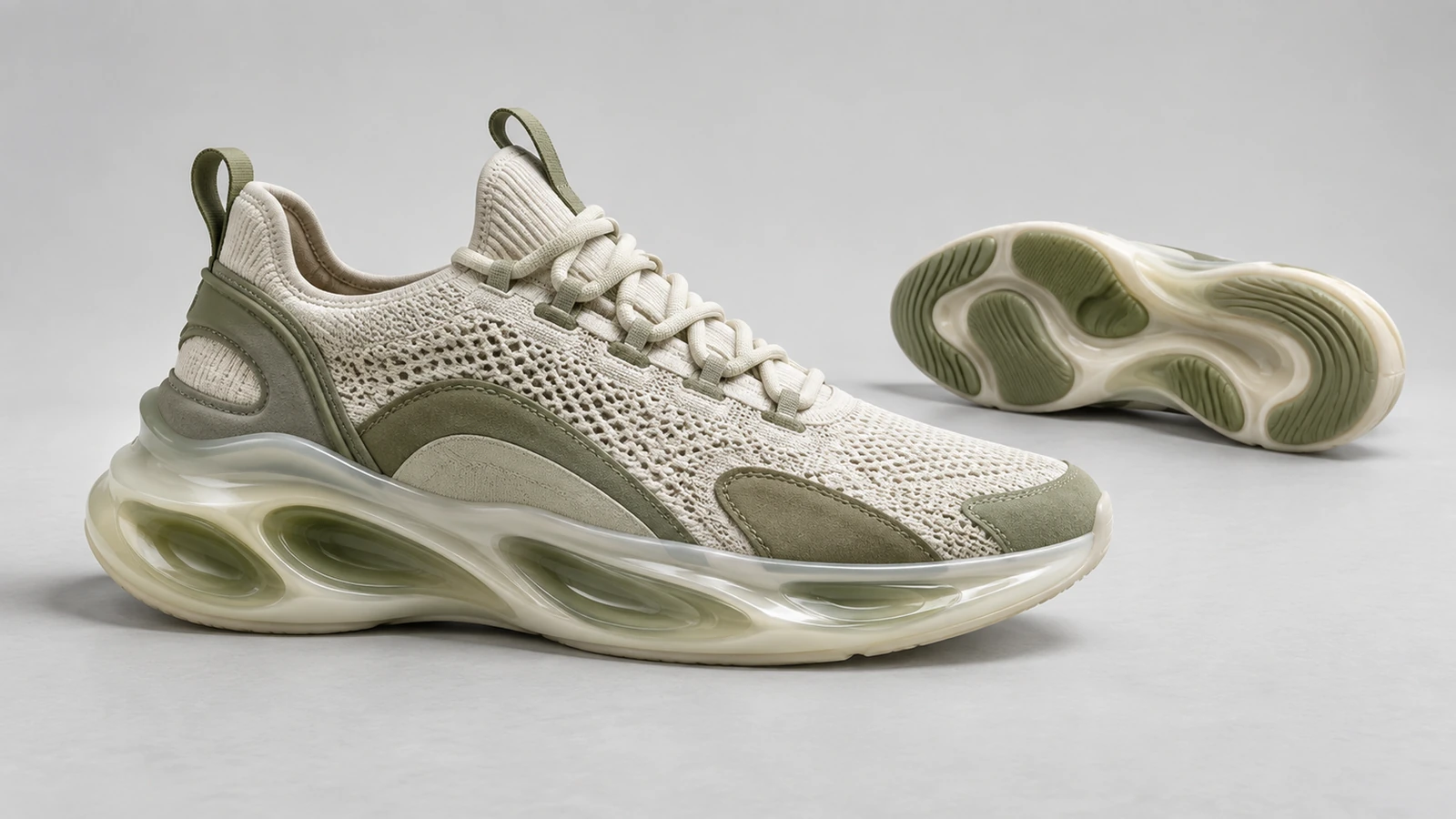
Plan your shoe generator image
A starting brief
A low-top sneaker in cream canvas and moss suede, gum sole, side profile, plain studio background.
Try it nowFrom idea to creation
How to use AI Shoe Generator
Choose a starting point
Start with a written brief, a reference image, or both. A reference helps communicate the appearance you want.
Describe the result
Specify the shoe type, color blocking, surface textures, and view.
Generate in the workspace
The image is a design concept. It does not include patterns, sizing, construction specifications, or fit information.
Creative possibilities
Explore Shoe Generator ideas
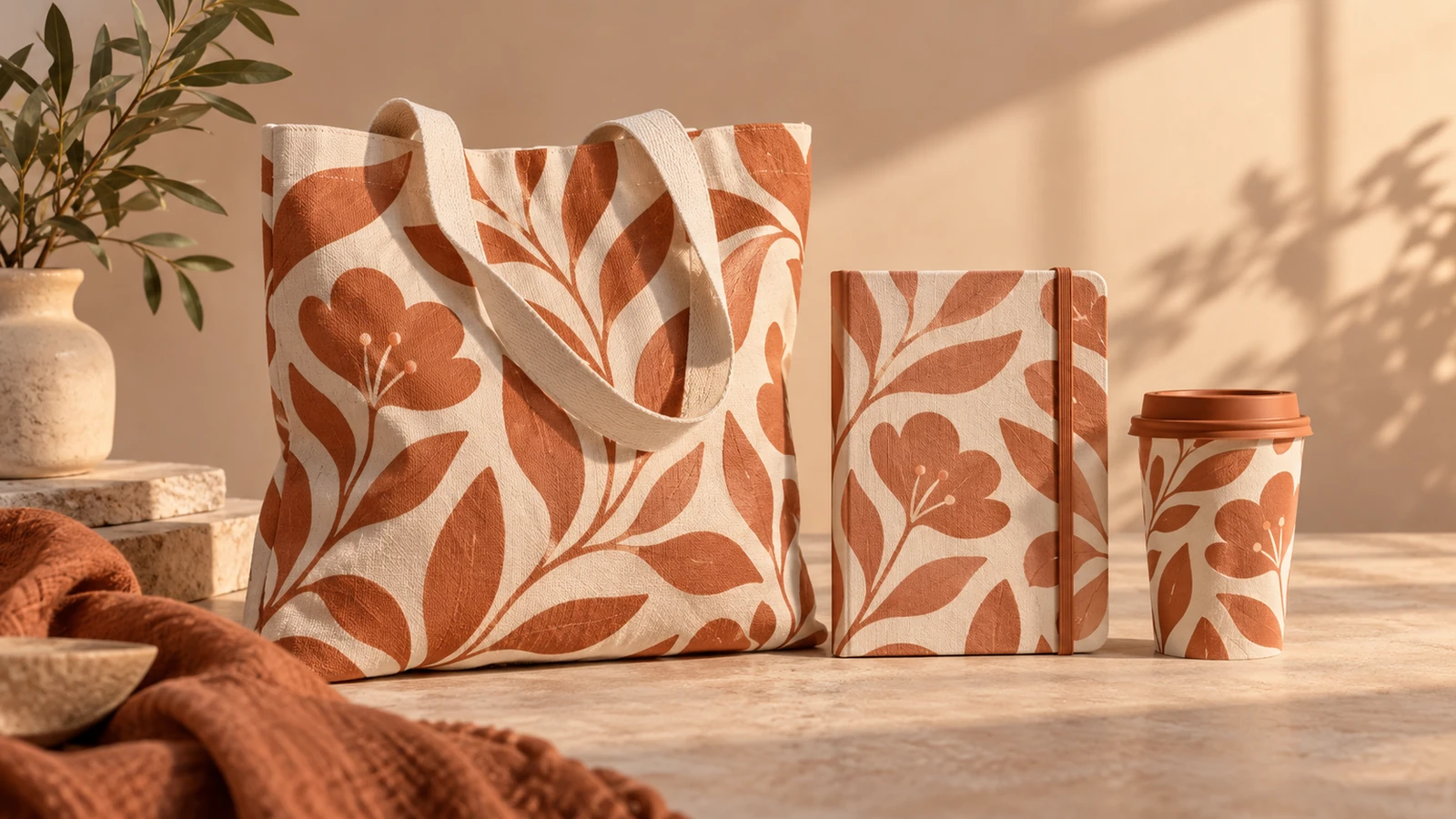
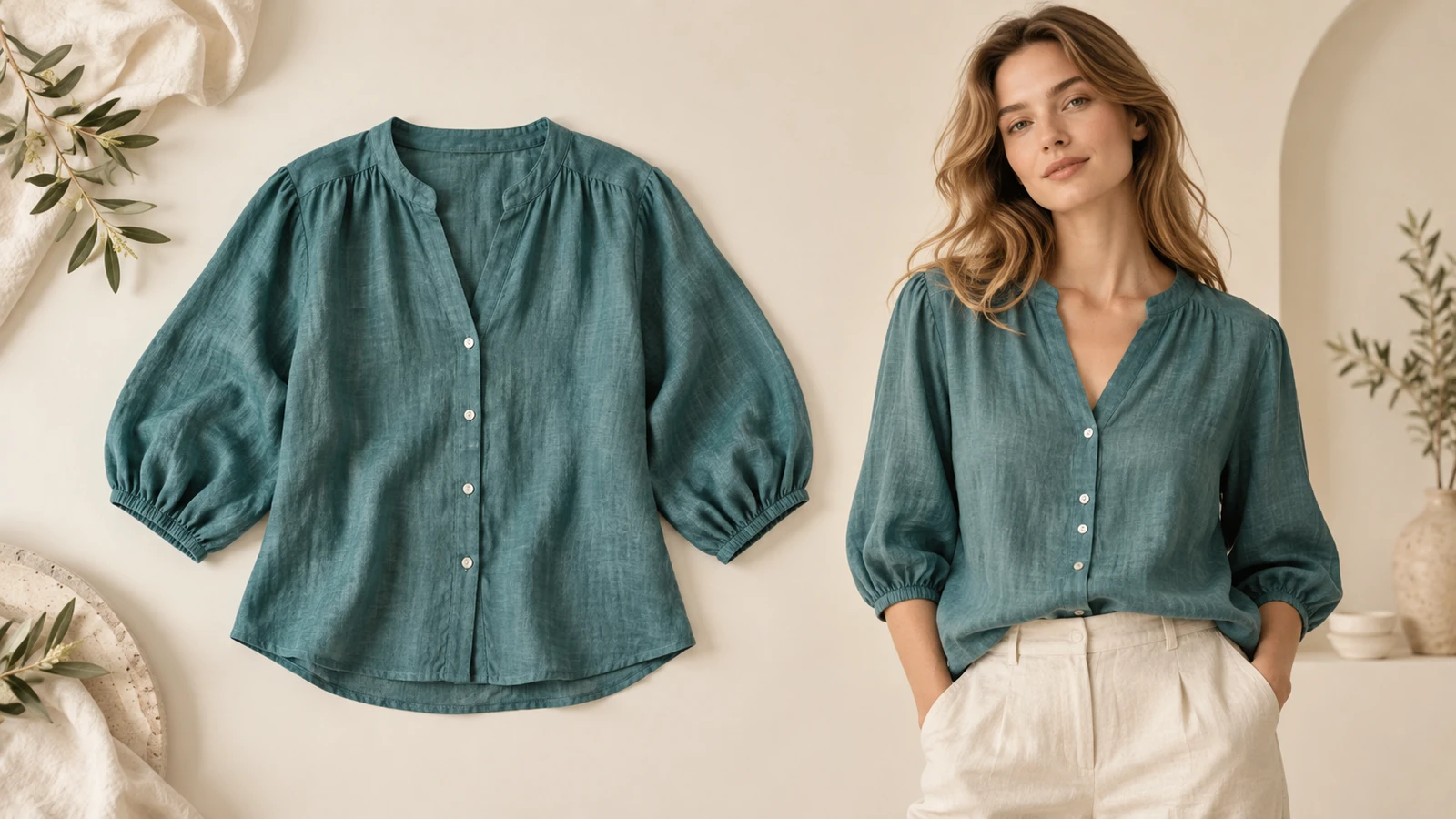
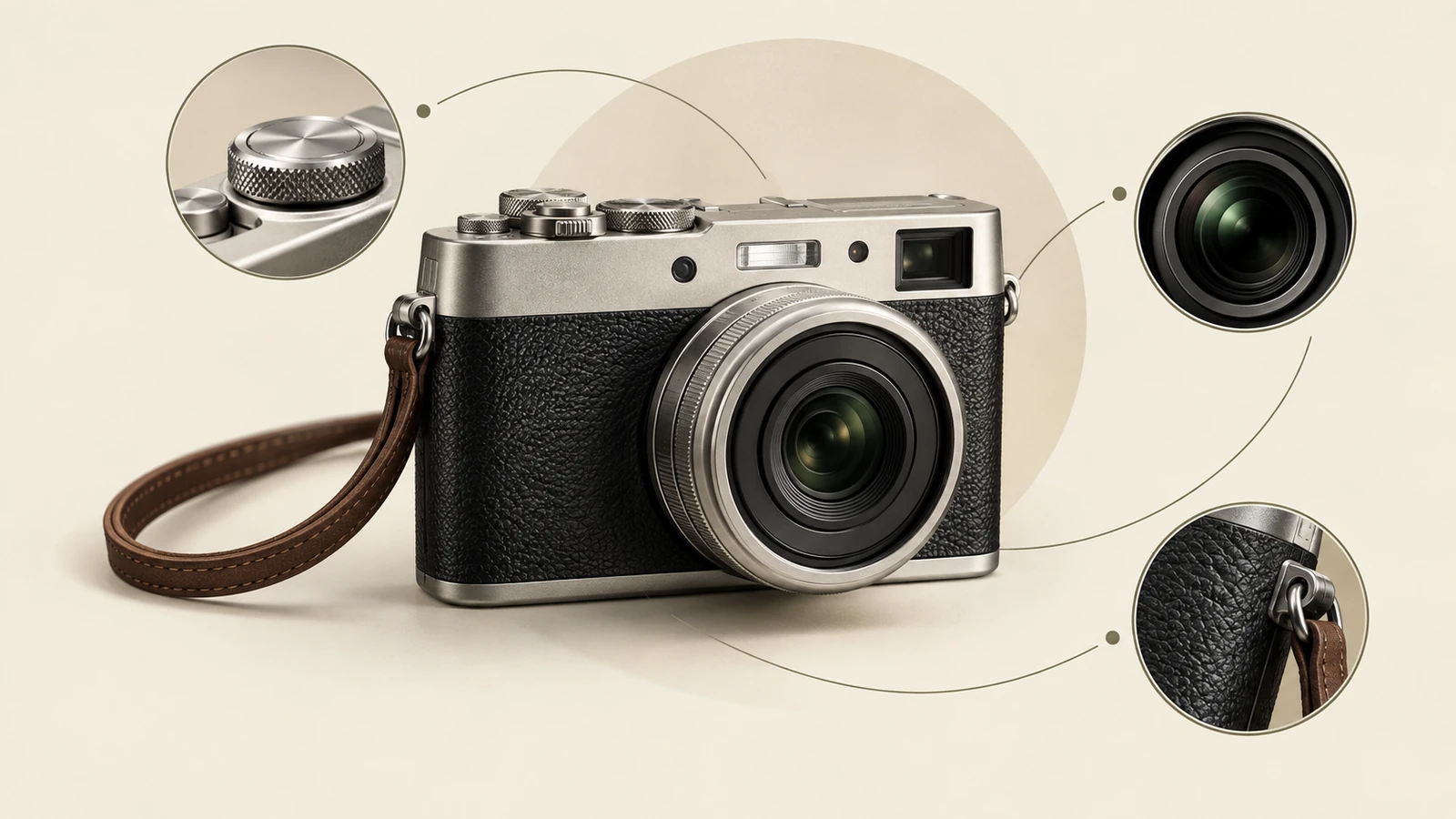
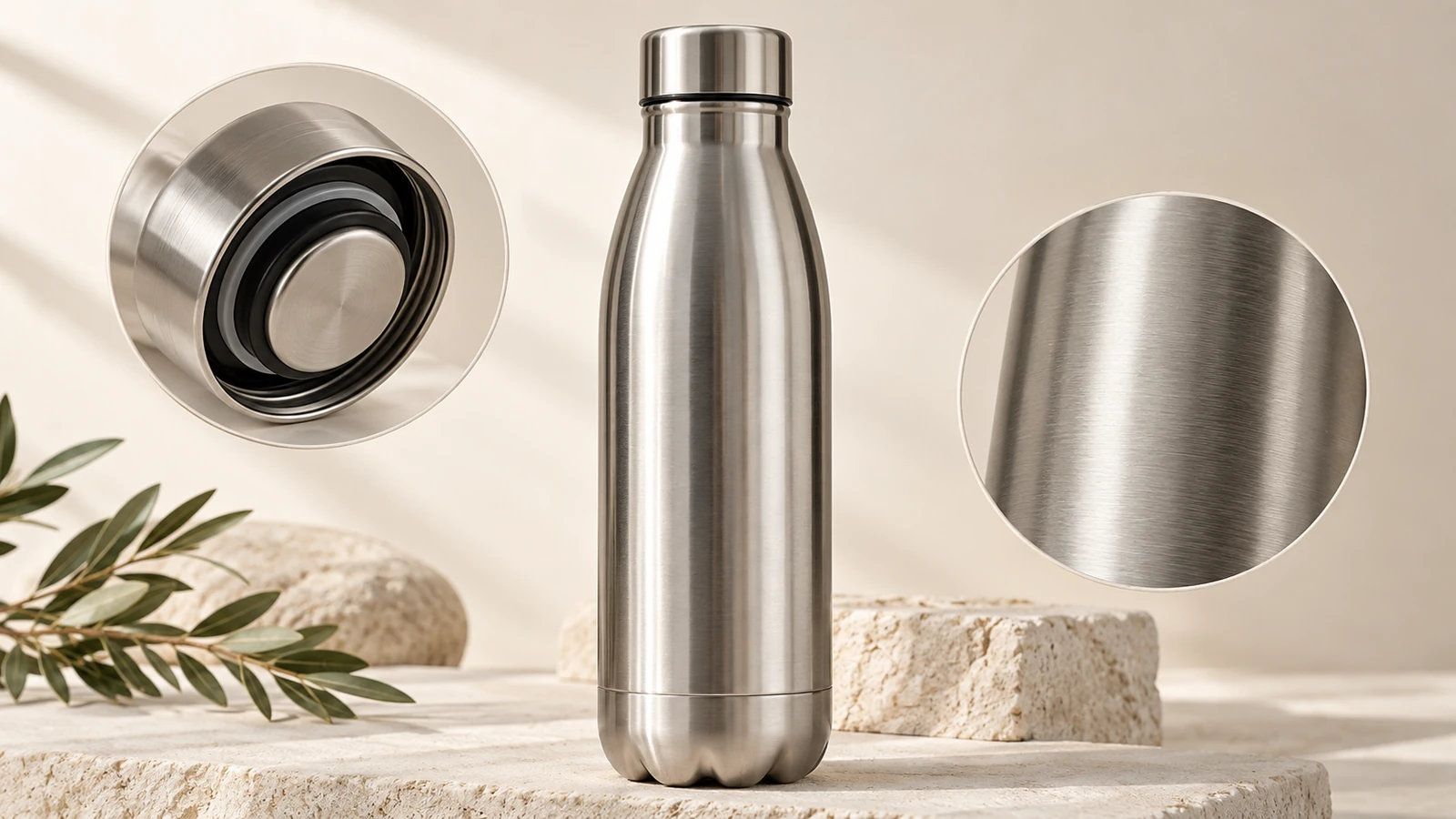
Illustrative concepts show framing and visual treatment. Use your own brief and references to create a version for your project.
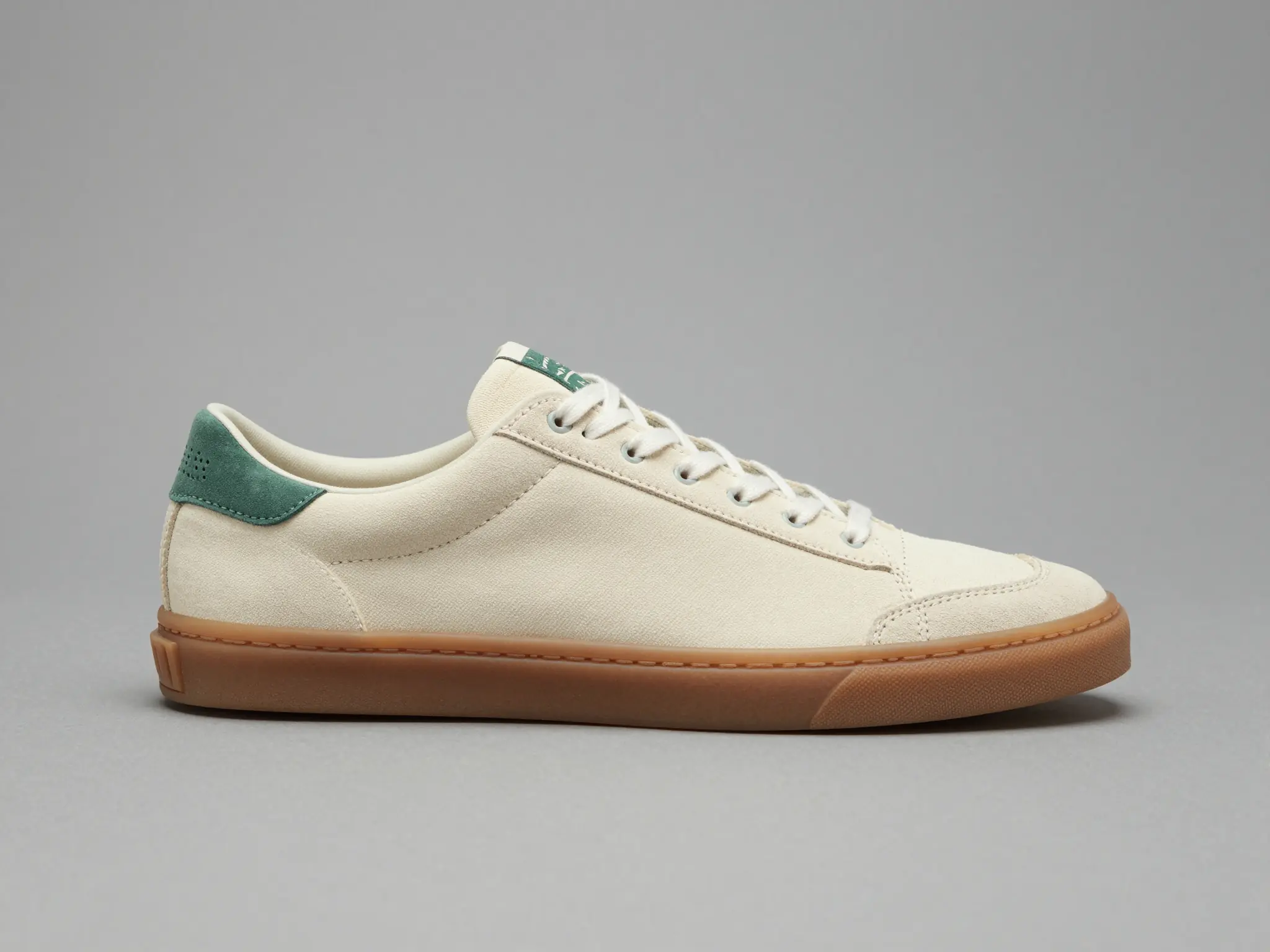
Studio presentation
A simple studio setting keeps attention on the product.
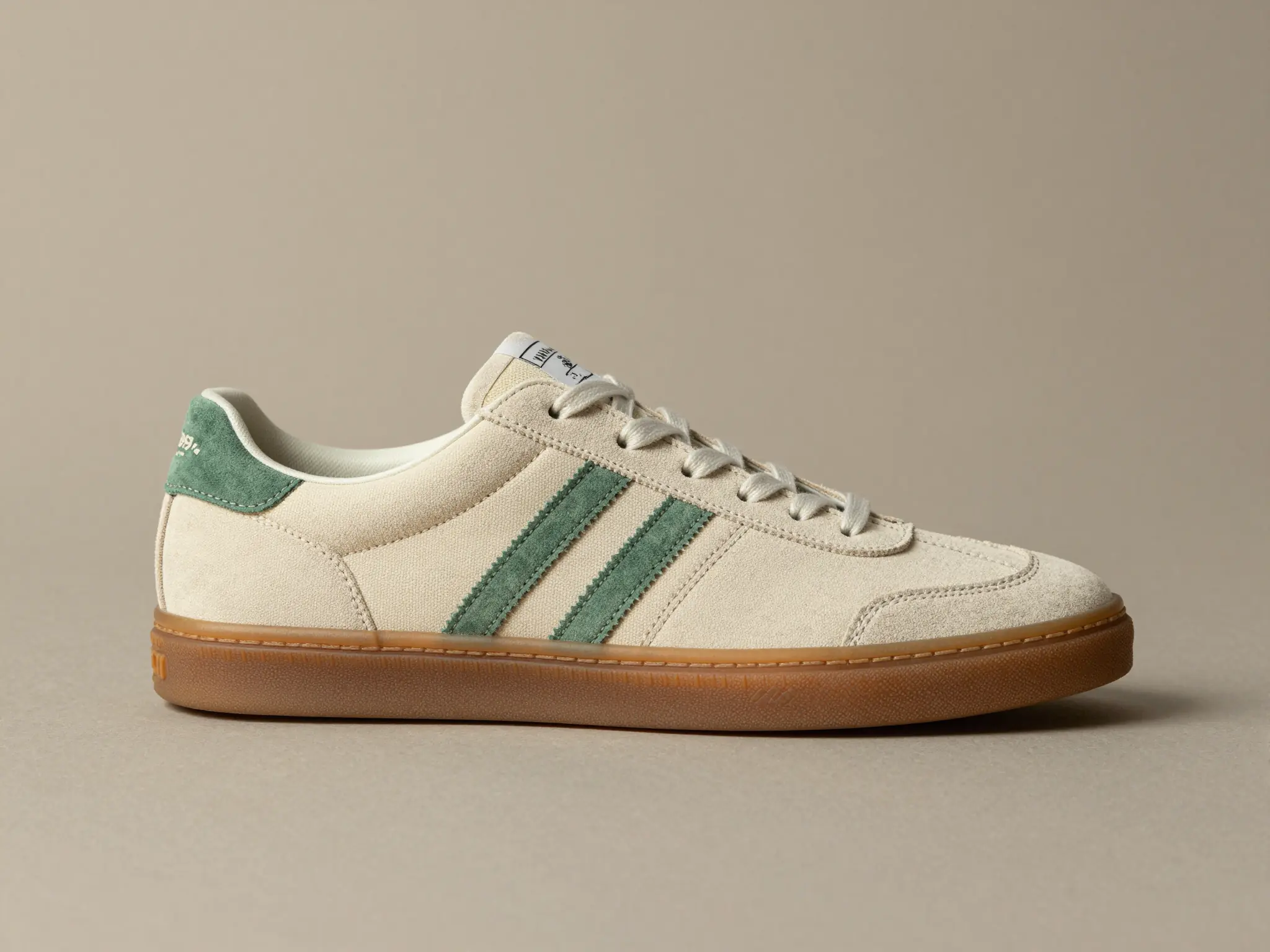
In context
A lived-in setting shows how the product fits its surroundings.
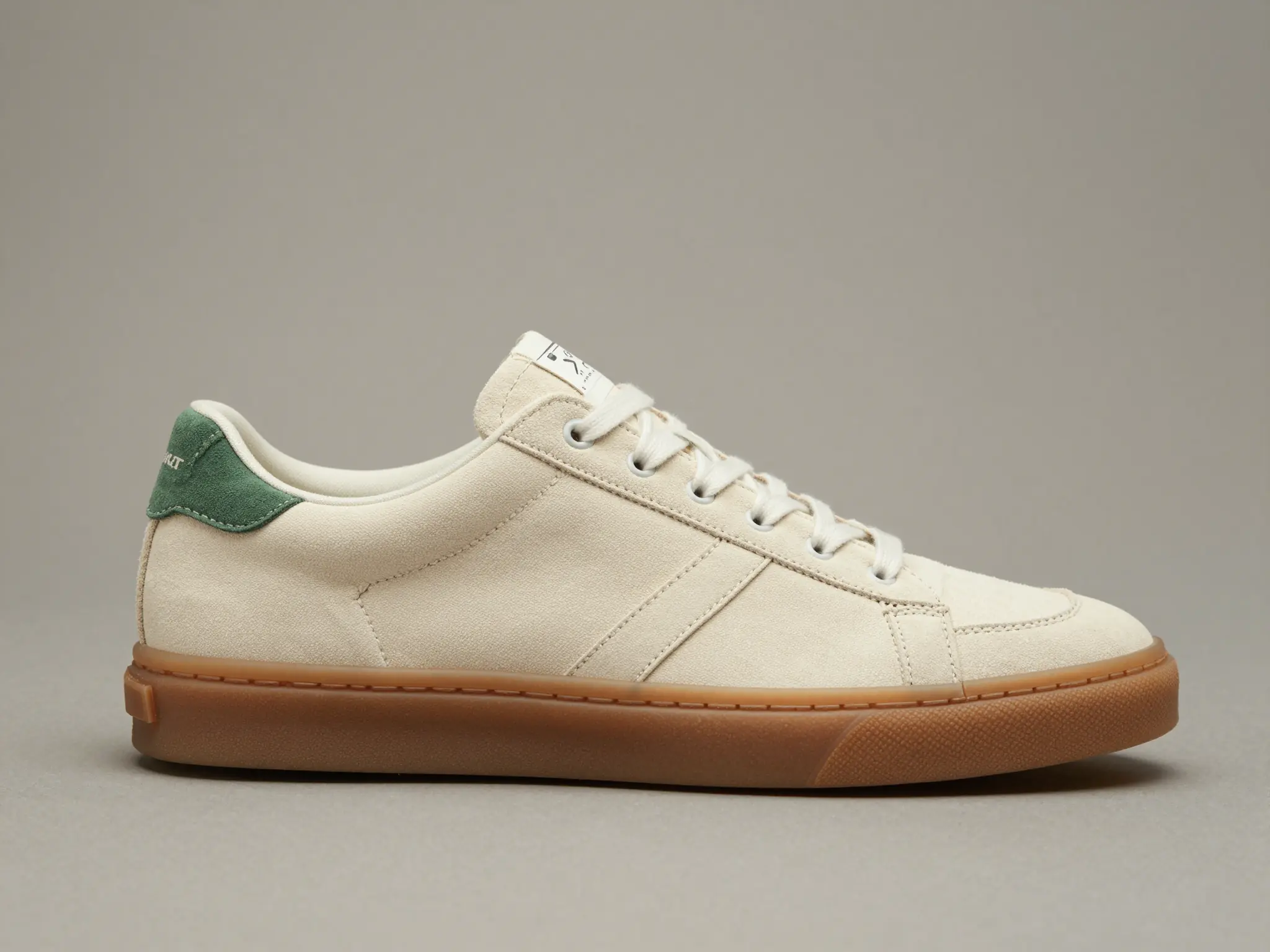
Material study
A closer view highlights surface, shape, and material.
Frequently asked questions
The image is a design concept. It does not include patterns, sizing, construction specifications, or fit information.
Find your next creative tool
Explore more creative tools
Your next creation starts here
Make something worth sharing.
Start with your own content in AI Shoe Generator. Review the settings in Studio and create your result.