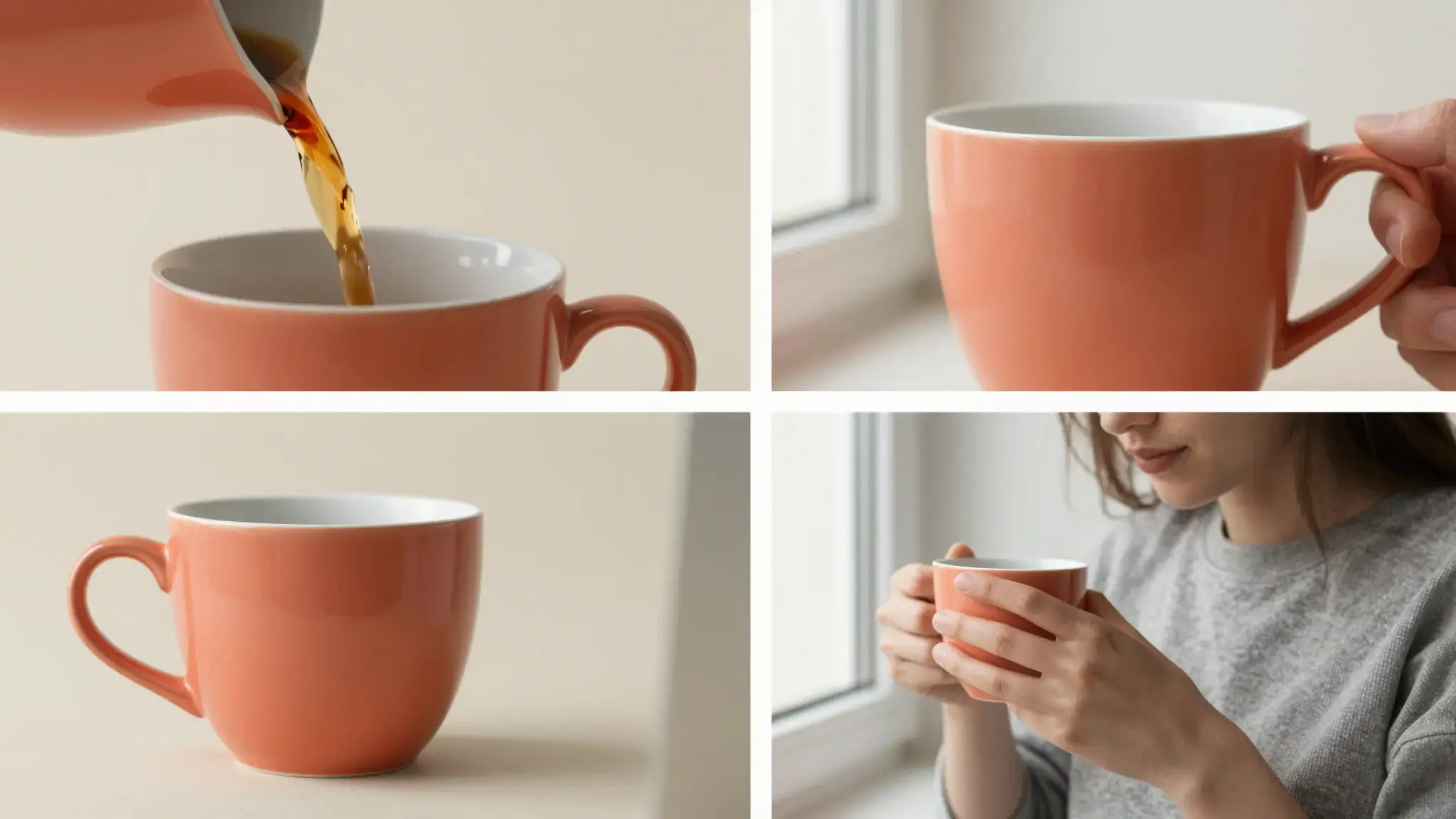
Let product views carry the sequence
Start with a clear product image and plan the view, movement and detail shot. Describe lighting and surfaces that suit the item.

Product Video
Create product showcase videos from photos with Cuta. Develop scenes that present your item's appearance and details for store listings and marketing.
Start with a clear product image and plan the view, movement and detail shot. Describe lighting and surfaces that suit the item.
Add the materials to their named inputs. Product images: up to 5 images; Person: one image (optional).
Available settings include Product selling points; Product name; Offer or discount; Audience; Call to action; Brand name; Offer deadline. Review the full options in Studio before generation.
Illustrative artwork shows the intended visual direction. Your result depends on your source materials and settings.
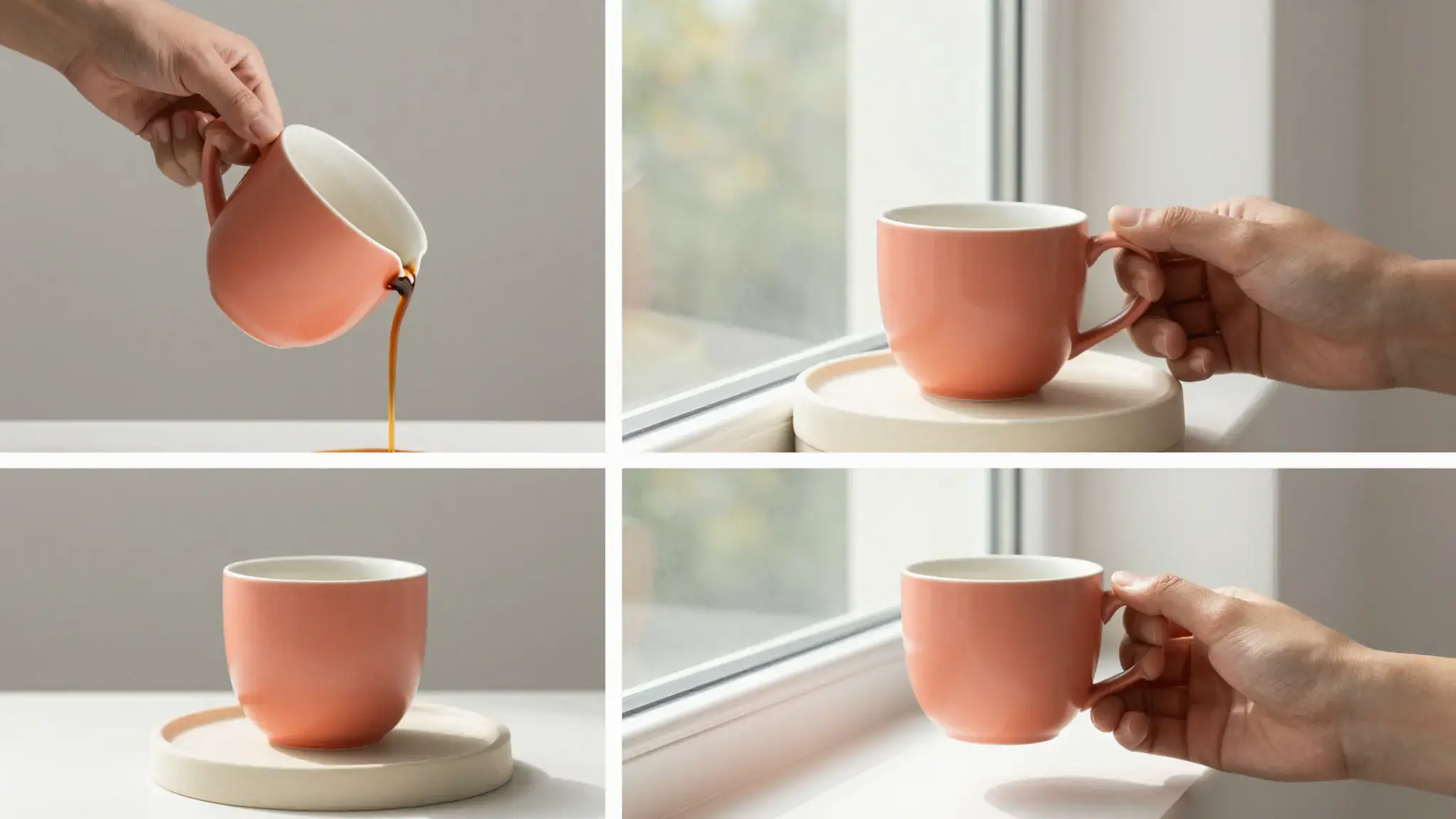
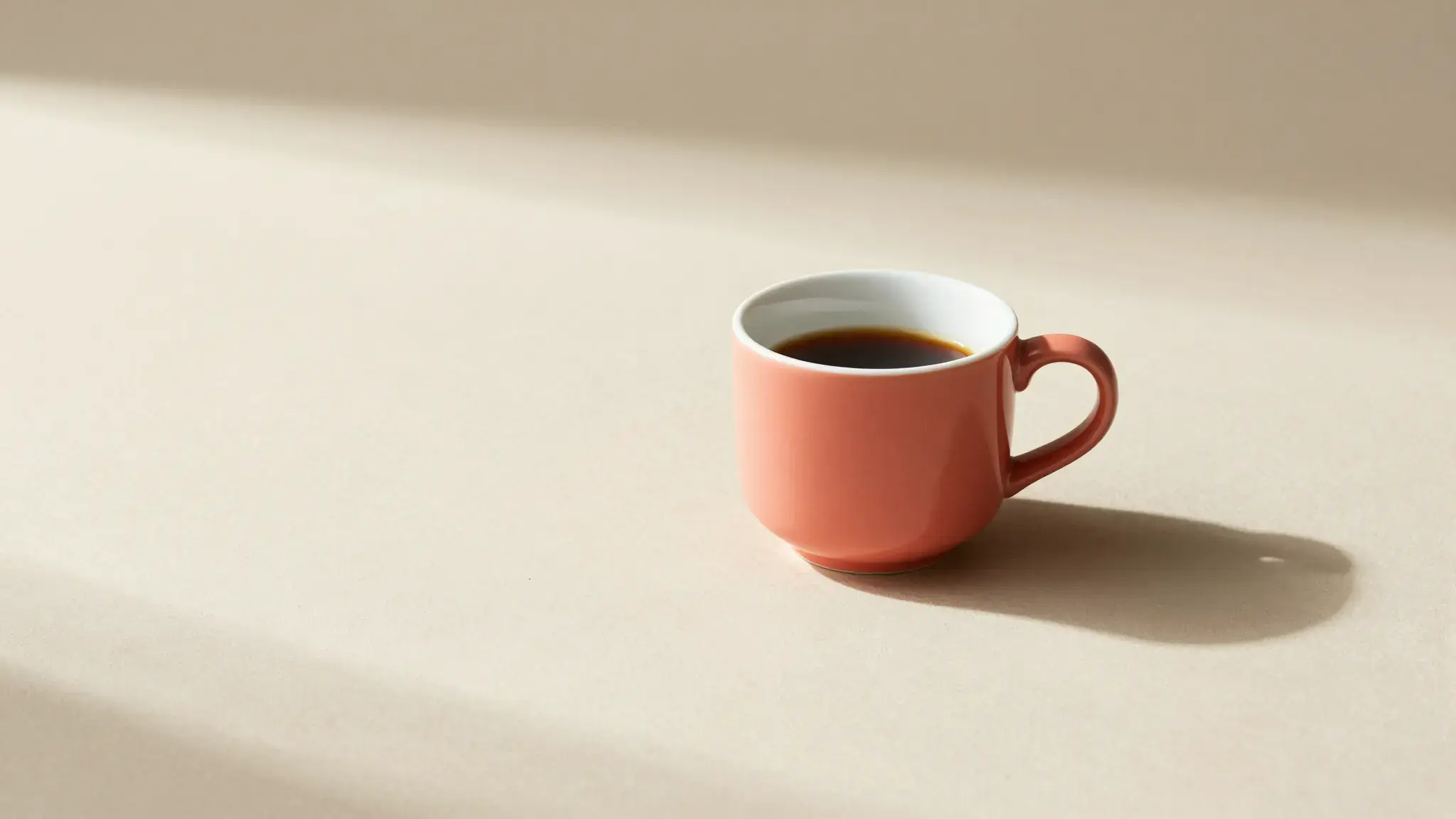
Present the reference ceramic cup in a short showcase: begin with the full shape, move toward the glazed handle and finish on a sunlit tabletop. Keep its color and proportions consistent.
Try it nowExplore a short product presentation that moves from the main view to a recognizable detail.
Build a reveal around the product silhouette, material and one important feature.
From idea to creation
Add the materials to their named inputs. Product images: up to 5 images; Person: one image (optional).
Available settings include Product selling points; Product name; Offer or discount; Audience; Call to action; Brand name; Offer deadline. Review the full options in Studio before generation.
Inspect the item throughout the clip: labels, seams, proportions and accessories can shift during generated motion.
Creative possibilities
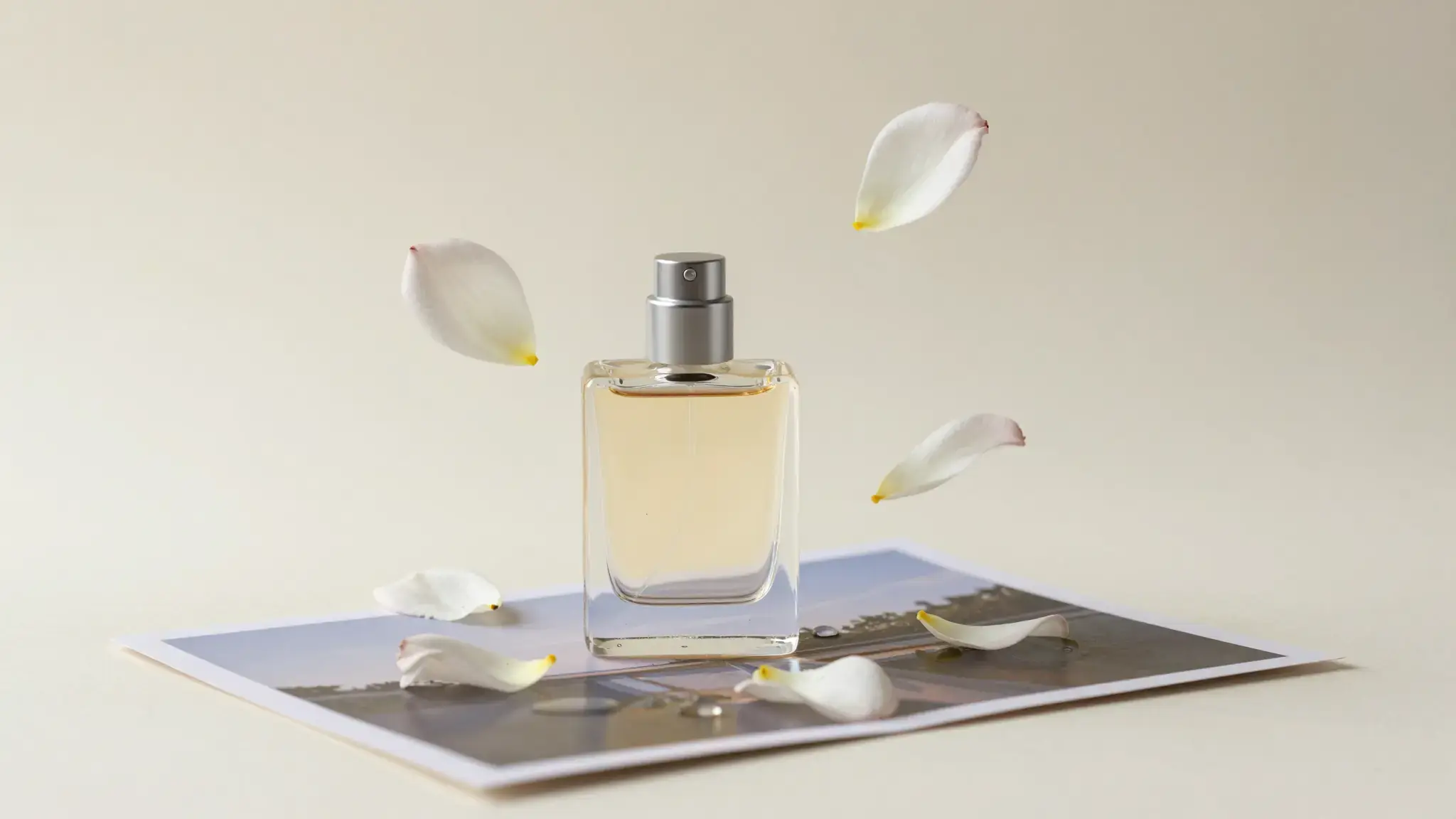
Use these illustrative references to compare framing, texture and visual treatment before creating your own version.
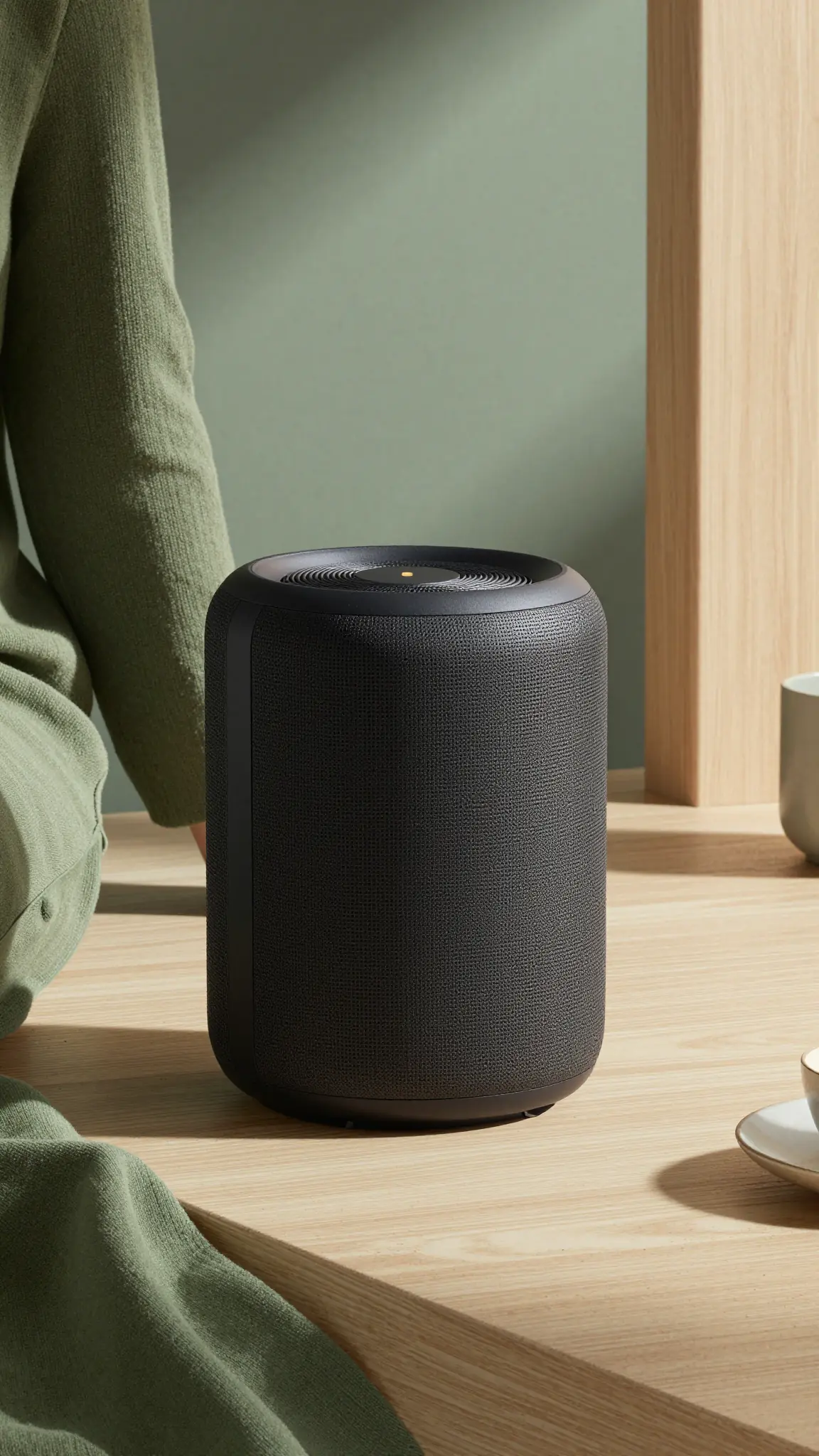
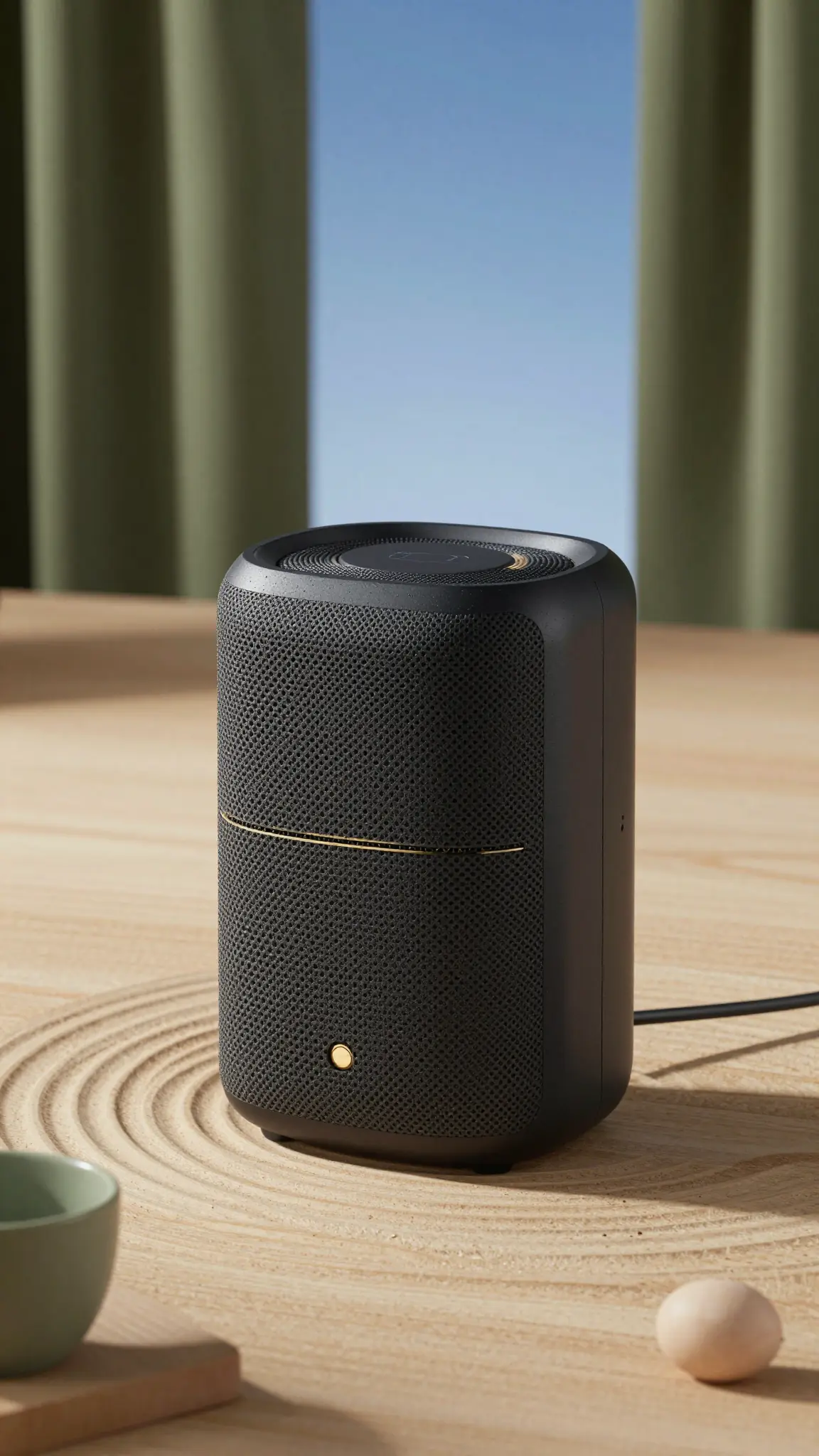
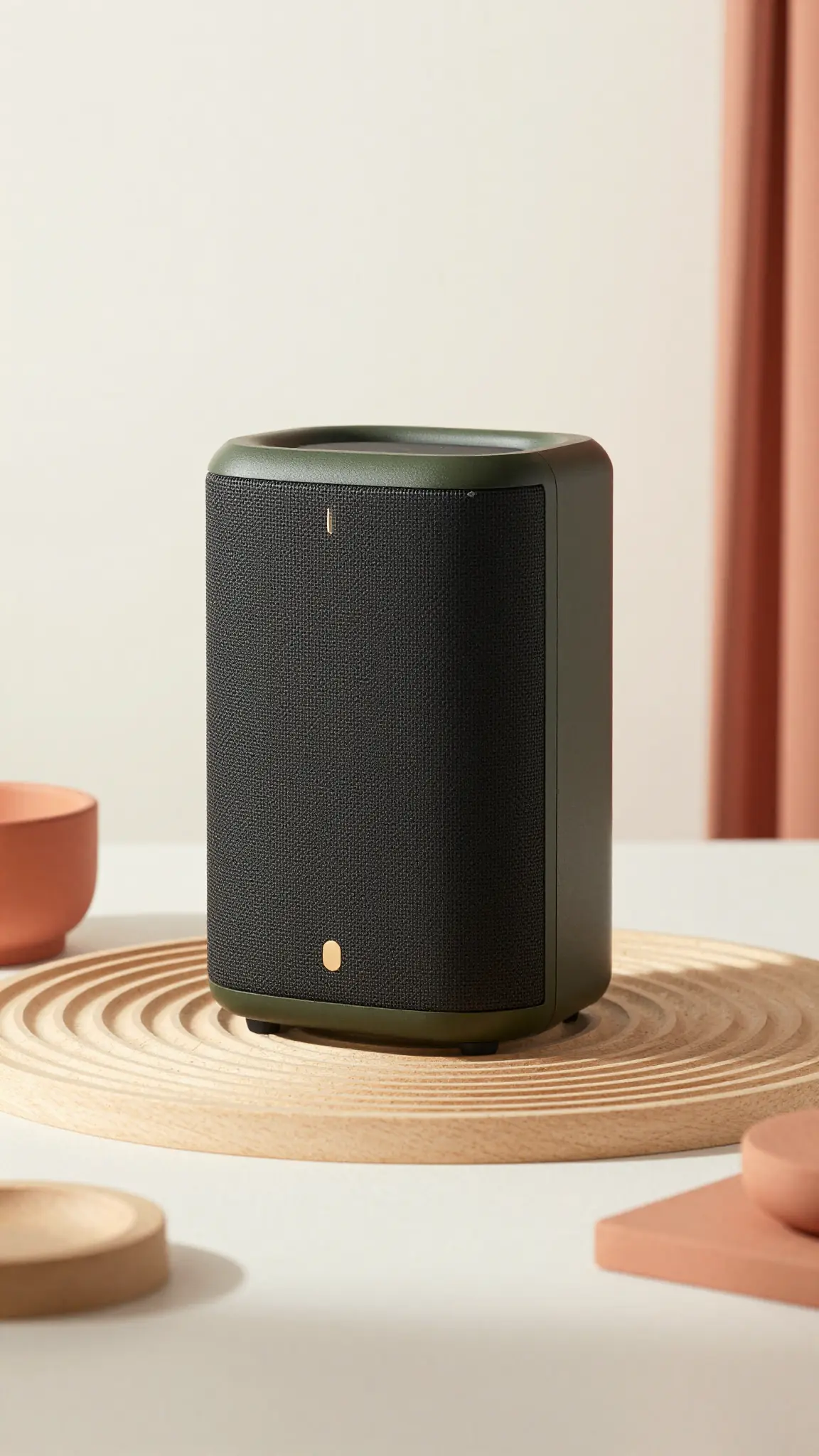
Add the materials to their named inputs. Product images: up to 5 images; Person: one image (optional).
Keep exploring
Your next creation starts here
Start with your own content in Product Video. Review the settings in Studio and create your result.