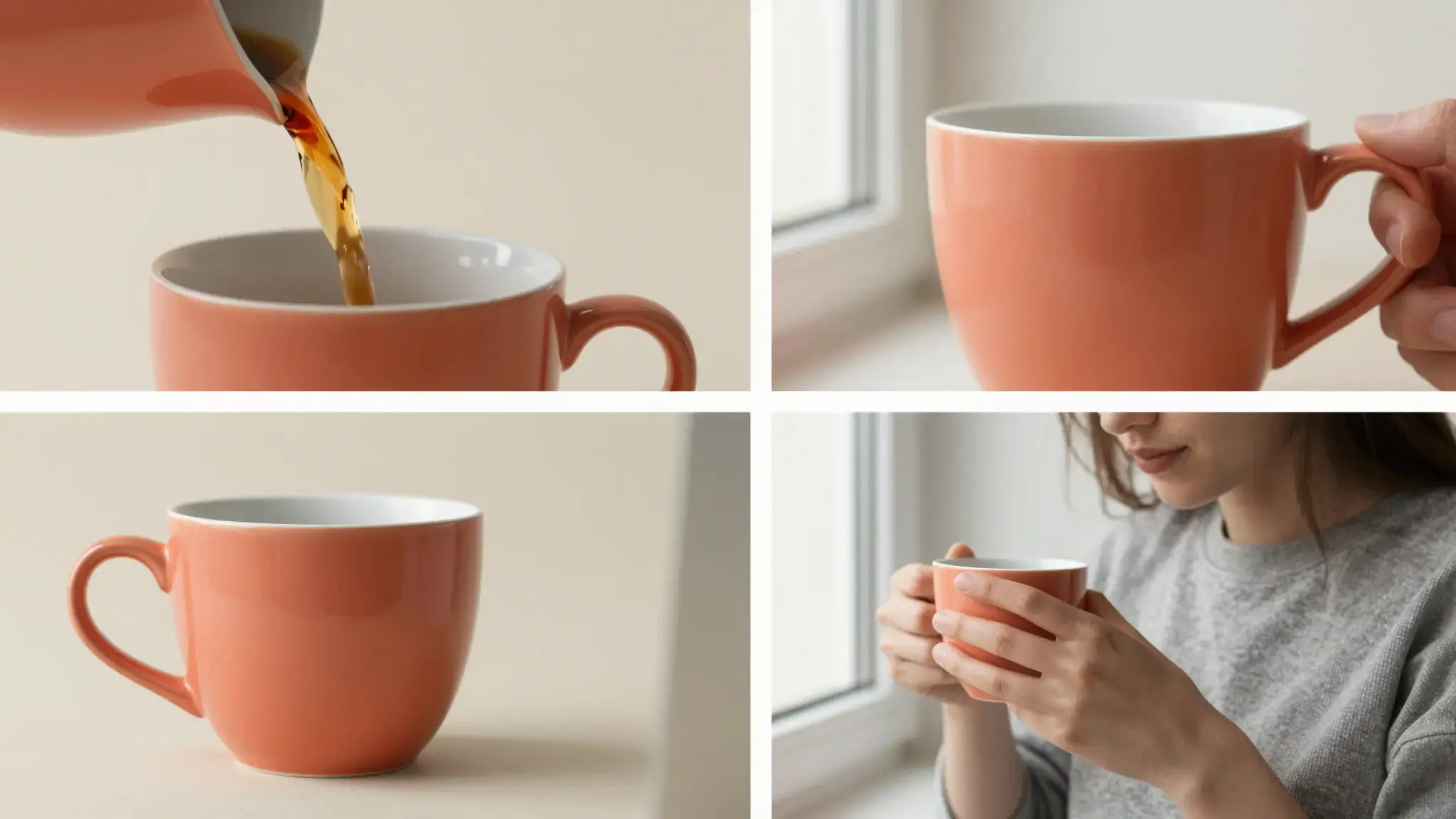
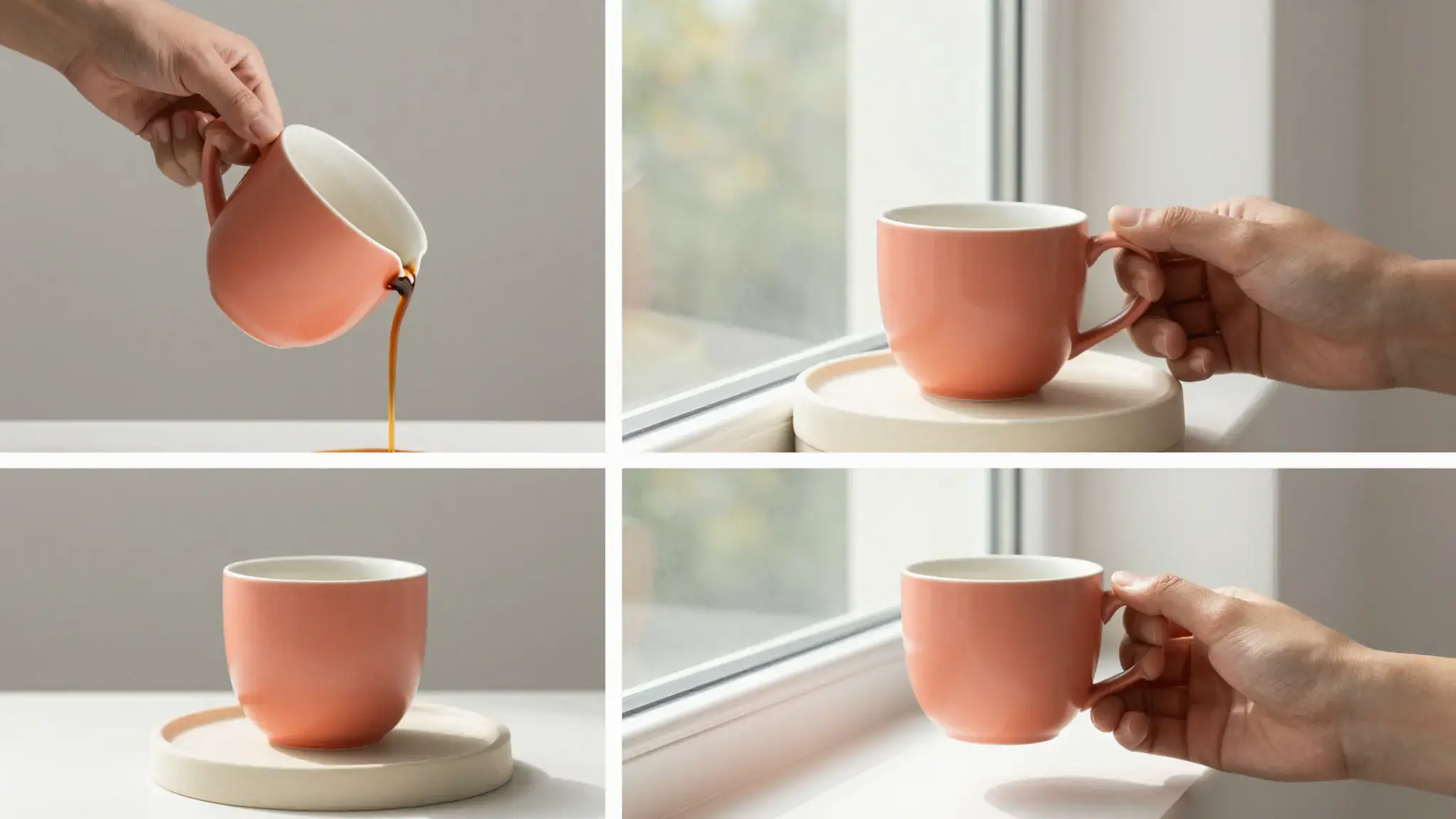
Plan a consistent group of product views
Use clear photos of the same item and define the views, lighting and background you want across the set.

Product Photo Suite
Create coordinated product photo concepts with Cuta. Use your item as a reference to explore several views and settings for listings and marketing materials.
Use clear photos of the same item and define the views, lighting and background you want across the set.
Add the materials to their named inputs. Source image: up to 5 images.
Available settings include Style. Review the full options in Studio before generation.
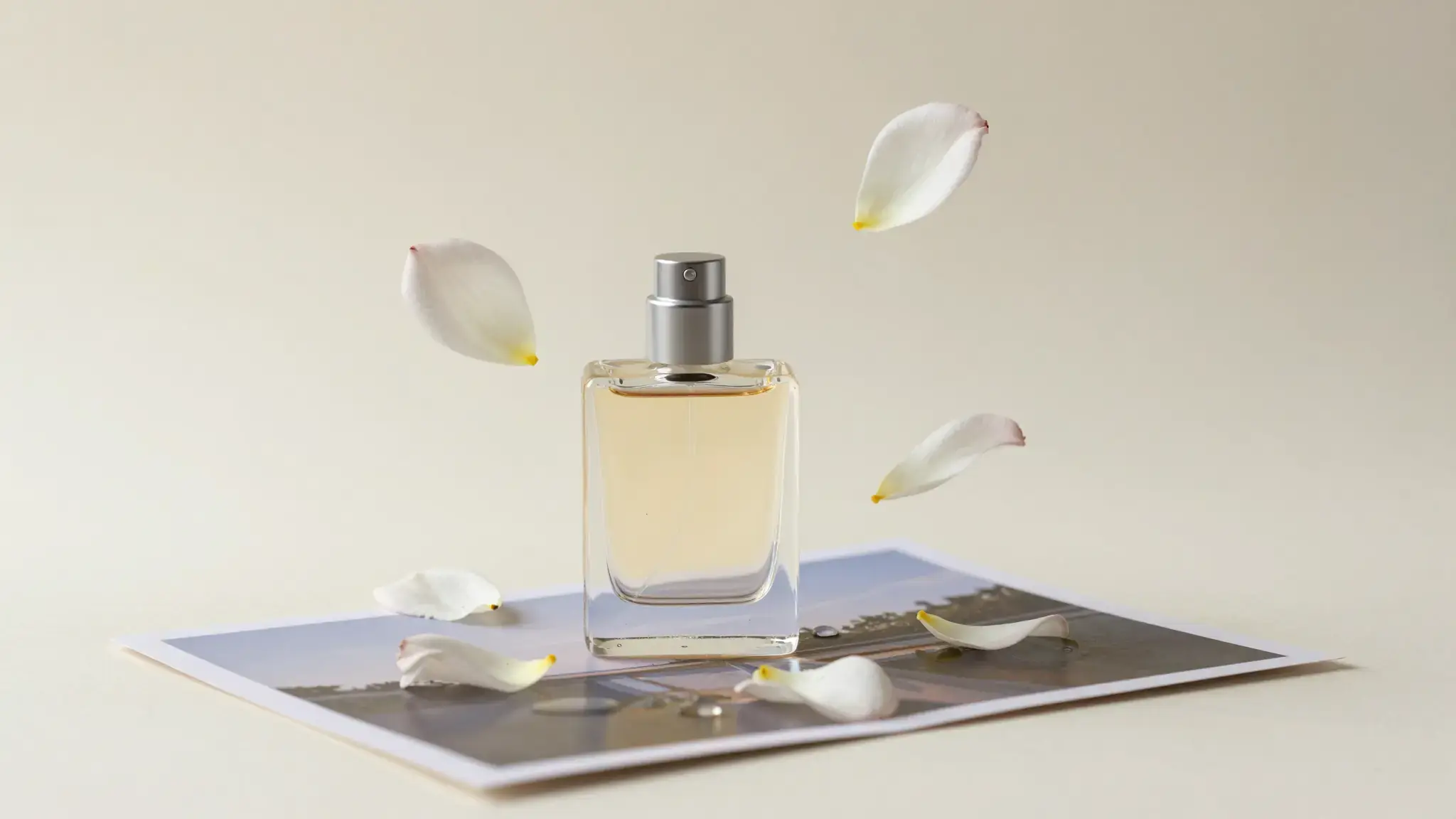
Illustrative artwork shows the intended visual direction. Your result depends on your source materials and settings.
An unmarked smooth stone-colored ceramic bowl shown in a refined advertising composition, cool condensation droplets and a small citrus wedge on a cream stone pedestal, soft directional daylight. gentle side lighting, warm cream and natural neutral tones
Try it nowExplore a product's main view and supporting detail images with a shared visual direction.
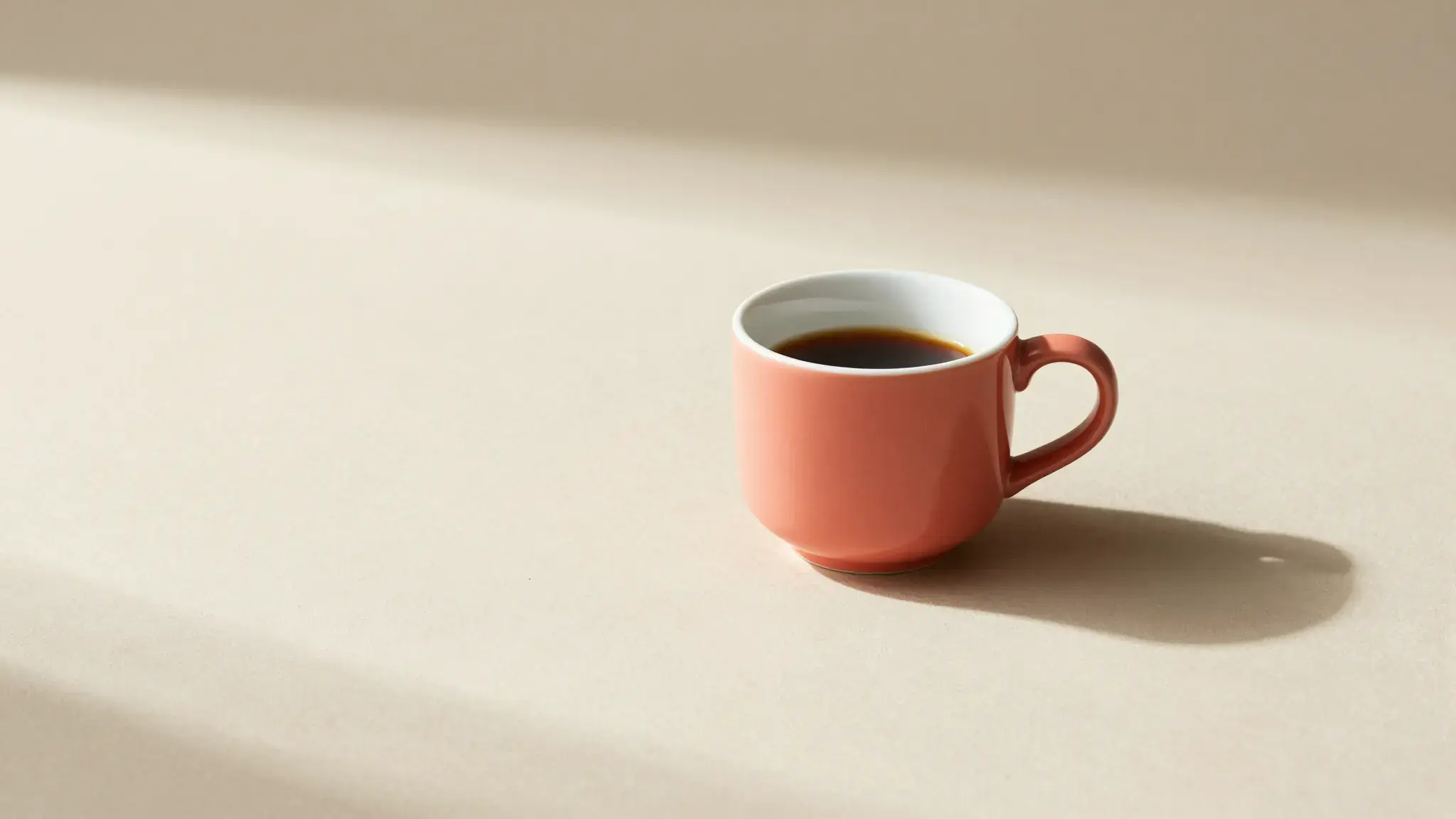
Compare alternate surfaces or lighting while keeping the product reference fixed.
From idea to creation
Add the materials to their named inputs. Source image: up to 5 images.
Available settings include Style. Review the full options in Studio before generation.
Compare shape, color, labels and accessories between images. A consistent brief still requires reviewing every generated view.
Add the materials to their named inputs. Source image: up to 5 images.
Keep exploring
Your next creation starts here
Start with your own content in Product Photo Suite. Review the settings in Studio and create your result.