You direct the show
You don't operate the tool. You vibe with it. You set the hosts, the topic, and the tone, and the episode follows your lead.

AI Podcast Generator online
Direct your video podcast with the best AI podcast generator. Describe the show in your head, shape it by vibe, and leave with a finished episode. Try today!
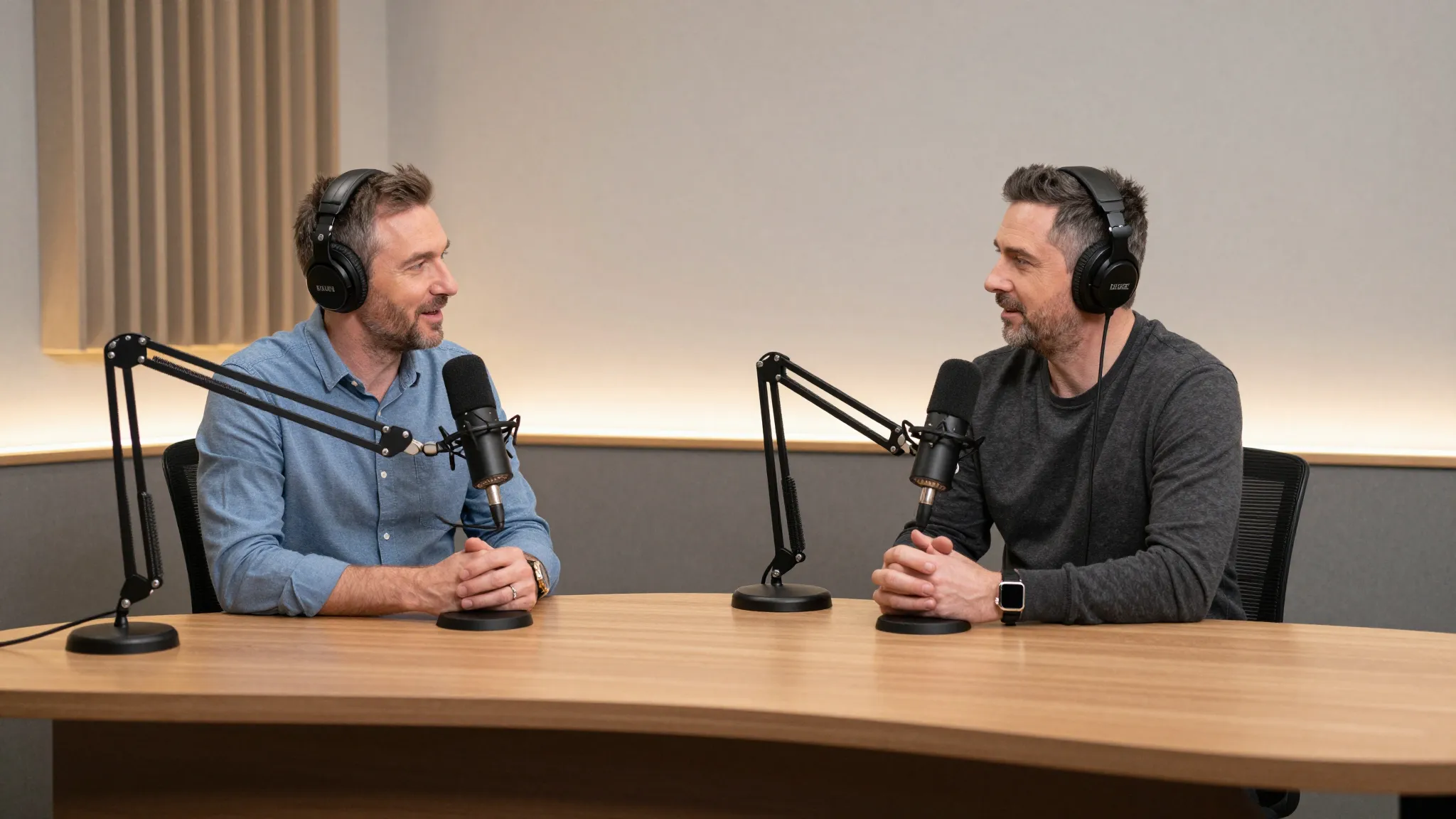
You don't operate the tool. You vibe with it. You set the hosts, the topic, and the tone, and the episode follows your lead.
Say what you want in plain words, like make it more casual or tighten this segment. The episode responds and reshapes around your note.
Arrive with a show idea and leave with a real video podcast. The output is the point, not a rough cut to fix later.
Type the podcast that's been playing in your head and Cuta Director gets to work. You don't book a studio or learn an editing suite. You describe the hosts, the topic, and the vibe in your own words, and the first cut comes back for you to review and refine.
Try it nowTell the AI what to change the way you'd talk to a producer. Say make the banter looser, cut to the guest here, or give the intro more energy. Every note reshapes the episode, so you keep vibe directing by feel until the show sounds like yours.
Try it nowHold your hosts, set, and show look steady across every episode. Director keeps your podcast feeling like one real series instead of a stack of clips. When you want a new guest or a fresh set, you just say so.
Try it nowDirector hands you a finished video podcast, not a draft to rebuild elsewhere. You can keep refining as long as you like, then take your episode wherever it goes, from a full upload to short clips for social.
Try it nowFrom idea to creation
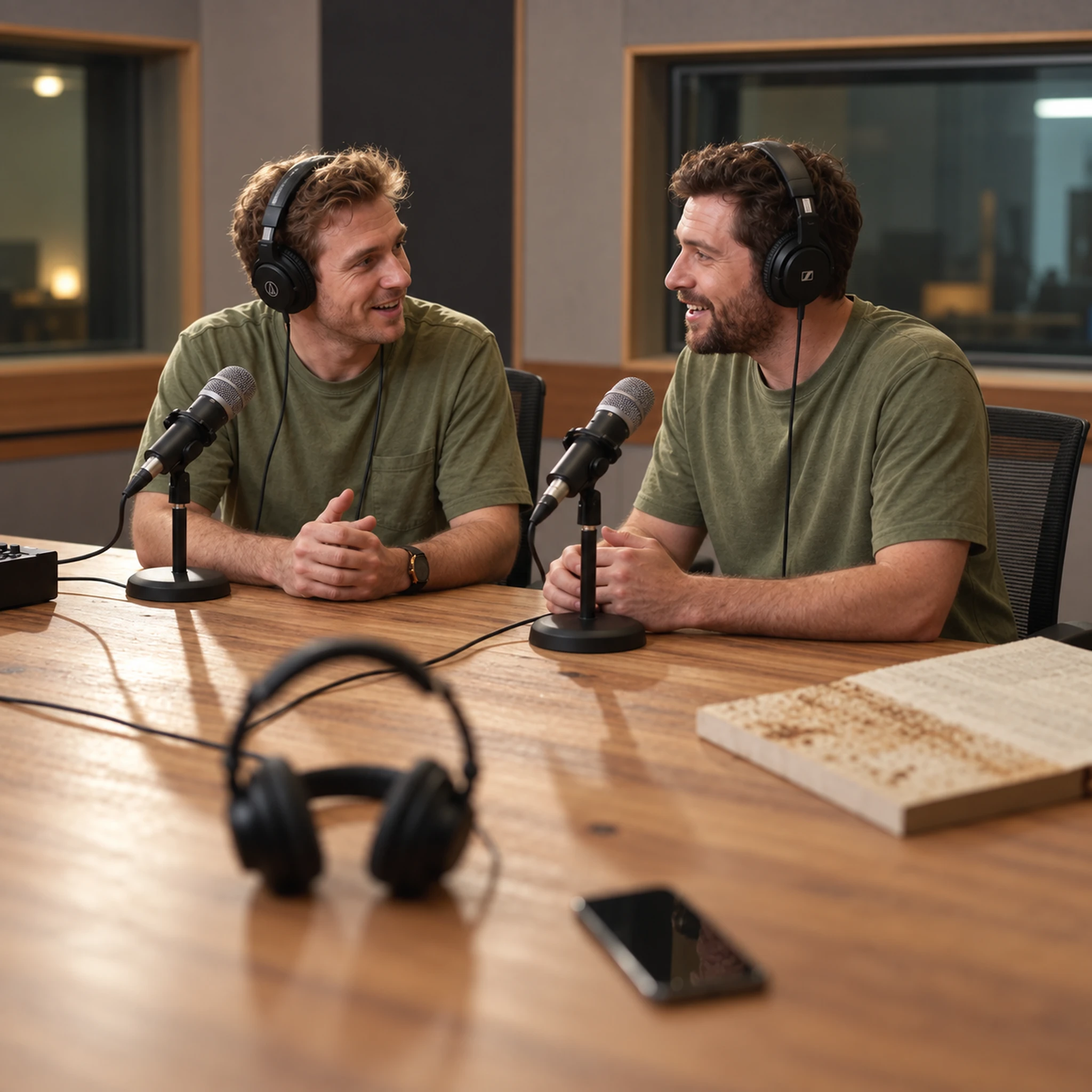
Type the podcast in your head into the prompt box. Add a music track for your intro, a reference image of your hosts, or one of your saved characters and worlds.
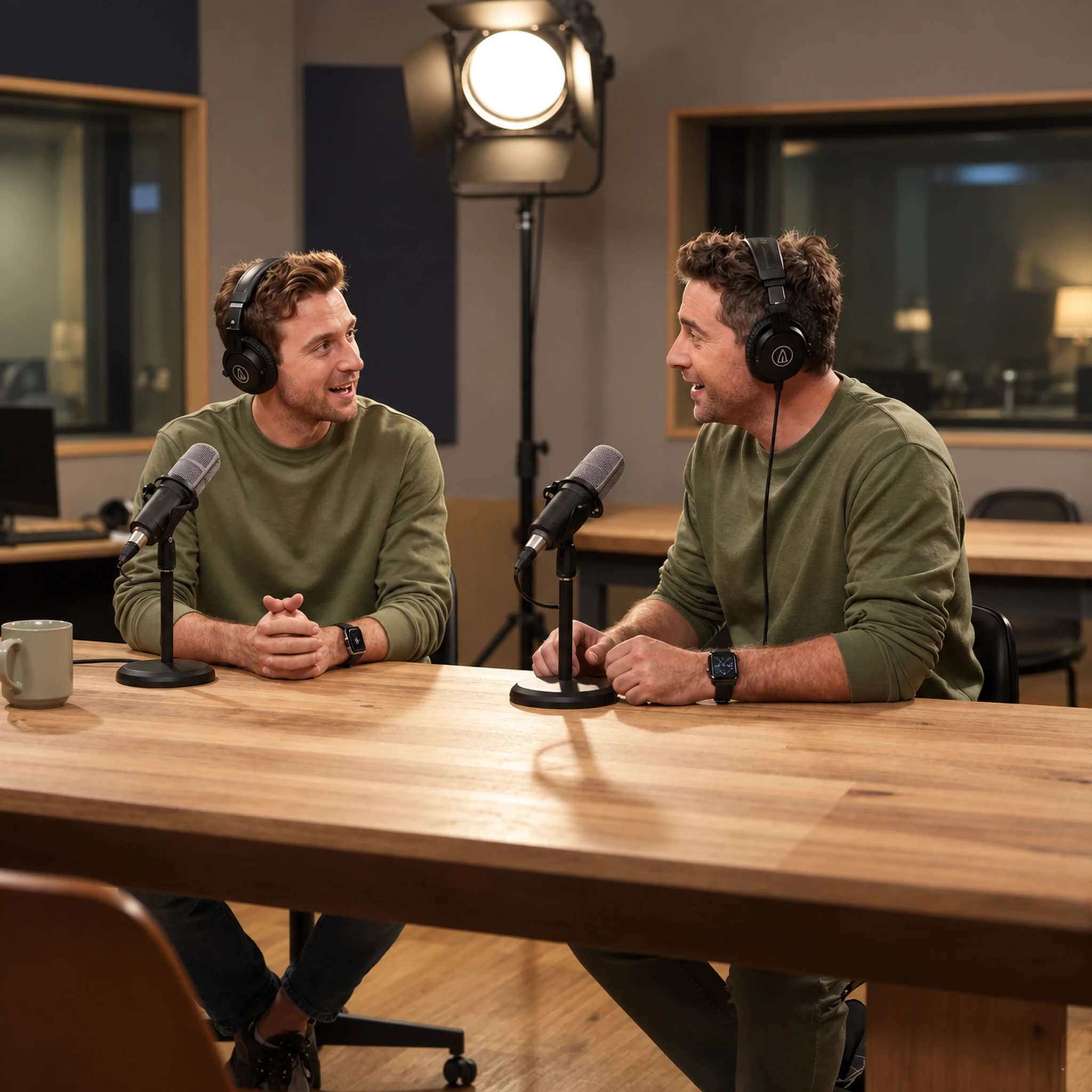
Let the assistant, your AI assistant, ask you about resolution, aspect ratio, and the tone of the show, or run it automatically. Then hit Start Directing.
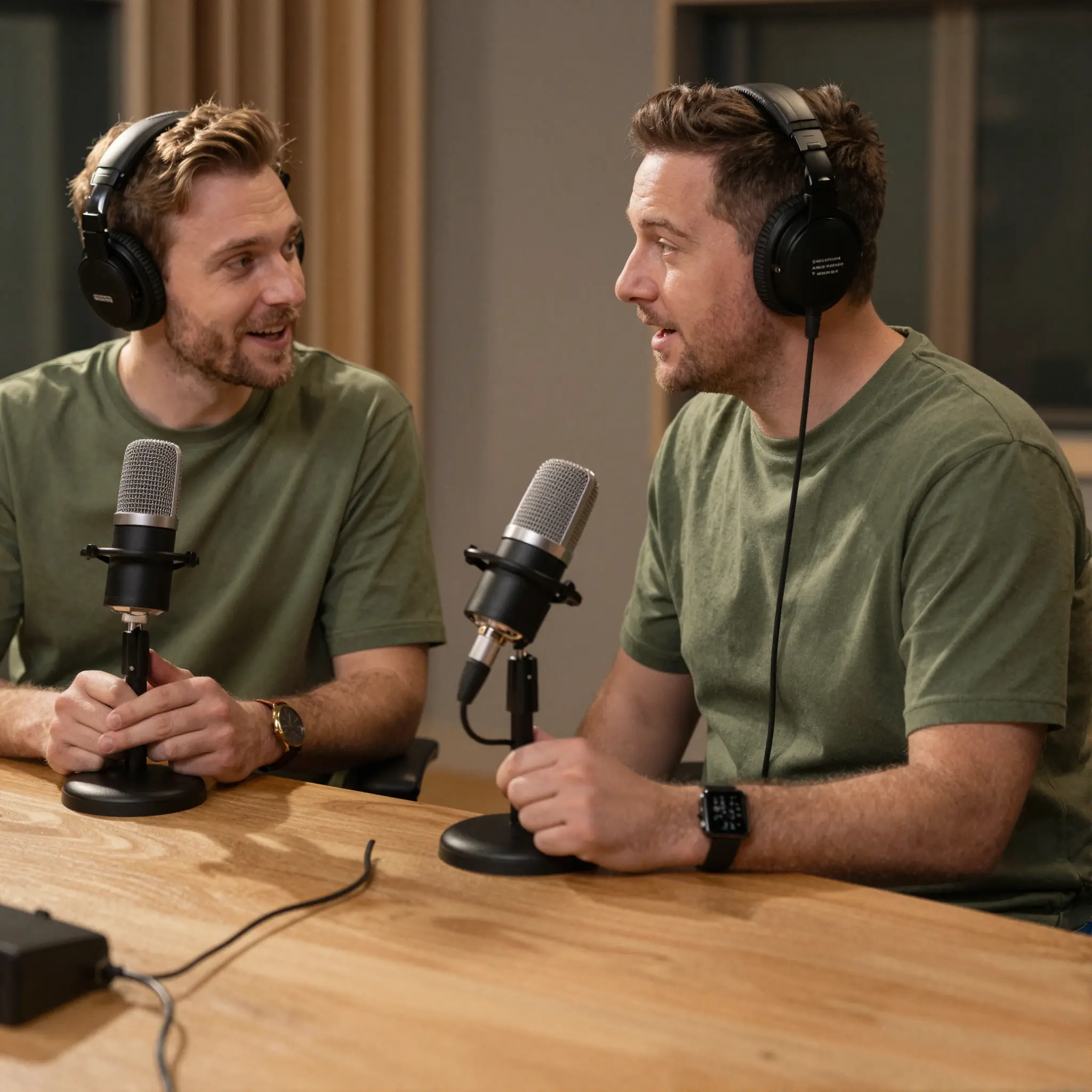
Follow the assistant's steps as it works, then review your segments in Scenes or your finished episode in Timeline.
You've wanted to host a show but never had the gear or the time to edit. Director turns your idea into a real video episode you can post. You direct each segment by feel and finally put your show out there.
Try it nowYou have more topics than time to record them. Director takes your concept and directs it into a finished episode, hosts and all. You ship a full series without booking a studio or chasing a schedule.
Try it nowYou already make content and want podcast-style clips to grow it. Director gives you talking segments and highlight moments that look like a real show. You direct, react, and post finished clips without an editing team.
Try it nowYou've been directing this show in your mind for years, you just never called it that. With Director, upload your own face image for reference, and you leave with the podcast you've always wanted to host.
Try it nowIt is an AI tool under Cuta's Director product used to make video podcasts. You describe the show you want, shape it by feel, and leave with a finished episode. You stay the director the whole way through.
Find your next creative tool
Your next creation starts here
Start with your own content in AI Podcast Generator. Review the settings in Studio and create your result.



