Cuta
AI Photo Editor online

AI Photo Editor

Free online AI photo editor: smooth skin, swap faces, upscale to 4K, remove objects, change angles. Just describe it, no Photoshop needed.
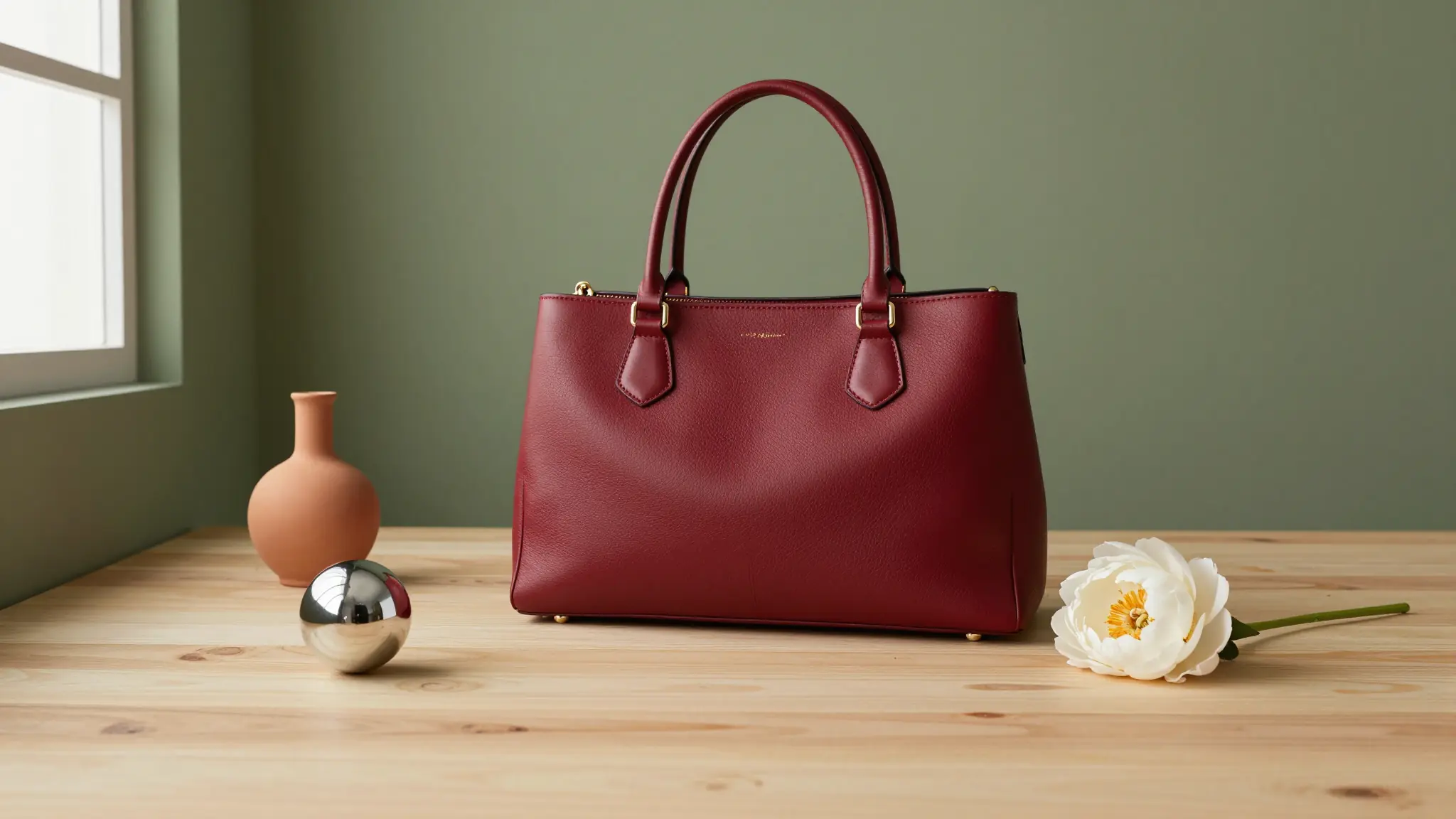
Why Choose Cuta AI Photo Editor

AI Photo Editor

AI Photo Editor

Edit by Just Describing It

Tell Cuta what to change in plain English and watch it happen. Prompt-based photo editing means no layers, no brushes, and no manual selections, just type and generate.

Try it now

AI Photo Editor

AI Photo Editor

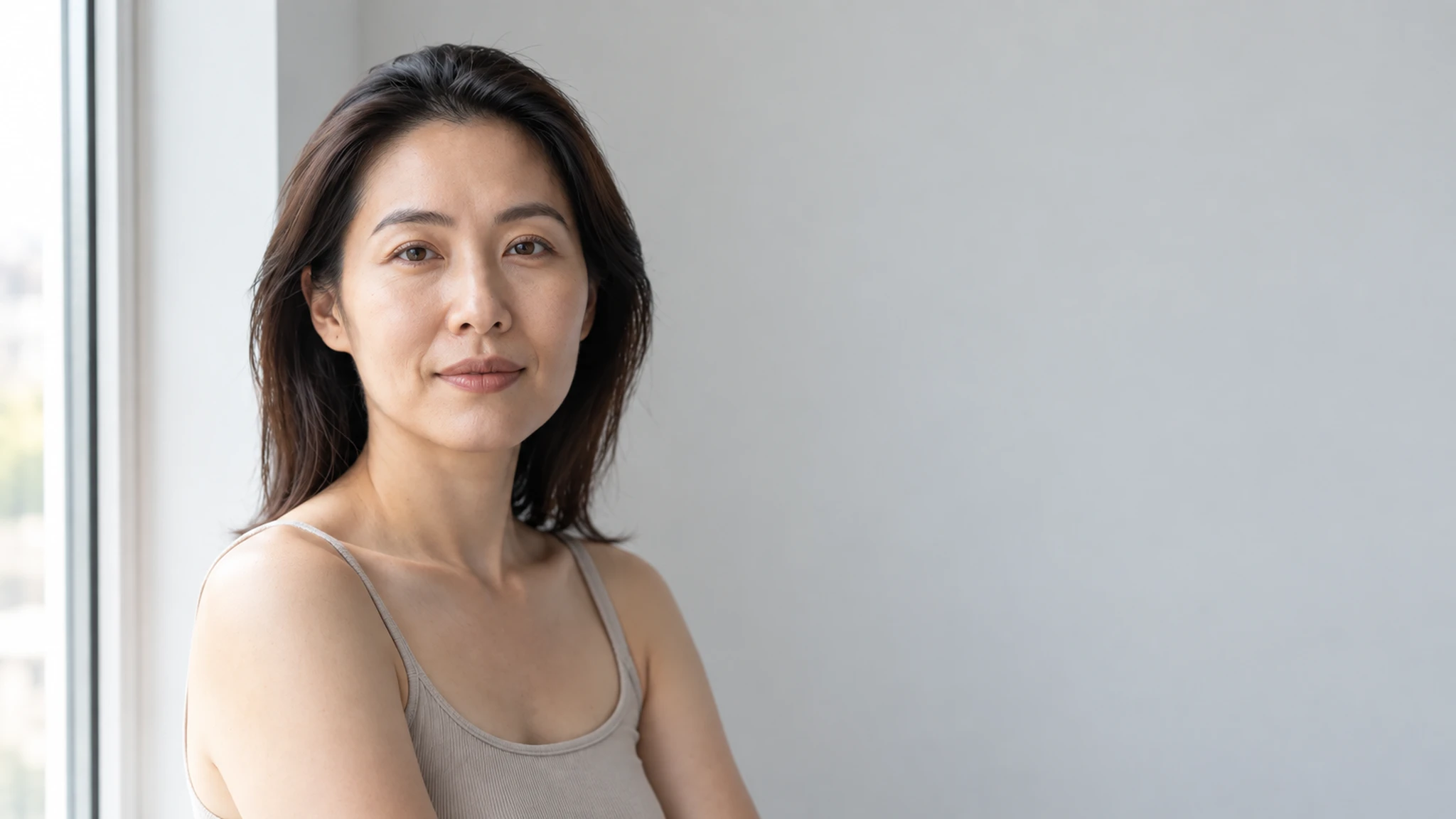
Pro-Level Results, Zero Effort

Get edits that look professionally made. From AI skin retouching to perspective changes, the AI handles the technically difficult parts so you don't have to.

Try it now

AI Photo Editor

AI Photo Editor

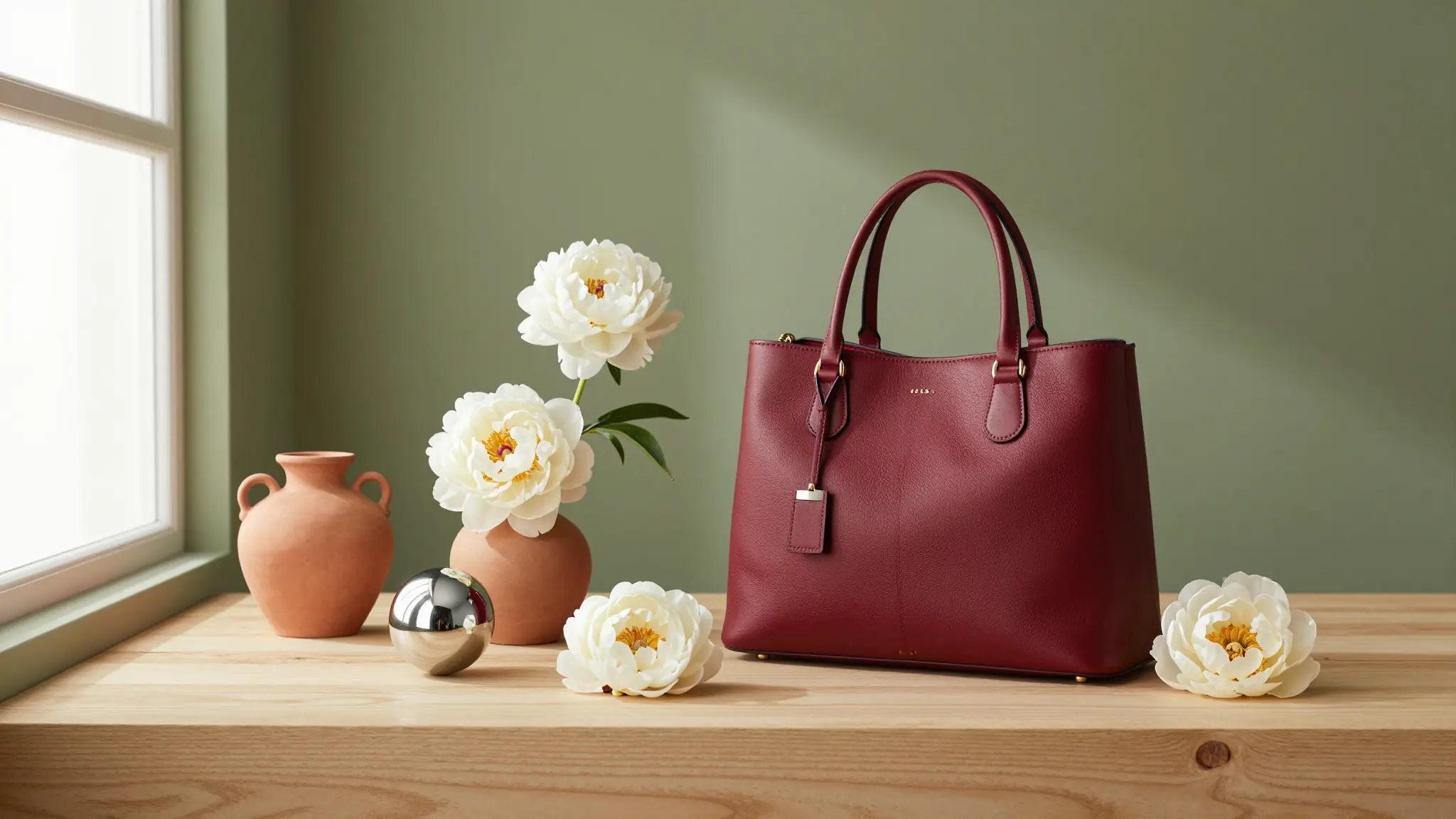
One Tool for Every Edit

Swap faces, upscale photos to 4K, fix lighting, remove objects, change camera angles, all in one place. No need to jump between apps or pay for multiple subscriptions.

Try it now

How to Edit Photos with AI

AI Photo Editor

AI Photo Editor
Step 1

Upload Your Photo

Drop in any image you want to edit, portraits, product shots, old photos, anything.
AI Photo Editor

AI Photo Editor
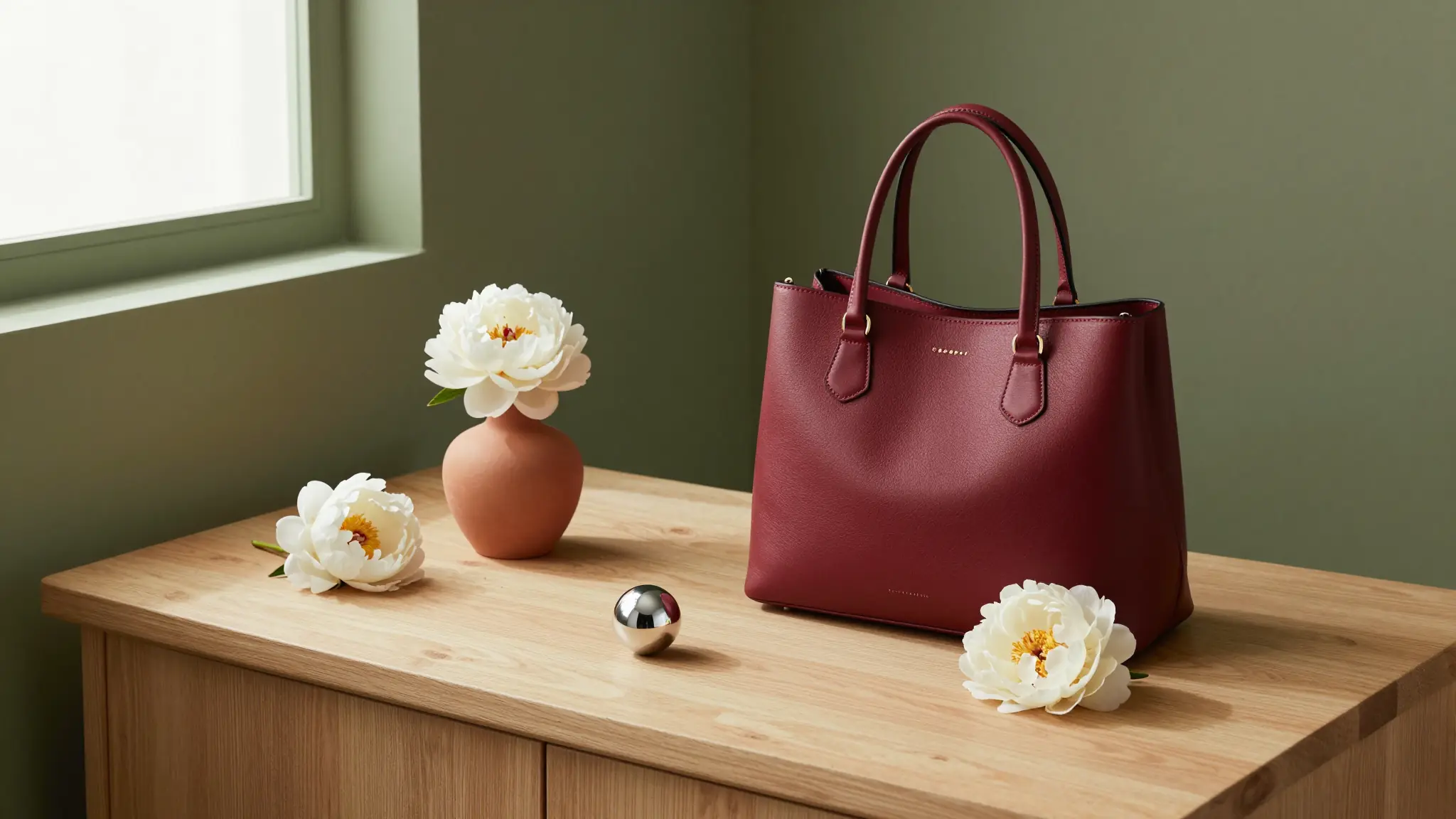
Step 2

Describe Your Edit

Type what you want changed, use Area Edit to target a specific spot, or use Annotate mode to mark up the image directly.
AI Photo Editor

AI Photo Editor
Step 3

Generate and Download

Hit generate, review the result, and download your edited photo. Tweak the prompt and regenerate until it's right.

What You Can Do with Cuta's AI Photo Editor

AI Photo Editor

AI Photo Editor

Edit Images with a Simple Prompt

Type what you want changed and the AI takes care of it. Use Area Edit to target a specific region, or Annotate mode to mark up the image with arrows and shapes that guide the AI to exactly what you mean, or start from scratch with Cuta's AI image generator .

Try it now

AI Photo Editor

AI Photo Editor

Swap Faces in One Click

Upload your photo, drop in a reference face, and Cuta's AI face swap cleanly replaces it without touching anything else in the frame. Great for portraits, mockups, character projects, or fun edits with family photos.

Try it now

AI Photo Editor

AI Photo Editor

Upscale and Enhance to 4K

Turn blurry or low-res images into sharp, high-quality photos . Pick your upscale mode, choose Fast or Ultra quality, and toggle skin enhancement on for portraits that need extra polish.

Try it now

AI Photo Editor

AI Photo Editor

Fix Plastic Skin with Vellum

Get rid of the uncanny "plastic skin" look with the Vellum Skin Enhancer. Choose your output resolution (2K, 4K, or 8K), dial in texture level, and end up with skin that looks genuinely real.

Try it now

How Creators Use Cuta's AI Photo Editor

AI Photo Editor

AI Photo Editor

AI Photo Editing for Social Media

Touch up selfies, swap outfits or backgrounds, fix lighting, and keep your feed looking sharp.

Try it now

AI Photo Editor

AI Photo Editor

Edit Product Photos for Ads and Listings

Edit product photos and clean up images for ads and listings. Test angles, run visual A/B tests, and ship campaigns faster on a leaner budget.

Try it now

AI Photo Editor

AI Photo Editor

AI Retouching for Photographers

Let AI handle the repetitive retouching. Use Vellum for skin, upscale shots to 4K, and test edits before committing in Photoshop.

Try it now

AI Photo Editor

AI Photo Editor

Portrait-ready preview for AI Photo Editor

Try it

Frequently asked questions

What is the AI Photo Editor?+

It's Cuta's suite of AI-powered photo editing tools. You can edit images by typing prompts, swap faces, upscale to 4K, fix skin textures, change camera angles, and more, all without traditional editing software.

How realistic are the results?+

Very. Cuta uses top image models like Seedream 4.5, Nano Banana Pro, and GPT Image 2 to keep edits looking natural. Results get even better when you use Vellum for skin or Ultra mode for upscaling.

Do I need any editing experience to use it?+

Nope. If you can describe what you want in a sentence, you can use it. The tools are built for everyday people, not just pros.

What kinds of edits can I make?+

What kinds of edits can I make? Just about anything. Change backgrounds, swap faces, add or remove objects, fix lighting, retouch skin, upscale resolution, or generate new angles of the same shot.

Can I edit just one part of an image?+

Yes. Use Area Edit mode in the Edit Image tool to highlight a specific region and apply changes only to that area.

Is it free to use AI Photo Editor?+

Cuta has a free tier so you can try things out. For heavier usage, higher resolutions, and access to the full model lineup, paid plans are available.

Can I use the edited photos commercially?+

Yes, depending on your plan. Check your subscription details for the exact terms on commercial use.

What's the best way to get great results?+

Be specific in your prompts. Instead of "make it better," try "remove the background and replace it with a sunny beach." The more detail you give the AI, the closer it gets to what you have in mind.

Start creating

Create without limits

Join creators using Cuta to generate stunning images, videos, and more — all in one platform.

Get started for free