The details to include
Supply a product reference, exact copy, and verified specifications.
Try it now
AI image tools
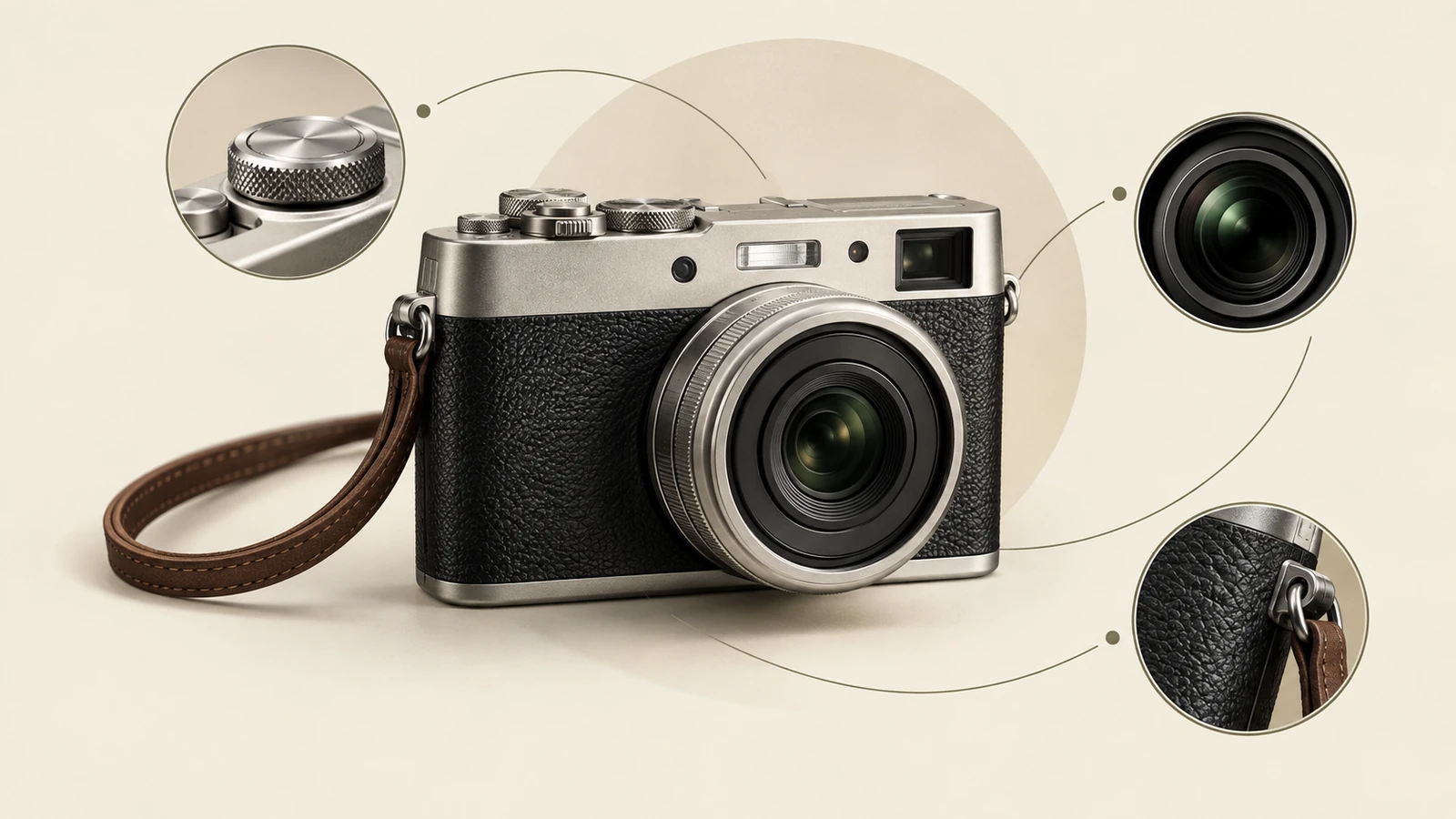
Organize a product's key selling points into a listing graphic.
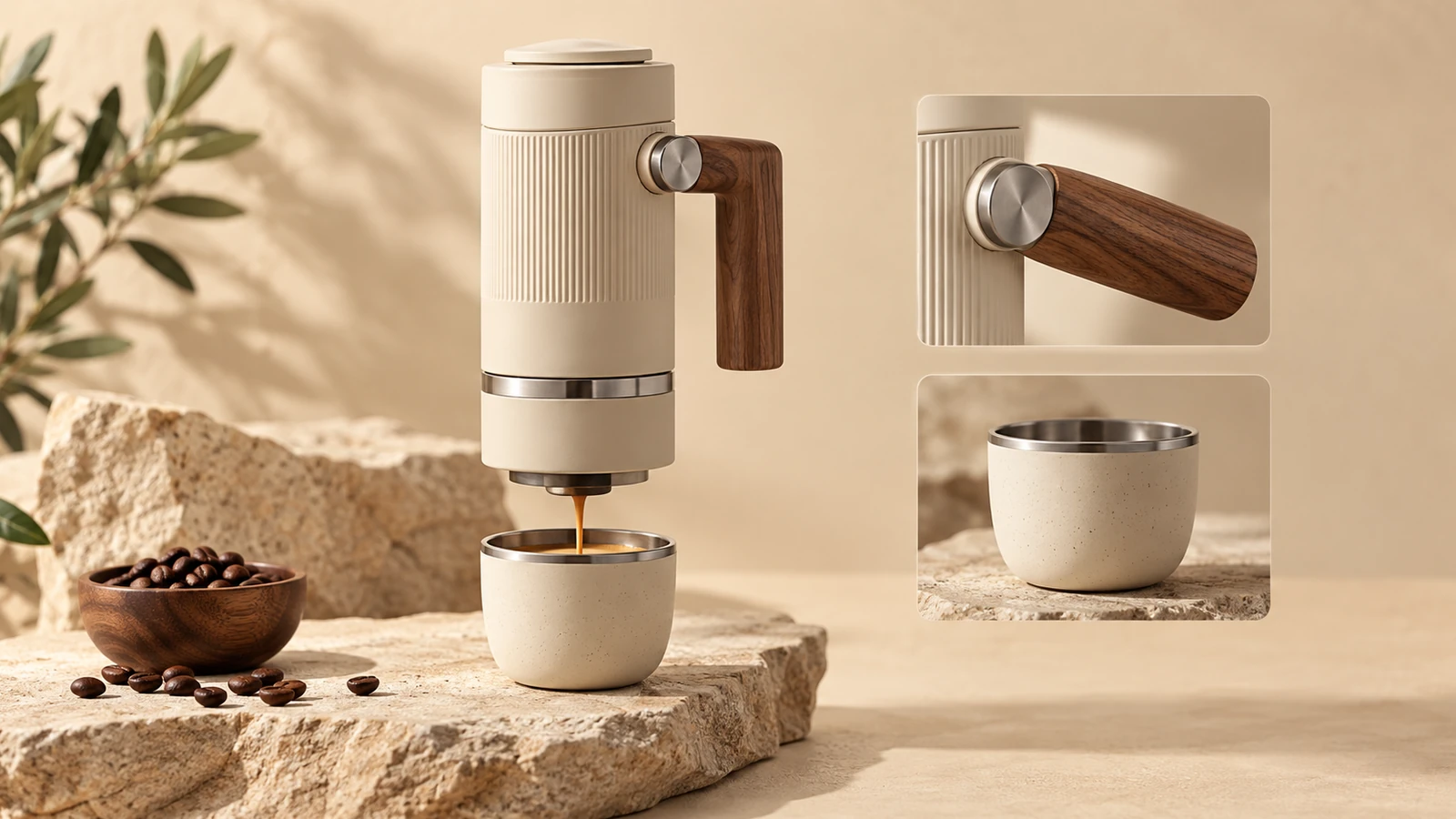
Supply a product reference, exact copy, and verified specifications.
Try it nowCreate a listing graphic for this backpack. Use only these details: 18 L capacity, padded laptop sleeve, two side pockets.
Try it nowFrom idea to creation
Upload one clear reference image, then add instructions for the result you want.
Supply a product reference, exact copy, and verified specifications.
The tool creates a graphic; it does not publish listings or verify product claims.
Creative possibilities
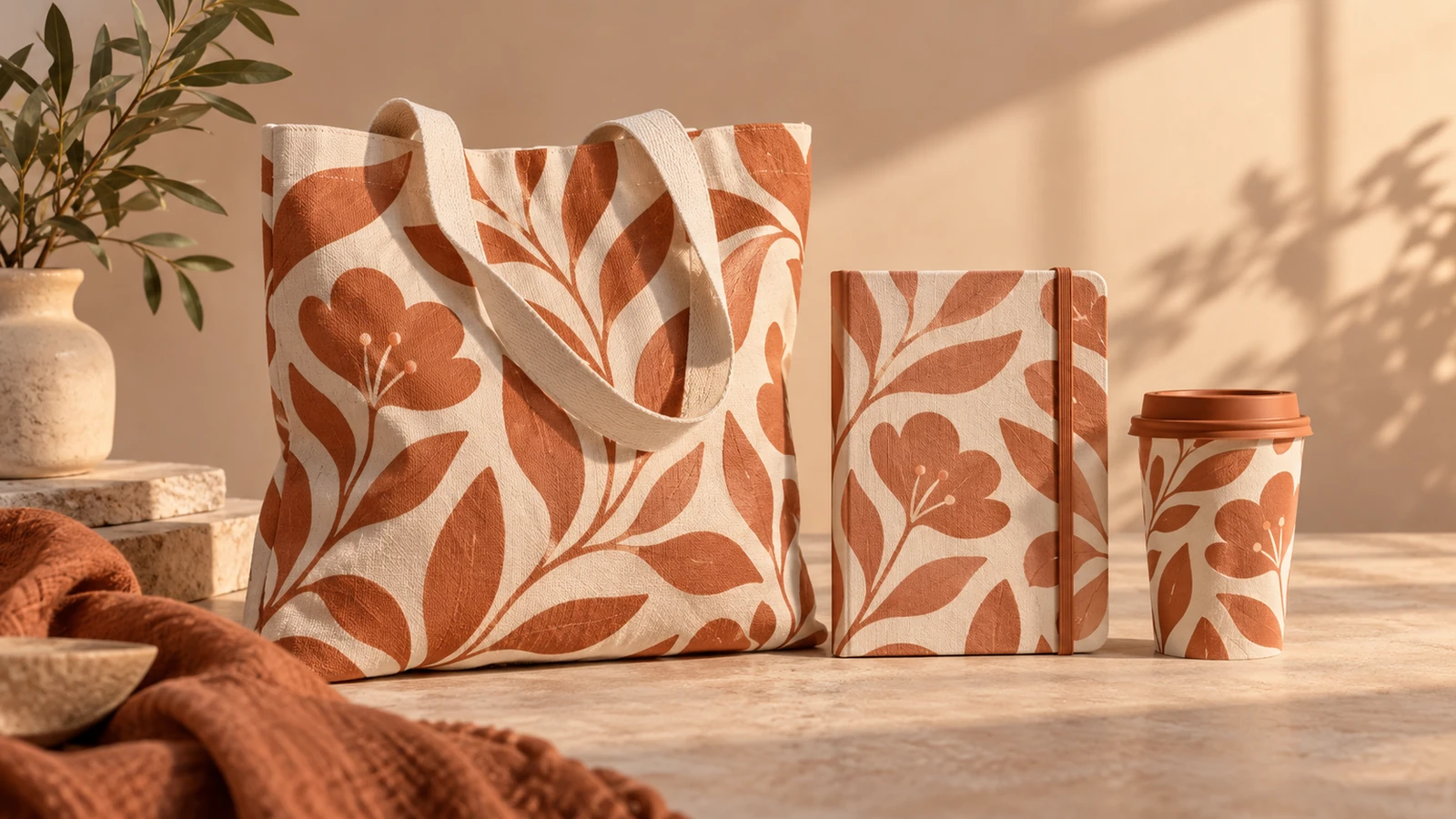
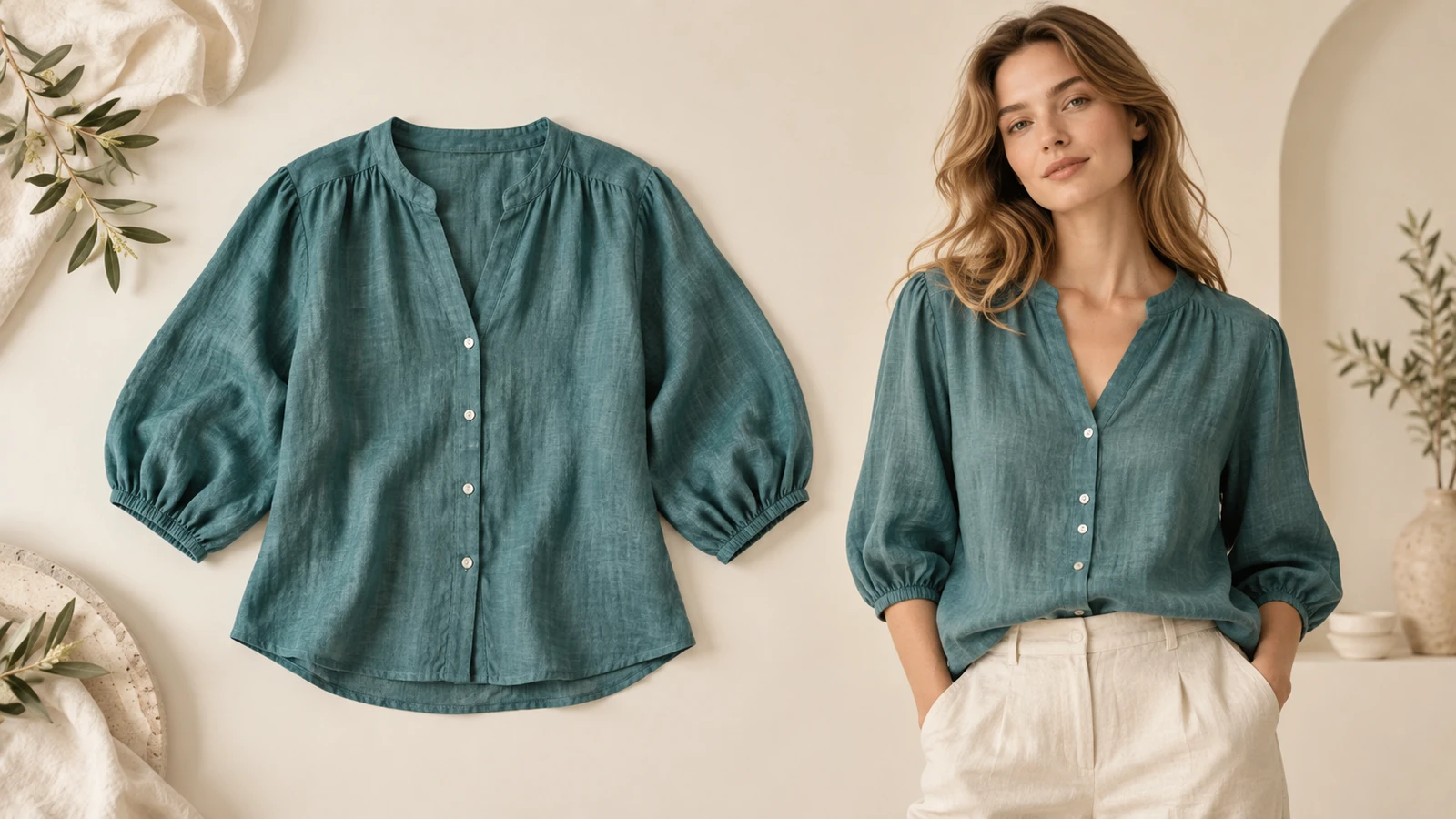
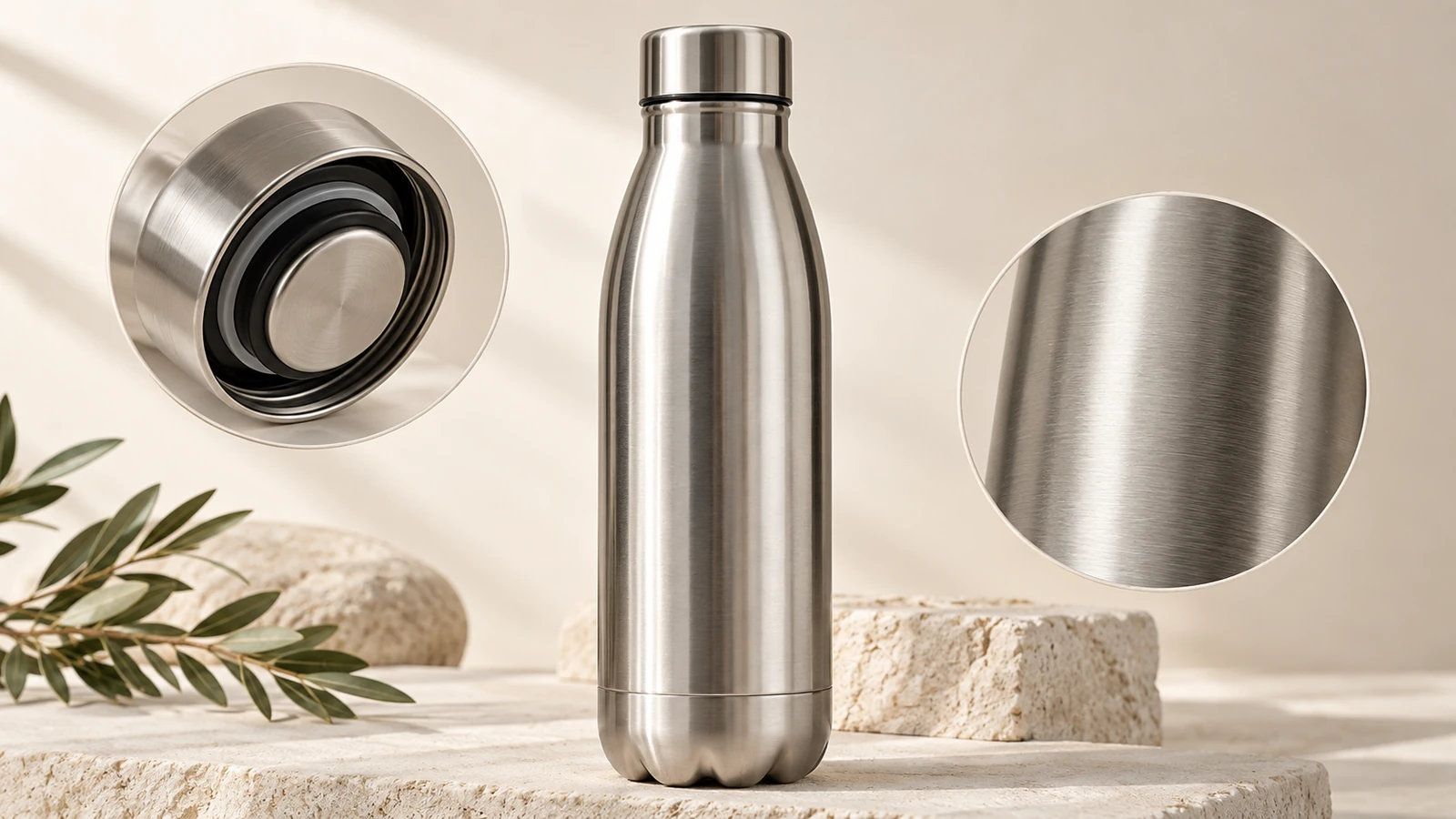
Illustrative concepts show framing and visual treatment. Use your own brief and references to create a version for your project.
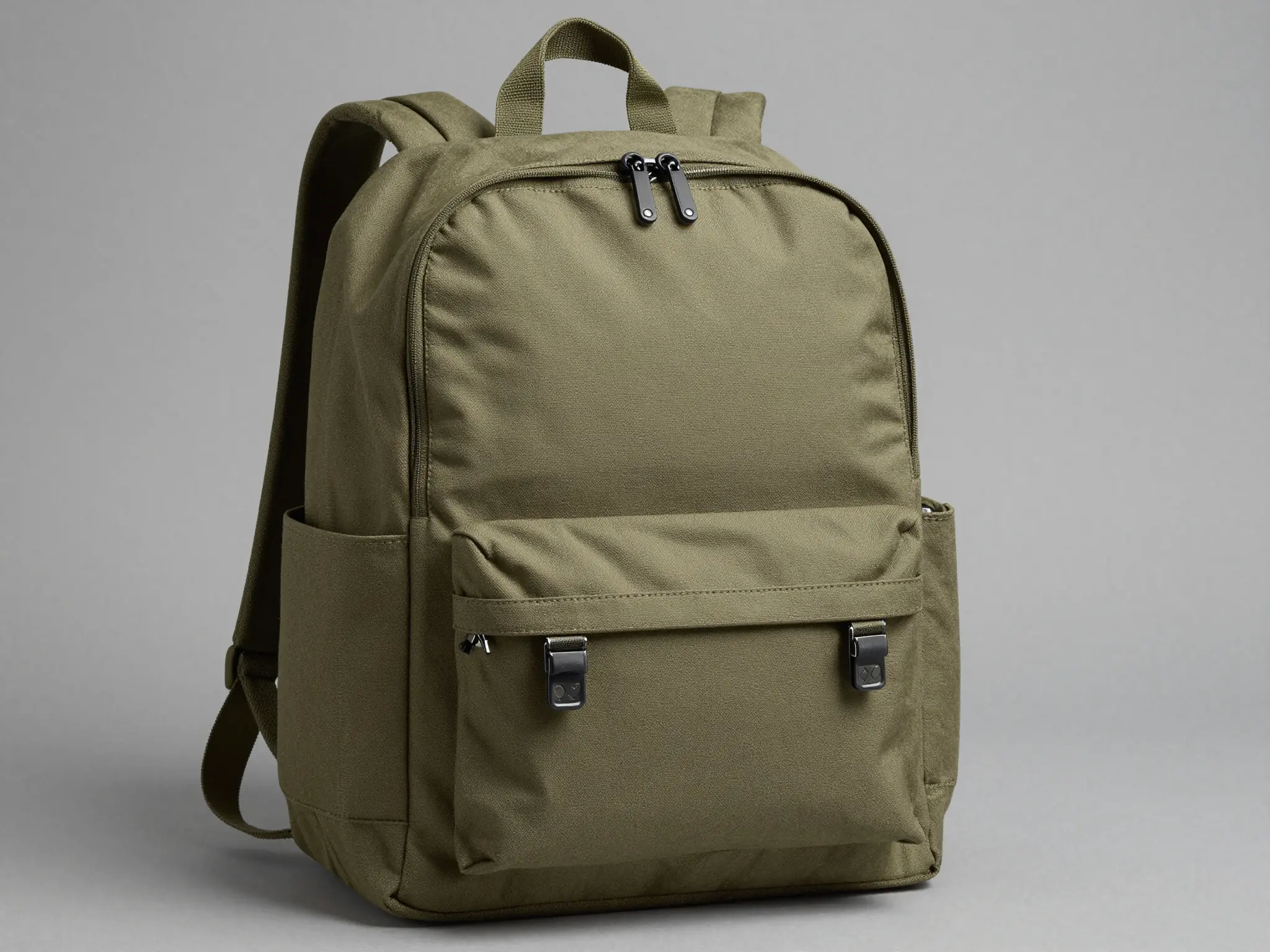
A simple studio setting keeps attention on the product.
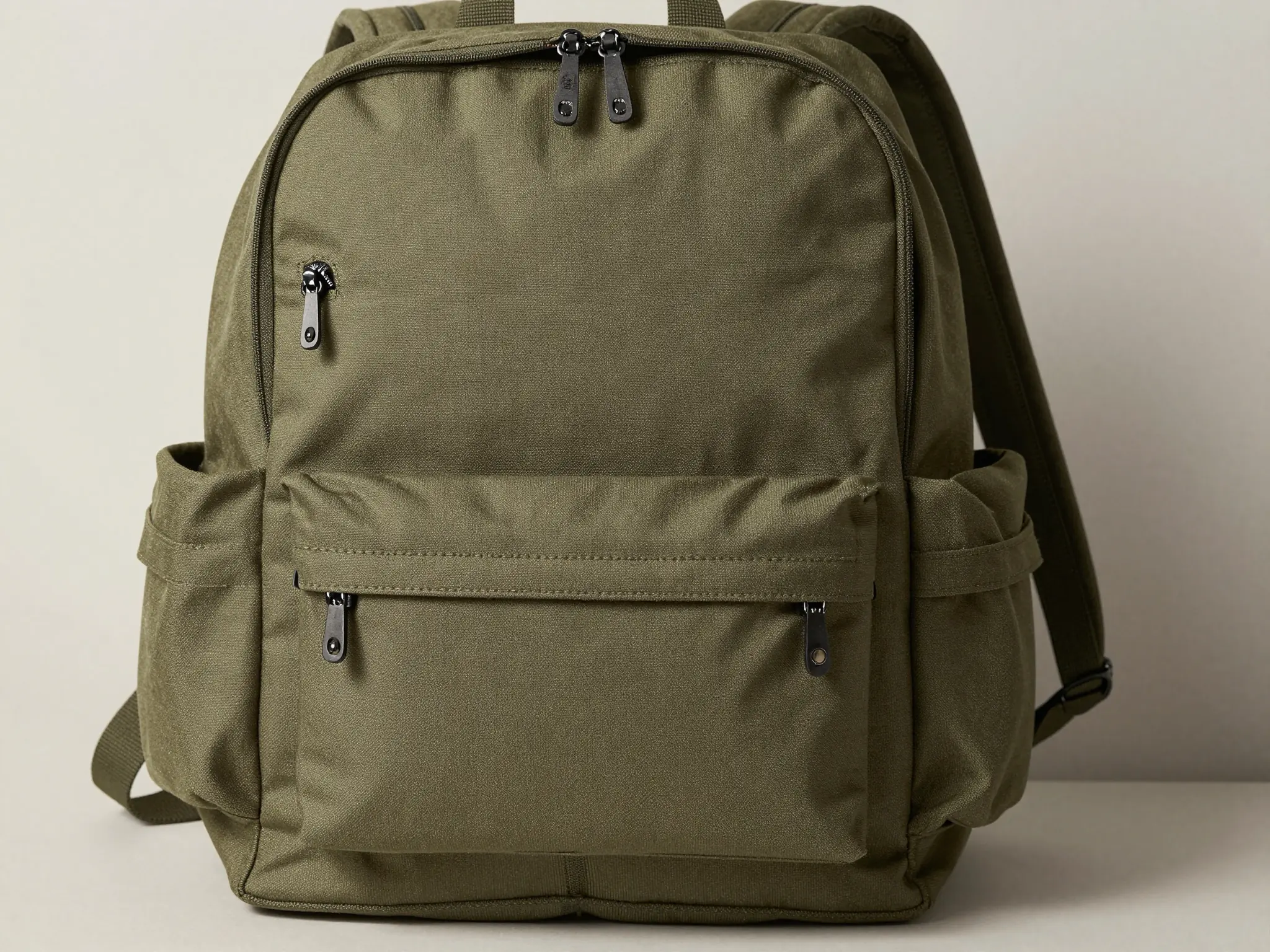
A lived-in setting shows how the product fits its surroundings.
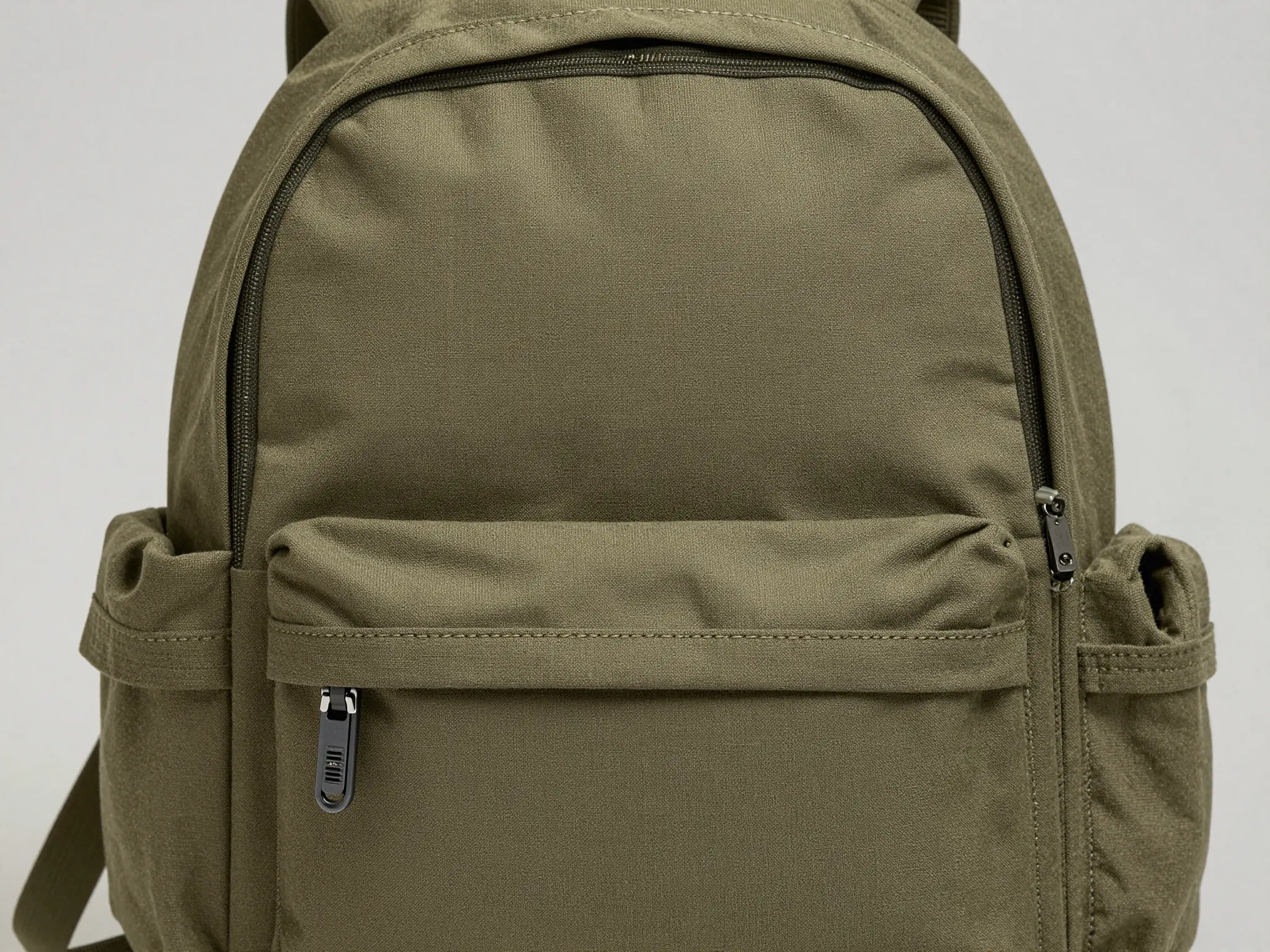
A closer view highlights surface, shape, and material.
The tool creates a graphic; it does not publish listings or verify product claims.
Find your next creative tool
Your next creation starts here
Start with your own content in AI Listing Generator. Review the settings in Studio and create your result.