Cuta
Free AI image extender online

AI Image Extender

Expand photos beyond their original frame, turn tight crops into new aspect ratios, and keep the lighting, texture, perspective, and scene details naturally consistent.

AI image extender workspace expanding a photo into a wider seamless canvas
Outpaint
Expand beyond the crop

Any ratio
Square, portrait, landscape
Seamless
Light and texture matched
Fast export
Ready for posts and ads

Outpainting workflow

More canvas without a visible edit

01

Upload your image

Start with a product shot, portrait, landscape, artwork, or generated image that needs more breathing room around the subject.

02

Choose the new canvas

Extend left, right, top, or bottom, then switch between landscape banners, square posts, vertical stories, or custom crop directions.

03

Generate matching edges

AI fills the new space with matching lighting, textures, perspective, shadows, and background details so the result feels like one original photo.

Use cases

Recompose one image for every surface

Build new layouts from the same source image while preserving the subject, mood, and visual logic of the original frame.

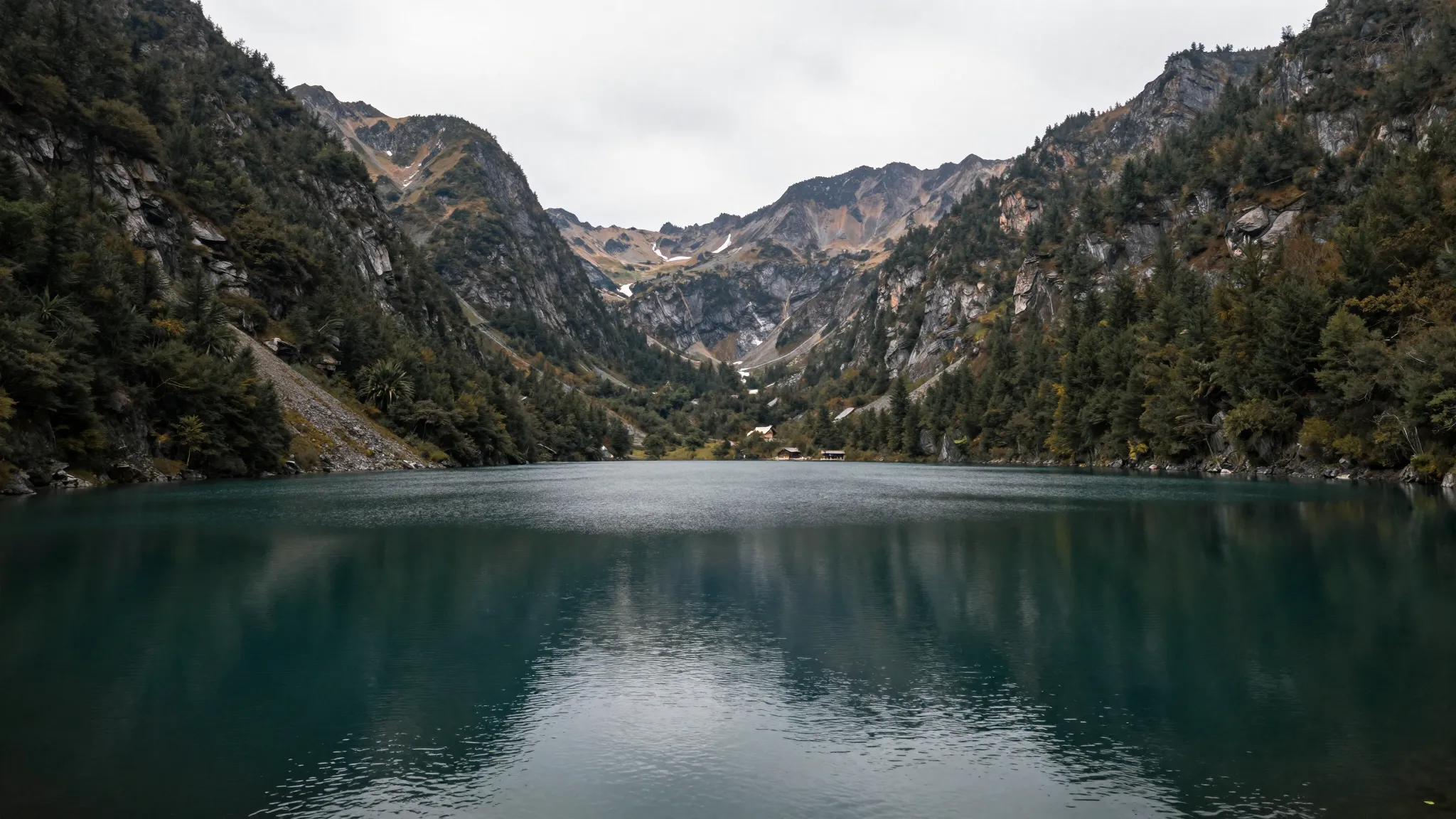
A mountain lake image expanded into a wide panoramic banner with matching sky and reflections

Turn tight shots into wide hero banners

Take a cropped travel, architecture, or campaign image and create a wider panoramic composition for landing pages, YouTube thumbnails, and display ads.

Try this format
A cosmetics product image extended into a wide ecommerce banner with matching surfaces

Create ecommerce space around products

Extend product photography into clean campaign layouts with natural counters, fabric, shadows, and negative space for headlines or marketplace crops.

Try this format
A lifestyle portrait expanded into a wider room scene for social media formats

Reframe portraits for every channel

Give lifestyle images extra room for stories, feeds, profile headers, email graphics, and social posts without stretching the subject or breaking the room.

Try this format

Creative formats

From one crop to many campaign assets

Extend a single approved image into hero banners, social squares, vertical stories, product listings, email headers, and presentation visuals without reshooting.

Frequently asked questions

What is an AI Image Extender?+

An AI Image Extender expands an existing image beyond its original boundaries. It predicts new background, texture, light, and scene details around the uploaded image so you can create a larger canvas or new aspect ratio.

Can I change a square image into a landscape banner?+

Yes. Upload the square image, choose a wider canvas, and generate new edges around the original frame. This is useful for website hero images, ads, thumbnails, and presentation slides.

Does the extender keep the original subject unchanged?+

The workflow is designed to preserve the central image while generating surrounding space. Review the output before publishing, especially when the original contains faces, product details, or branded objects.

What kinds of images work best?+

Photos with clear lighting direction, visible background texture, and some open space around the subject usually extend best. Product photos, landscapes, interiors, portraits, and AI artwork all work well.

Can I use the result for commercial projects?+

You can use extended images for campaigns, stores, social posts, client work, and presentations when your plan and source image rights allow it. Always confirm that the original image is licensed for your use.

Will it remove watermarks or copyrighted elements?+

No. Use the extender to create more canvas and natural background space. Do not use it to bypass rights, remove ownership marks, or misrepresent copyrighted material.

Start extending

Give any image the canvas it should have had

Upload a tight crop, pick the direction or ratio, and generate more scene around the image while keeping the original visual character intact.

Extend an image