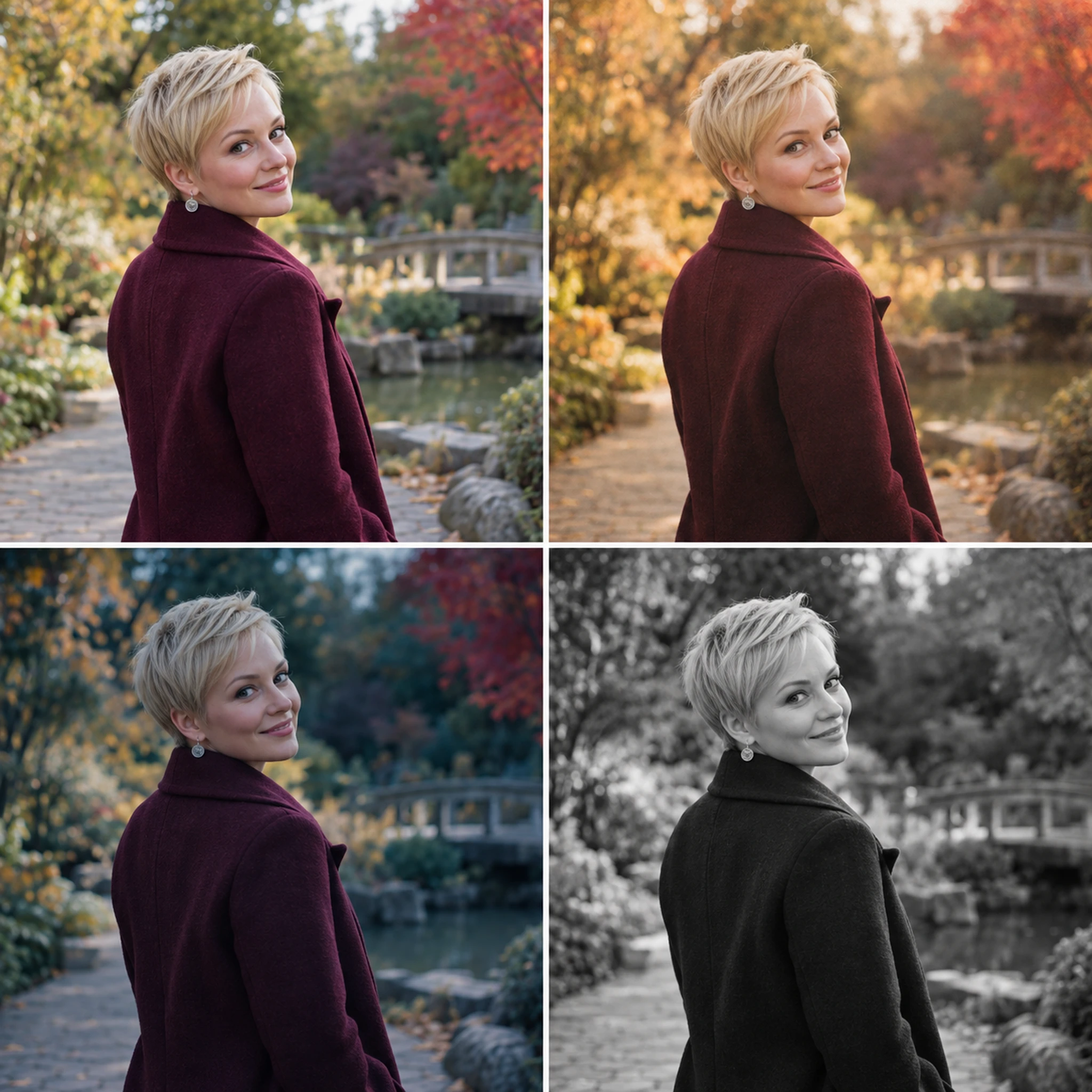
Try a different visual treatment on your photo
Choose a filter direction and keep the subject easy to recognize. Compare color, contrast and small details with the original before saving.
Try it now
Choose a filter direction and keep the subject easy to recognize. Compare color, contrast and small details with the original before saving.
Try it nowA muted film treatment with warm highlights, restrained contrast and natural skin tones.
Try it nowInspect skin tones, lettering and background detail; an AI treatment can reinterpret more than the overall color.
Try it nowFrom idea to creation
Choose a filter direction and keep the subject easy to recognize. Compare color, contrast and small details with the original before saving.
A muted film treatment with warm highlights, restrained contrast and natural skin tones.
Inspect skin tones, lettering and background detail; an AI treatment can reinterpret more than the overall color.
Choose a filter direction and keep the subject easy to recognize. Compare color, contrast and small details with the original before saving.
Find your next creative tool
Your next creation starts here
Start with your own content in AI Filters. Review the settings in Studio and create your result.



