The details to include
Specify the garment type, silhouette, closures, trims, and the view you need.
Try it now
AI image tools
Develop a garment concept through cut, fabric, color, and details.
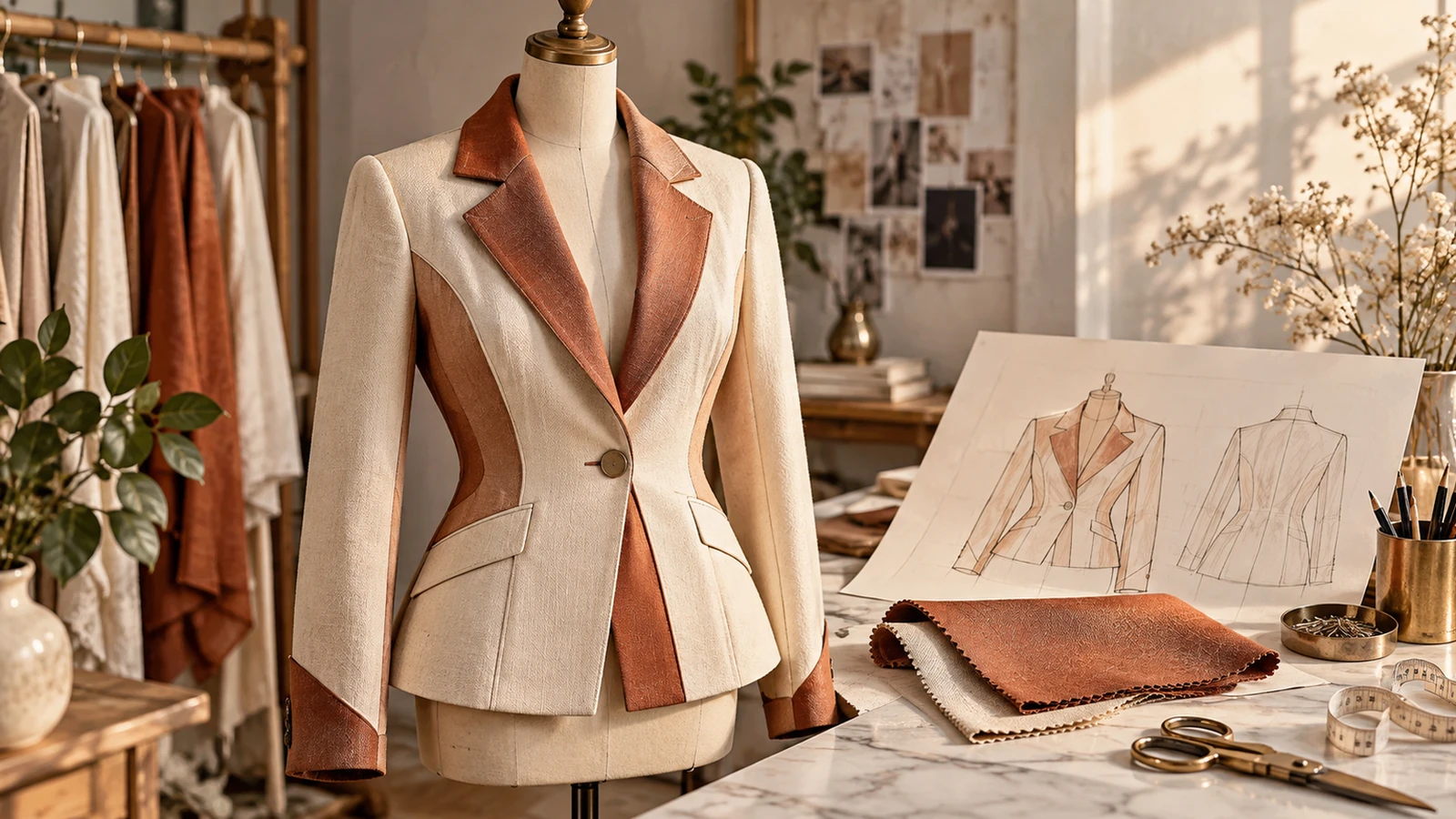
Specify the garment type, silhouette, closures, trims, and the view you need.
Try it nowA cropped utility jacket in sand-colored cotton, oversized patch pockets, simple collar, front concept view.
Try it nowFrom idea to creation
Start with a written brief, a reference image, or both. A reference helps communicate the appearance you want.
Specify the garment type, silhouette, closures, trims, and the view you need.
The image is a design reference. Patterns, grading, fabric quantities, and construction instructions are separate work.
Creative possibilities
Illustrative concepts show framing and visual treatment. Use your own brief and references to create a version for your project.
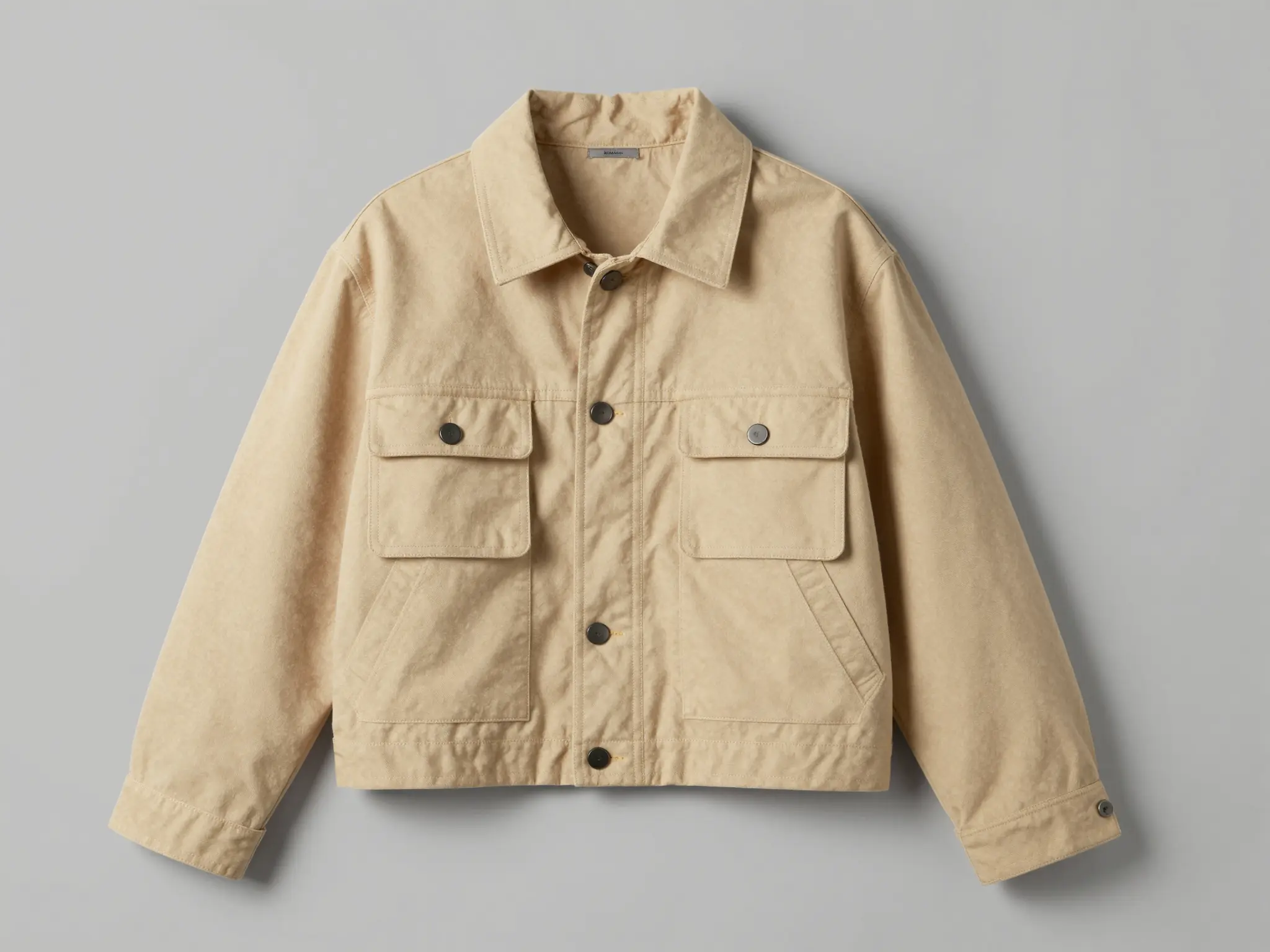
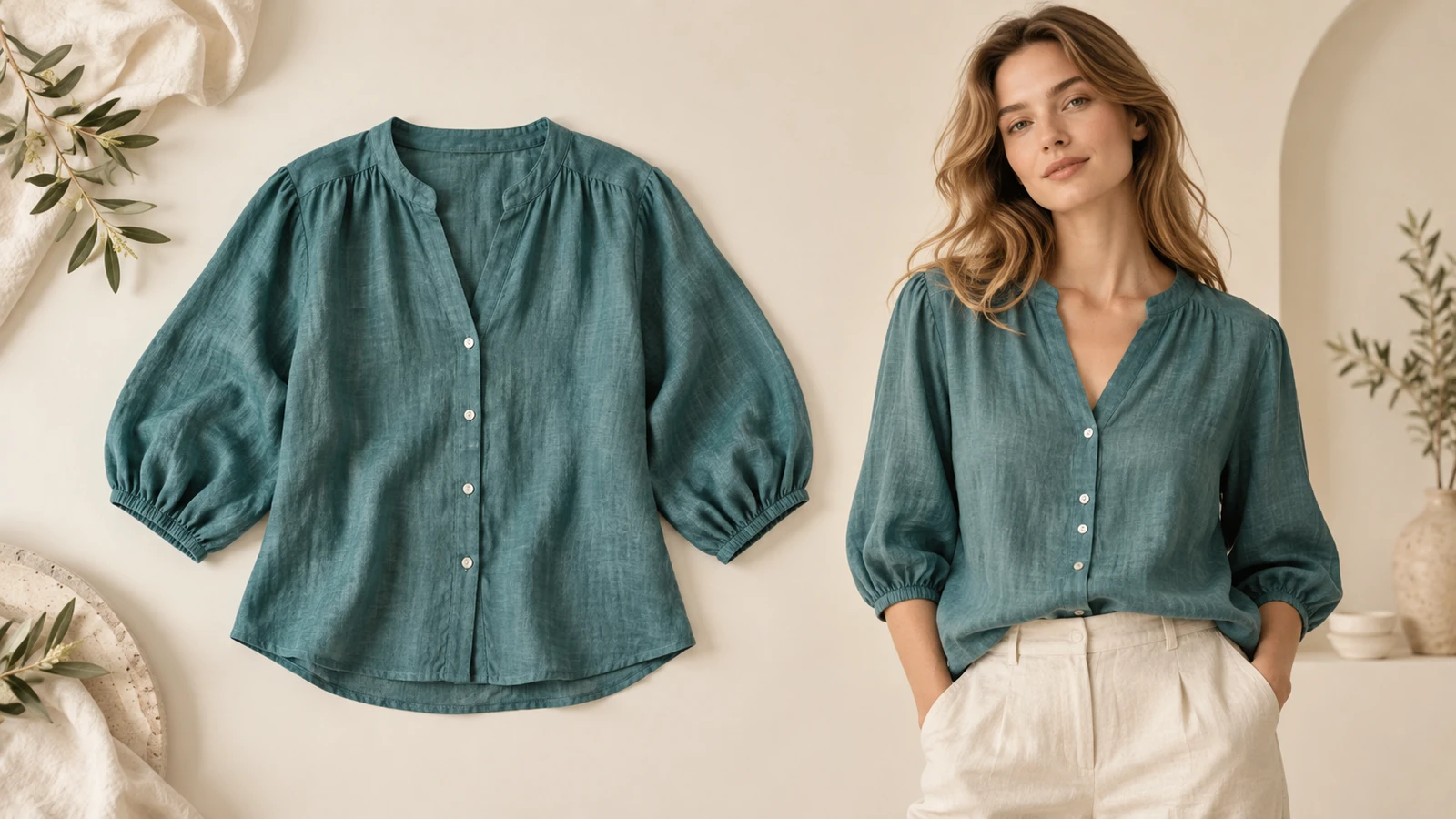
A simple studio setting keeps attention on the product.
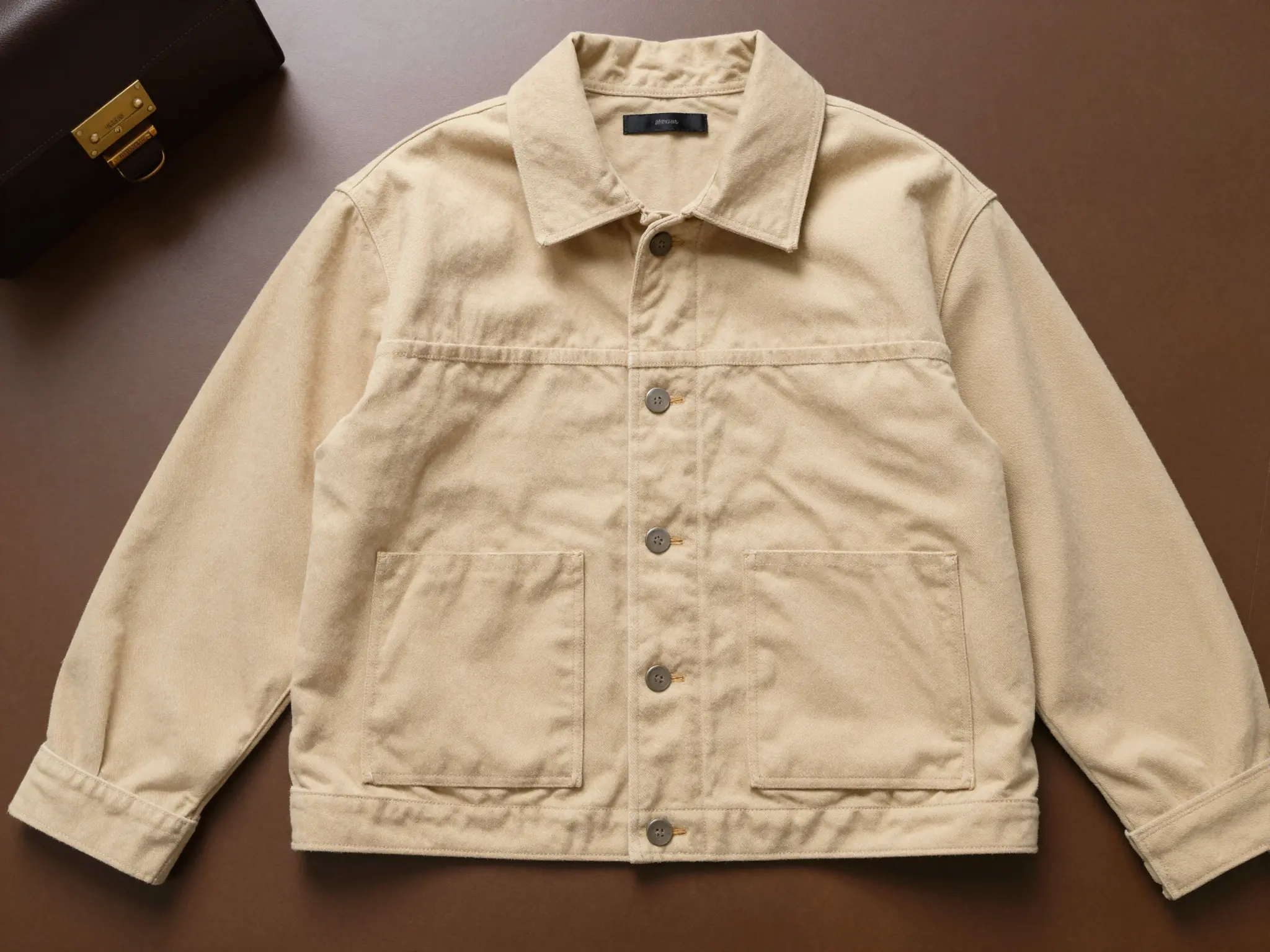
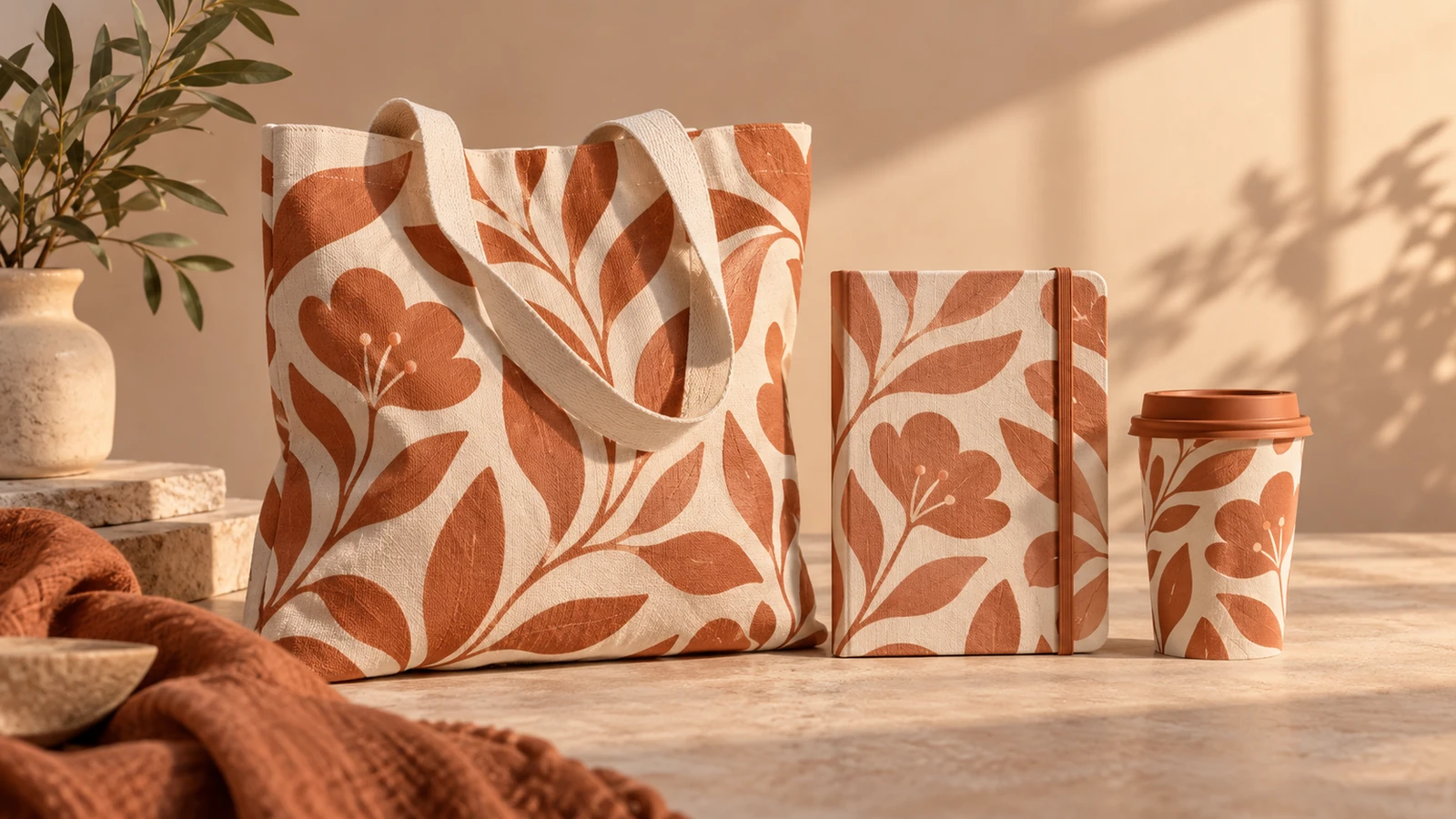
A lived-in setting shows how the product fits its surroundings.
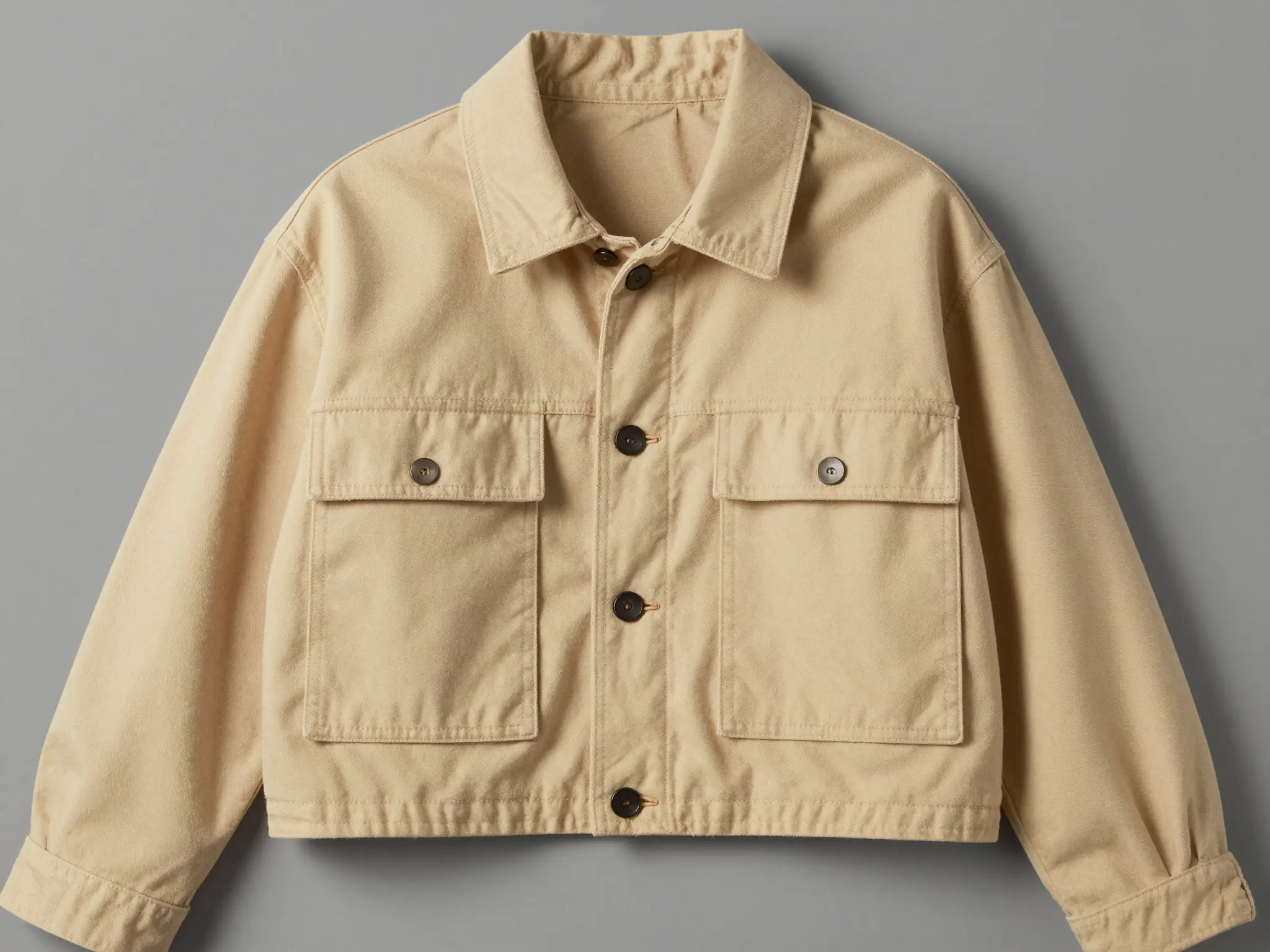
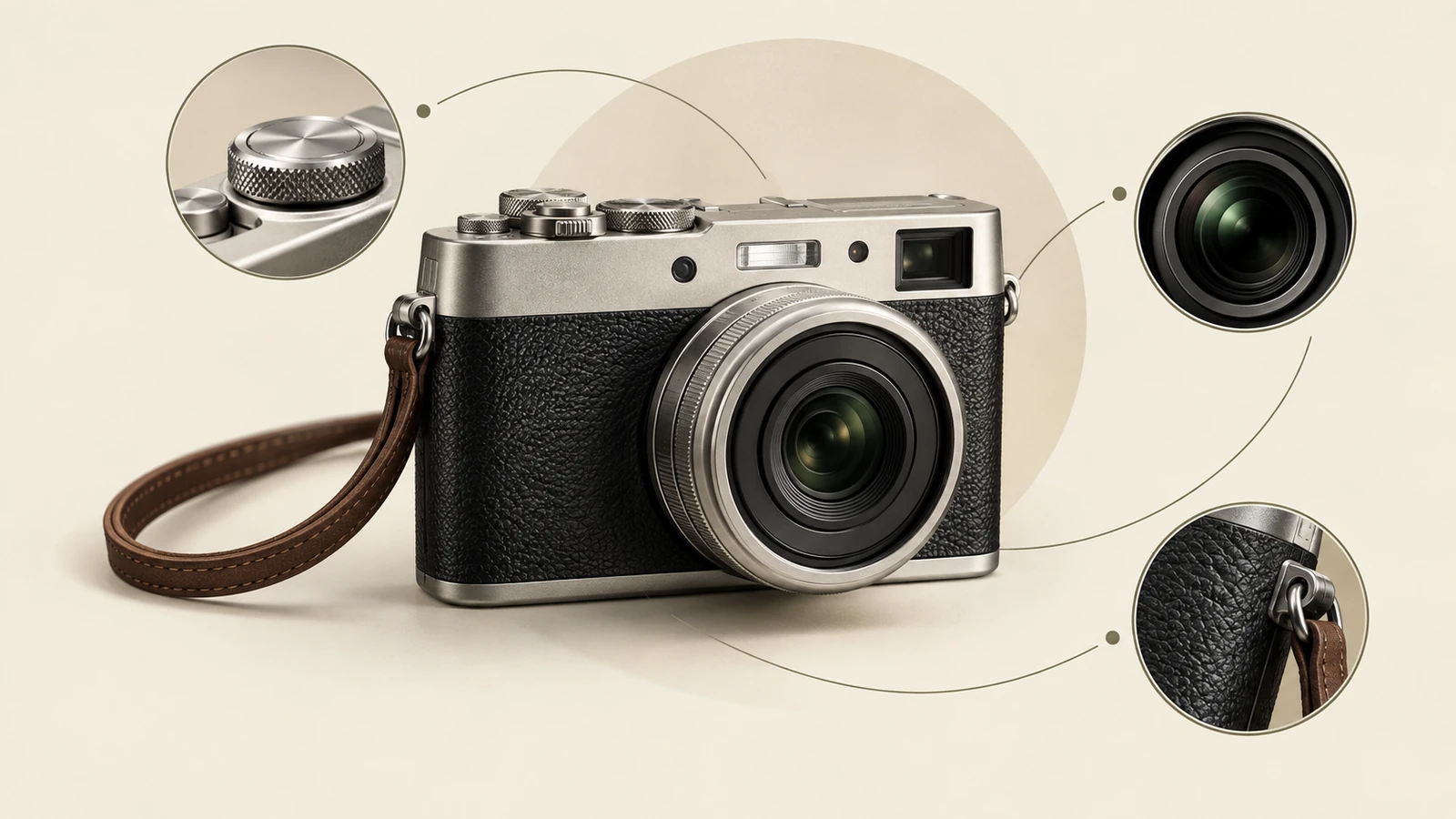
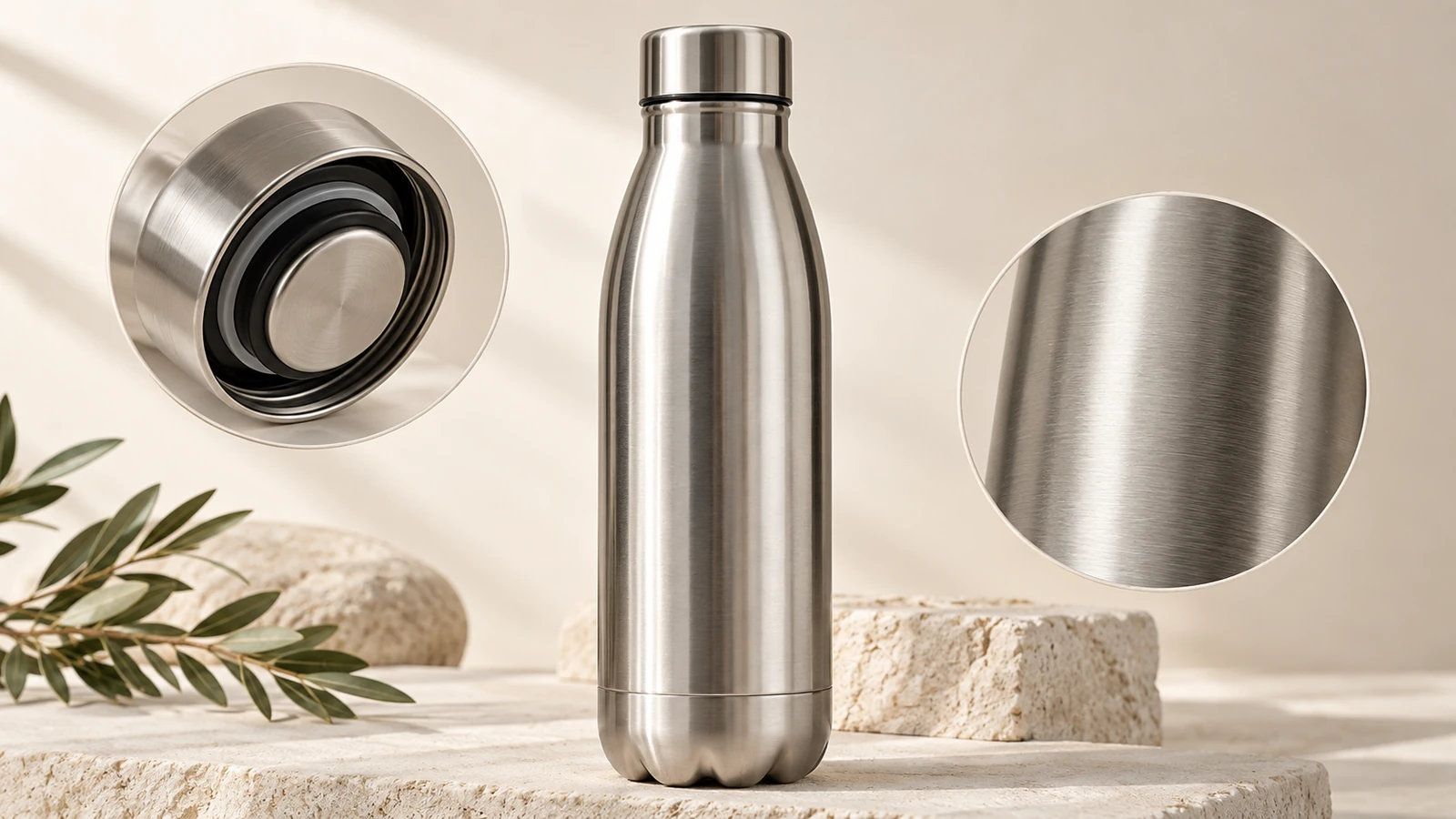
A closer view highlights surface, shape, and material.
The image is a design reference. Patterns, grading, fabric quantities, and construction instructions are separate work.
Find your next creative tool
Your next creation starts here
Start with your own content in AI Clothing Generator. Review the settings in Studio and create your result.