Give the source page a narrative purpose
Enter the source URL and explain what the viewer should learn. Supply any facts or wording that must appear accurately in the resulting sequence.

Amazon Product Video
Create an Amazon product video concept with Cuta. Use your listing and visual references to introduce the product and highlight its appearance and details.
Enter the source URL and explain what the viewer should learn. Supply any facts or wording that must appear accurately in the resulting sequence.
Add the materials to their named inputs. Source image: up to 5 images (optional).
Available settings include Source URL; Language; Product name; Key selling points; Offer or discount; Audience; Call to action. Review the full options in Studio before generation.
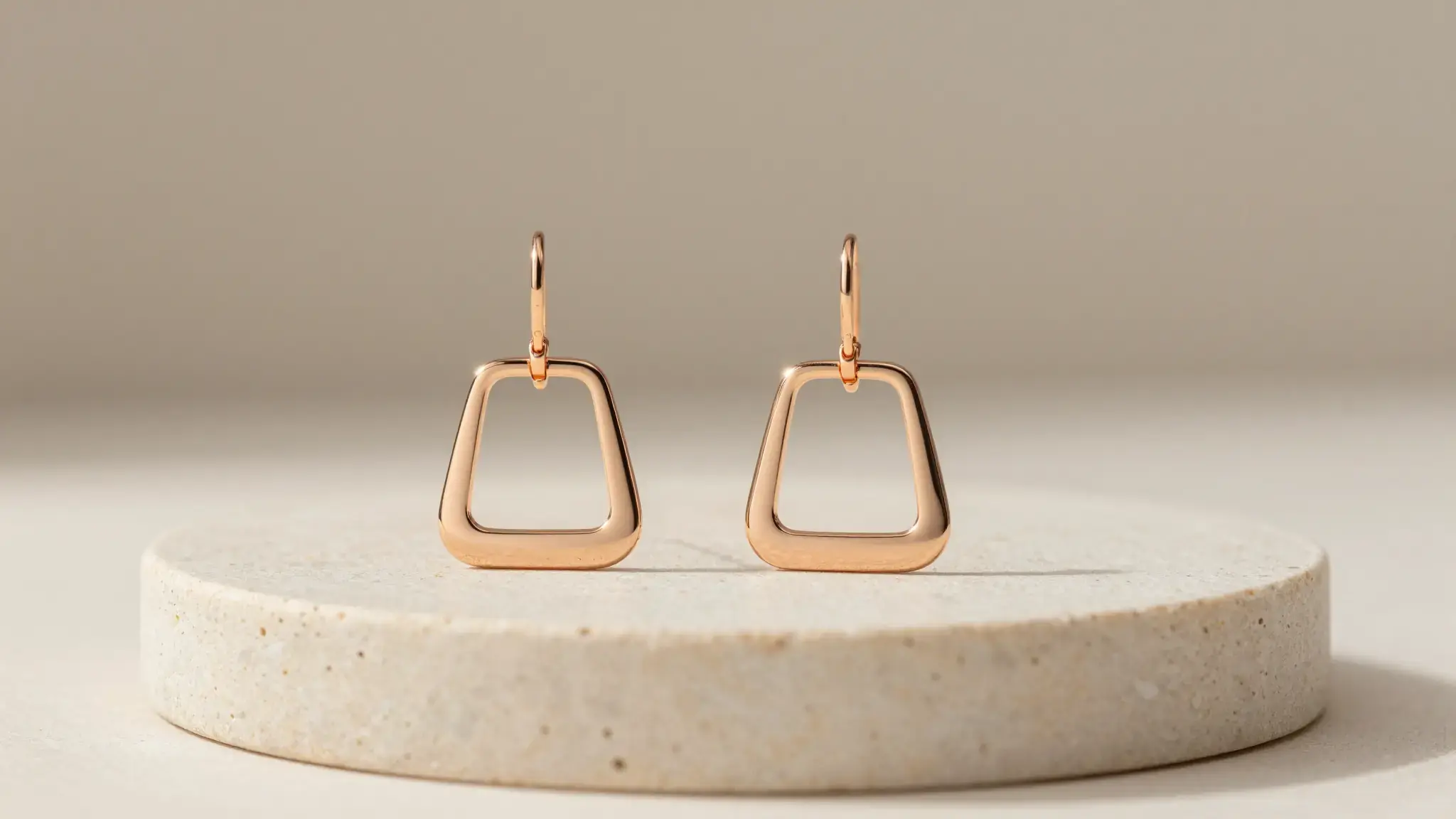
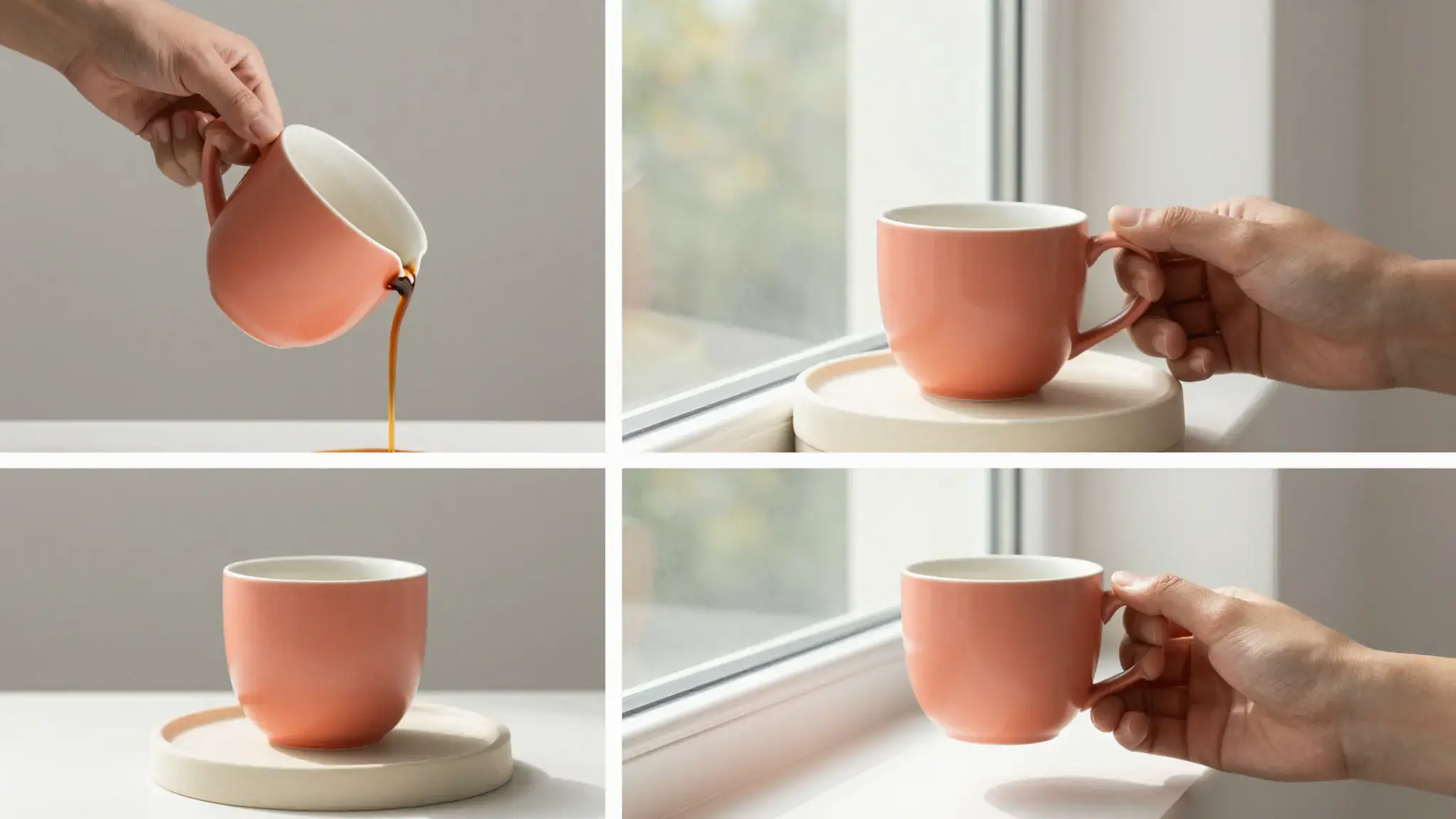
Illustrative artwork shows the intended visual direction. Your result depends on your source materials and settings.
A polished ecommerce product photograph of a folded sage green linen tote bag without patterns or tags, carefully staged on a cream stone pedestal with a matching natural material detail, clear shape and soft commercial light. luminous diffuse lighting, understated background and distinct subject colors
Try it nowPlan a short visual explanation around the main point of a source page.
Introduce a topic or service with a sequence that directs attention to the information that matters.
From idea to creation
Add the materials to their named inputs. Source image: up to 5 images (optional).
Available settings include Source URL; Language; Product name; Key selling points; Offer or discount; Audience; Call to action. Review the full options in Studio before generation.
Check source facts, names and quotations against the original page. Review scene relevance and narration before sharing.
Add the materials to their named inputs. Source image: up to 5 images (optional).
Keep exploring
Your next creation starts here
Start with your own content in Amazon Product Video. Review the settings in Studio and create your result.