Cuta
Add a Ghost to Your Photo online

Add a Ghost to Your Photo

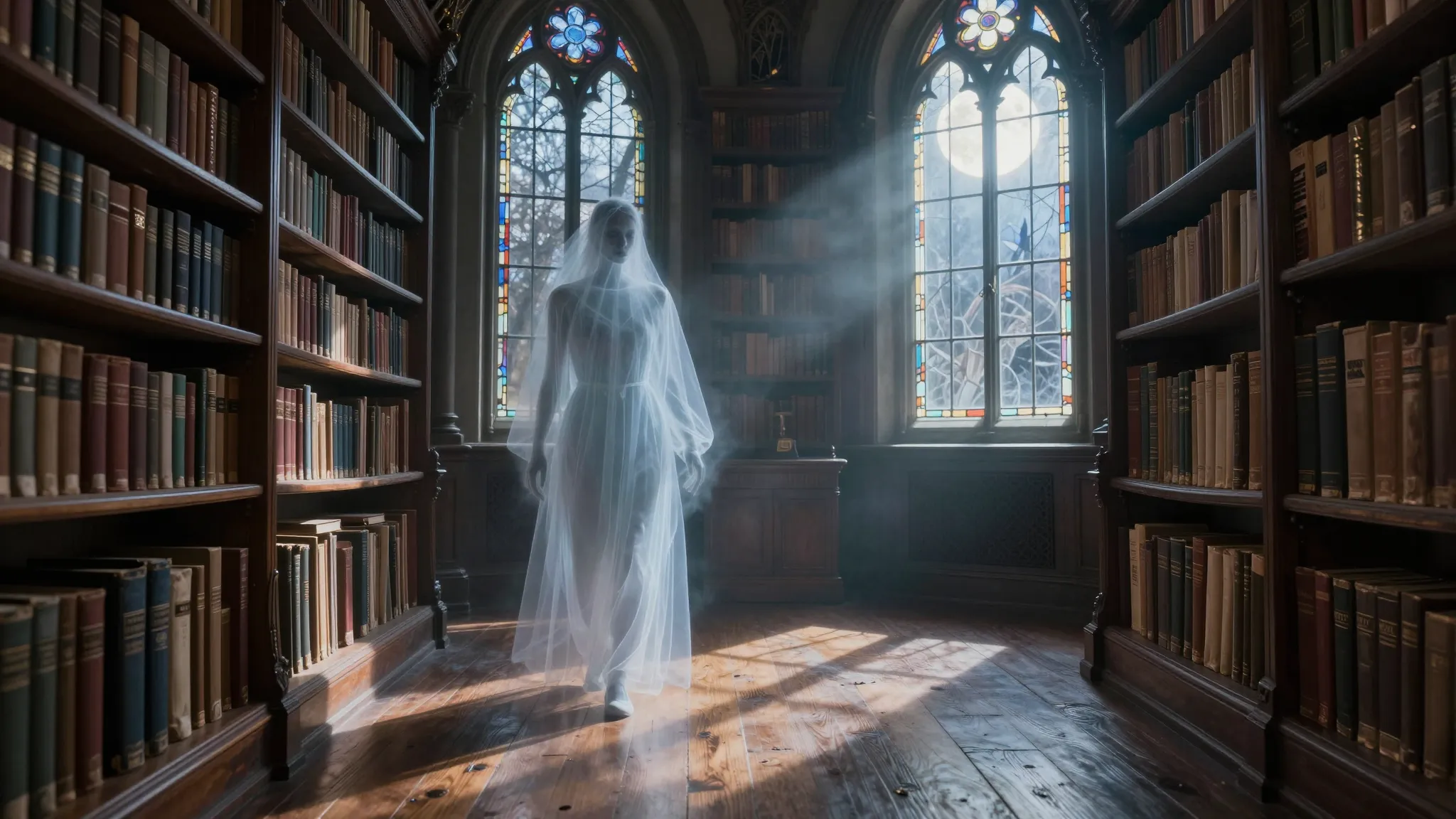
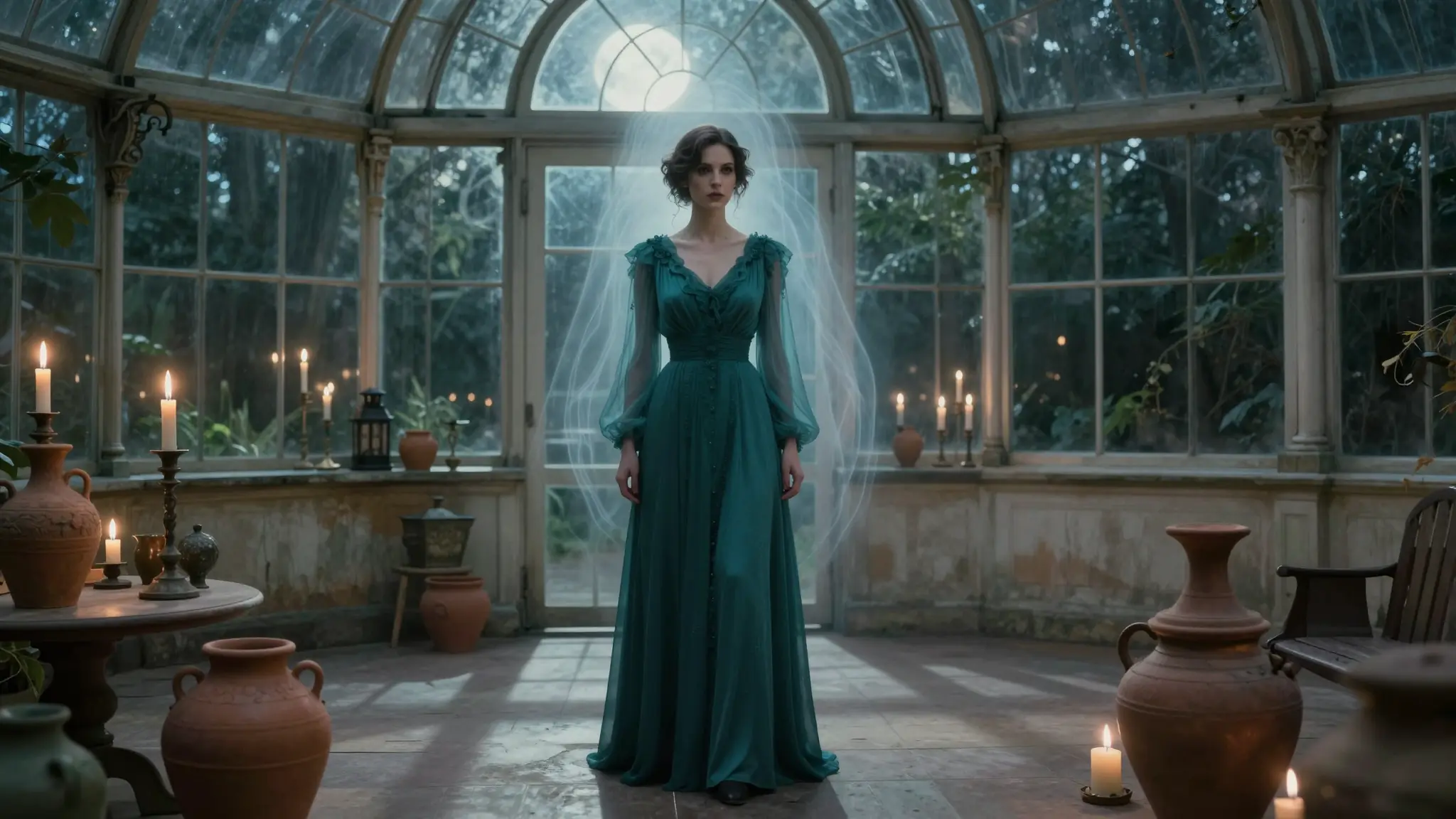
Turn any photo into a haunted masterpiece. Create an AI ghost face picture or full ghostly figure online free.

Where This Ghost Effect Actually Gets Used

Add a Ghost to Your Photo

Add a Ghost to Your Photo

Halloween Cards & Invitations

Add a ghostly figure for a chilling touch that stands out from template designs.

Try it now

Add a Ghost to Your Photo

Add a Ghost to Your Photo

Seasonal Marketing

Use ghostly visuals in October promotions, email campaigns, or social posts without hiring a photo editor.

Try it now

Add a Ghost to Your Photo

Add a Ghost to Your Photo

Spooky Profile Pictures

Turn a portrait into an AI ghost face picture for Halloween-themed avatars or profile photos.

Try it now

How to Get Ghost Face AI Picture

Add a Ghost to Your Photo

Add a Ghost to Your Photo
Step 1

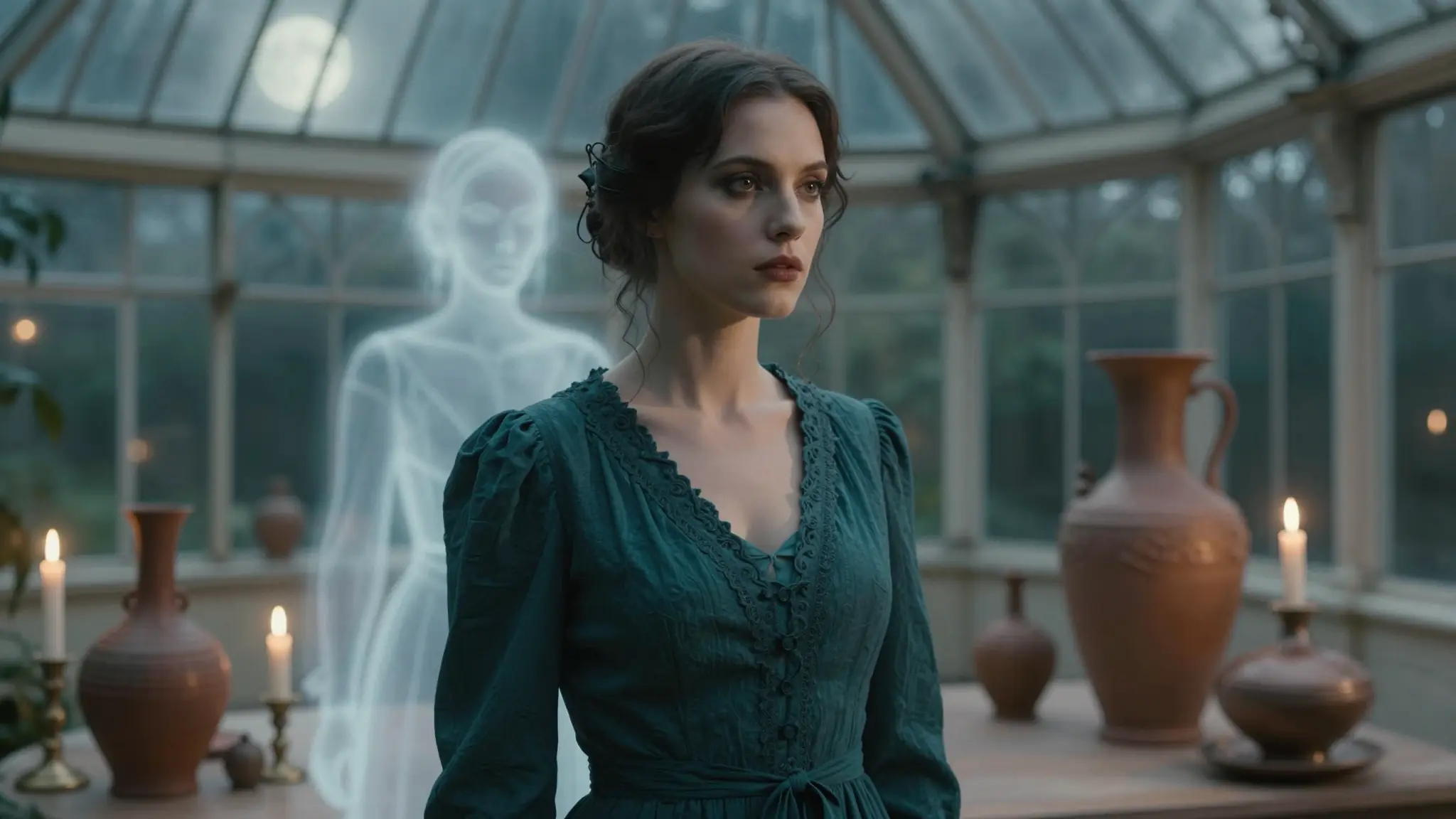
Upload your photo

Drag and drop any image. Works with portraits, landscapes, indoor and outdoor scenes.
Add a Ghost to Your Photo

Add a Ghost to Your Photo
Step 2

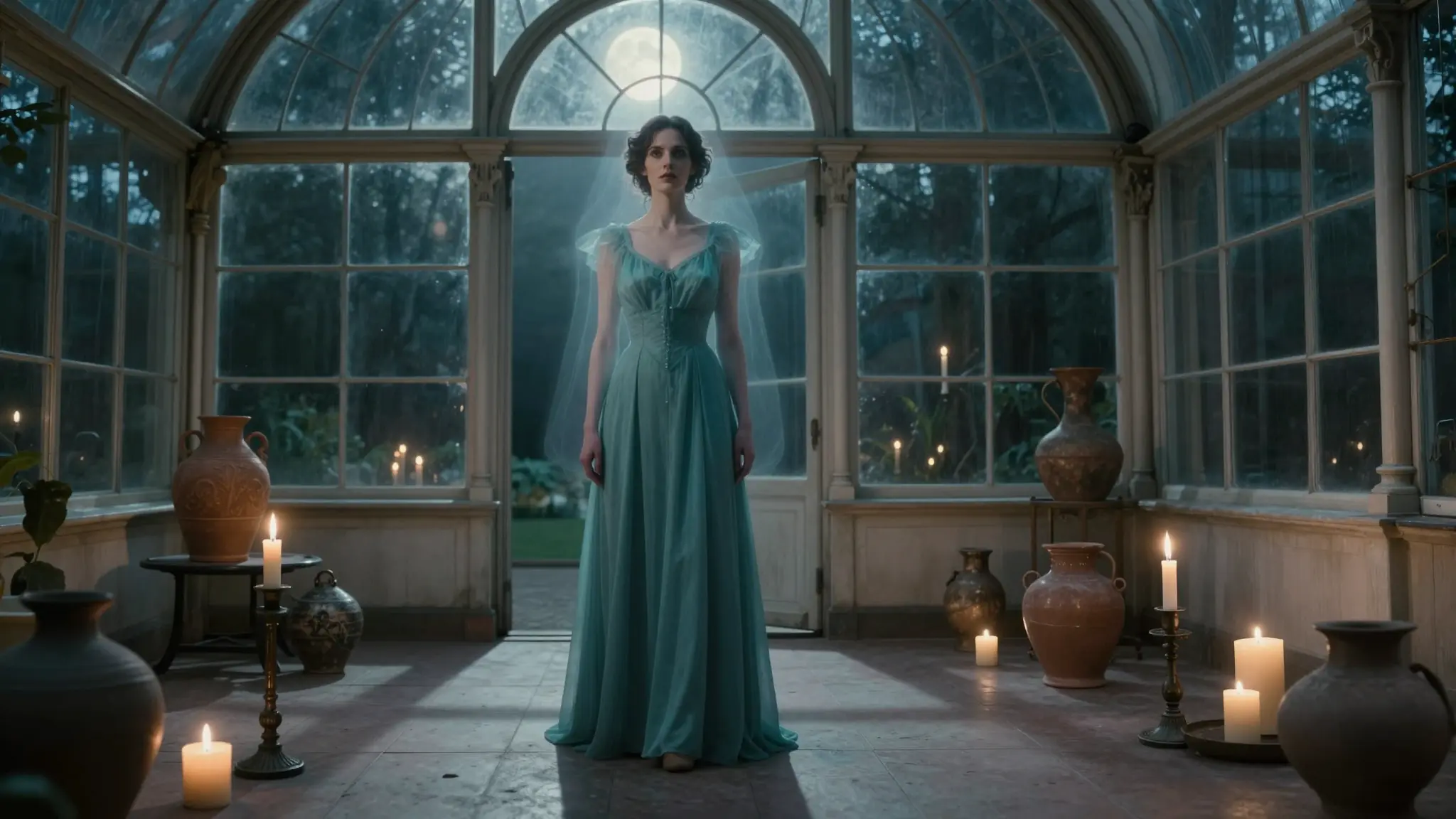
select the area and describe the ghost

Use the brush to mark where the ghost should appear, then type what you want: "translucent ghost woman in white dress," "shadowy figure in the corner."
Add a Ghost to Your Photo

Add a Ghost to Your Photo
Step 3

Generate and download

Get your result in seconds. Regenerate for variations, then download in full resolution.

Add a Ghost to Your Photo

Add a Ghost to Your Photo

Portrait-ready preview for Add a Ghost to Your Photo

Try it

Frequently asked questions

How does the AI ghost effect work?+

The AI analyzes the area you select and generates a ghost figure that matches the photo's lighting, perspective, and shadows, so it blends in rather than looking pasted on.

Can I use old or low-quality photos?+

You can, but results are best with clear, well-lit source images. Very blurry or heavily compressed photos may produce a less convincing ghost.

What ghost styles can I create?+

Anything you can describe: classic translucent apparitions, misty figures, shadow people, vintage-style spirits, stylized cartoon ghosts, or a close-up ghostly face effect.

Can I make an AI ghost face picture instead of a full-body ghost?+

Yes. Just describe a face instead of a figure, for example "pale ghostly face with glowing eyes" , the AI will focus the effect on the face area you select.

Do I need to download any software?+

No. It's fully web-based and works on desktop or mobile.

Can I use this for commercial projects?+

Yes, images you generate can be used commercially under Cuta's terms, check your plan's license details for specifics.

Start creating

Create without limits

Join creators using Cuta to generate stunning images, videos, and more — all in one platform.

Get started for free