3D Cartoon Art From a Prompt
Describe a character, a scene, a prop, or a whole story moment and the AI generates it in a polished 3D cartoon style. Soft lighting, cinematic shading, that "image from an animated film" feel.

3D Cartoon Generator online
Generate 3D cartoon images, characters, and scenes with Cuta's AI 3D cartoon generator. Pixar-style, Disney 3D, claymation, animation 3D and more.
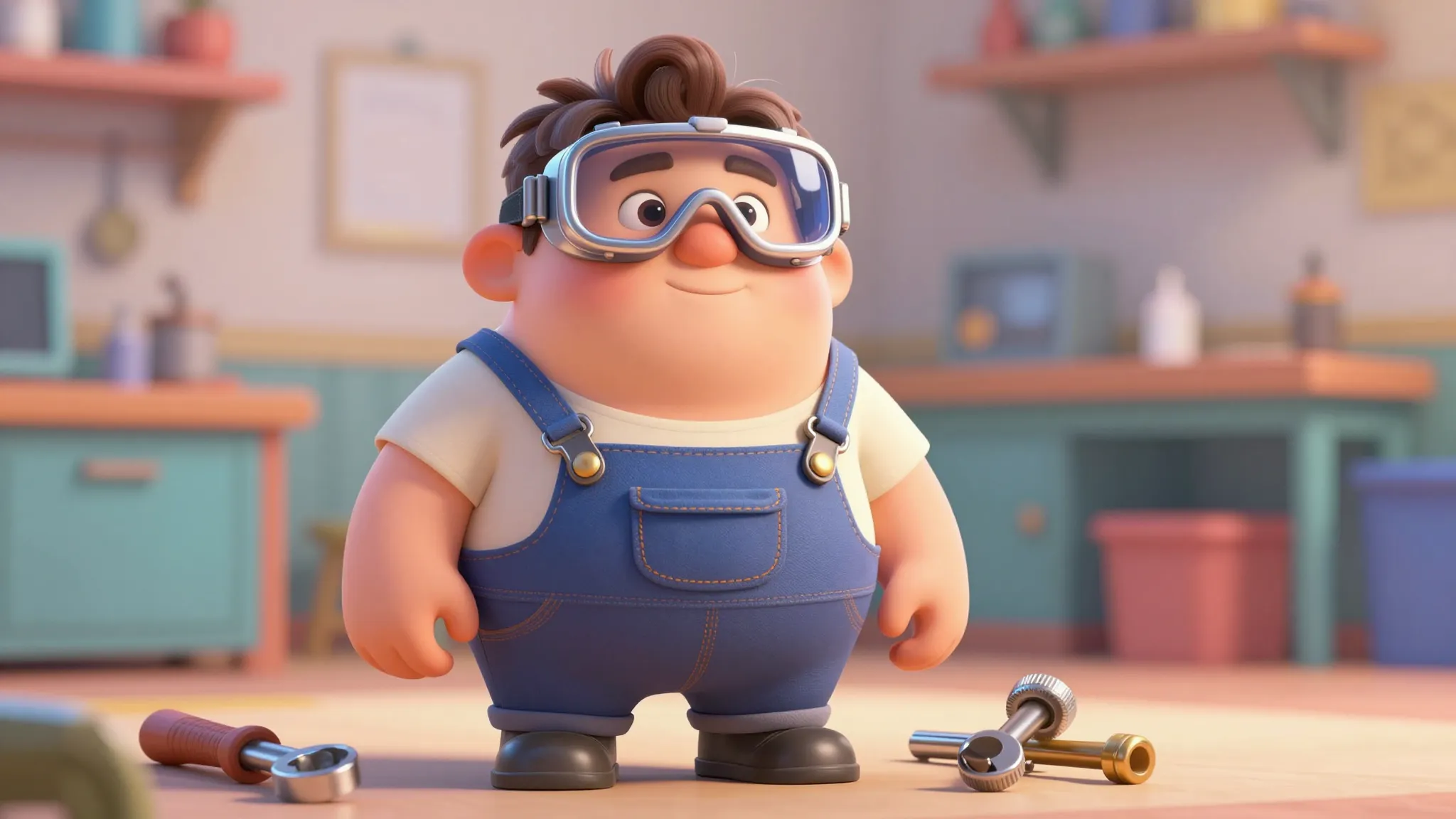
Describe a character, a scene, a prop, or a whole story moment and the AI generates it in a polished 3D cartoon style. Soft lighting, cinematic shading, that "image from an animated film" feel.
Pixar-style, Disney 3D, claymation, anime 3D, vinyl toy, low-poly cartoon, hyperreal CGI, miniature diorama. Describe the style and the AI matches the prompt to it.
Save your generated 3D cartoon character to your library and drop them into new scenes, poses, and videos with simple @ tags. The look stays consistent across every render.
Describe the character, their look, outfit, vibe, expression, and the AI generates a polished 3D cartoon version. Pixar-style hero, Disney 3D princess, claymation kid, vinyl toy collectible, anime 3D warrior. Get a full character render that's ready to use as a profile, an illustration, or the starting point for a whole story.
Try it nowPick the 3D cartoon style that fits the project: Pixar/Disney 3D, claymation, anime 3D, vinyl toy, low-poly game character, hyperreal CGI, sculpted statue, miniature diorama. The AI adapts to the style you describe, so the render lands in the world you're aiming for. Try a few looks on the same prompt and see which one clicks.
Try it nowSave any generated character to your Cuta character library and reference them with @Character in any new prompt. Your 3D cartoon hero shows up on the next scene, in a new outfit, in a different camera angle, and still looks like the same character every time. This is what makes the generator usable for series, stories, and content franchises rather than one-off images.
Try it nowOnce you've generated a character or scene, animate it. Run it through Frame-to-Video, Smart Shot, or One-Click Story to turn a 3D cartoon character into a finished short: character vlog, music video, animated explainer, or a full mini-episode. Lip-sync, motion sync, and camera angle controls are all in the same platform.
Try it nowFrom idea to creation
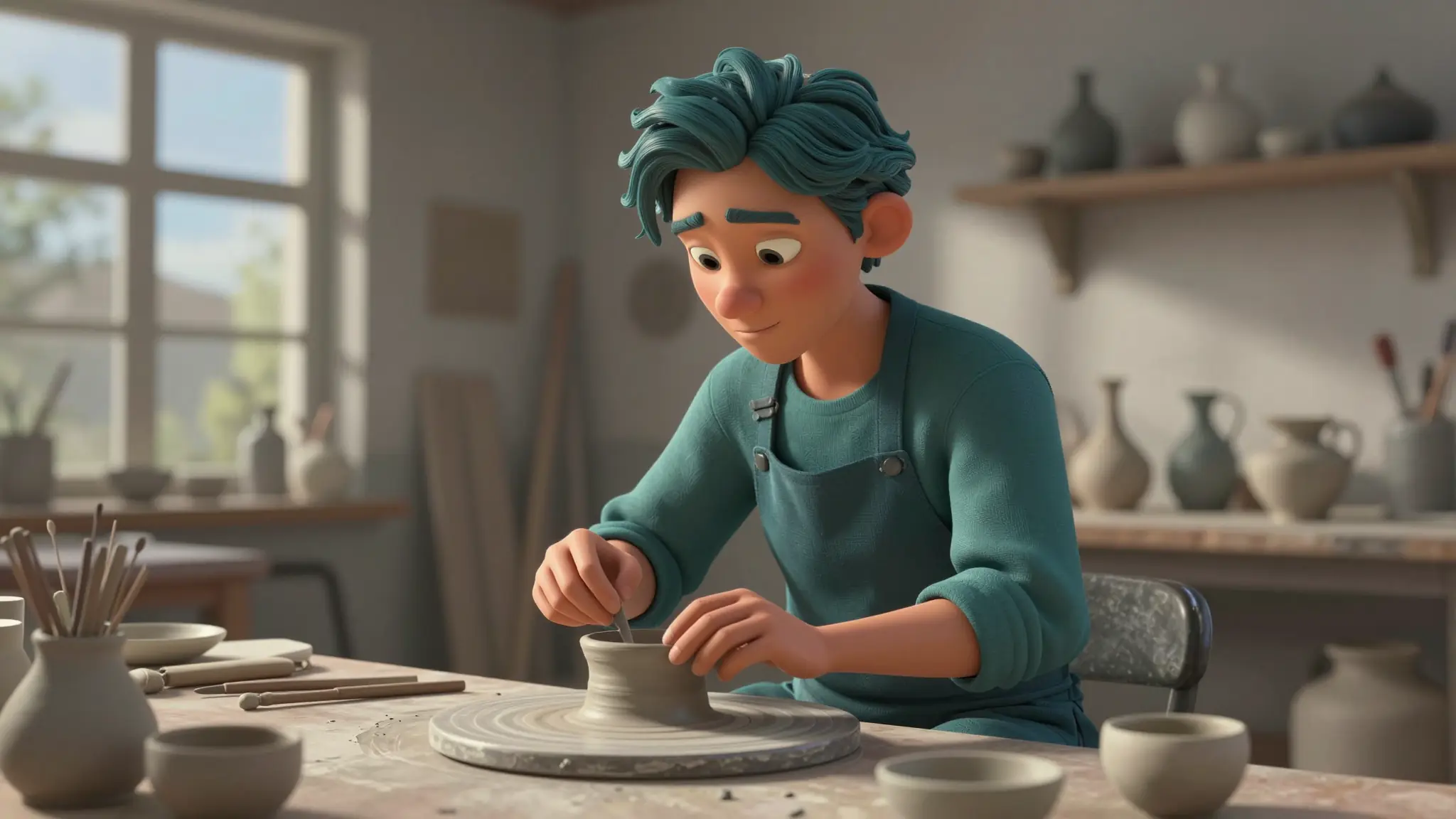
Open the Cuta image generator and type a prompt. "Pixar-style 3D portrait of a young inventor with messy hair," "claymation village scene at sunset," "vinyl toy figure of a samurai cat," "Disney 3D princess in a snowy forest." Be as specific or loose as you want.
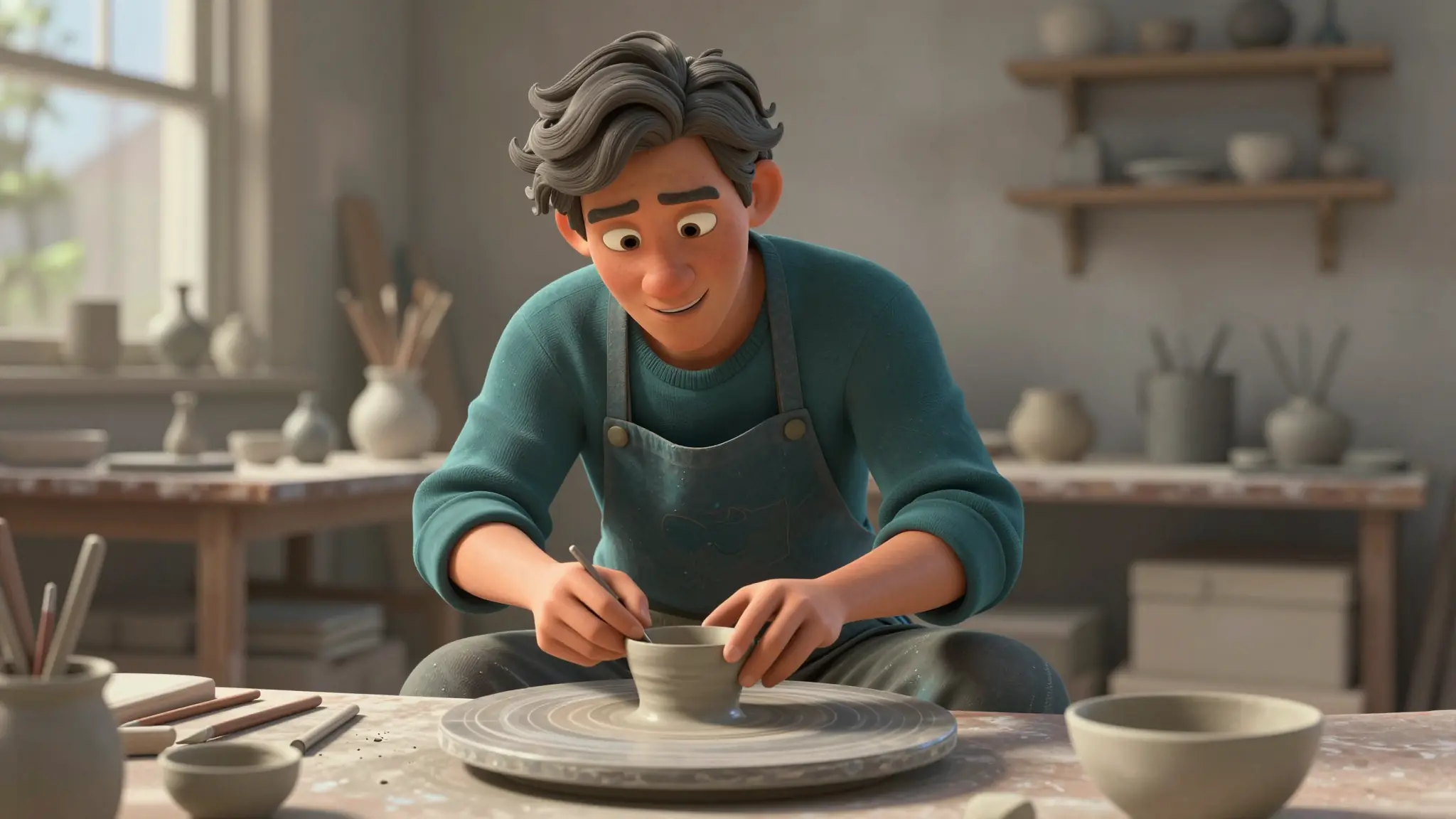
Choose a 3D cartoon style preset or describe it inline. Pick a model if you have a preference: GPT Image 2.0 and Nano Banana Pro are great for crisp character renders, Seedream 4.5 for cinematic shots.
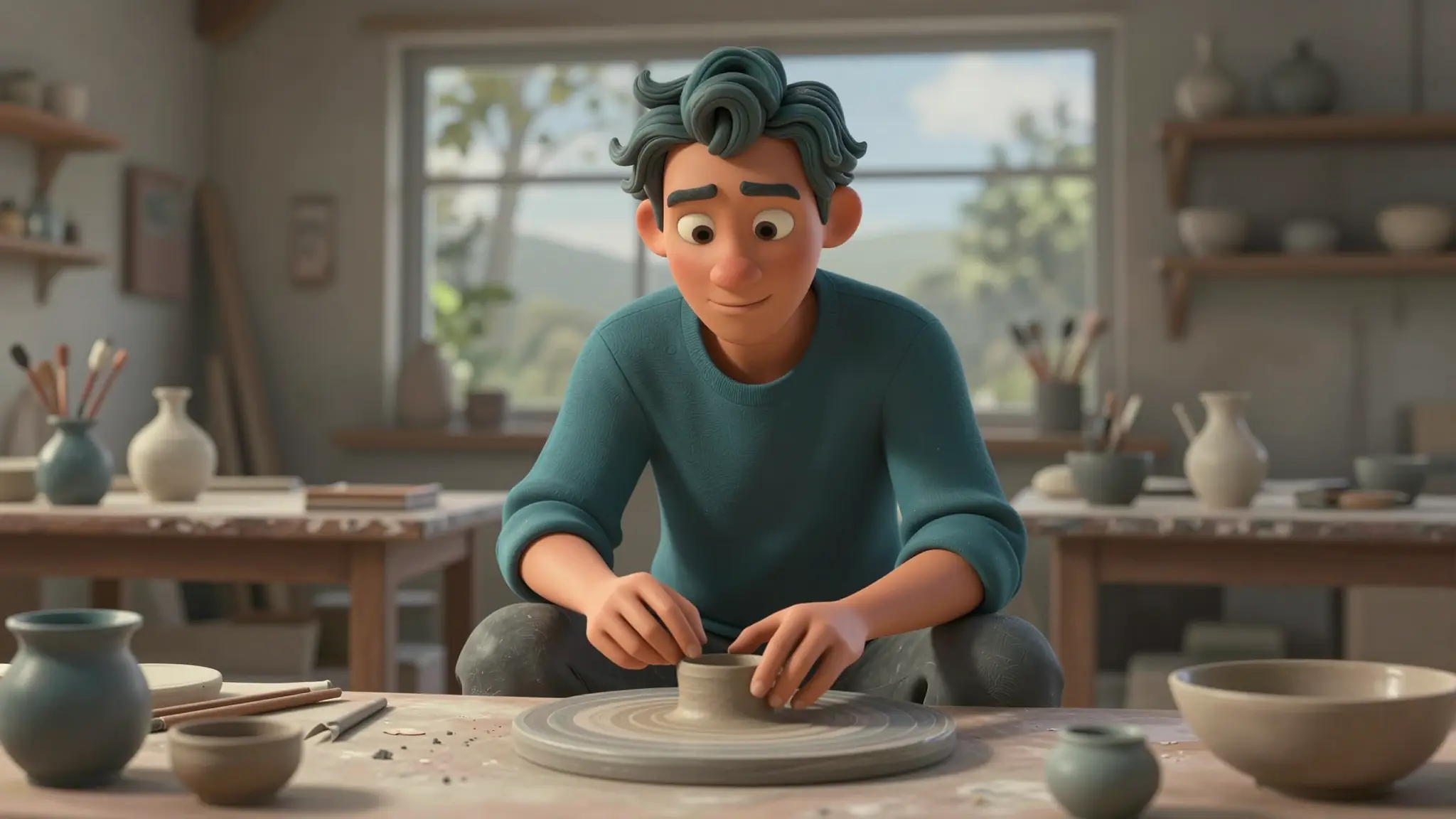
Run it, preview the result, and refine the prompt or swap models if needed. Save the character to your library so you can pull them back into new scenes, or animate them directly into a video clip.
Generate a full cast of 3D cartoon characters, build out scenes and worlds, then animate them into shorts using Veo 3.1, Seedance 2.0, Kling Omni, or Wan. The generator + character library + video tools let one person run a whole animated production without ever opening a 3D app.
Try it nowBuild a recurring 3D cartoon version of yourself or your characters and use them across YouTube thumbnails, TikTok content, podcast covers, and stream overlays. The polished animated look pops in a feed, and reusable characters give your channel a recognizable visual identity.
Try it nowGenerate 3D cartoon characters, props, and scenes for picture books, learning apps, and educational shorts. Keep characters consistent across pages, illustrate full stories without commissioning a 3D artist, and turn finished scenes into animated reads.
Try it nowDesign a 3D cartoon mascot for a product, app, or campaign and generate it in any pose, scene, or expression you need. Use the renders in social ads, app store screenshots, packaging concepts, or branded shorts, and animate the mascot into a hero ad in the same workspace.
Try it nowIt's an AI tool that turns text prompts into 3D cartoon-style images — Pixar-style, Disney 3D, claymation, anime 3D, vinyl toy, and so on. You describe what you want, pick a style, and the AI generates a polished 3D cartoon image. The output is a finished image, not a 3D model file.
Find your next creative tool
Your next creation starts here
Start with your own content in 3D Cartoon Generator. Review the settings in Studio and create your result.



