The details to include
Choose the contrast and level of detail. Ask for connected shapes where a physical stencil needs support.
Try it now
AI image tools
Reduce a photo to bold shapes that can guide a stencil project.
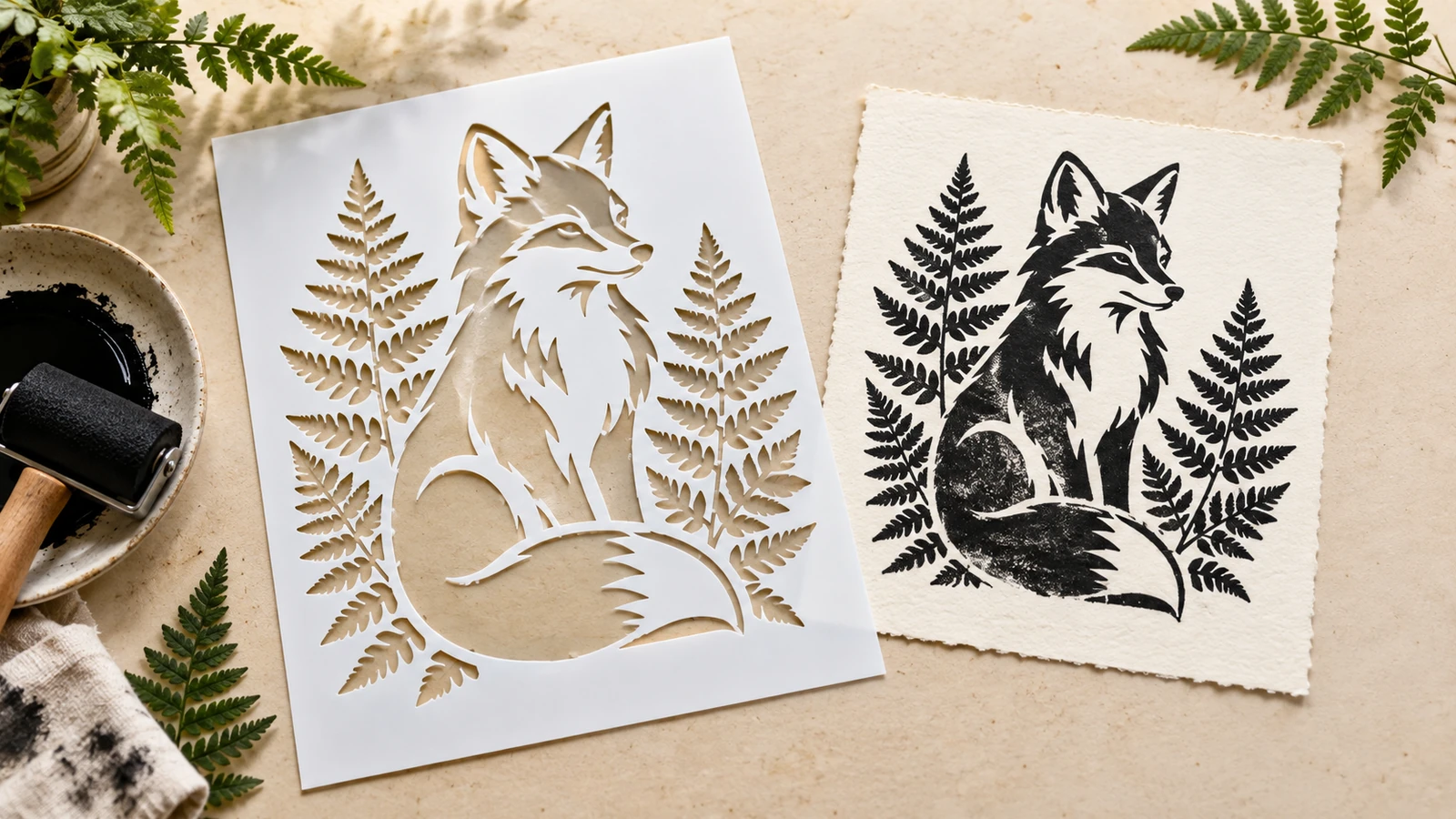
Choose the contrast and level of detail. Ask for connected shapes where a physical stencil needs support.
Try it nowTurn this flower into a black-and-white stencil concept, thick connected shapes, no isolated tiny details.
Try it nowFrom idea to creation
Upload one clear reference image, then add instructions for the result you want.
Choose the contrast and level of detail. Ask for connected shapes where a physical stencil needs support.
Inspect bridges and small islands before cutting. The output is a raster concept, not a ready-to-cut vector file.
Creative possibilities
Illustrative concepts show framing and visual treatment. Use your own brief and references to create a version for your project.
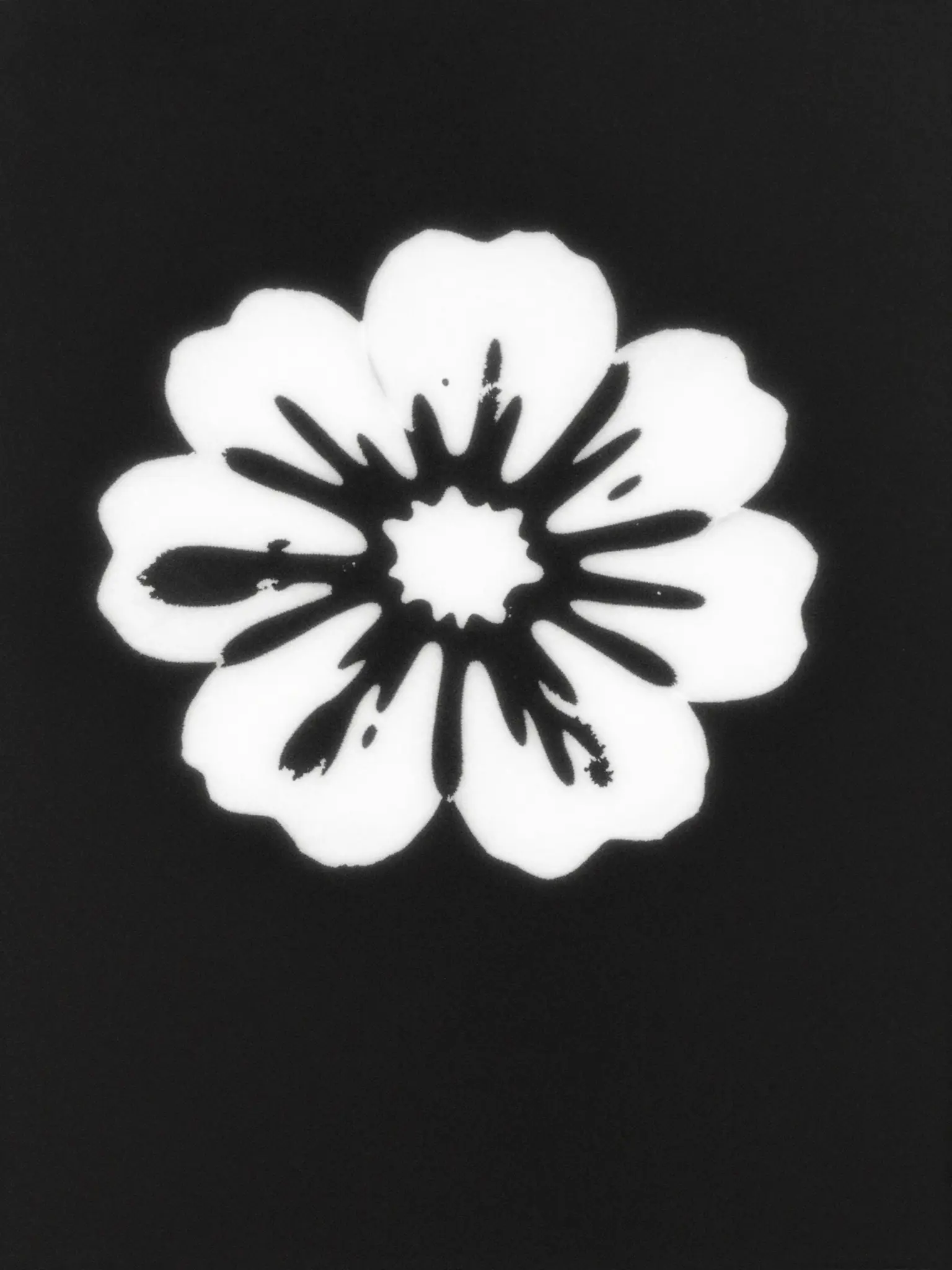
A restrained composition leaves room for the main message.
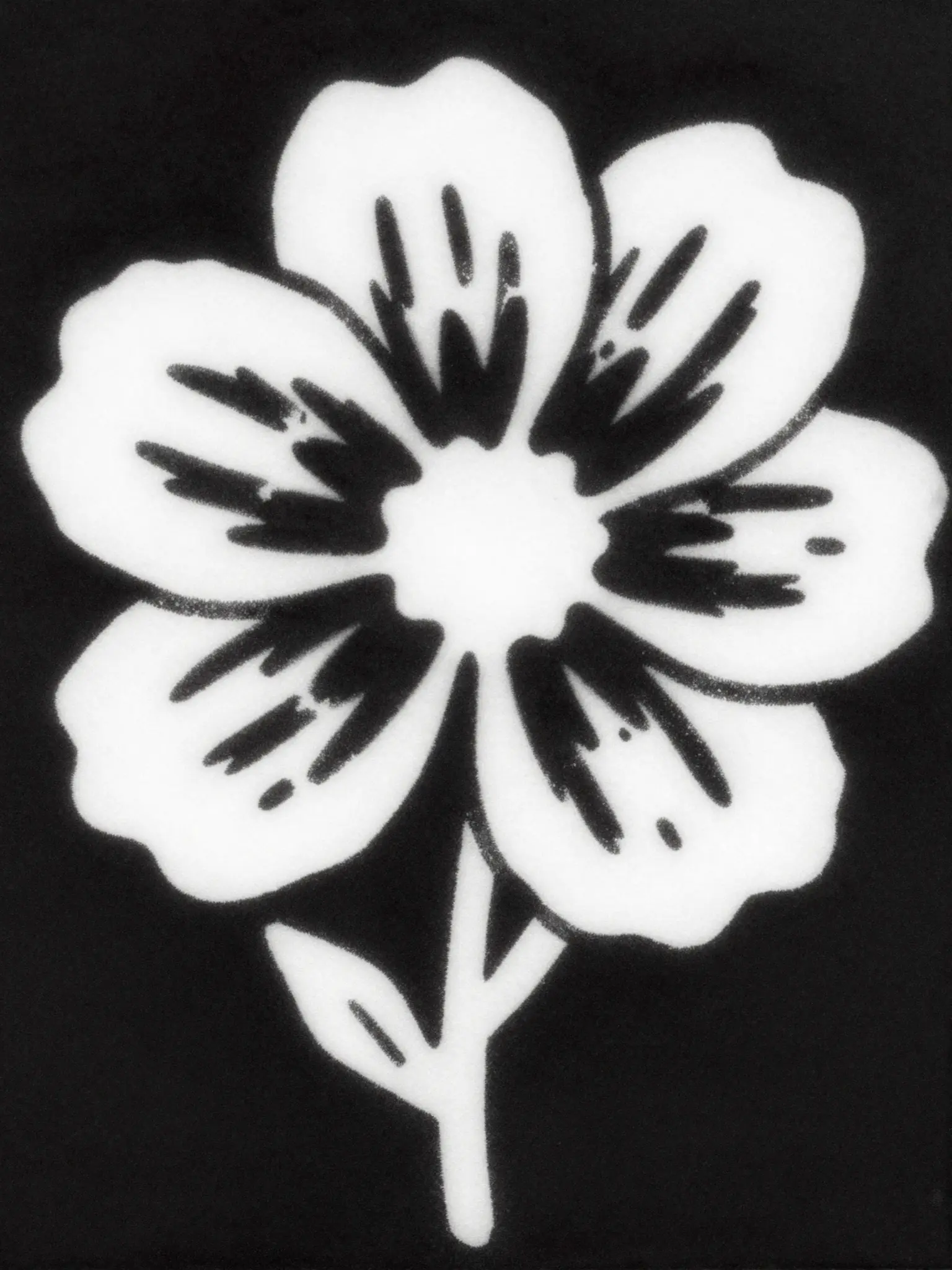
Richer color and illustration give the concept more energy.
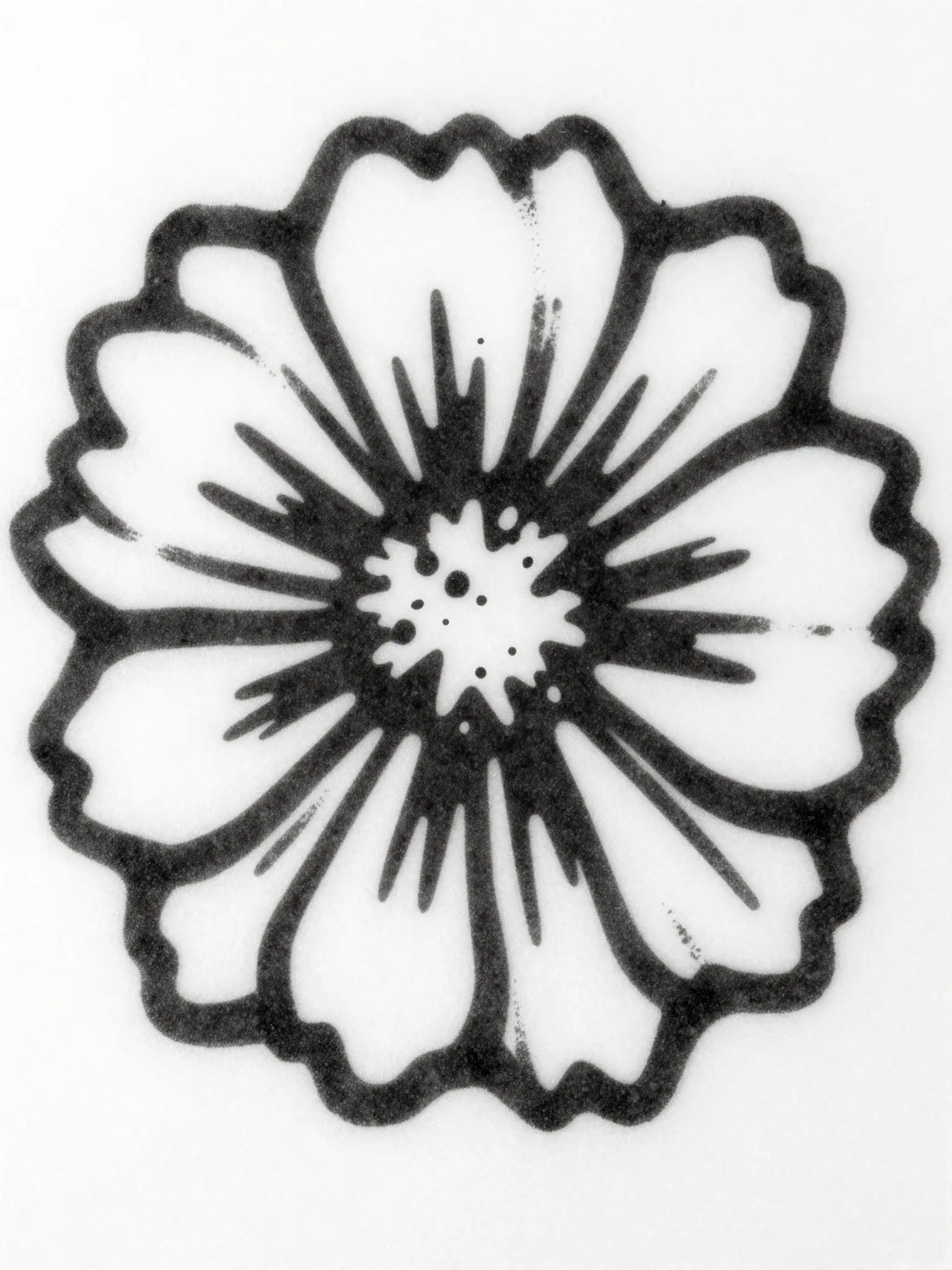
Texture and material add depth to the presentation.
Inspect bridges and small islands before cutting. The output is a raster concept, not a ready-to-cut vector file.
Find your next creative tool
Your next creation starts here
Start with your own content in Stencil Maker. Review the settings in Studio and create your result.