Cuta
AI YouTube Thumbnail Generator online

AI YouTube Thumbnail Generator

Generate high-converting YouTube thumbnails instantly with AI. Design eye-catching thumbnails for gaming, podcasts, tutorials, vlogs, and Shorts with no design skills required.

What Can You Create With Cuta’s AI Thumbnail Maker?

AI YouTube Thumbnail Generator

AI YouTube Thumbnail Generator

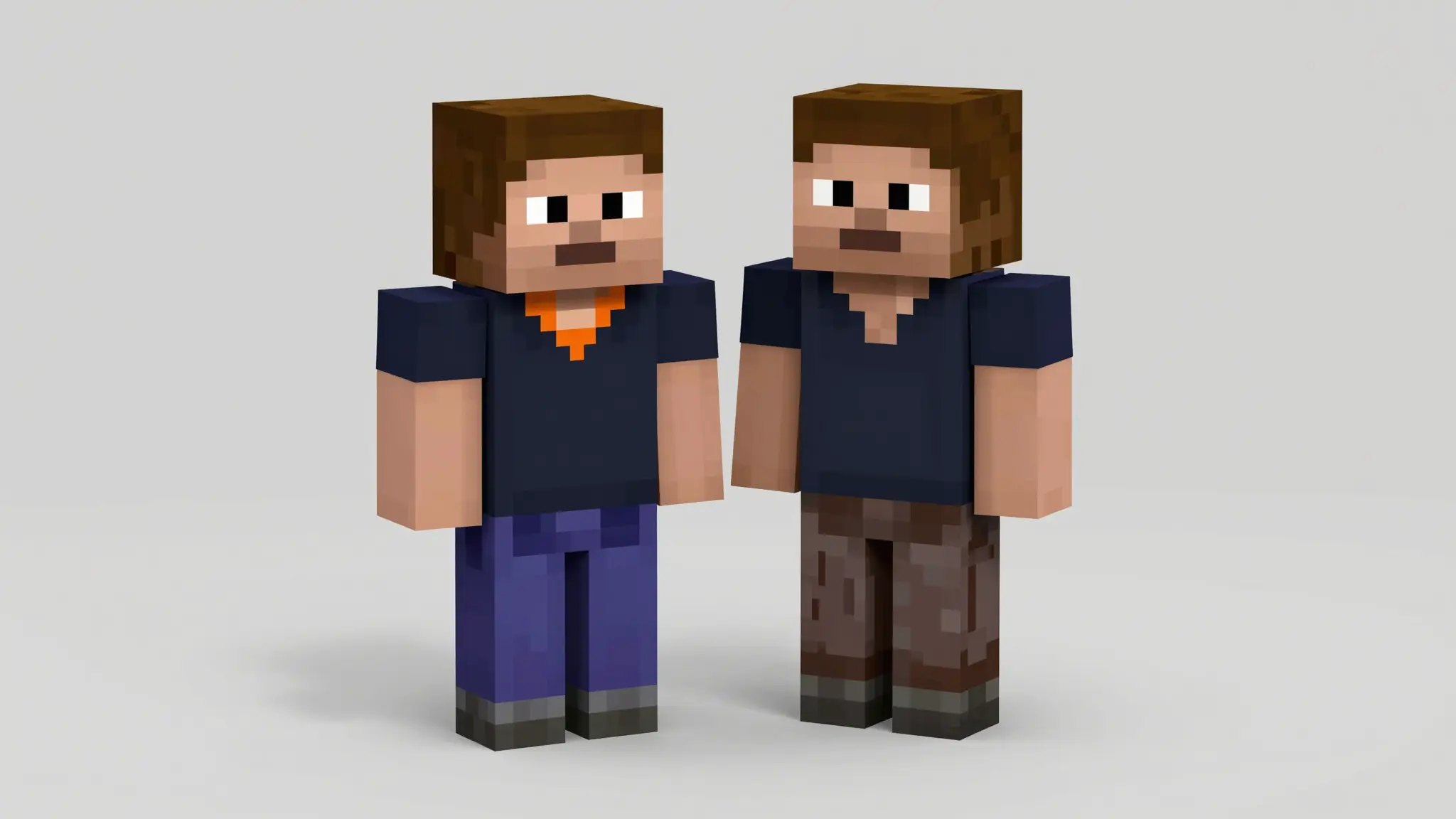
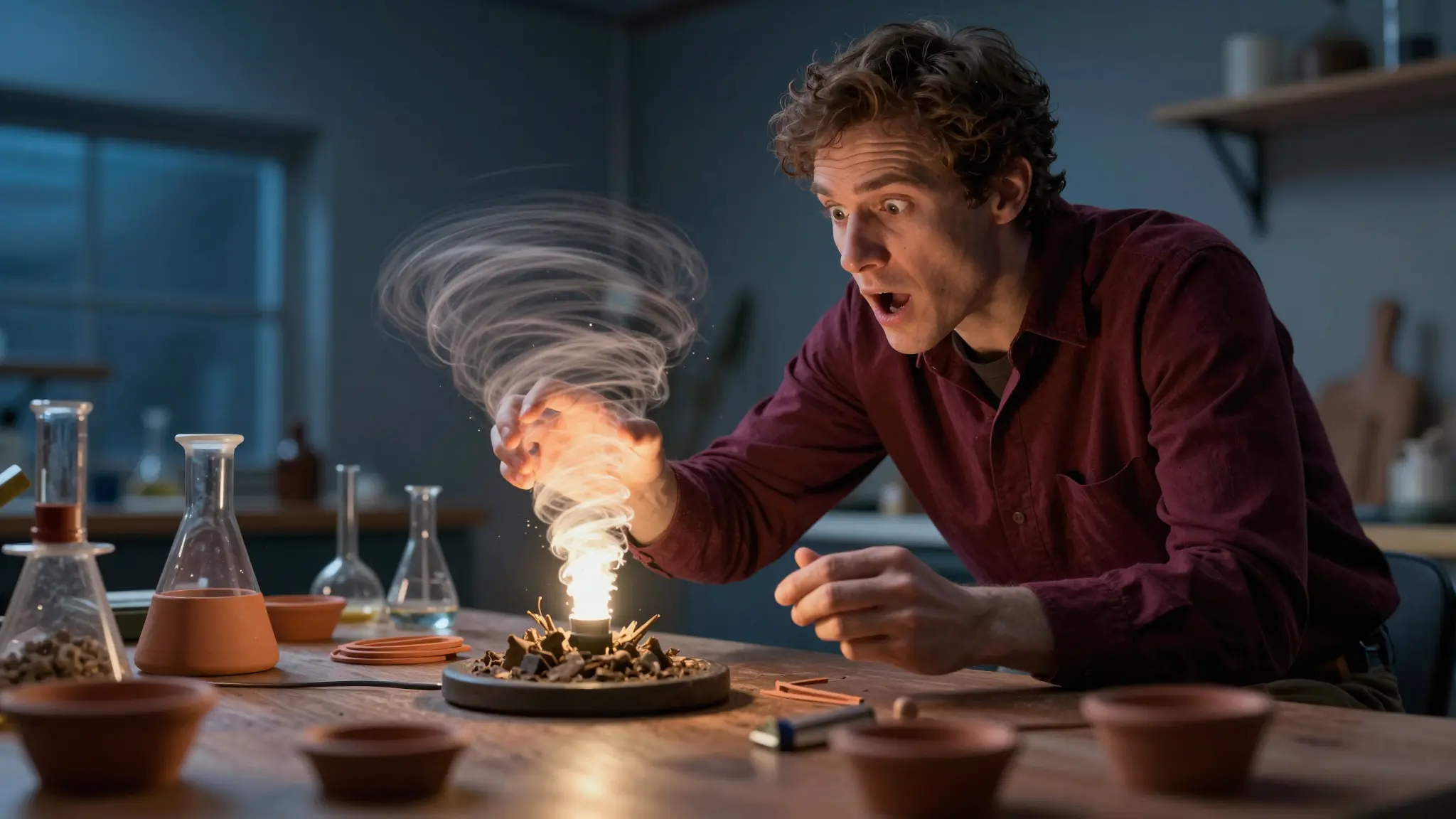
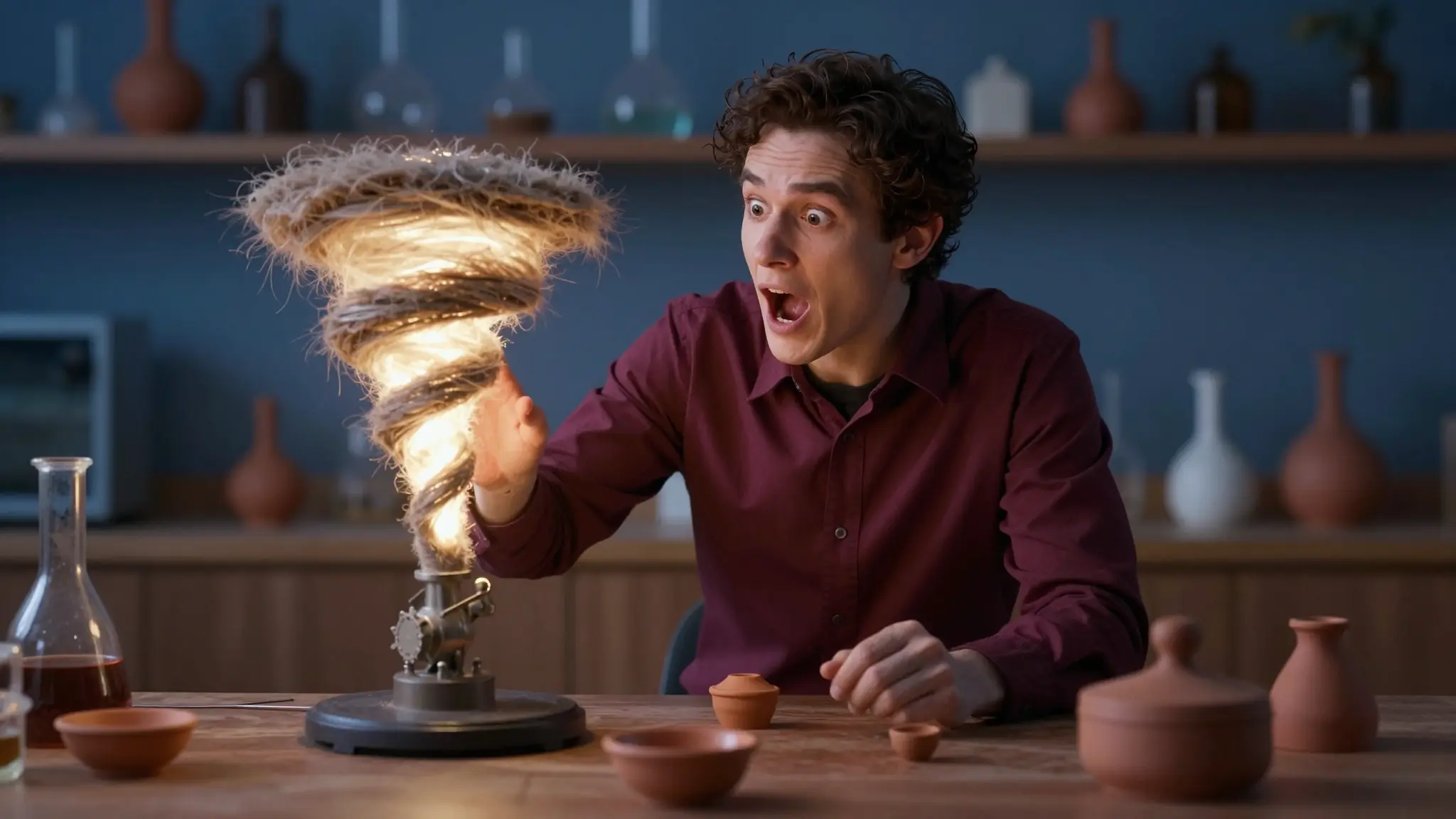
Eye-Catching Gaming Thumbnails

Generate high-energy gaming thumbnails with expressive reactions, glowing effects, cinematic lighting, and bold text optimized for clicks. Perfect for Minecraft, Fortnite, Roblox, Valorant, GTA, stream highlights, and reaction-based gaming content.

Try it now
AI YouTube Thumbnail Generator

AI YouTube Thumbnail Generator

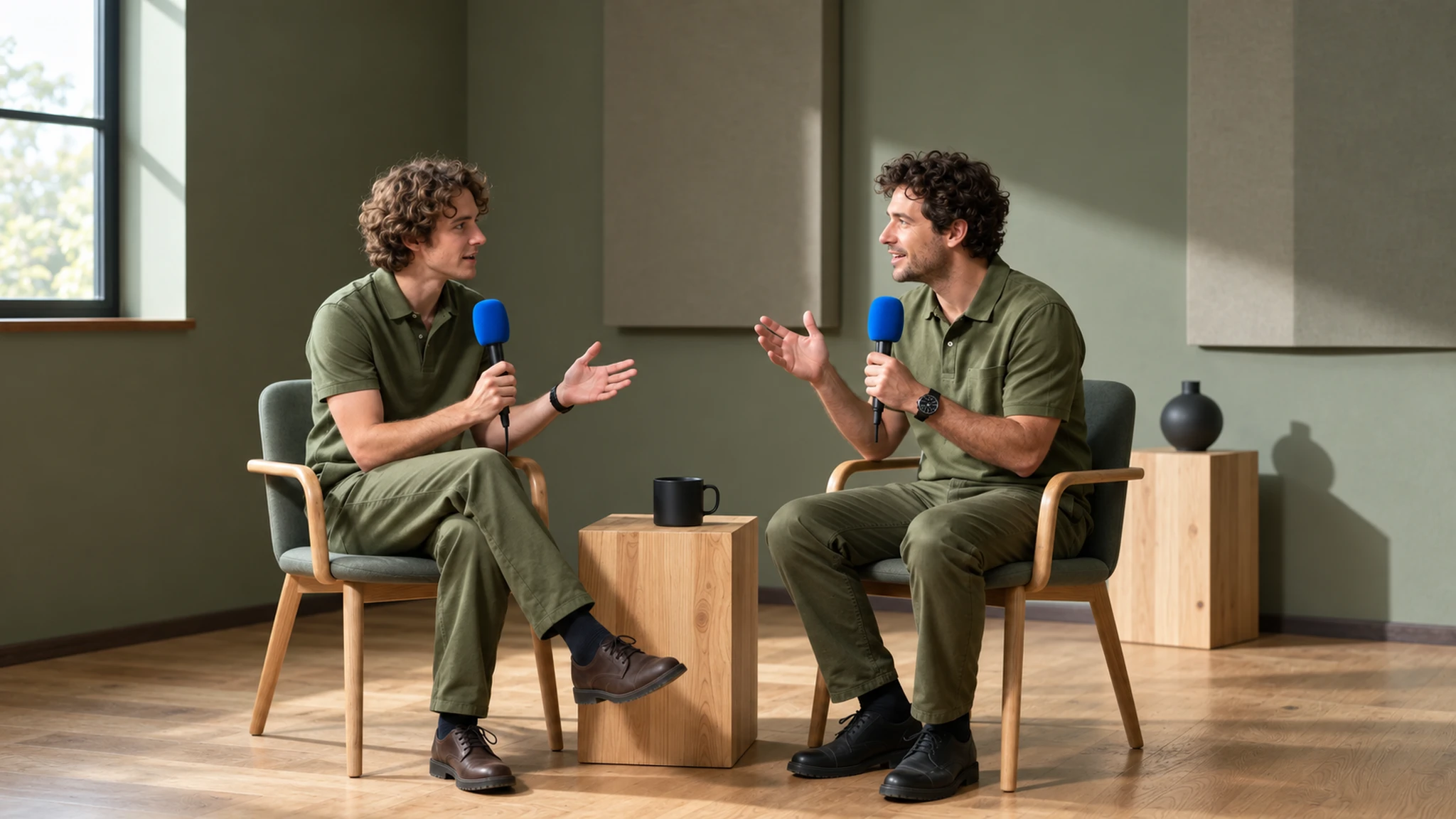
Professional Podcast Thumbnails

Create cinematic podcast thumbnails with professional portraits, premium lighting, and clean typography. Ideal for interview podcasts, finance podcasts, educational content, commentary channels, and business creators building a recognizable brand.

Try it now

AI YouTube Thumbnail Generator

AI YouTube Thumbnail Generator

Mobile-Optimized Shorts Thumbnails

Generate mobile-first thumbnails and vertical covers optimized for Shorts discovery. Create consistent branding across long-form videos and Shorts while producing multiple thumbnail variations for testing and engagement.

Try it now

AI YouTube Thumbnail Generator

AI YouTube Thumbnail Generator

Clear Tutorial & Education Thumbnails

Design clean tutorial thumbnails with readable text, interface-focused layouts, and clear visual hierarchy. Perfect for coding tutorials, AI tools, productivity content, software walkthroughs, and educational YouTube channels.

Try it now

AI YouTube Thumbnail Generator

AI YouTube Thumbnail Generator

Engaging Product & Review Thumbnails

Design before-and-after thumbnails, “Top 10” rankings, product reviews, milestone videos, and sponsored content instantly. Upload products, describe the shot, and generate clean editorial-style thumbnails without manual editing.

Try it now

Brand palette stays locked in AI YouTube Thumbnail Generator

How to Generate YouTube Thumbnails

AI YouTube Thumbnail Generator

AI YouTube Thumbnail Generator
Step 1

Upload Your Image

Start by uploading your base image, whether it’s a product shot, gameplay screenshot, or a portrait. Cuta.ai supports various image formats to make the process smooth and convenient.

AI YouTube Thumbnail Generator

AI YouTube Thumbnail Generator
Step 2

Describe Your Thumbnail

Enter a detailed description of the thumbnail you want. Include elements like text, background style, lighting, character poses, or specific visual effects. The AI uses your description to generate a professional, attention-grabbing thumbnail.

AI YouTube Thumbnail Generator

AI YouTube Thumbnail Generator
Step 3

Edit & Download

Adjust layouts, text, colors, and composition if needed. Download your high-resolution thumbnail ready for YouTube, Shorts, tutorials, gaming, podcasts, or product reviews.

What Makes a YouTube Thumbnail Actually Get Clicked

AI YouTube Thumbnail Generator

AI YouTube Thumbnail Generator

One Clear Focal Subject

The best thumbnails focus on one clear subject. Too many faces or objects confuse viewers. Highlight one person, object, or moment with a clean background to make it instantly understandable.

Try it now

AI YouTube Thumbnail Generator

AI YouTube Thumbnail Generator

Faces with Big Expressions

Strong facial expressions like shock, excitement, or surprise immediately attract attention and spark curiosity, making viewers more likely to click, especially on small mobile screens.

Try it now

AI YouTube Thumbnail Generator

AI YouTube Thumbnail Generator

Add Headline Text

Use short, bold phrases that reinforce the hook rather than explain the full story, drawing attention and sparking curiosity. Examples include: “BIGGEST MISTAKE” or “I LOST $10K,” which immediately communicate stakes and make viewers want to learn more.

Try it now

AI YouTube Thumbnail Generator

AI YouTube Thumbnail Generator

Text Has to Read at 168 × 94 Pixels

Most viewers discover videos on mobile devices, so text should be large, bold, high-contrast, and minimal. It should usually be 3–5 words for instant readability.

Try it now

AI YouTube Thumbnail Generator

AI YouTube Thumbnail Generator

High Contrast Beats Subtle Design

Subtle color palettes and soft compositions may look elegant, but they often get lost in YouTube’s crowded feeds. Bright colors, dramatic lighting, and clear subject-background separation capture attention better.

Try it now

AI YouTube Thumbnail Generator

AI YouTube Thumbnail Generator

Specificity Creates Curiosity

Specific thumbnails spark more curiosity than vague ones. Details such as “I Tried a $10,000 Sushi Dinner,” dramatic objects, or clear outcomes make the video’s value obvious. The more concrete specific the thumbnail, the higher the click potential.

Try it now

Frequently asked questions

What resolution should YouTube thumbnails be?+

YouTube recommends 1280 × 720 pixels (16:9 aspect ratio) with a minimum width of 640 pixels. The file size limit is 2 MB, and YouTube accepts JPG, GIF, PNG, and BMP formats. Generating directly at 1280 × 720 means no cropping or padding before upload. If you want to re-use the same thumbnail at higher resolution for channel art or other promotional uses, run it through Image Upscale.

Do I need a photo of myself, or can I generate faceless thumbnails?+

Both work. Uploading one or two reference photos of yourself lets the AI keep your face consistent across every generation, which is the cleanest path for personal channels, commentary, or any format where you're the host. For faceless channels, voiceover, AI-narrated, animated, compilation, skip the reference upload and prompt for the subject directly (a product, a chart, a scene, a graphic).

Can I edit the text on a generated thumbnail after the fact?+

Yes. Even if the generated text is mostly right, you should typically overlay your final headline manually after generation. AI text rendering has improved significantly (GPT Image 2 and Nano Banana Pro in particular handle short text well) but for production-quality typography, a manual overlay or Edit Image pass gives you precise control over font, color, and placement.

Will using AI thumbnails affect my YouTube monetization or get me flagged?+

No. YouTube does not penalize AI-generated thumbnails as a category. What gets thumbnails (and videos) flagged is clickbait, promising one thing in the thumbnail and delivering something different in the video. AI tooling makes the visual cheap, but the standard for the promise is the same: the thumbnail has to honestly represent what the video delivers. As long as that holds, generated thumbnails are treated like any other thumbnail.

Can I generate thumbnails featuring celebrities, athletes, or political figures?+

You can prompt models for real public figures, but most AI image platforms, including Cuta, block the generation of identifiable real people you don't have rights to, particularly in political or otherwise sensitive contexts. This protects both the platform and creators from copyright and likeness-rights issues. The cleaner pattern for commentary content is to use stylized representations (silhouettes, illustrations, news graphics) rather than realistic likenesses.

Which Cuta model should I pick for thumbnails?+

For thumbnails specifically, the readable-text and structured-layout models tend to win: GPT Image 2 and Nano Banana Pro are particularly strong when the thumbnail depends on big headline text. For photorealistic face composition, Seedream 5.0 Lite is reliable. For stylized illustration or graphic-design-style thumbnails, Recraft V4 fits cleanly. The most efficient workflow is to run the same prompt across two or three models in parallel and pick the winner.

Start creating

Create without limits

Join creators using Cuta to generate stunning images, videos, and more — all in one platform.

Get started for free