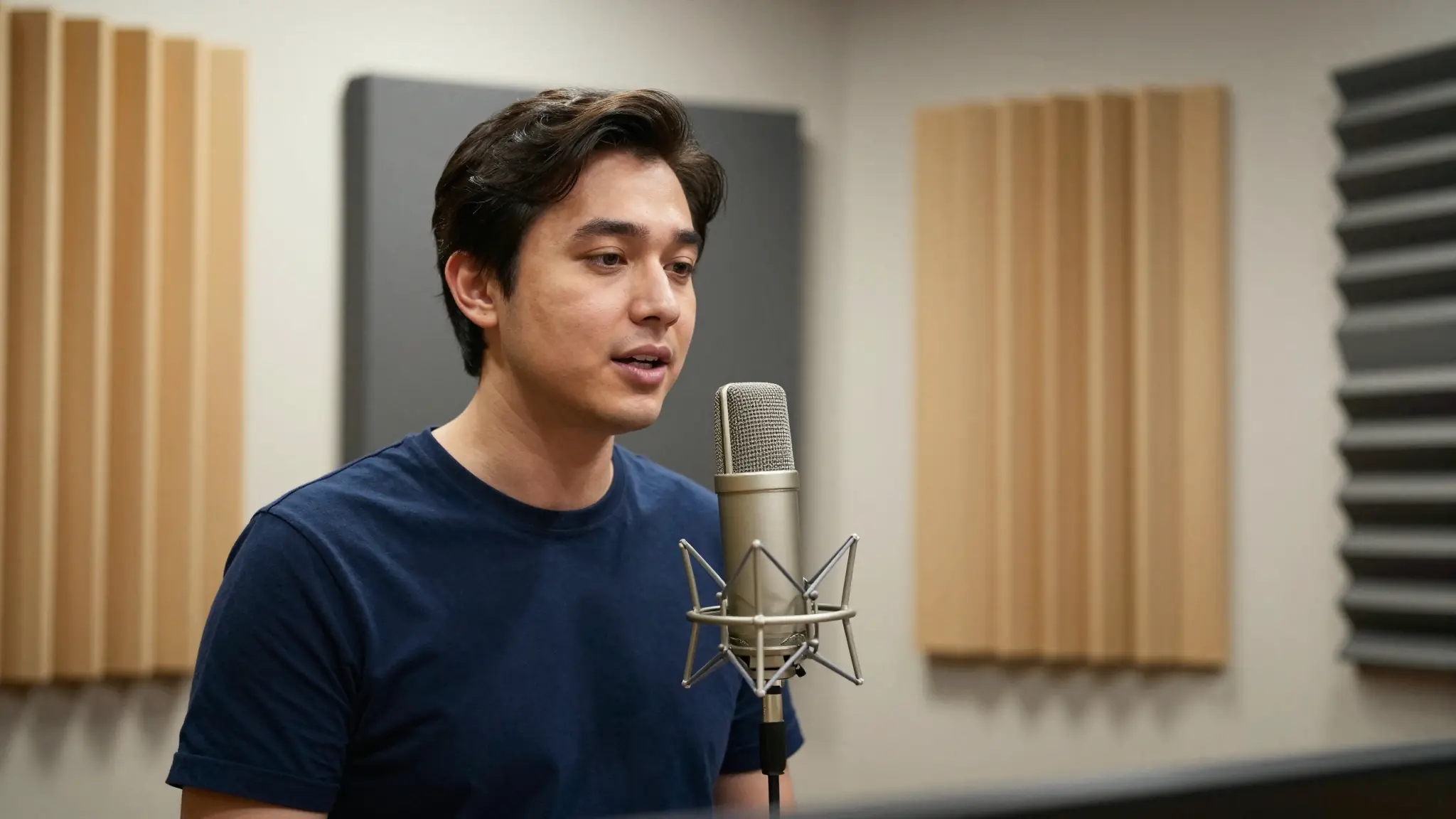
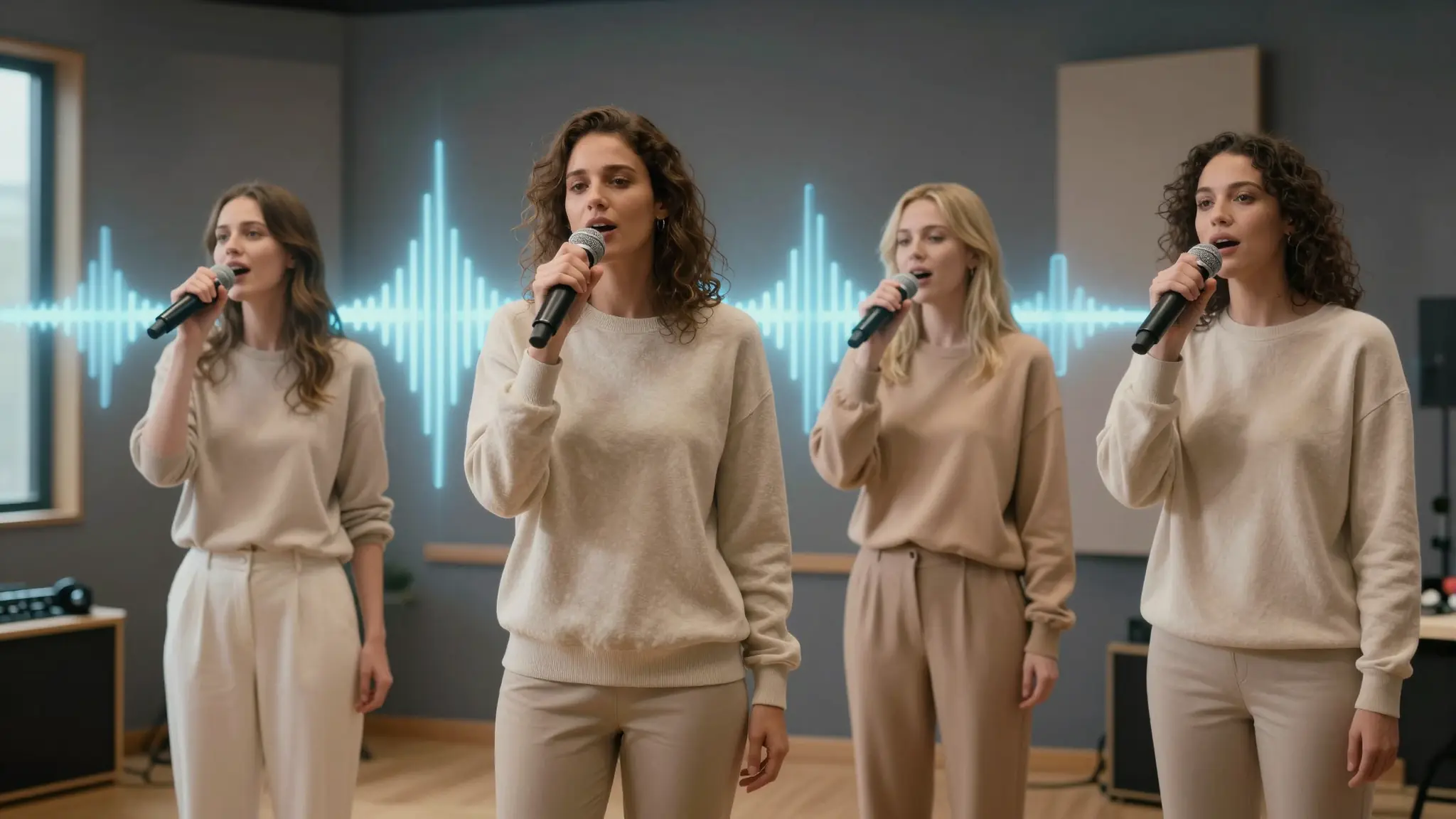
Make a sound around a specific event
Describe the sound source, action, setting and timing. Keep foreground events separate from the background ambience in the brief.

Studio tools
Make a sound around a specific event.
Describe the sound source, action, setting and timing. Keep foreground events separate from the background ambience in the brief.
Three light footsteps on gravel, followed by a wooden gate latch, quiet outdoor ambience.
Listen for the requested cause, pace and ending. Adjust the description if unrelated sounds dominate.
From idea to creation
Describe the sound source, action, setting and timing. Keep foreground events separate from the background ambience in the brief.
Three light footsteps on gravel, followed by a wooden gate latch, quiet outdoor ambience.
Listen for the requested cause, pace and ending. Adjust the description if unrelated sounds dominate.
Describe the sound source, action, setting and timing. Keep foreground events separate from the background ambience in the brief.
Find your next creative tool
Your next creation starts here
Start with your own content in Sound Effects. Review the settings in Studio and create your result.