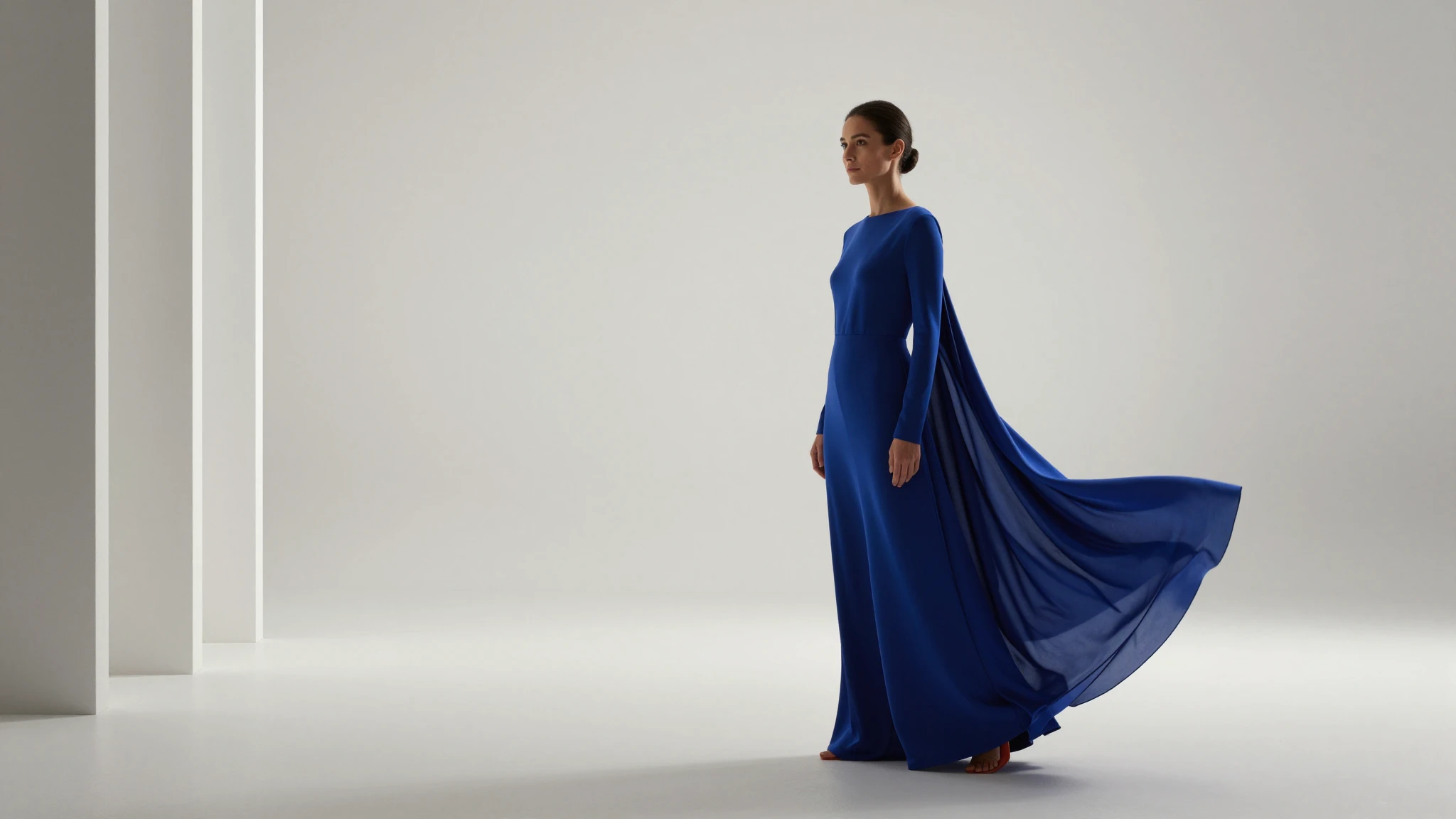
Natural Body Slimming
The AI skinny filter adjusts your silhouette without stretching or over-editing. Skin texture, lighting, and clothing folds stay consistent, so the result reads as a clean photo, not an obvious edit.
Try it now
AI Skinny Filter online
Apply Cuta's AI skinny filter online to any photo in seconds. Slim your face, body, or full portrait with natural proportions and photorealistic results. Free to start, no app needed.

The AI skinny filter adjusts your silhouette without stretching or over-editing. Skin texture, lighting, and clothing folds stay consistent, so the result reads as a clean photo, not an obvious edit.
Try it nowEvery slimmed photo is sharp, detailed, and ready to download. No soft patches, no warped edges, just a visually balanced result after the edit.
Try it nowSet the strength to keep the AI body slimming effect subtle or more pronounced. Either way, the result stays naturally flattering, not extreme.
Try it nowFrom idea to creation
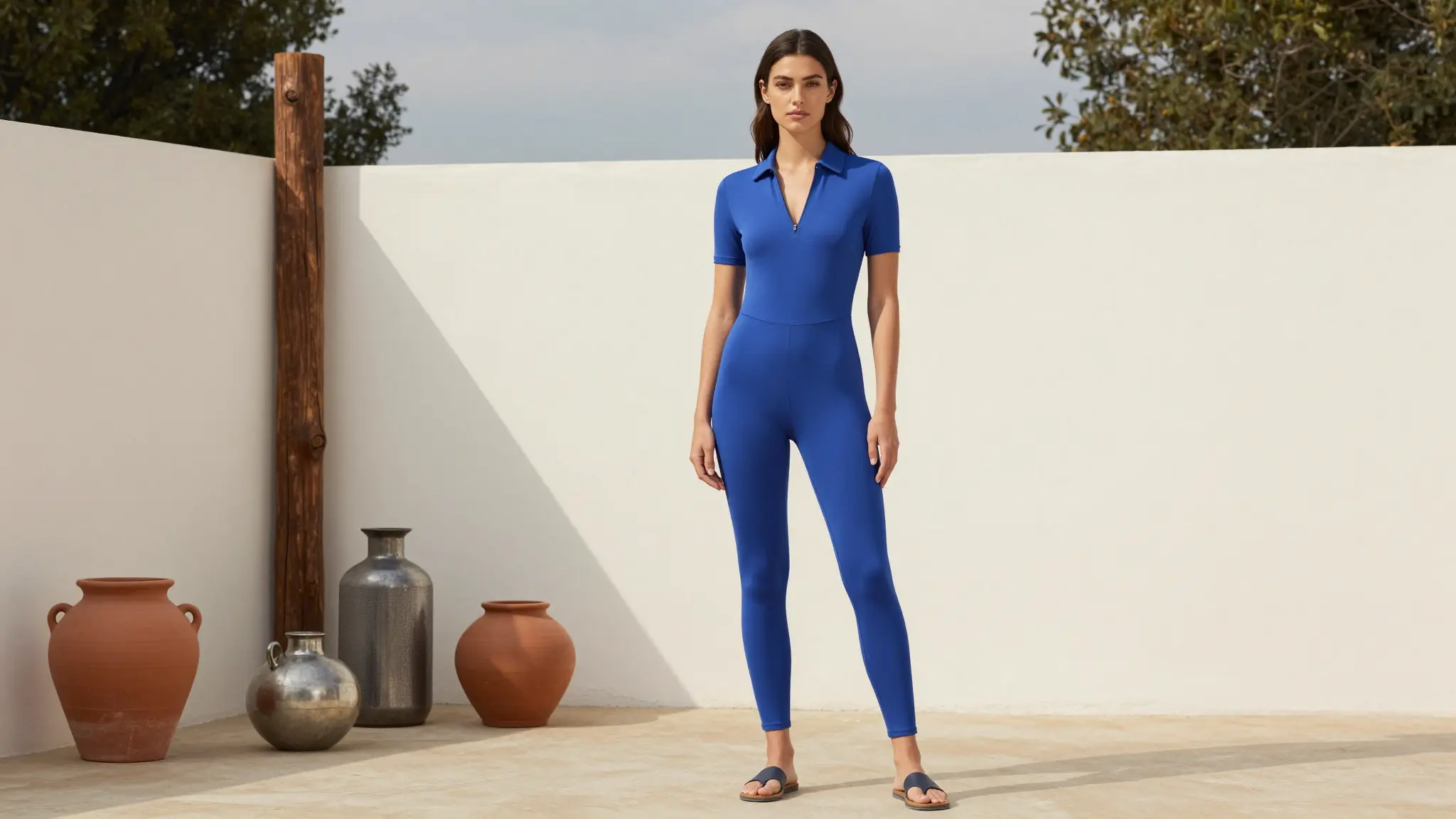
Go to Cuta’s AI skinny filter tool and upload a clear portrait, selfie, or full-body photo. Images with good lighting and a simple background usually give the most natural-looking results.
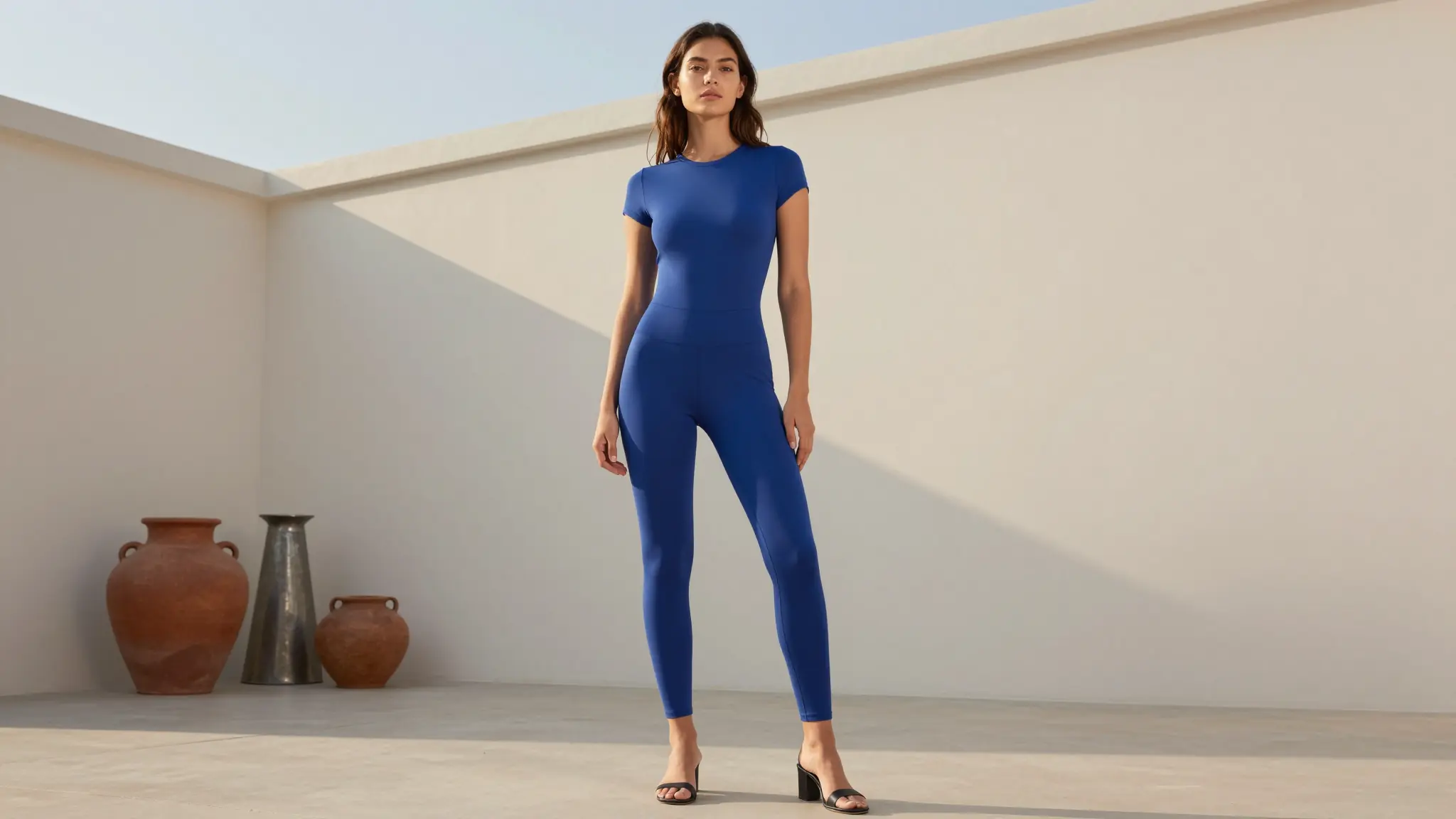
Once your photo loads, select the skinny filter style and set the creativity or strength level to control how subtle or noticeable the slimming effect is. A lighter setting keeps the result the most natural.
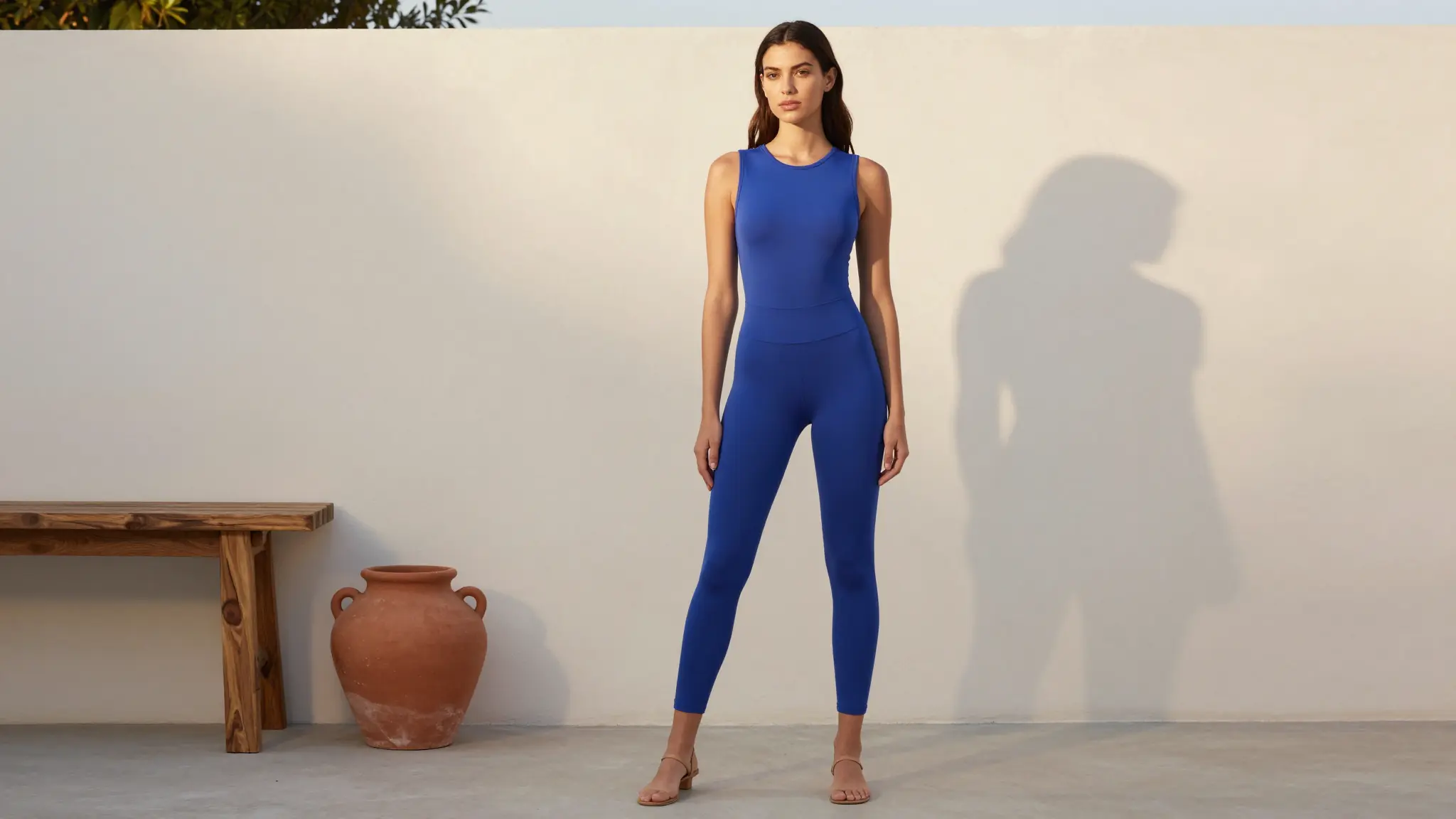
Click Create to generate a realistic edited photo in seconds, with natural facial features, skin tone, and lighting preserved. Download the result or keep editing right away.
Create polished selfies, profile photos, and outfit shots for Instagram, TikTok, and dating profiles. Ideal for creators and personal brands where a camera-ready look matters.
Try it nowFirst impressions on dating apps are visual. Use the skinny filter to put your best look forward, a polished, natural-looking photo that still looks like you.
Try it nowCreate side-by-side before and after photos for transformation content, fitness posts, and style makeover videos. A clean comparison visual performs well on Reels, TikTok, and YouTube thumbnails .
Try it nowPair the skinny filter with Cuta’s AI Clothes Changer to preview how fitted outfits, dresses, and jackets look on a slimmer silhouette before you create final content.
Try it nowIt depends on how you prompt it. You can target a full-body silhouette, face only (skinny face filter), or both. Describe what you want in the prompt. Your skin tone and facial identity stay consistent either way.
Find your next creative tool
Your next creation starts here
Start with your own content in AI Skinny Filter. Review the settings in Studio and create your result.