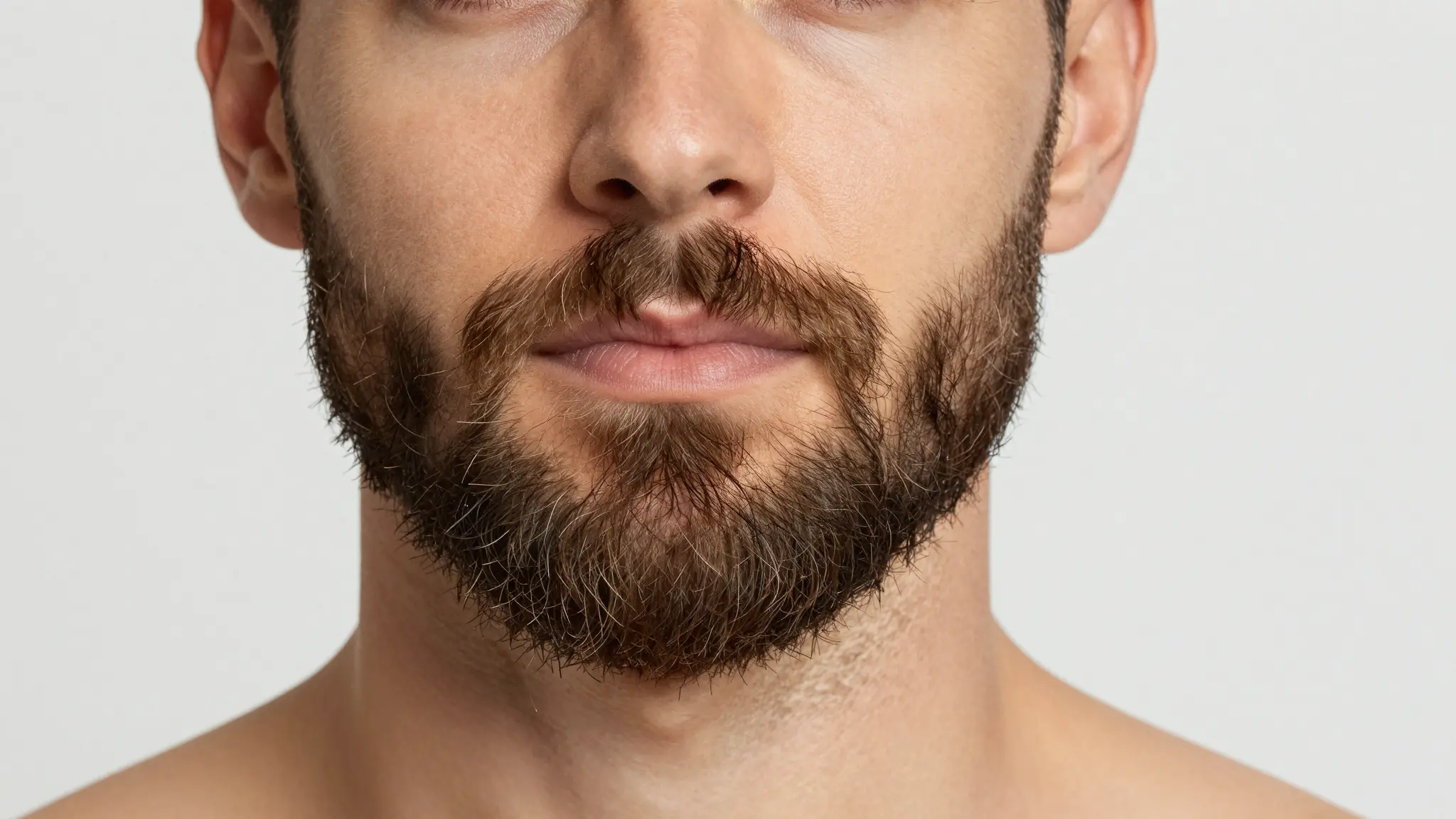
One Click, No Editing Skills
Upload a selfie, click Remove Beard, and the AI automatically reconstructs your chin, jawline, and facial contours in seconds.
Try it now
AI Beard Remover online
Upload any photo and instantly remove beards, mustaches, or stubble with Cuta’s AI Beard Remover. Get beardless, clean-shaven results with realistic skin texture and natural jawlines in seconds.
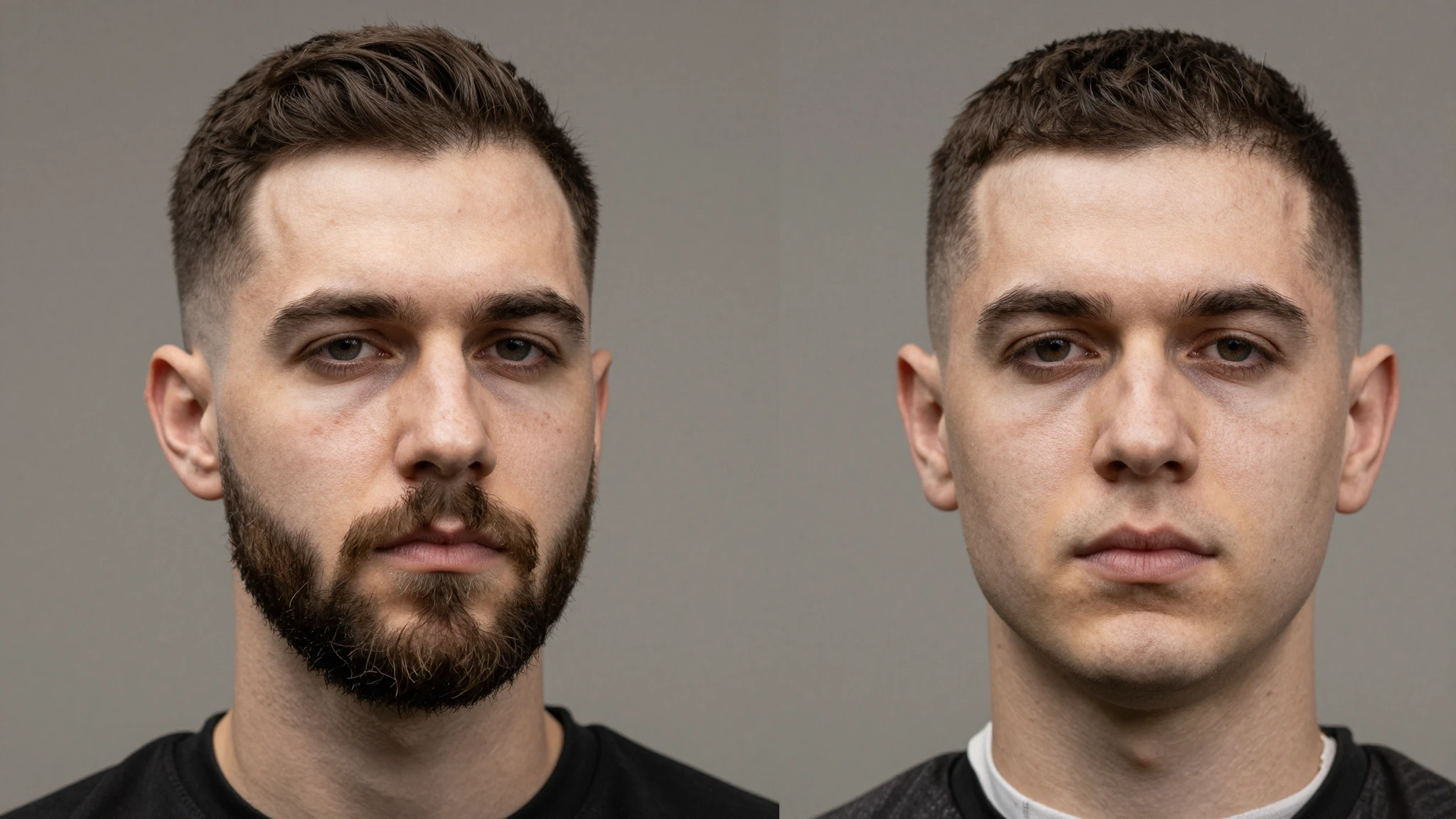
Upload a selfie, click Remove Beard, and the AI automatically reconstructs your chin, jawline, and facial contours in seconds.
Try it nowPowered by Nano Banana Pro, Cuta preserves natural skin tone, freckles, pores, shadows, and lighting for clean-shaven edits that never look fake or plastic.
Try it nowGo fully clean-shaven, keep light stubble, remove only the mustache, or generate a goatee. Simply describe the look you want in plain English.
Try it nowGenerate clean-shaven, stubble, mustache-only, or goatee variations from the same photo for Tinder, Instagram, TikTok, YouTube, or viral before-and-after transformation content.
Try it nowRemove facial hair for cleaner LinkedIn photos, resumes, and company profiles, or pair it with our AI Headshot Generator for a complete professional makeover before interviews or any formal event where appearance matters.
Try it nowKeep the beard but remove the mustache. Clean up sideburns. Remove only the goatee. Cuta lets you selectively edit facial hair while preserving natural skin texture and facial identity.
Try it nowMany countries and institutions require a clean-shaven appearance for passport, visa, and government ID photos. Remove facial hair in seconds and preview the result before your next photo session.
Try it nowFrom idea to creation
Upload any JPG, PNG, or WebP photo. Clear front-facing selfies with natural lighting produce the best results, but Cuta also works well with angled portraits and everyday photos.
Choose Nano Banana Pro, Nano Banana 2, or Qwen Image Edit, then simply describe the look you want, like “remove beard completely” or “keep natural stubble.”
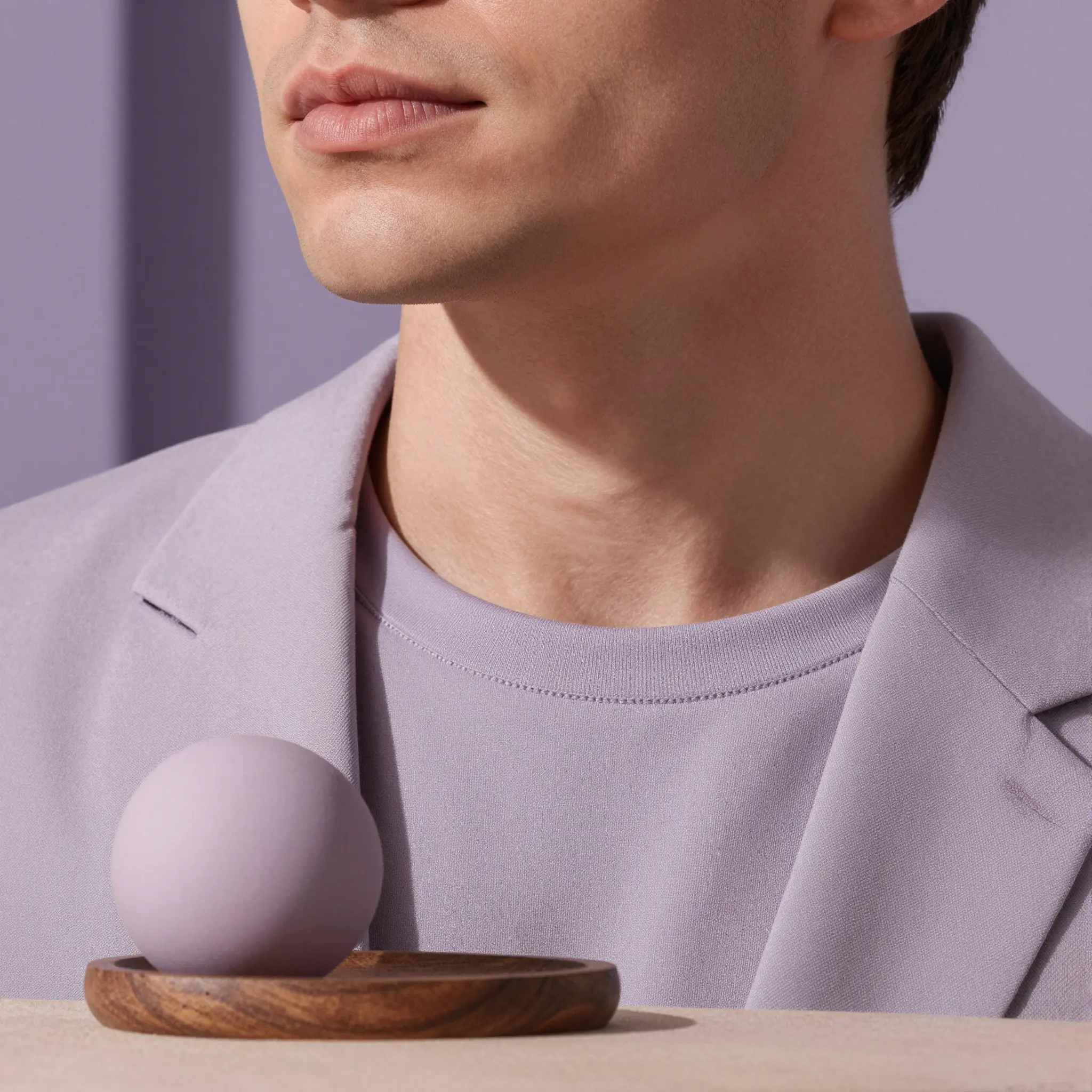
Click Generate to create realistic results in seconds. Try different prompt variations, then download your favorite version in the original resolution or social-ready aspect ratios.
When your male models show up to set with stubble or a full beard, reshooting isn't always an option. Use AI beard removal to clean up facial hair in post-production, maintain consistent grooming standards across your product catalog, and keep every listing photo looking polished.
Upload your best photo and try a clean-shaven, stubbled, or mustache-only look before re-shooting. Test which version gets more matches on Tinder, Bumble, or Hinge.
Make the "beard vs. no beard" reveal, glow-up, or reaction edit from a single selfie. No before/after shoot, no waiting weeks for the beard to grow back, one upload, multiple looks, ready for the cut.
Cut an hour of frequency-separation work per portrait. Use AI beard removal as a clean, realistic base layer and finish in Photoshop or Lightroom. Beats hand-painting jawlines.
It looks like a real photo. Nano Banana Pro reconstructs the chin, jaw, and skin texture instead of blurring or smoothing. The output reads as a regular shot of the same person without facial hair.
Find your next creative tool
Your next creation starts here
Start with your own content in AI Beard Remover. Review the settings in Studio and create your result.