An example to adapt
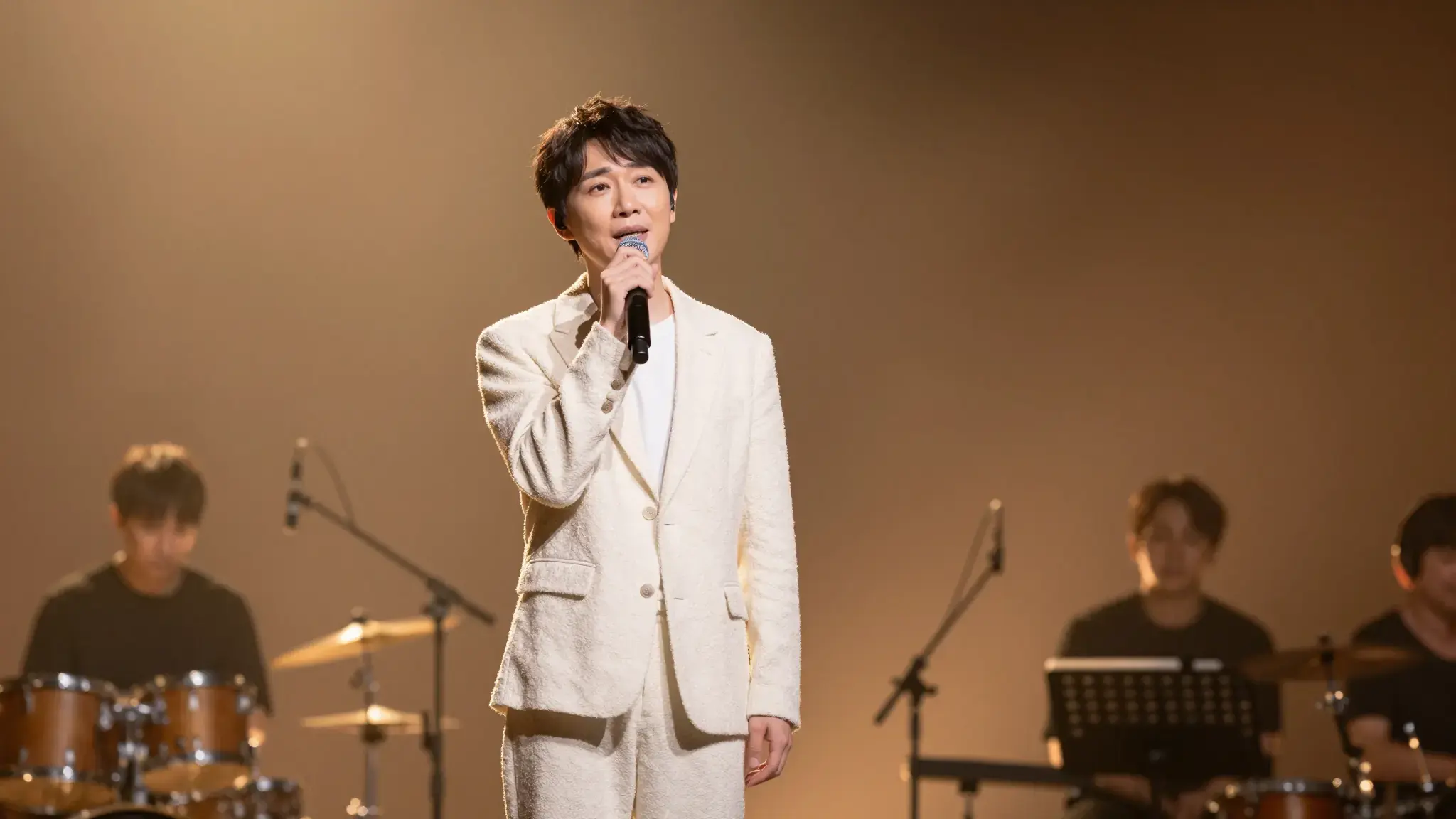
An adult singer holding a microphone on an intimate stage with warm amber spotlights and softly blurred instruments behind, expressive performance photograph
Try it now
Karaoke Video
Create a karaoke-style lyric video with Cuta. Pair your audio, lyrics and visual direction to develop a sing-along presentation for your song.
Illustrative artwork shows the intended visual direction. Your result depends on your source materials and settings.
An adult singer holding a microphone on an intimate stage with warm amber spotlights and softly blurred instruments behind, expressive performance photograph
Try it nowProvide the song material and the exact lyrics where supported. Specify the visual mood and leave room for legible wording.
Add the materials to their named inputs. Music audio: one audio file; Cover or character image: one image (optional).
Available settings include Lyrics. Review the full options in Studio before generation.
From idea to creation
Add the materials to their named inputs. Music audio: one audio file; Cover or character image: one image (optional).
Available settings include Lyrics. Review the full options in Studio before generation.
Check every word and its timing against the audio. Review readability on the intended screen and crop.
Add the materials to their named inputs. Music audio: one audio file; Cover or character image: one image (optional).
Keep exploring
Your next creation starts here
Start with your own content in Karaoke Video. Review the settings in Studio and create your result.