An example to adapt
Build a visual direction for a calm instrumental track: a moonlit coastal road, slow moving reflections and a small lighthouse glow. Let scene changes follow the track mood.
Try it now
Music Video
Create a music video from an audio track and image references with Cuta. Develop a visual direction around your song for a release or creative music project.
Illustrative artwork shows the intended visual direction. Your result depends on your source materials and settings.
Build a visual direction for a calm instrumental track: a moonlit coastal road, slow moving reflections and a small lighthouse glow. Let scene changes follow the track mood.
Try it nowSupply the available audio or song material and describe the visual world, subject and key changes in mood.
Add the materials to their named inputs. Music audio: one audio file; Character and scene references: up to 5 images (optional).
From idea to creation
Add the materials to their named inputs. Music audio: one audio file; Character and scene references: up to 5 images (optional).
Supply the available audio or song material and describe the visual world, subject and key changes in mood.
Review the timing against the audio, transitions and subject continuity. The page artwork illustrates a mood rather than a verified synchronized result.
Creative possibilities
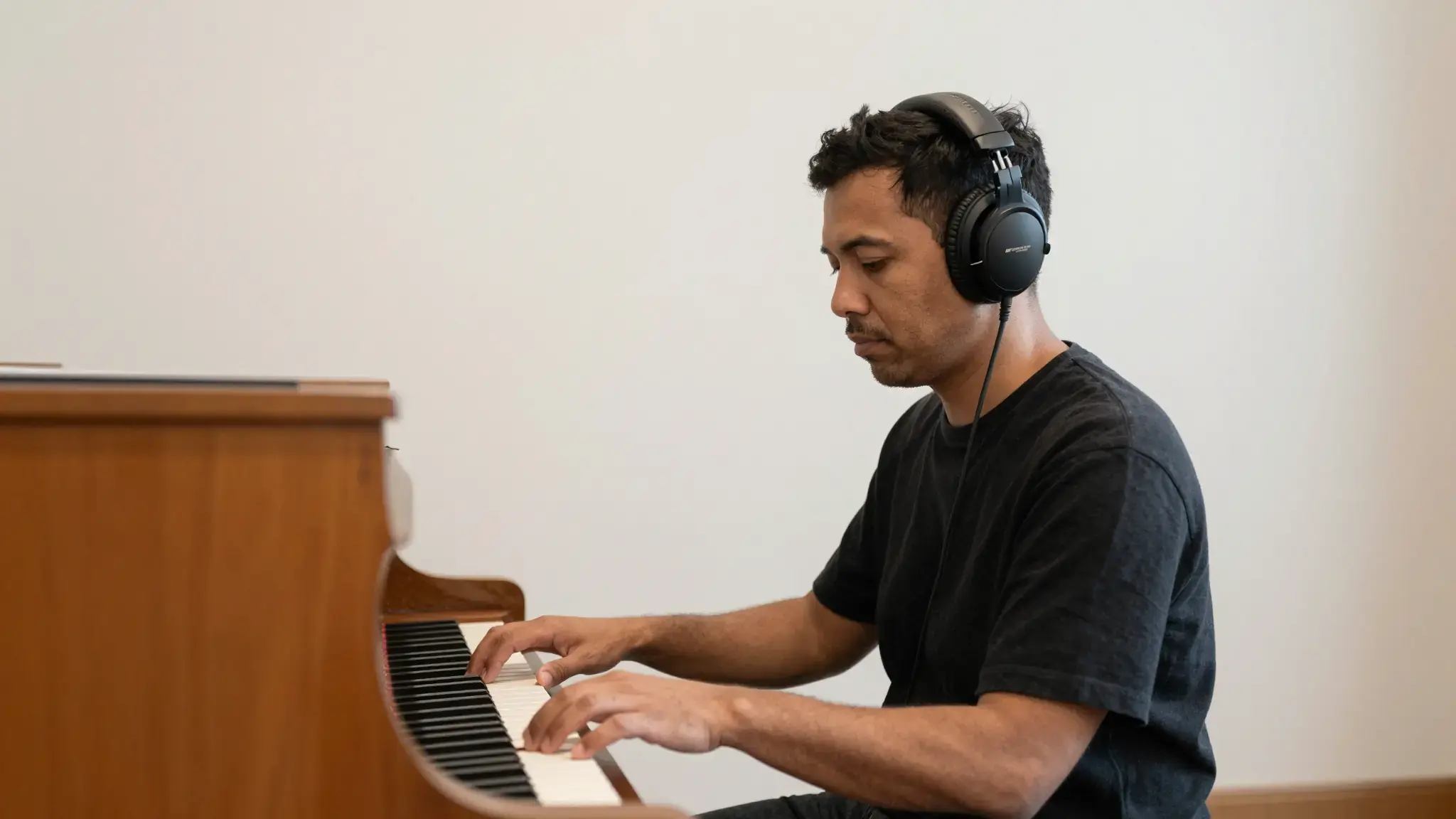
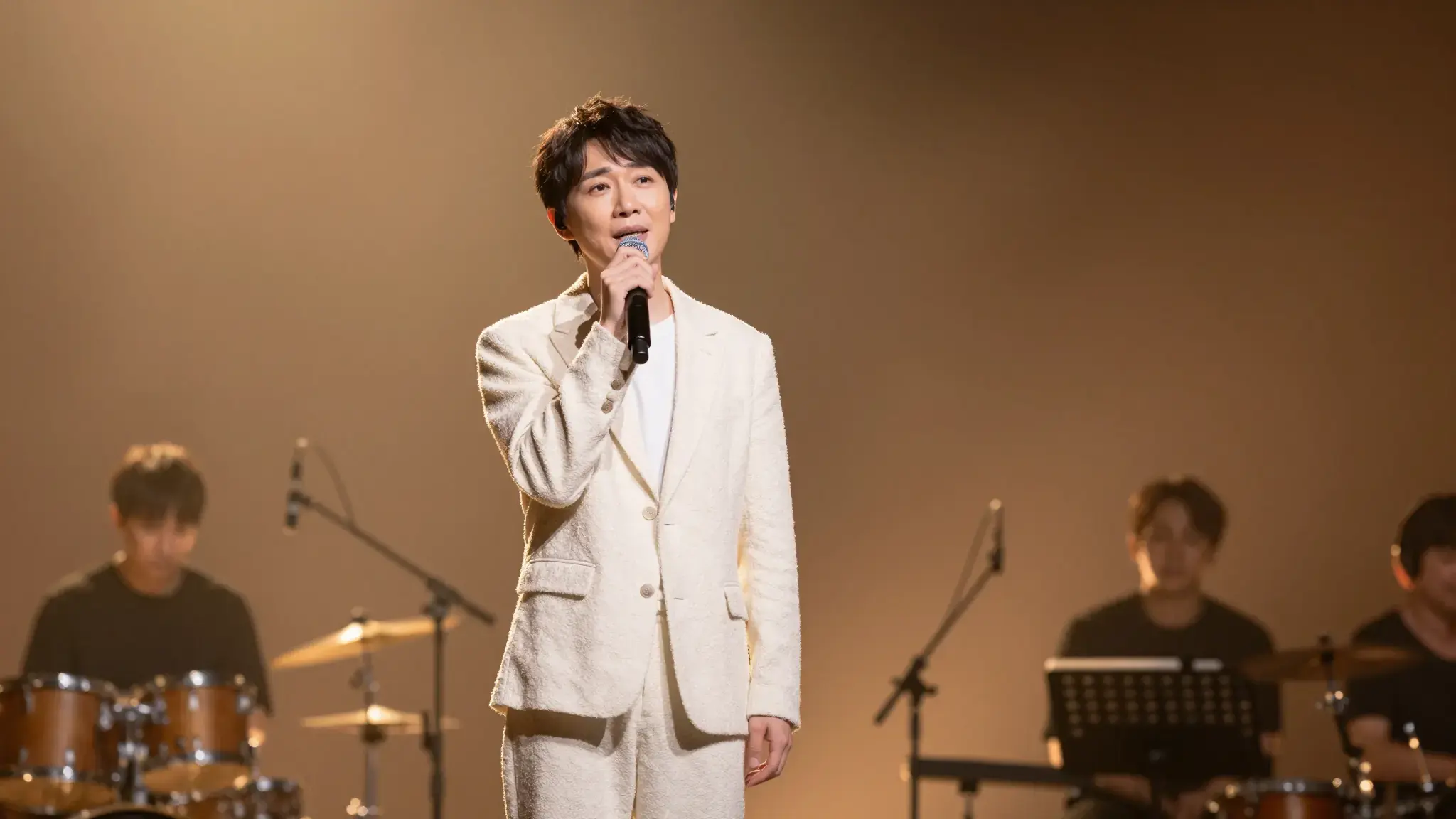
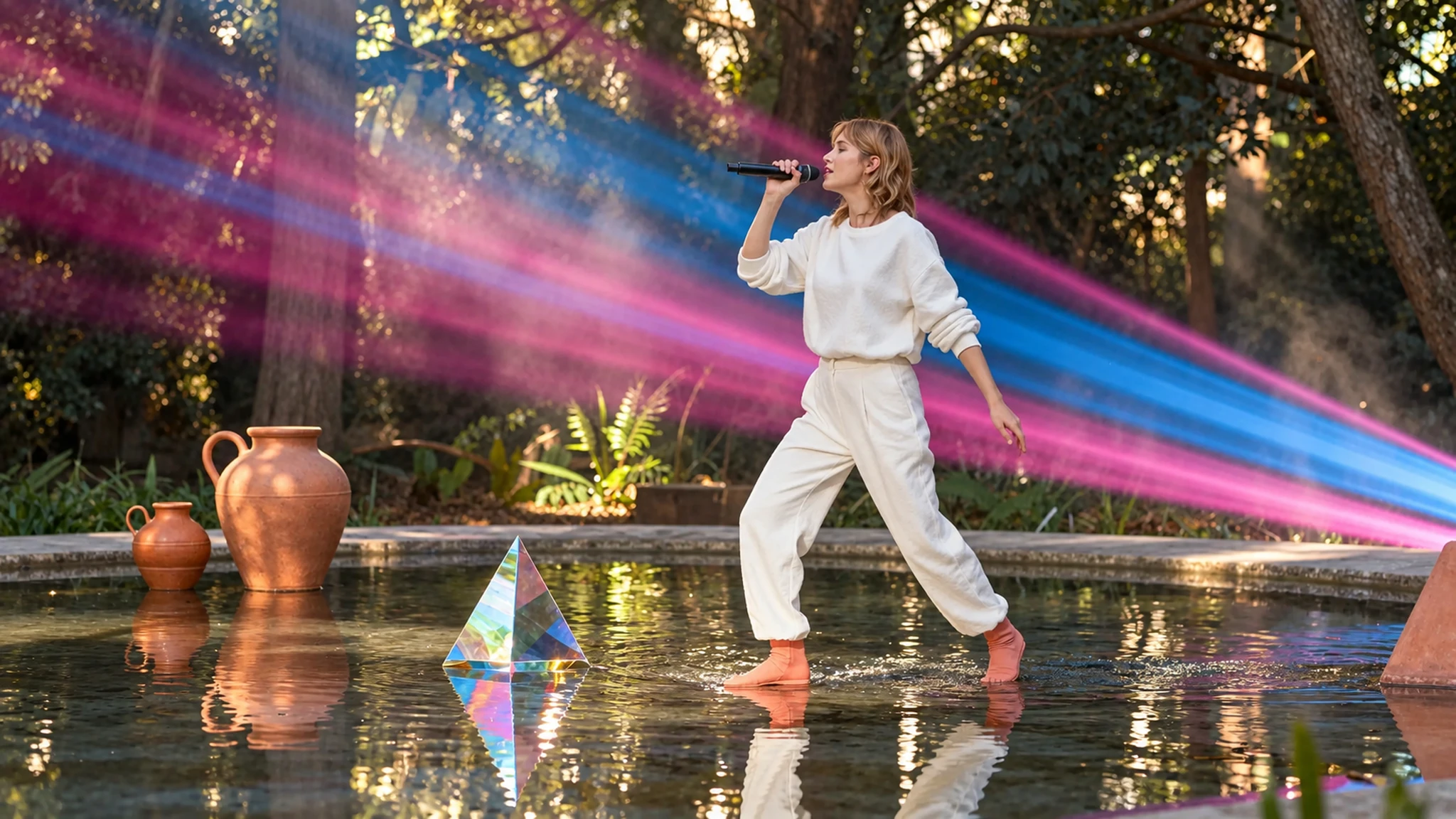
Use these illustrative references to compare framing, texture and visual treatment before creating your own version.
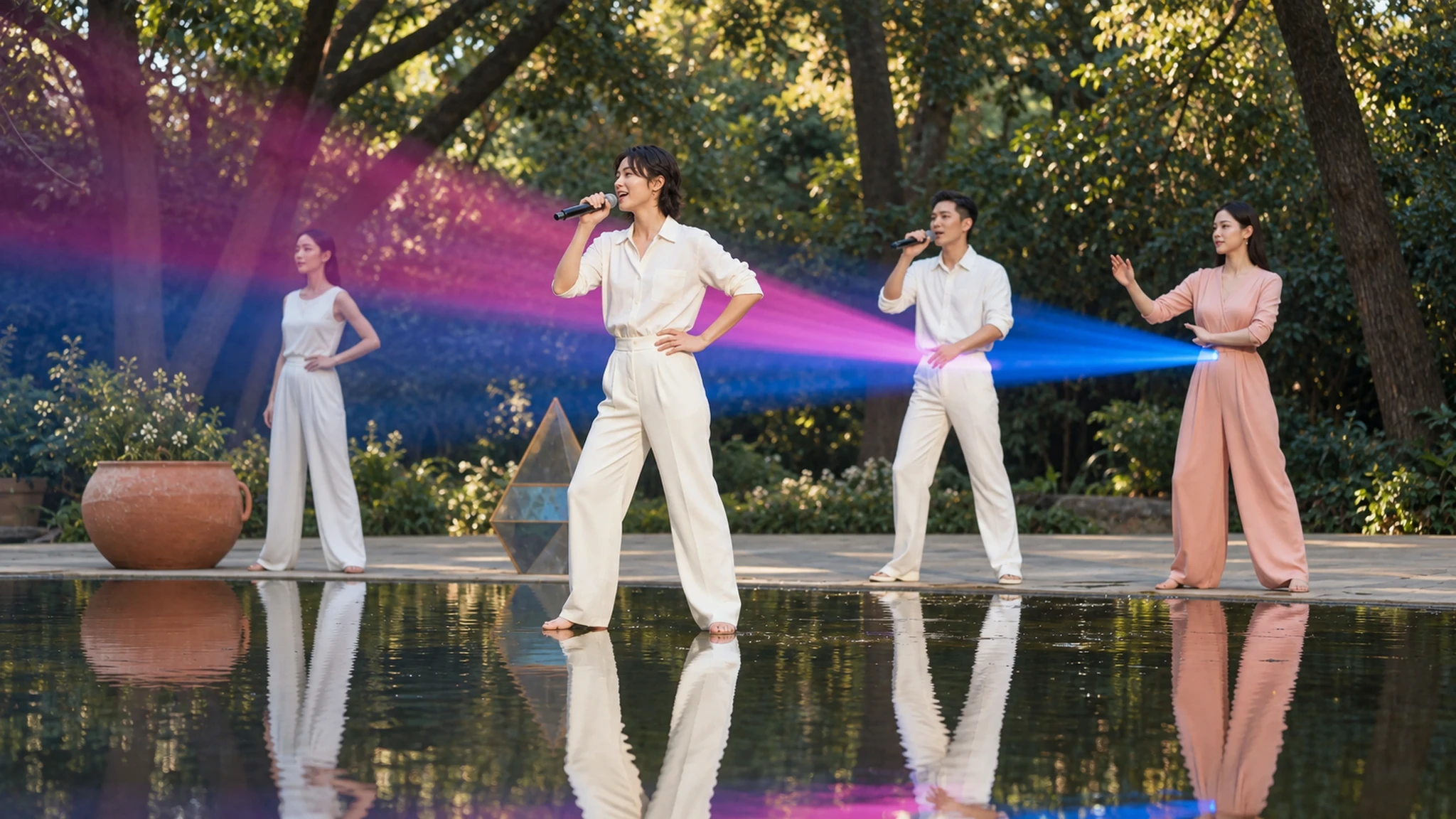
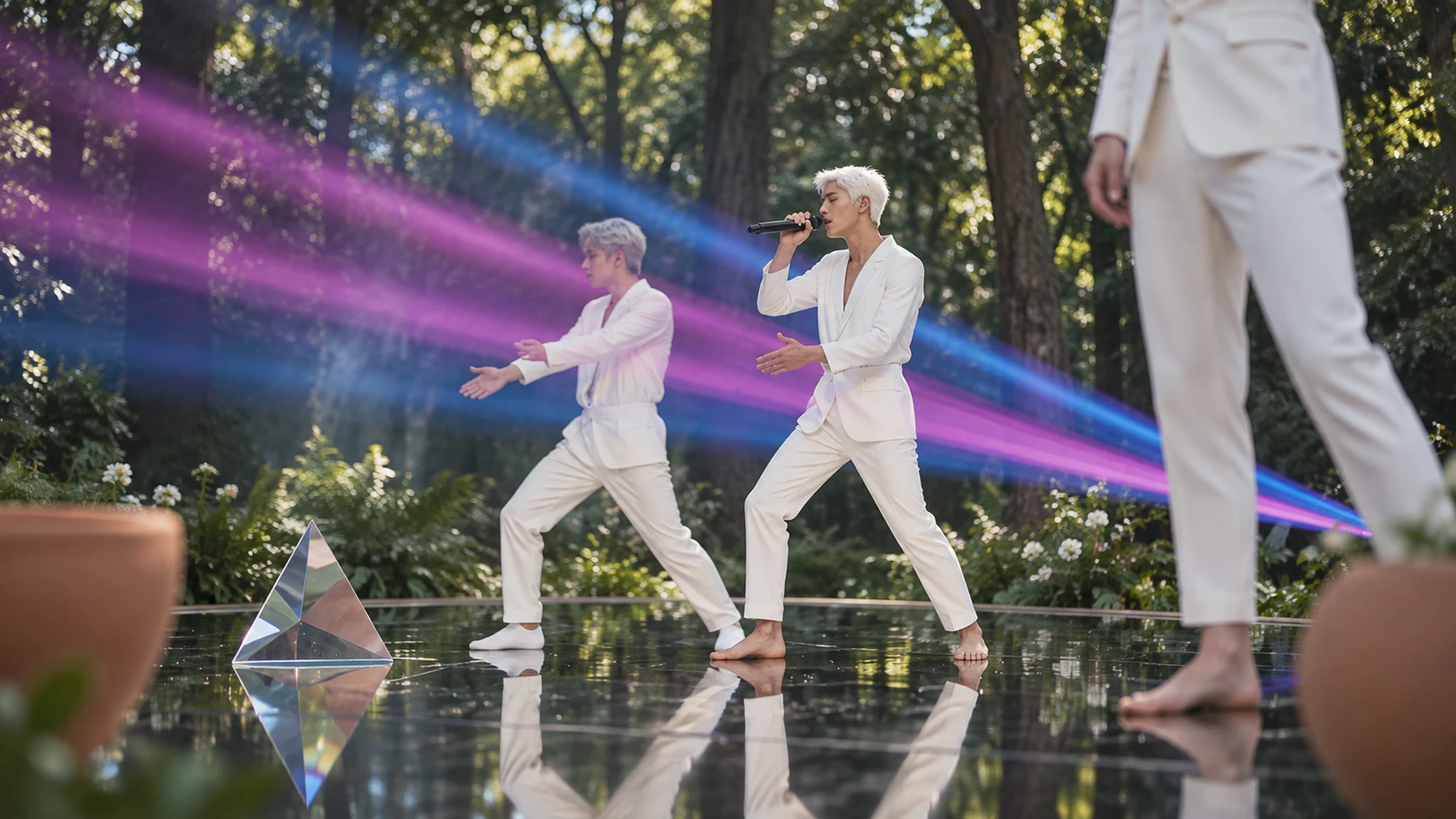
Add the materials to their named inputs. Music audio: one audio file; Character and scene references: up to 5 images (optional).
Keep exploring
Your next creation starts here
Start with your own content in Music Video. Review the settings in Studio and create your result.