Cuta
All tools

Baby Dance Video

Baby Dance Video

Baby Dance Video Generator: create videos from images with Cuta. Explore visual scenes for a song, performance concept or music release.

Try Baby Dance Video
Creative illustrationVideo

Start with your content

Add your source now, or later in Studio.

Review settings and cost in Studio before generating. Your selected files and inputs will be carried over.

A starting direction for Baby Dance Video

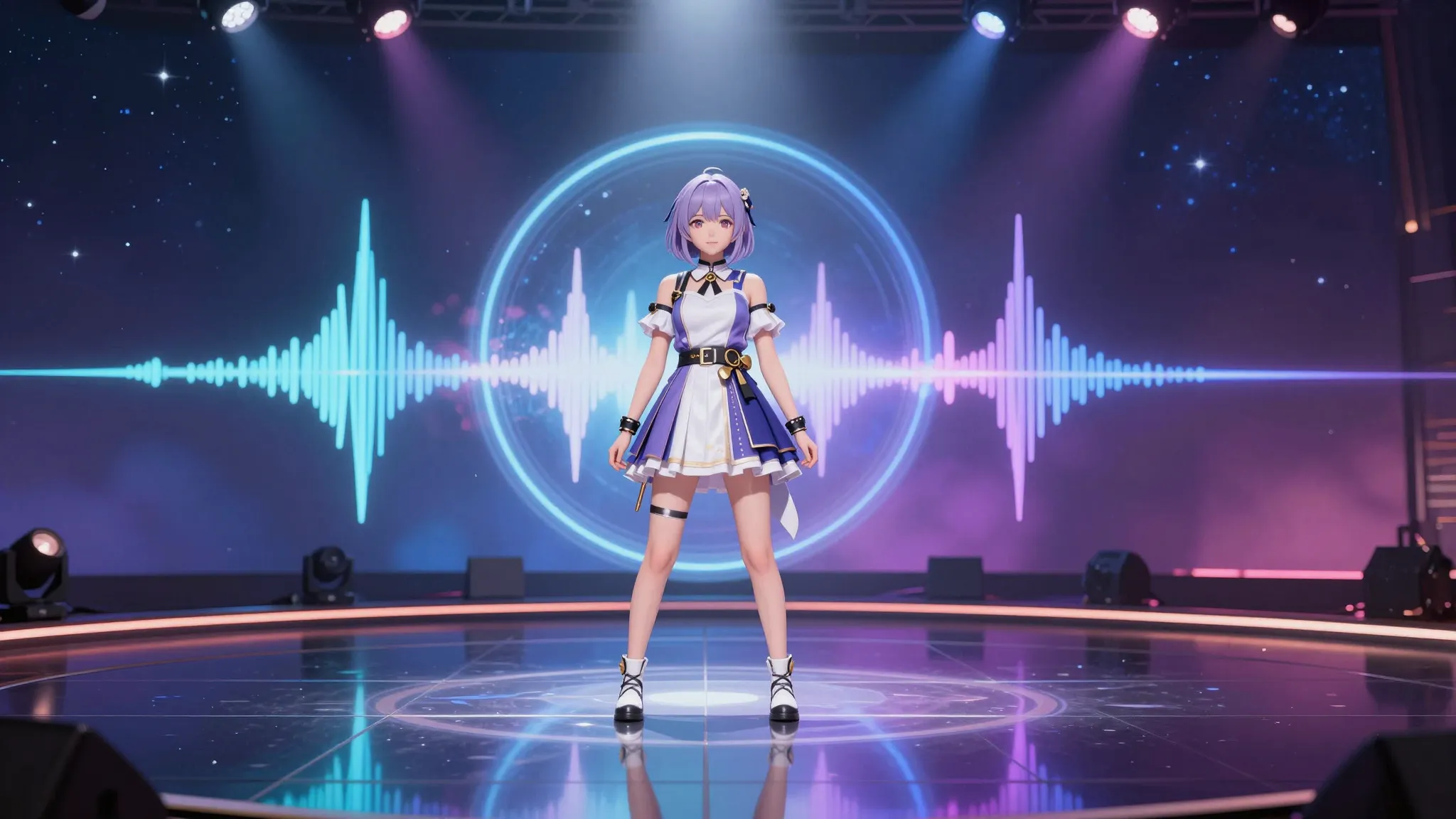
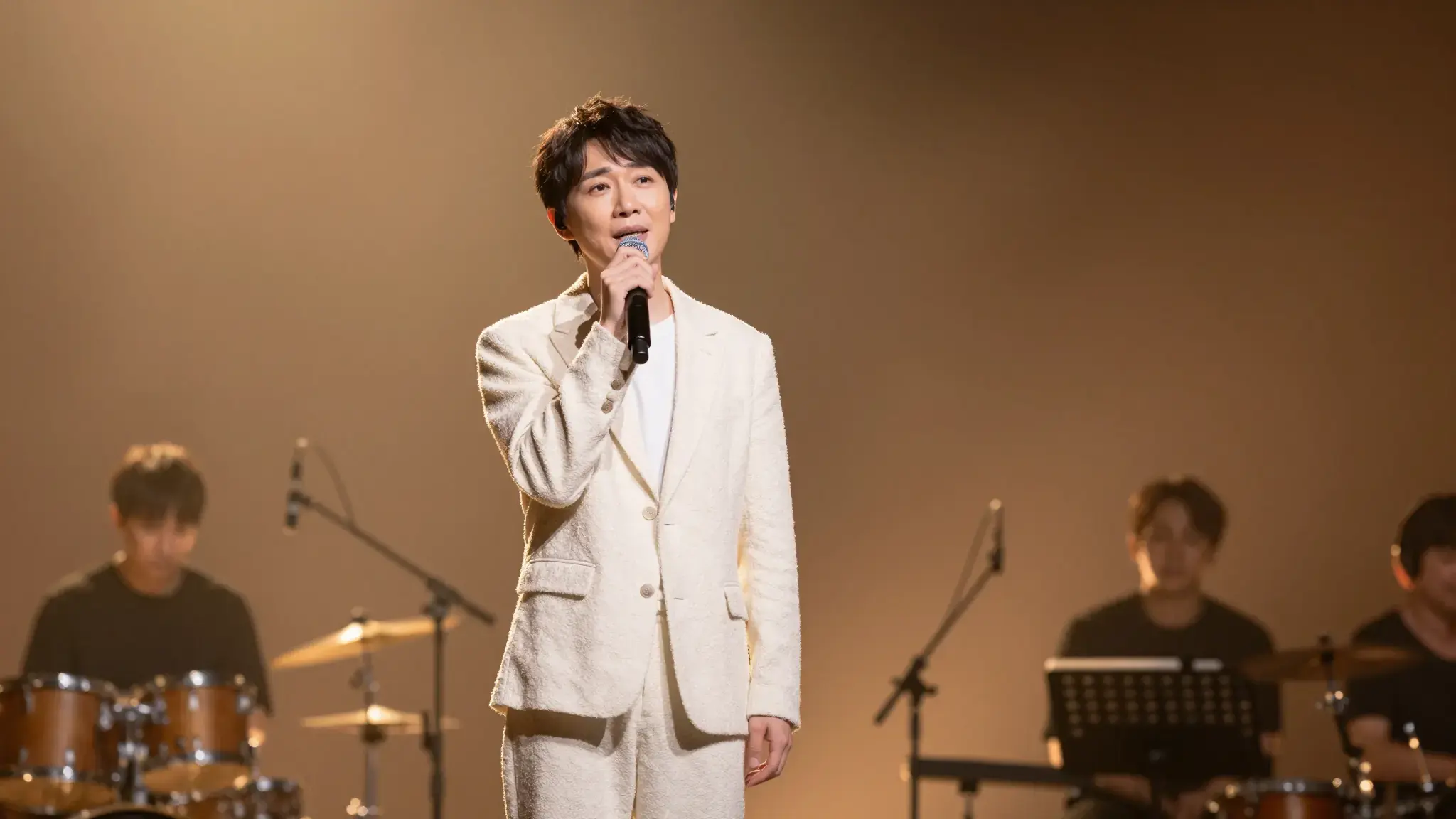
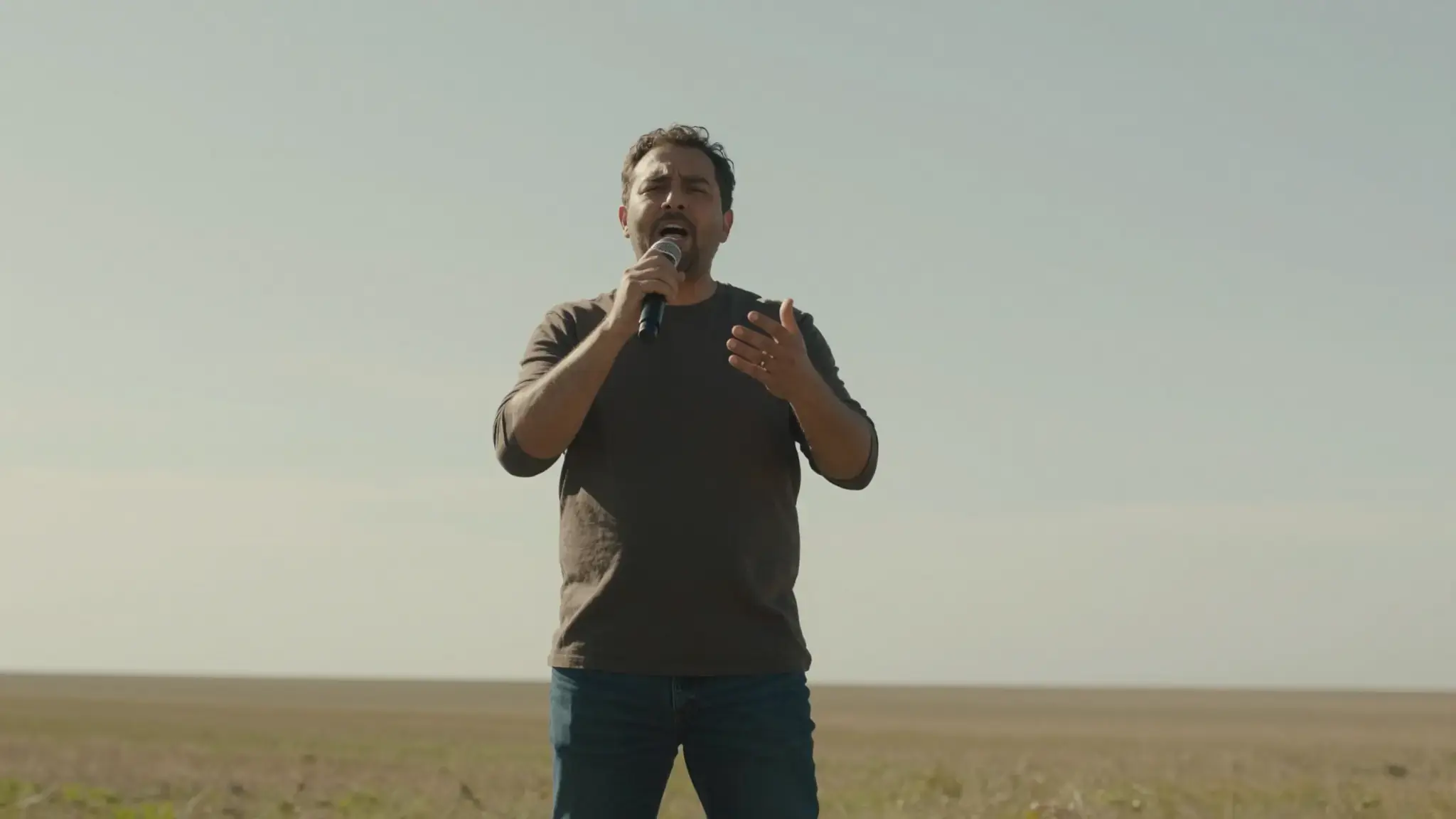
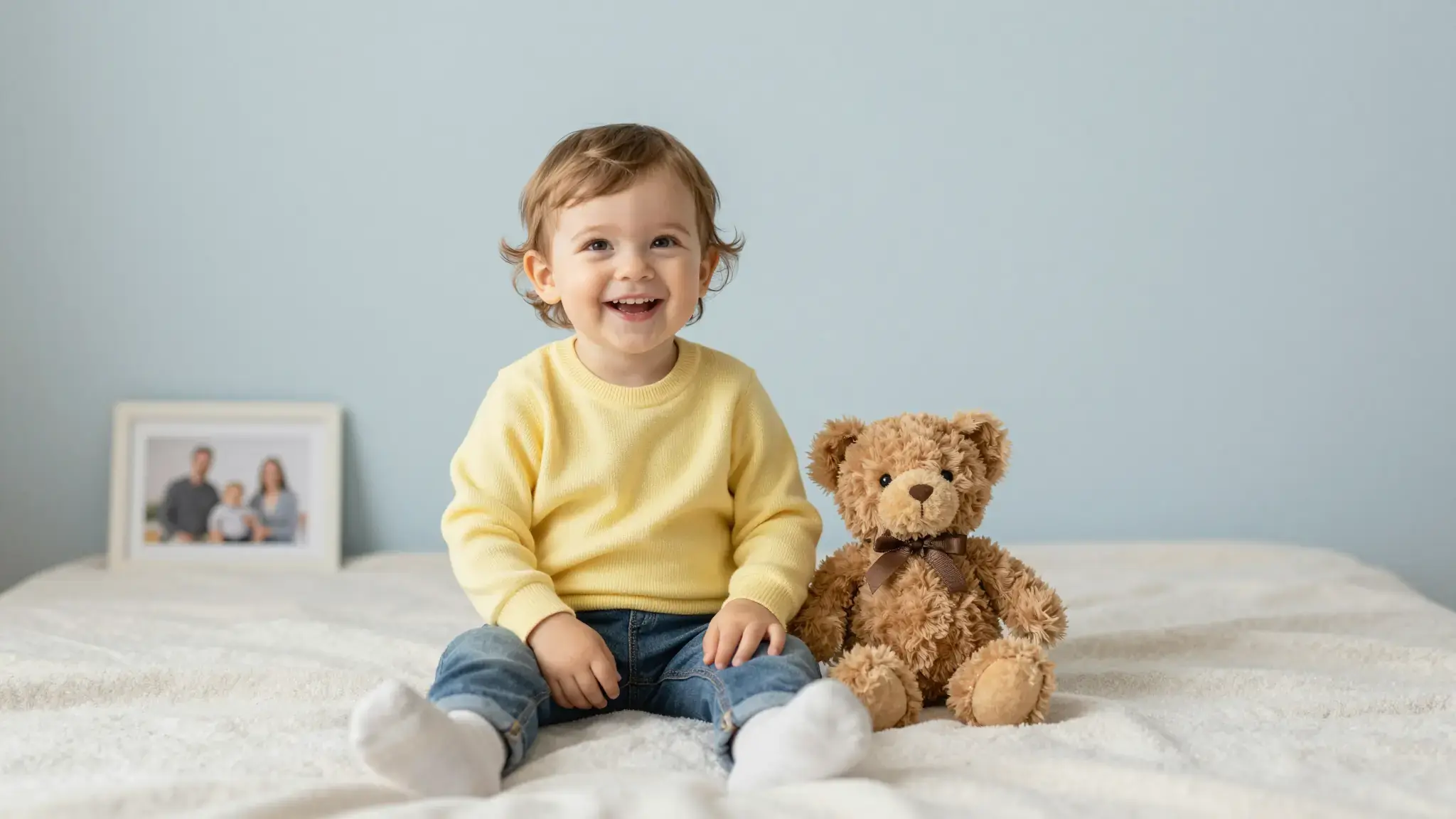
Illustrative artwork shows the intended visual direction. Your result depends on your source materials and settings.

An example to adapt

A cheerful fully clothed toddler in yellow overalls taking a tiny playful dance step on a soft nursery rug, arms naturally outstretched for balance, safe family photograph. gentle side lighting, warm cream and natural neutral tones

Try it now
Working with Baby Dance Video

Use references to define the scene

Supply the available image references and describe the action, setting and camera. State which character or product details should carry into the shot.

Materials for this task

Add the materials to their named inputs. Source image: up to 5 images.

Choose the supported settings

Available settings include Language. Review the full options in Studio before generation.

From idea to creation

How to use Baby Dance Video

  1. Add the source

    Add the materials to their named inputs. Source image: up to 5 images.

  2. Set the direction

    Available settings include Language. Review the full options in Studio before generation.

  3. Review the result in Studio

    Review whether reference details remain recognizable throughout the video. Extra references guide the result but do not guarantee perfect continuity.

Frequently asked questions

Add the materials to their named inputs. Source image: up to 5 images.

Your next creation starts here

Make something worth sharing.

Start with your own content in Baby Dance Video. Review the settings in Studio and create your result.

Start creating