Balance clarity, texture and noise
Start with the original file. Tune sharpening, denoising and compression repair separately; choose an enlargement factor only when you need a larger image.

Denoise AI
Reduce visible noise and grain in photos with Cuta. Improve low-light images and noisy pictures while refining the overall appearance of your photo.
Start with the original file. Tune sharpening, denoising and compression repair separately; choose an enlargement factor only when you need a larger image.
Add the materials to their named inputs. Original image: one image.
Available settings include Processing strength. Review the full options in Studio before generation.
Illustrative artwork shows the intended visual direction. Your result depends on your source materials and settings.
Two identical macro photographs of a blue butterfly wing, the left slightly grainy and the right clean and crisply detailed, balanced natural colors without labels
Try it nowFrom idea to creation
Add the materials to their named inputs. Original image: one image.
Available settings include Processing strength. Review the full options in Studio before generation.
Compare fine texture with the original at full size. Excessive cleanup can smooth skin, fabric or foliage, while too much sharpening can create halos.
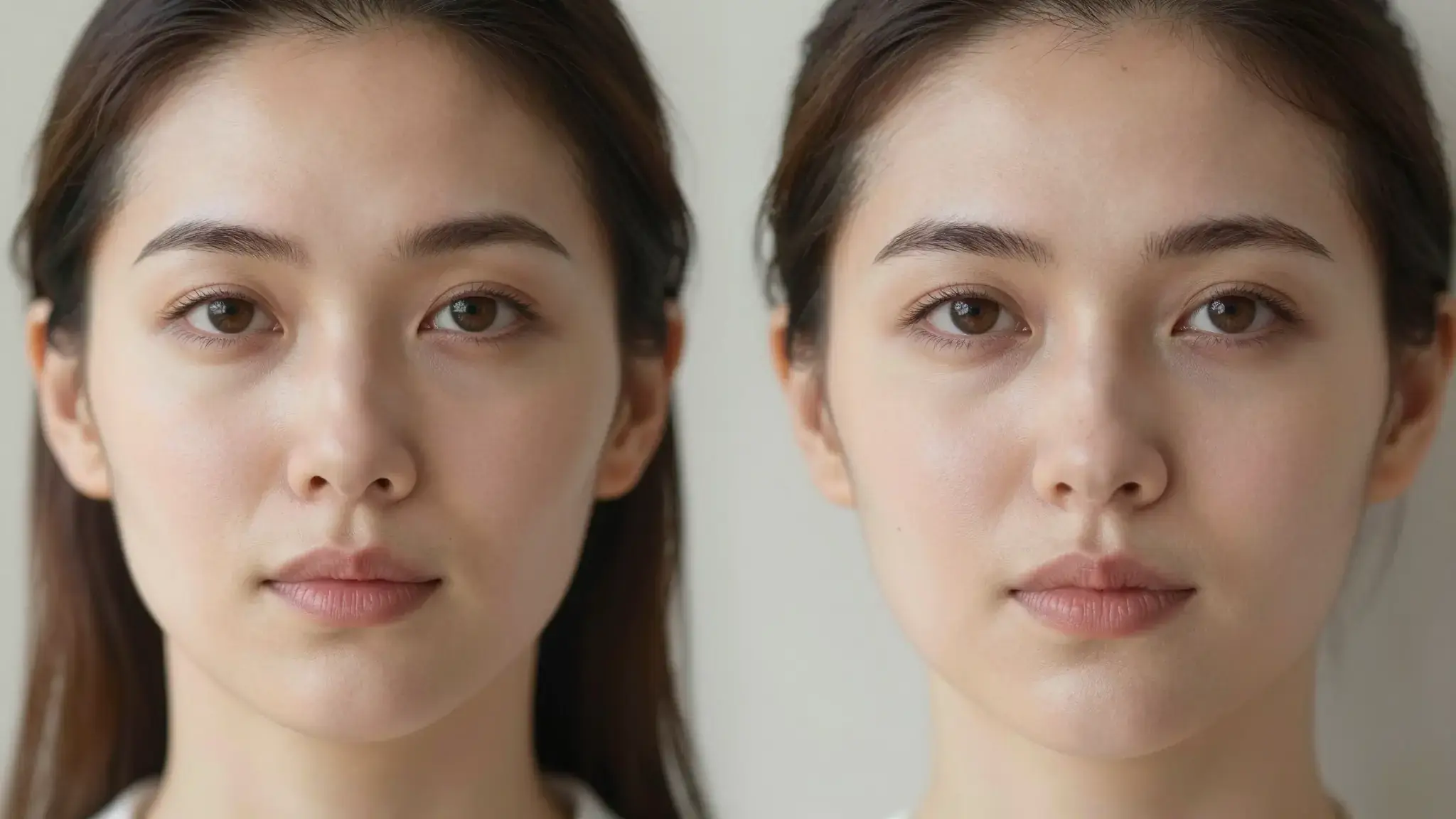
Refine soft facial detail while checking that skin texture and the person's likeness remain natural.
Improve the appearance of surfaces and edges before placing the image in a listing or presentation.
Add the materials to their named inputs. Original image: one image.
Keep exploring
Your next creation starts here
Start with your own content in Denoise AI. Review the settings in Studio and create your result.