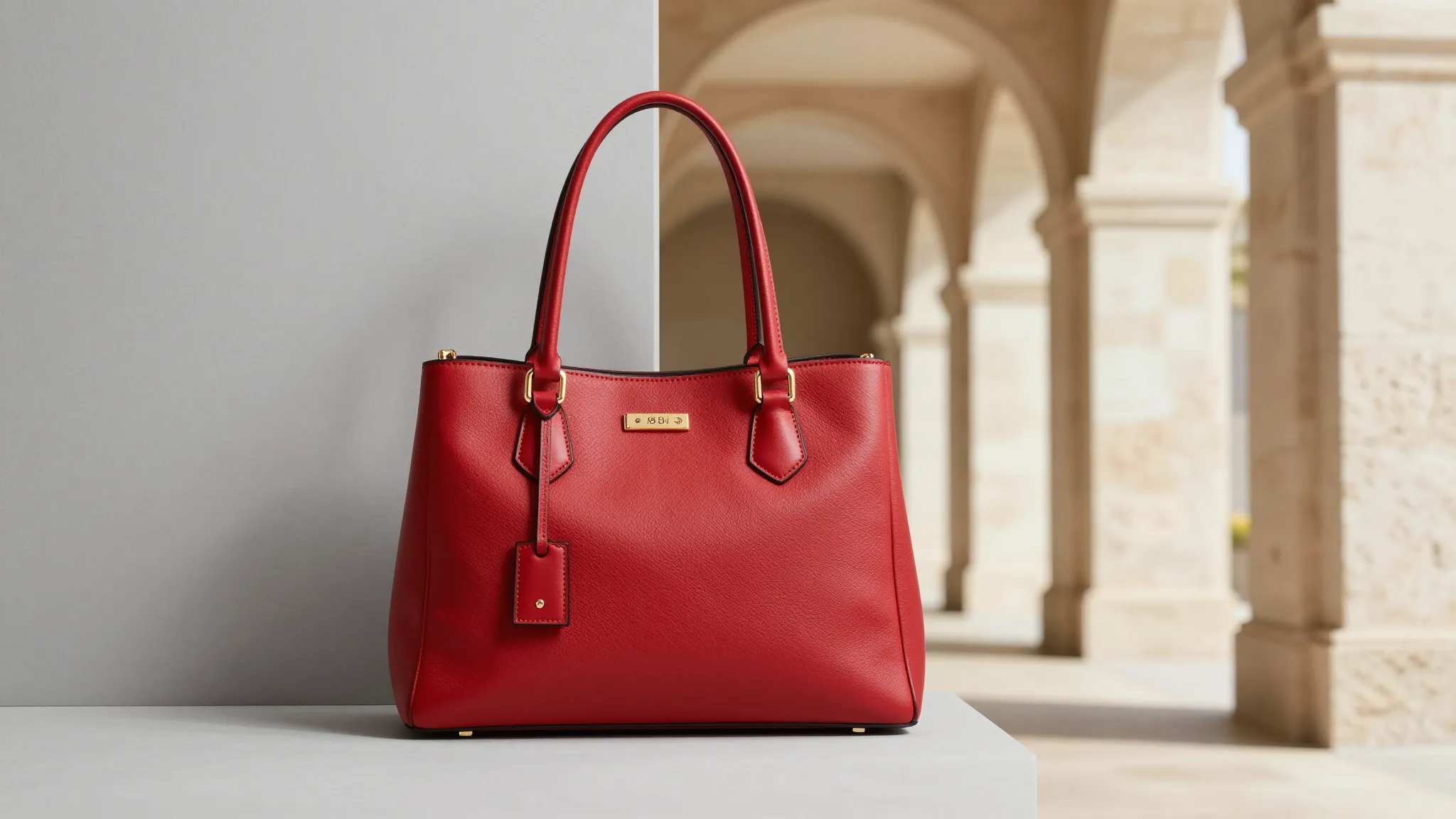
Text-to-Background Generation
Describe the scene you want and let AI generate a realistic new background that matches your subject.
Try it now
AI Background Changer online
Change any photo background with Cuta’s free AI background changer. Replace, swap, or generate new backgrounds from text prompts in seconds.
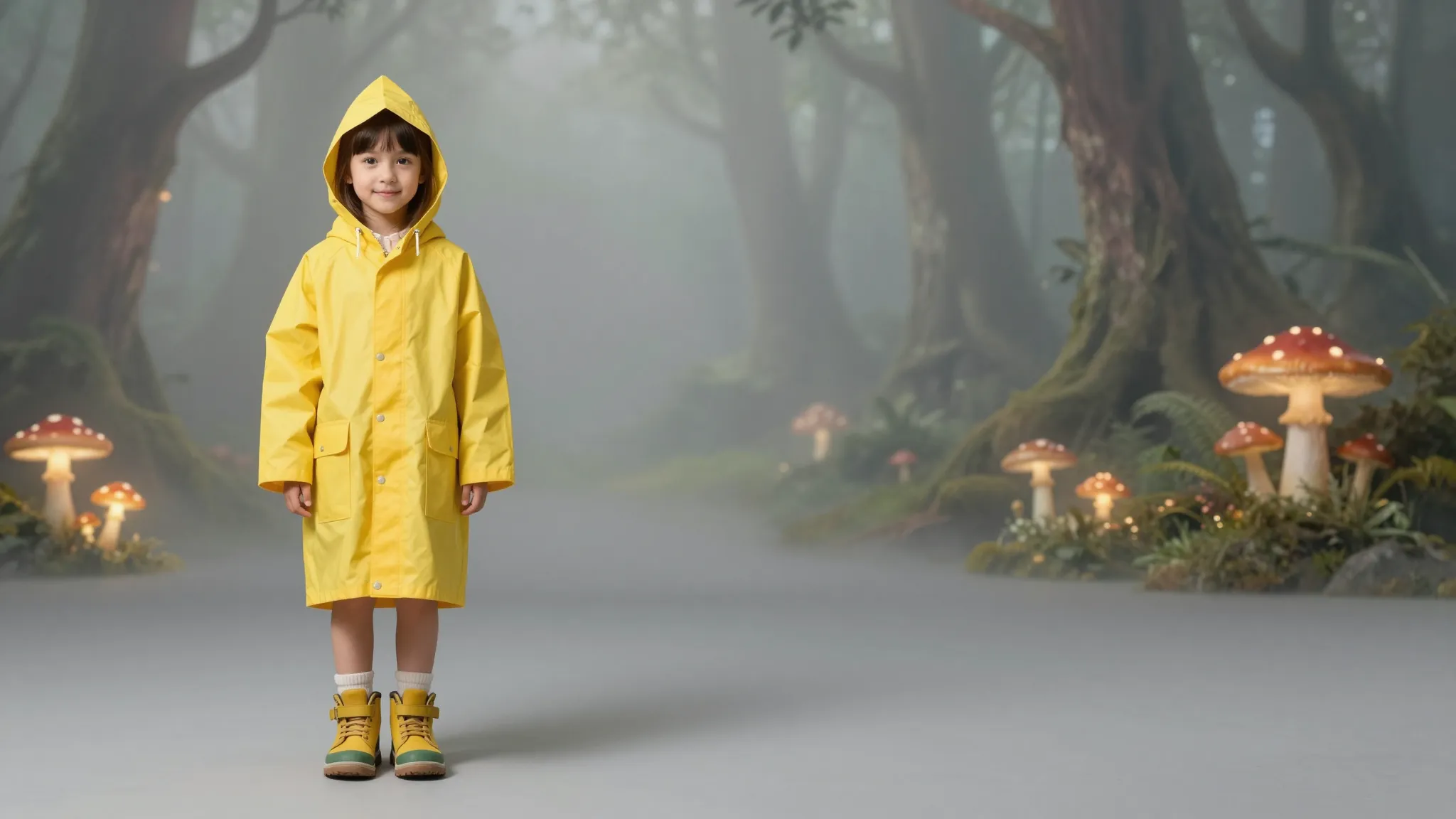
Describe the scene you want and let AI generate a realistic new background that matches your subject.
Try it nowKeep people, products, and key details intact while replacing the background cleanly around edges and shadows.
Try it nowCreate high-quality background replacements ready for product listings, profile photos, social posts, and campaigns.
Try it nowTurn ordinary product shots into clean catalog images or lifestyle scenes. Replace messy supplier backgrounds with polished visuals that look ready for marketplaces, ads, and storefronts.
Try it nowTransform casual portraits into professional profile images by replacing cluttered backgrounds with office, studio, or solid-color backdrops while keeping the person natural.
Try it nowType the environment you want, from beach vacations to city streets, and generate a new background that fits your subject without manual editing.
Try it nowExpand the canvas around your image and let AI continue the background naturally, useful for social crops, banners, thumbnails, and product layouts.
Try it nowFrom idea to creation

Upload the image you want to edit. Cuta detects the subject so you can replace the background while keeping the important parts of the photo intact.
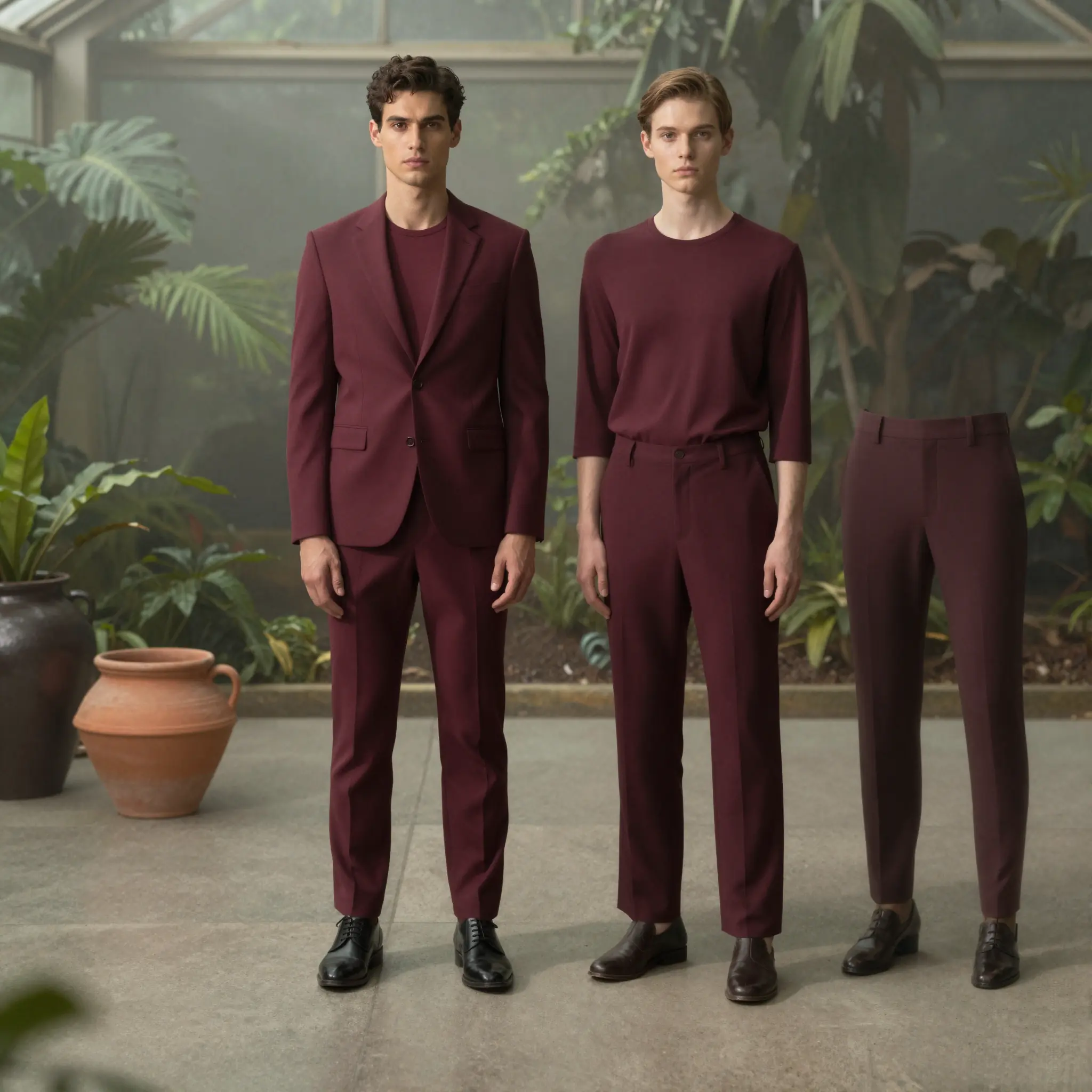
Pick a preset, upload your own scene, or type a prompt describing the background you want, such as a studio portrait backdrop or tropical beach.
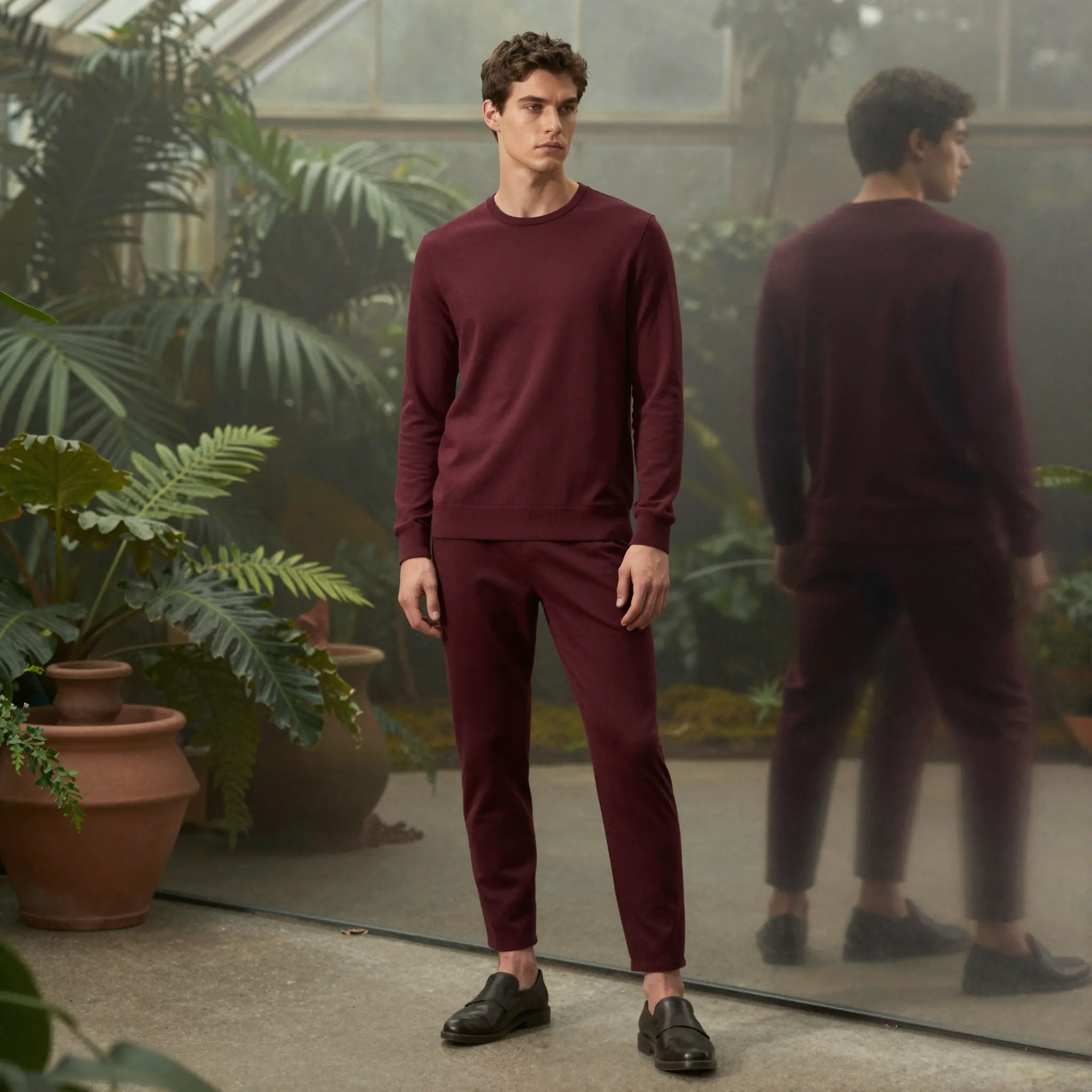
Preview the result, refine the prompt or background if needed, then download your edited image for social, e-commerce, profiles, or campaigns.
Replace messy supplier backgrounds with clean, marketplace-compliant white or lifestyle scenes without reshooting product photos.
Swap dull skies or empty-lot backgrounds with more appealing seasonal or aspirational visuals for listings and property promotions.
Create varied visual content from a single photo session by changing backgrounds for different posts, reels, thumbnails, and campaigns.
Turn a casual selfie into a professional headshot by replacing the background with a solid, studio, or office setting.
Create themed photo booth-style images by placing attendees in branded or seasonal backgrounds after the event.
Cuta offers a free online AI background changer that lets you upload a photo, preserve the subject, and replace the background with presets, uploaded images, or text prompts.
Find your next creative tool
Your next creation starts here
Start with your own content in AI Background Changer. Review the settings in Studio and create your result.