The details to include
Use a short word or pair of words and describe the rotation and stroke style.
Try it now
AI image tools
Explore tattoo lettering that plays with rotation and double readings.
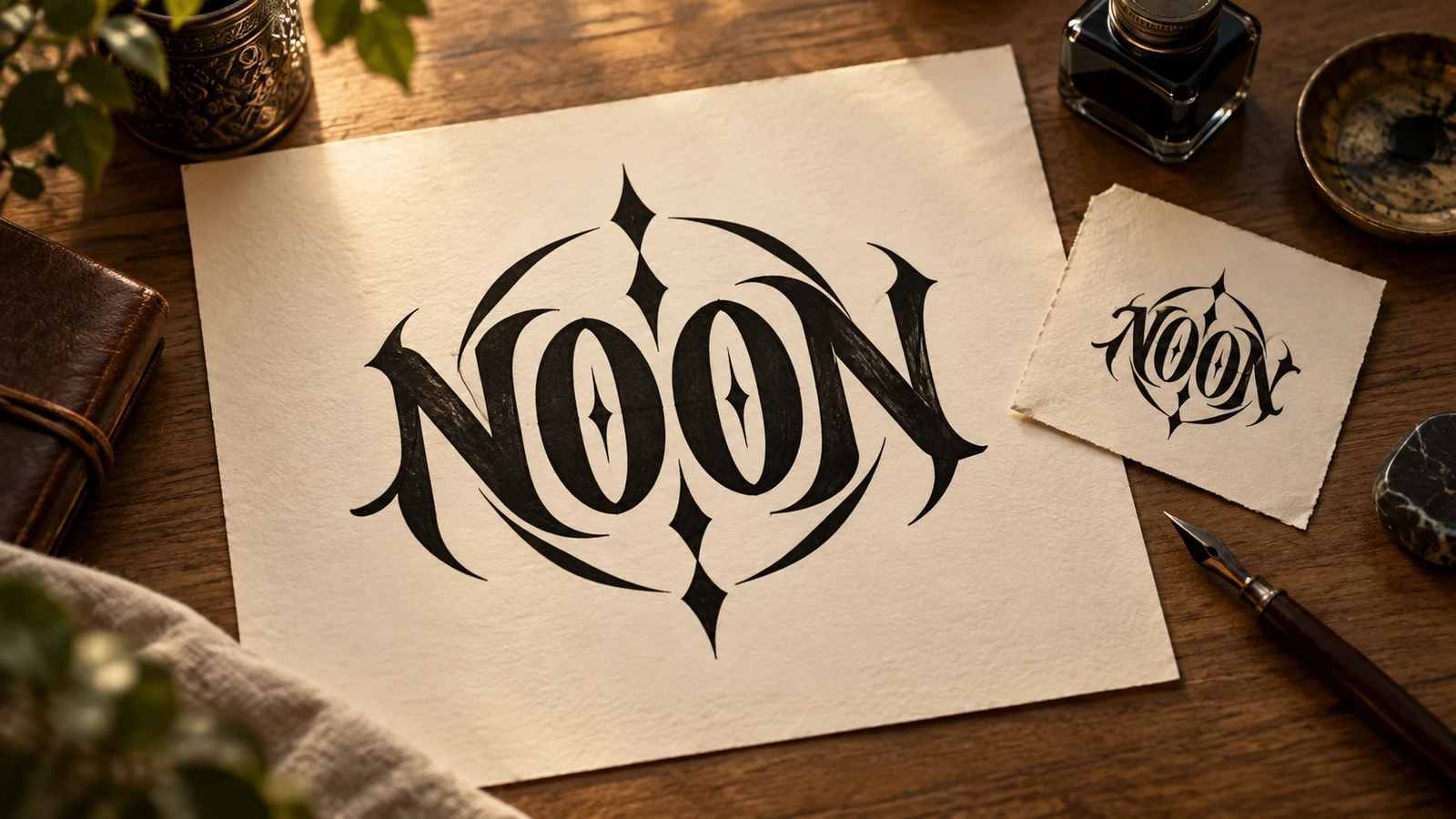
Use a short word or pair of words and describe the rotation and stroke style.
Try it nowAn ambigram concept for HOPE, readable after a half-turn, balanced black lettering, no decorative frame.
Try it nowFrom idea to creation
Start with a written brief. This tool uses text input, so include the details you want to appear in the image.
Use a short word or pair of words and describe the rotation and stroke style.
AI lettering may not form a working ambigram. Rotate the image and have a lettering artist refine both readings.
Creative possibilities
Illustrative concepts show framing and visual treatment. Use your own brief and references to create a version for your project.
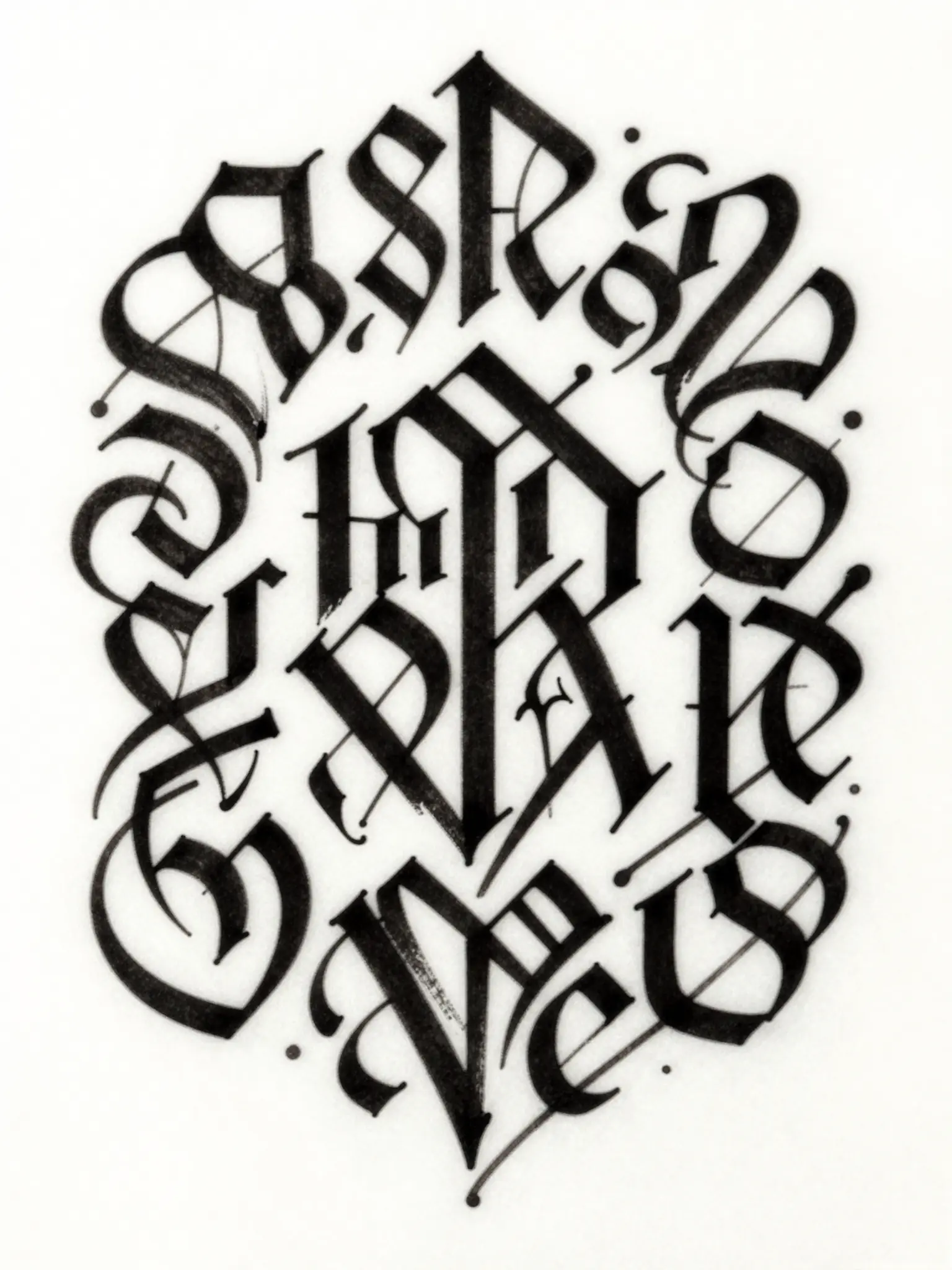
A restrained composition leaves room for the main message.
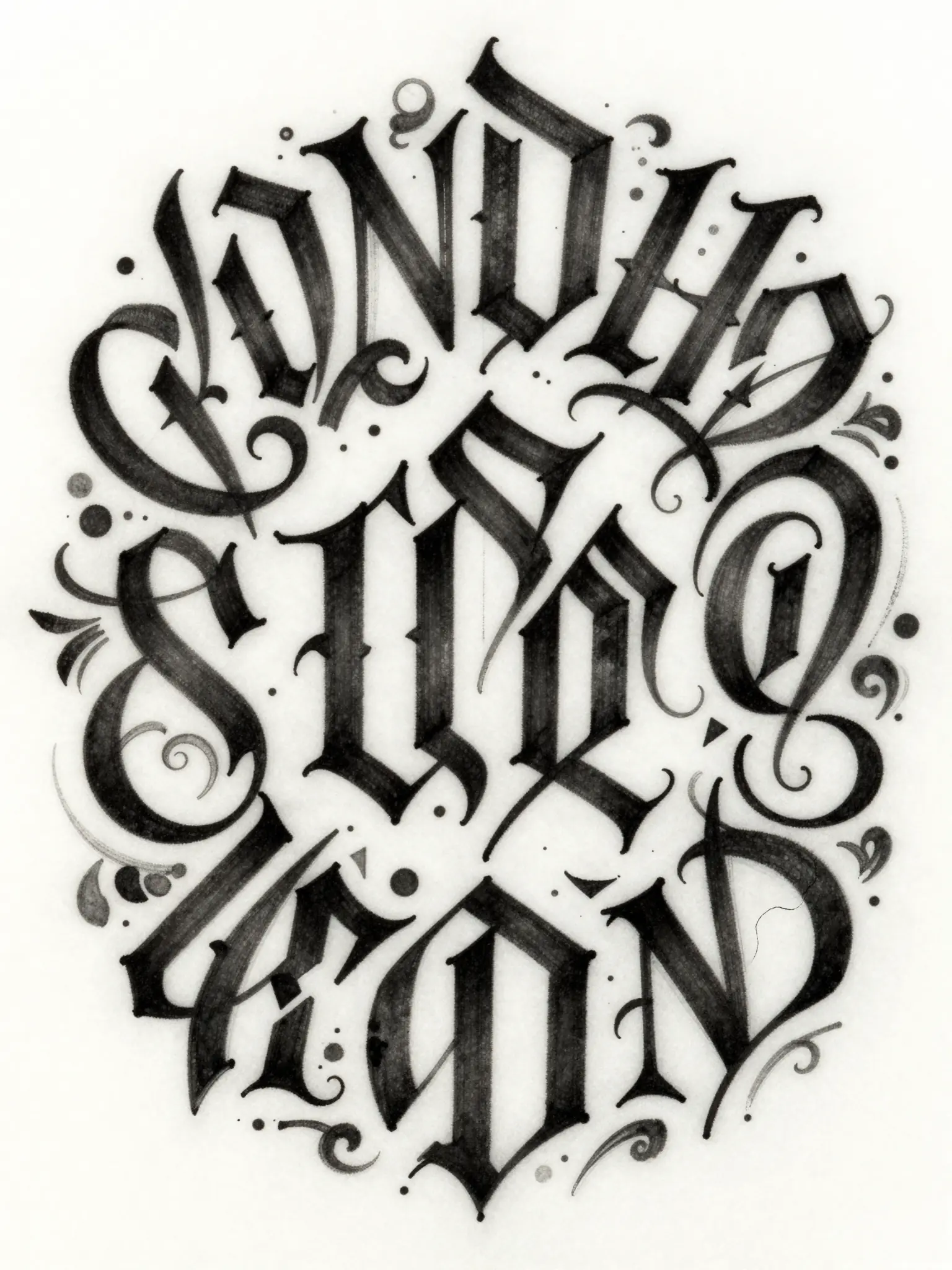
Richer color and illustration give the concept more energy.
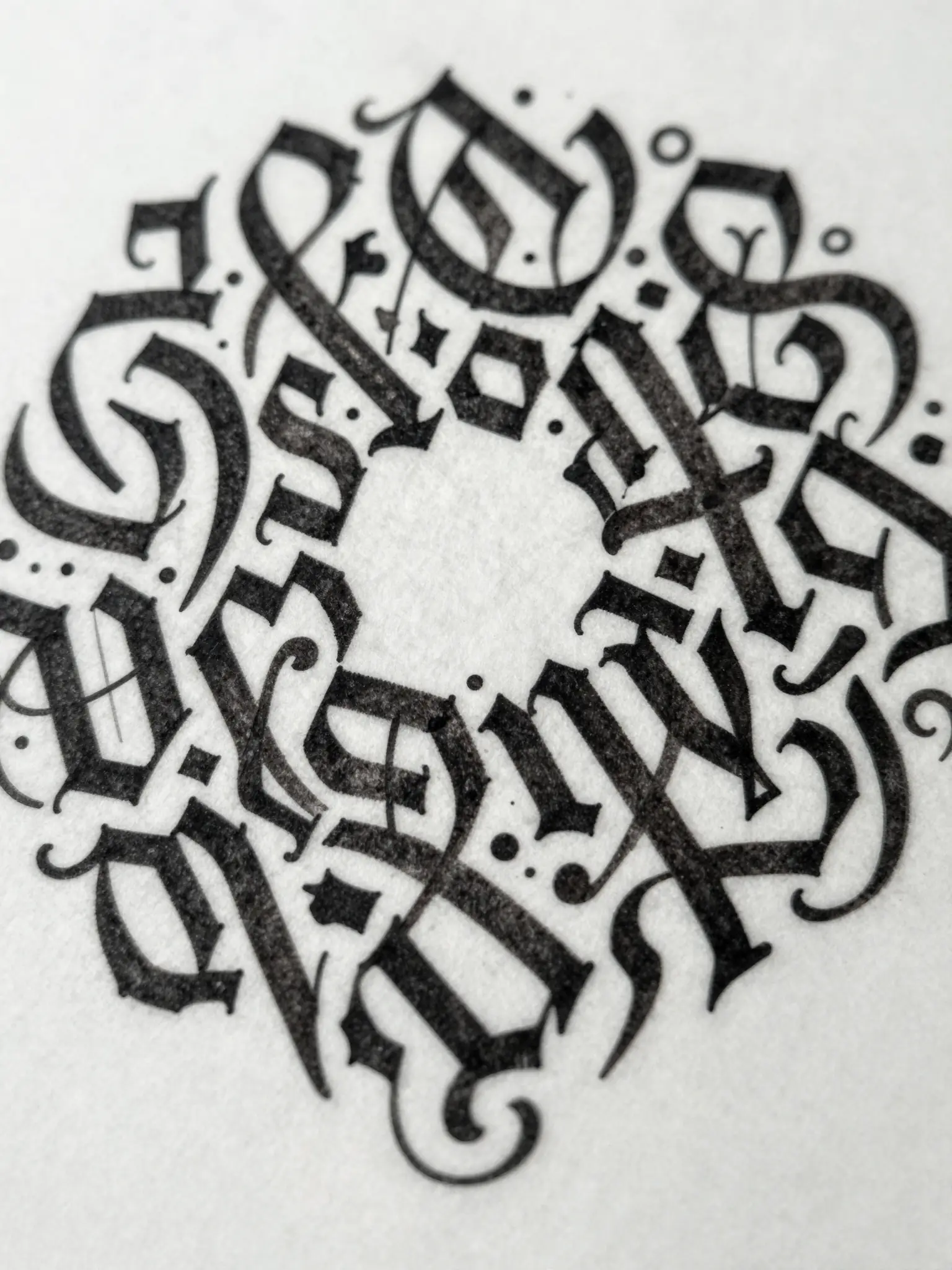
Texture and material add depth to the presentation.
AI lettering may not form a working ambigram. Rotate the image and have a lettering artist refine both readings.
Find your next creative tool
Your next creation starts here
Start with your own content in Ambigram Tattoo Generator. Review the settings in Studio and create your result.