The details to include
Choose a subject, palette, aspect ratio, and where to leave room for icons or widgets.
Try it now
AI image tools
Make a wallpaper that gives your screen a mood without crowding it.
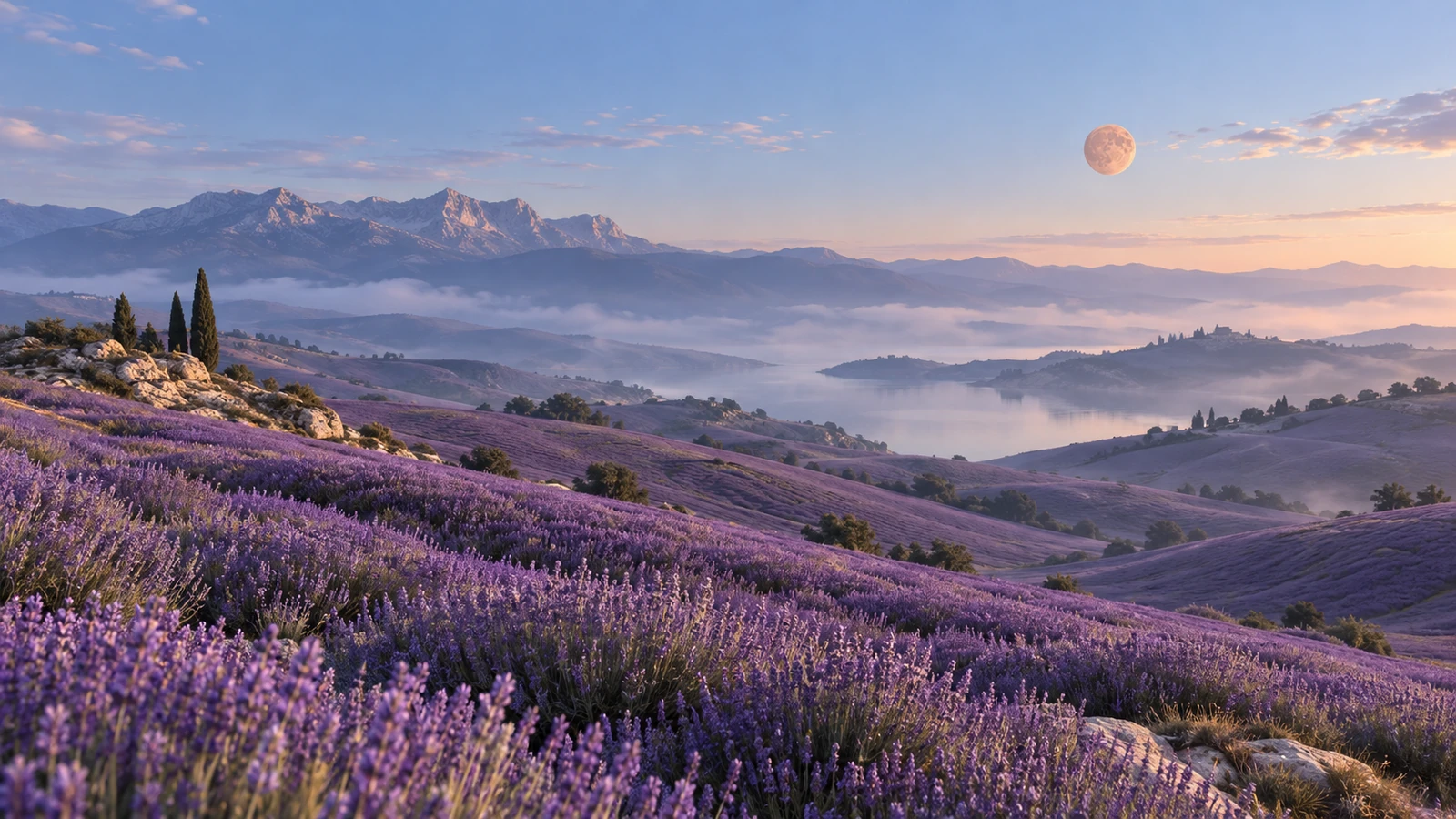
Choose a subject, palette, aspect ratio, and where to leave room for icons or widgets.
Try it nowA misty pine valley in muted blue, tall phone composition, quiet upper third for a clock.
Try it nowFrom idea to creation
Start with a written brief. This tool uses text input, so include the details you want to appear in the image.
Choose a subject, palette, aspect ratio, and where to leave room for icons or widgets.
Choose an aspect ratio close to your screen and review how the image crops around your icons or widgets.
Creative possibilities
Illustrative concepts show framing and visual treatment. Use your own brief and references to create a version for your project.
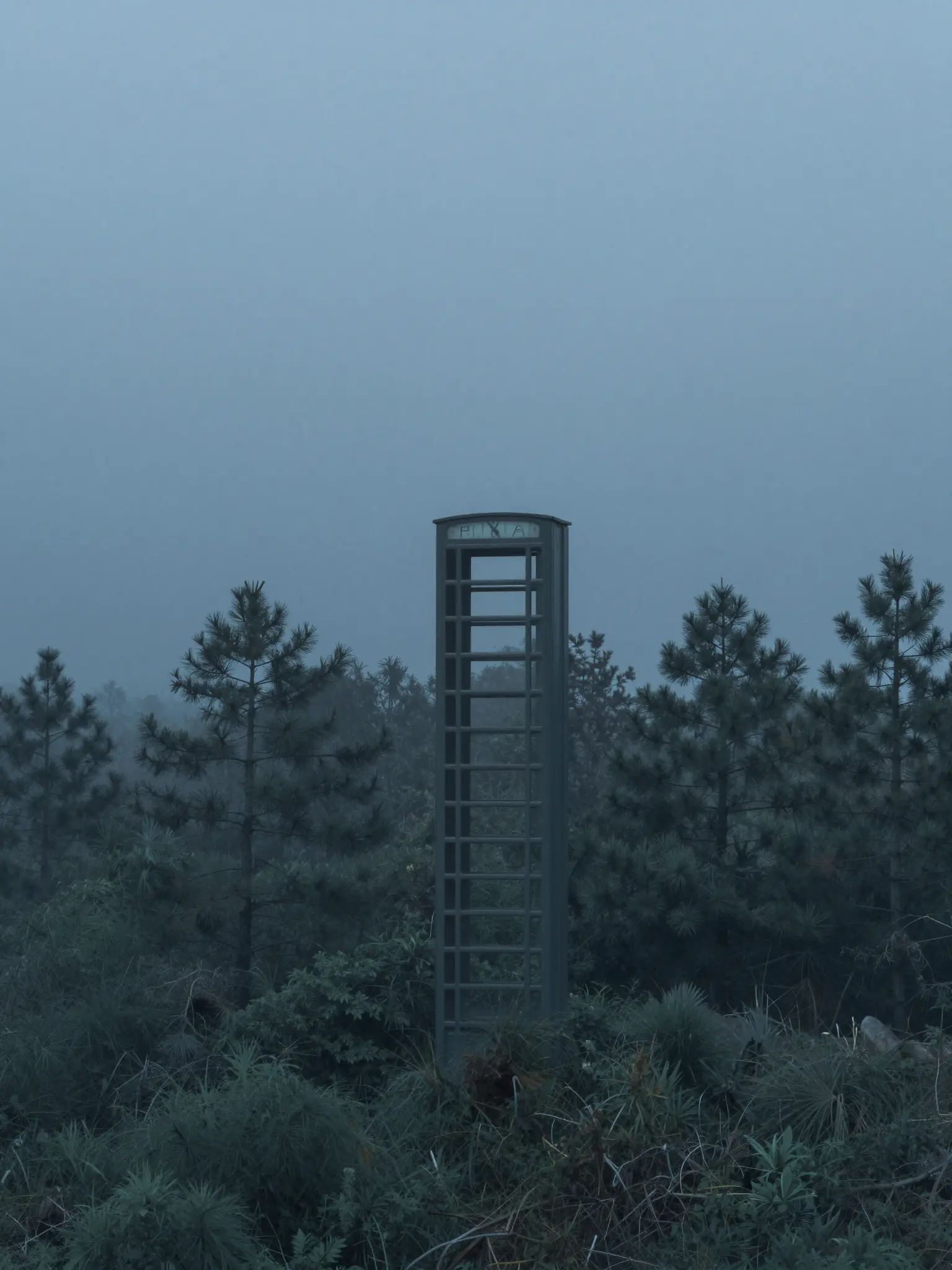
A restrained composition leaves room for the main message.
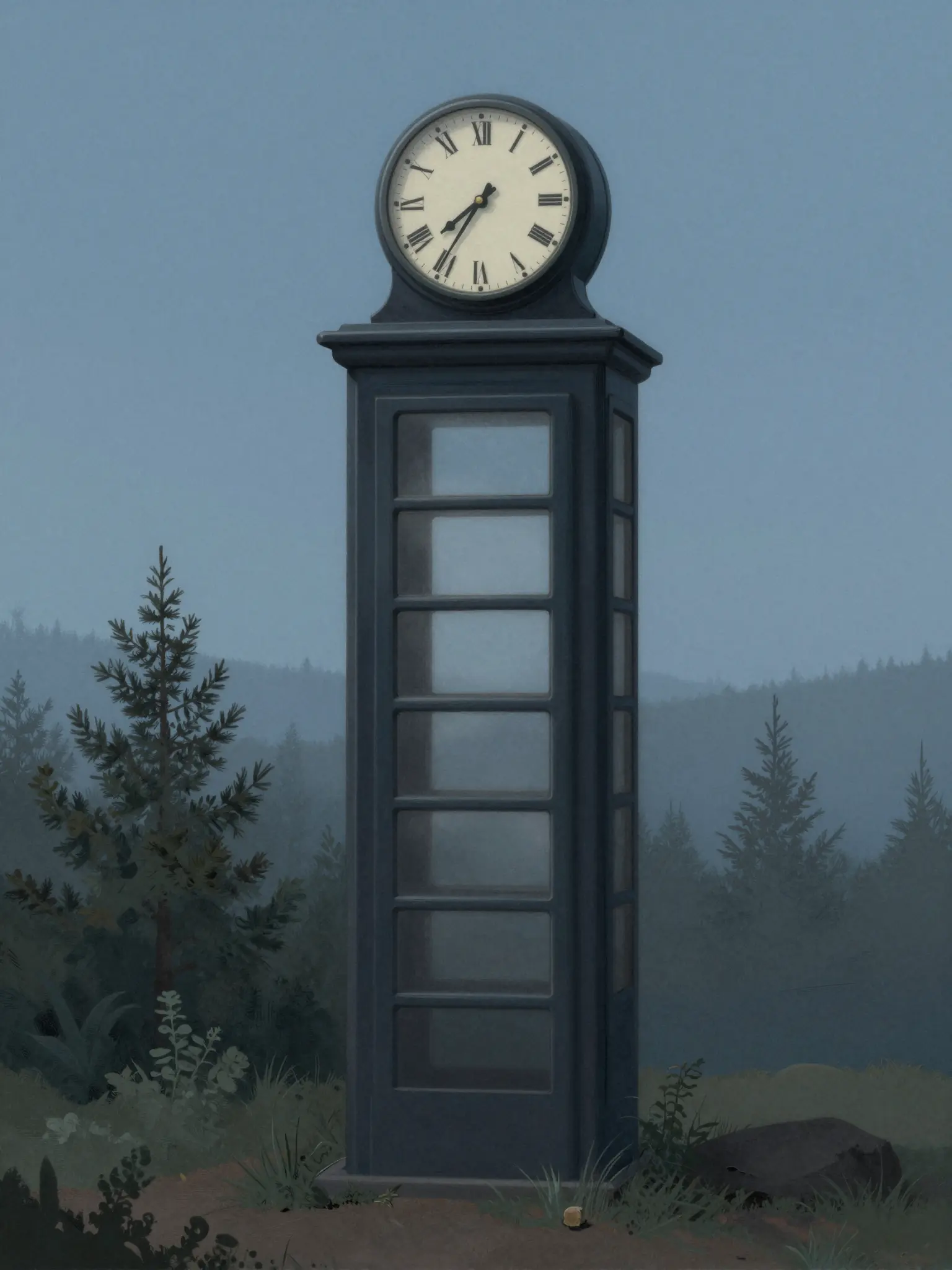
Richer color and illustration give the concept more energy.
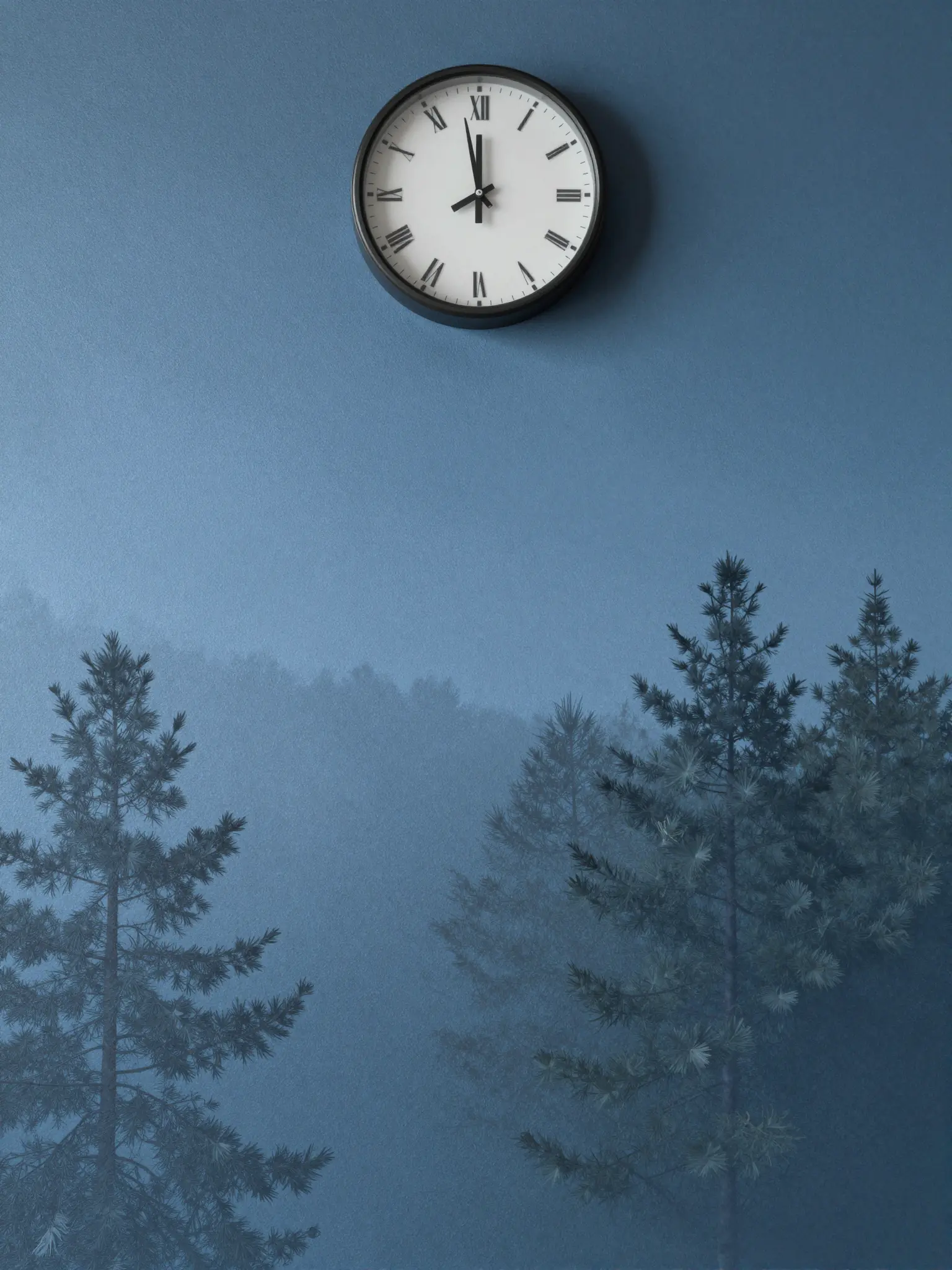
Texture and material add depth to the presentation.
Choose an aspect ratio close to your screen and review how the image crops around your icons or widgets.
Find your next creative tool
Your next creation starts here
Start with your own content in AI Wallpaper Generator. Review the settings in Studio and create your result.