
AI image tools
AI Time Machine
Imagine your portrait in another era through clothing, setting, and photographic style.
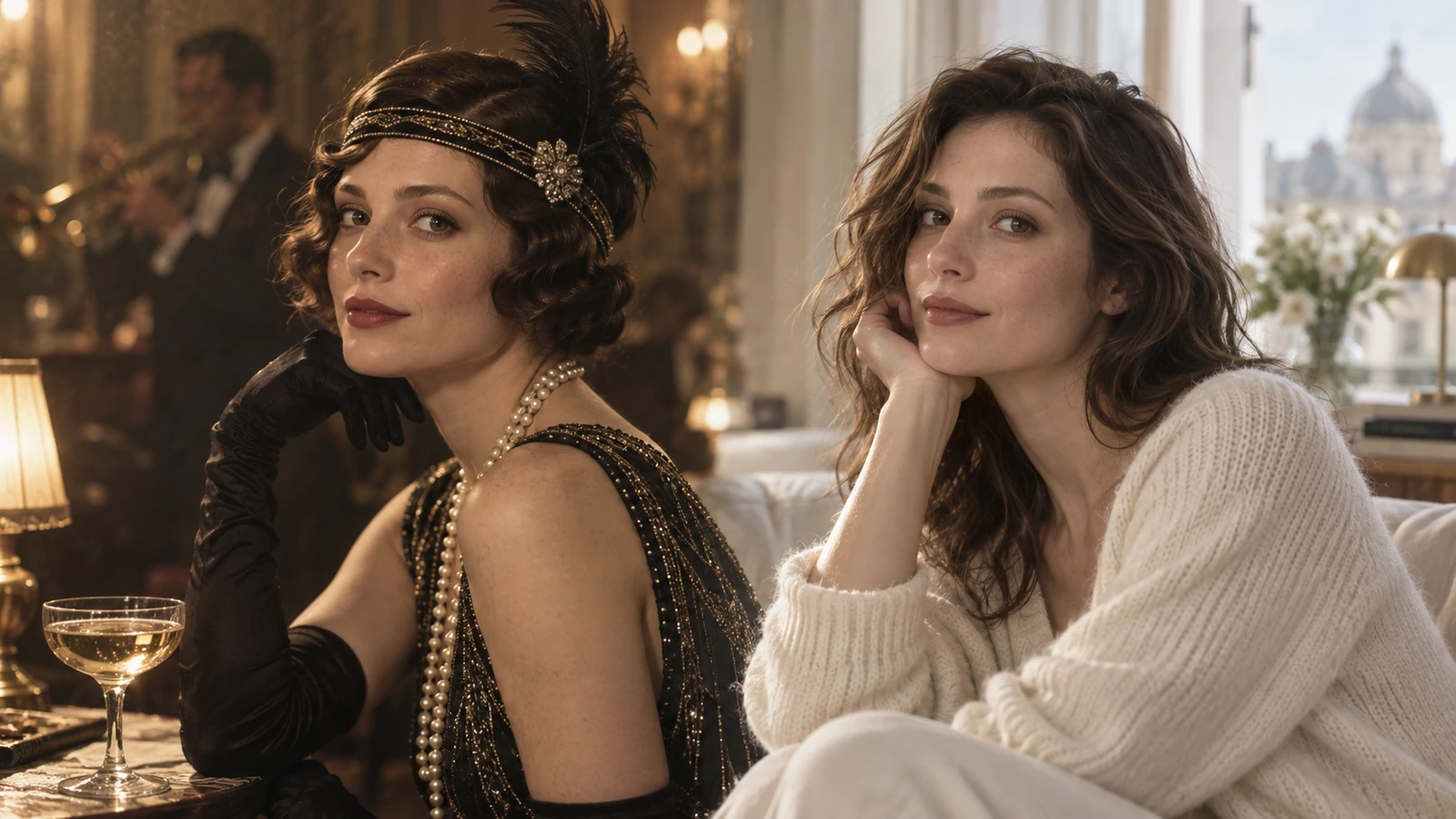
Plan your time machine image
A starting brief
Reimagine the reference person in a 1920s railway station, wool coat, soft sepia tones, candid portrait.
Try it nowFrom idea to creation
How to use AI Time Machine
Add your reference
Upload one clear reference image, then add instructions for the result you want.
Describe the result
Choose an era and describe the details that establish it.
Generate in the workspace
The scene is a creative reconstruction. Clothing and historical details may need research and correction.
Creative possibilities
Explore Time Machine ideas
Illustrative concepts show framing and visual treatment. Use your own brief and references to create a version for your project.
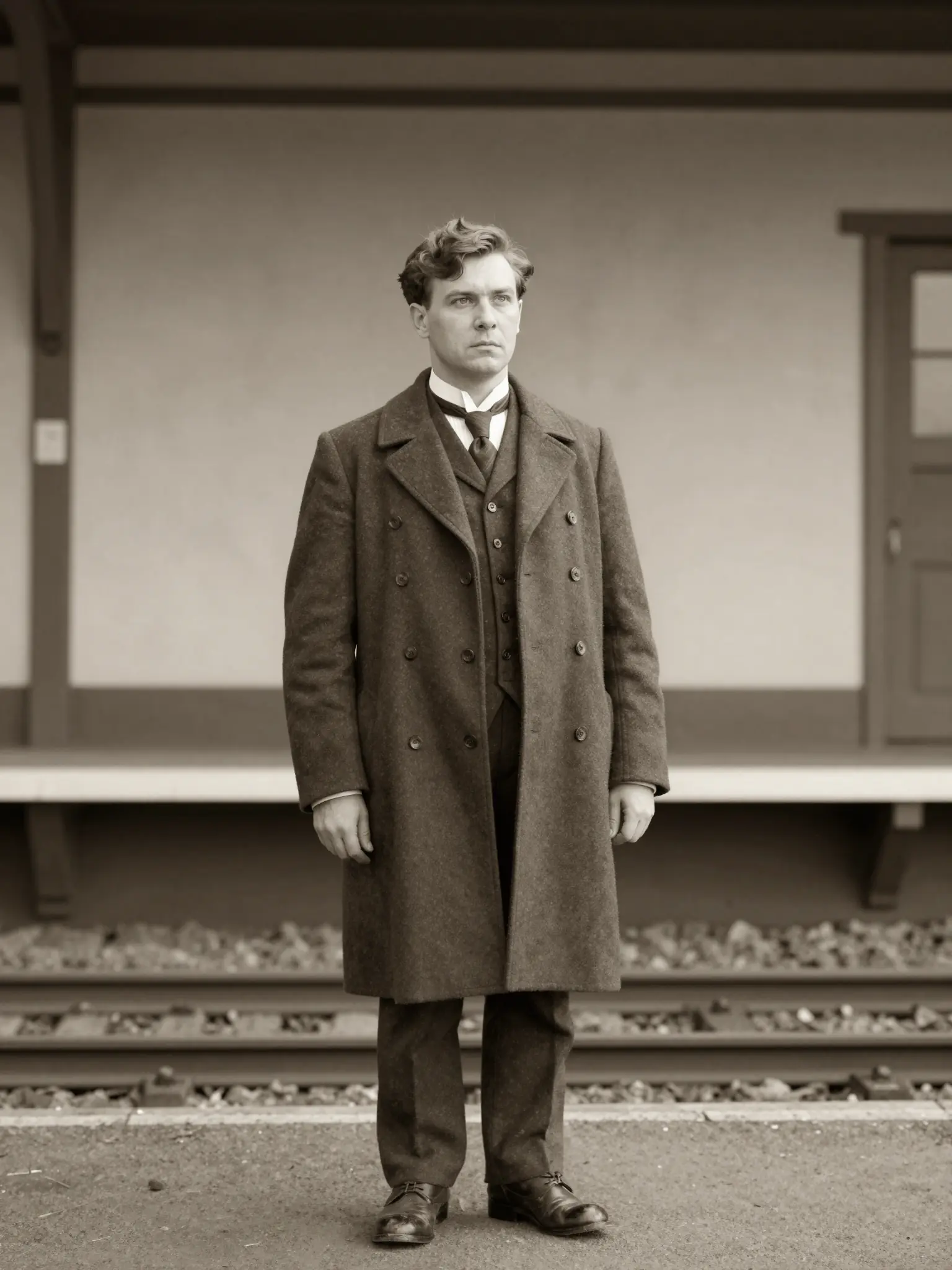
Minimal direction
A restrained composition leaves room for the main message.
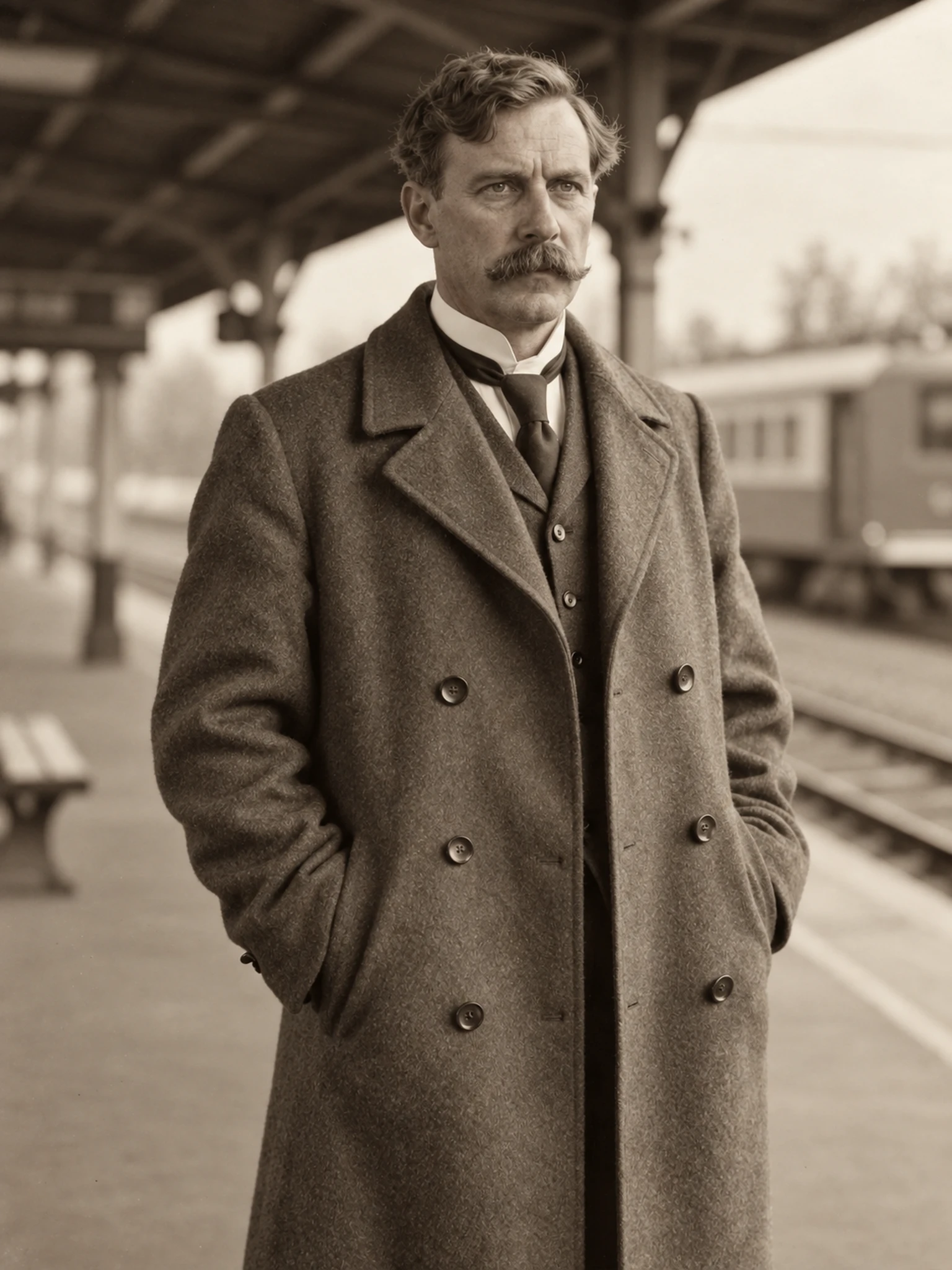
Expressive direction
Richer color and illustration give the concept more energy.
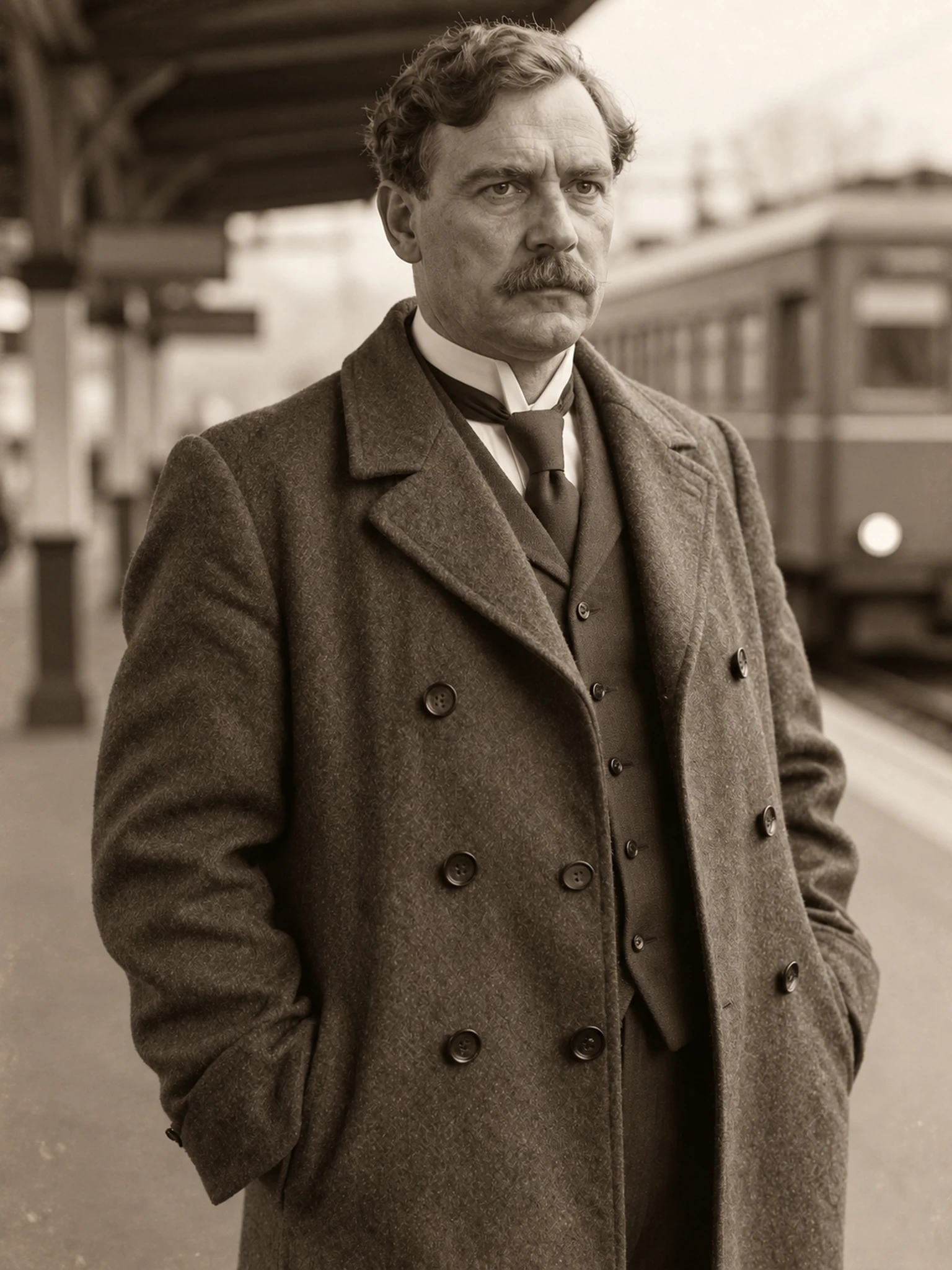
Material direction
Texture and material add depth to the presentation.
Frequently asked questions
The scene is a creative reconstruction. Clothing and historical details may need research and correction.
Find your next creative tool
Explore more creative tools
Your next creation starts here
Make something worth sharing.
Start with your own content in AI Time Machine. Review the settings in Studio and create your result.