The details to include
List the action beats, camera framing, and anything that must stay consistent.
Try it now
AI image tools
Turn an idea for a scene into a sequence you can discuss shot by shot.
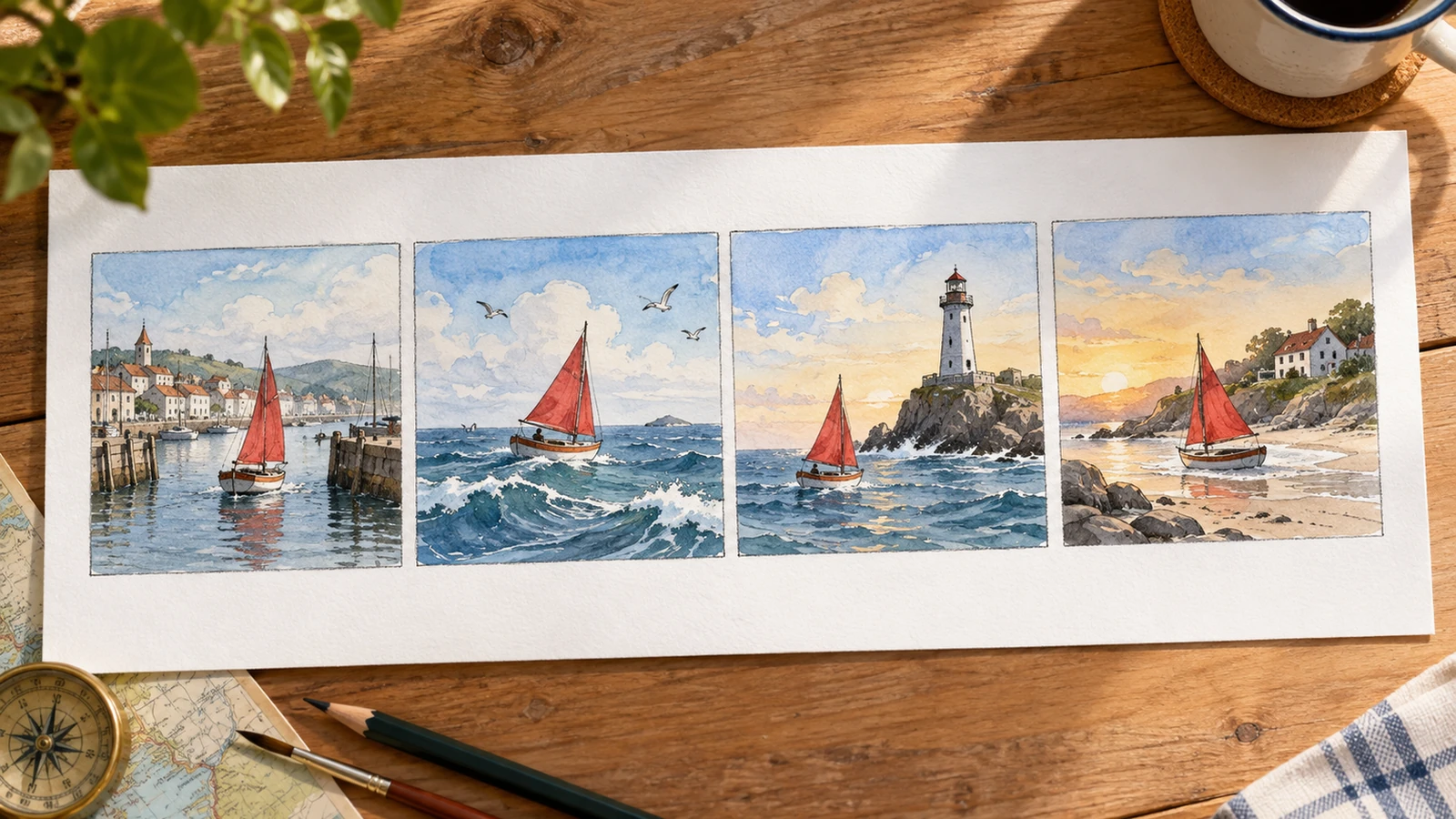
List the action beats, camera framing, and anything that must stay consistent.
Try it nowFour storyboard frames: cyclist arrives, close-up of a flat tire, discovers a repair shop, rides away at sunset.
Try it nowFrom idea to creation
Start with a written brief, a reference image, or both. A reference helps communicate the appearance you want.
List the action beats, camera framing, and anything that must stay consistent.
Review the sequence for continuity. The result is a storyboard image rather than an editable timeline.
Creative possibilities
Illustrative concepts show framing and visual treatment. Use your own brief and references to create a version for your project.
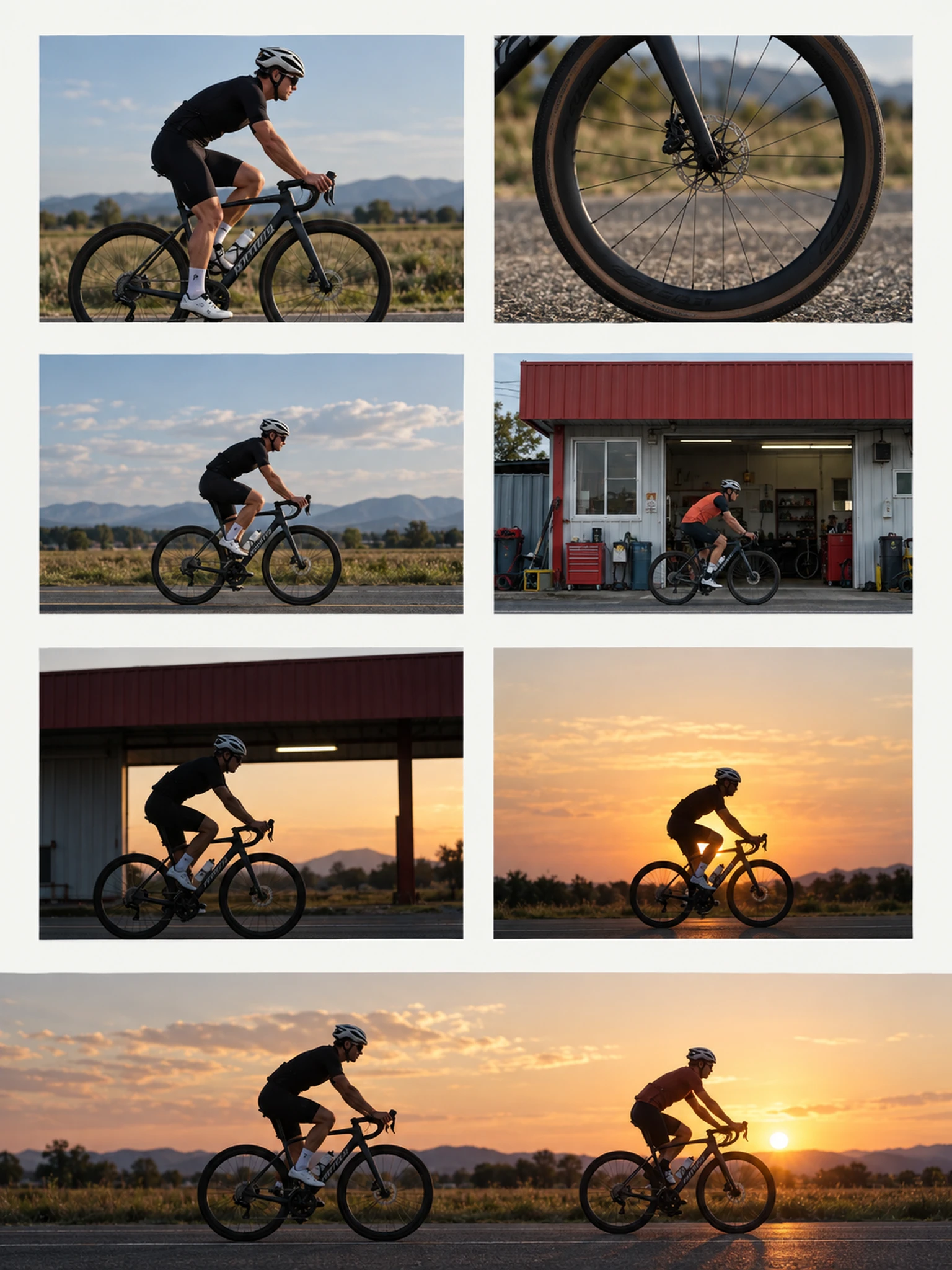
A restrained composition leaves room for the main message.
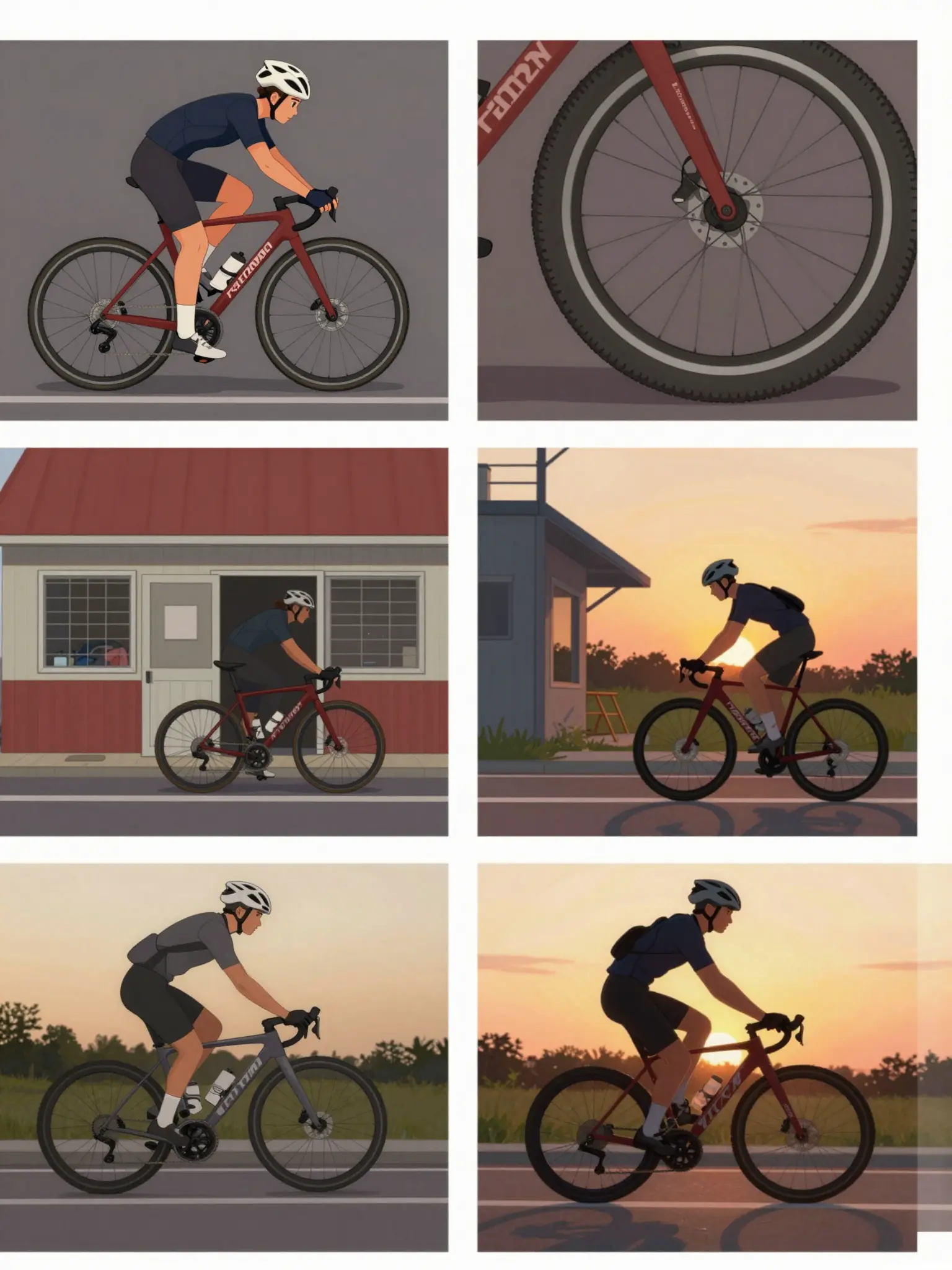
Richer color and illustration give the concept more energy.
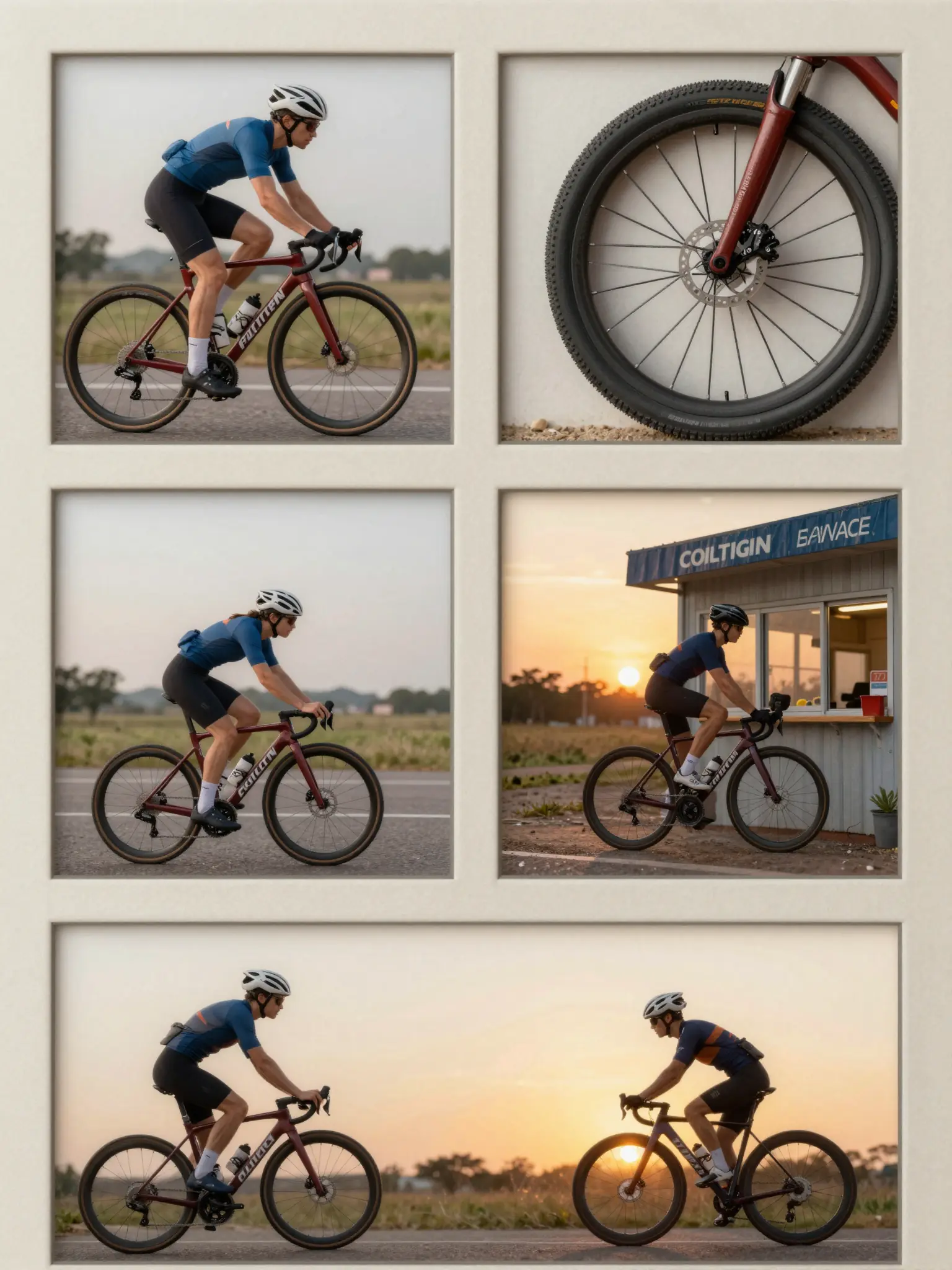
Texture and material add depth to the presentation.
Review the sequence for continuity. The result is a storyboard image rather than an editable timeline.
Find your next creative tool
Your next creation starts here
Start with your own content in AI Storyboard Generator. Review the settings in Studio and create your result.