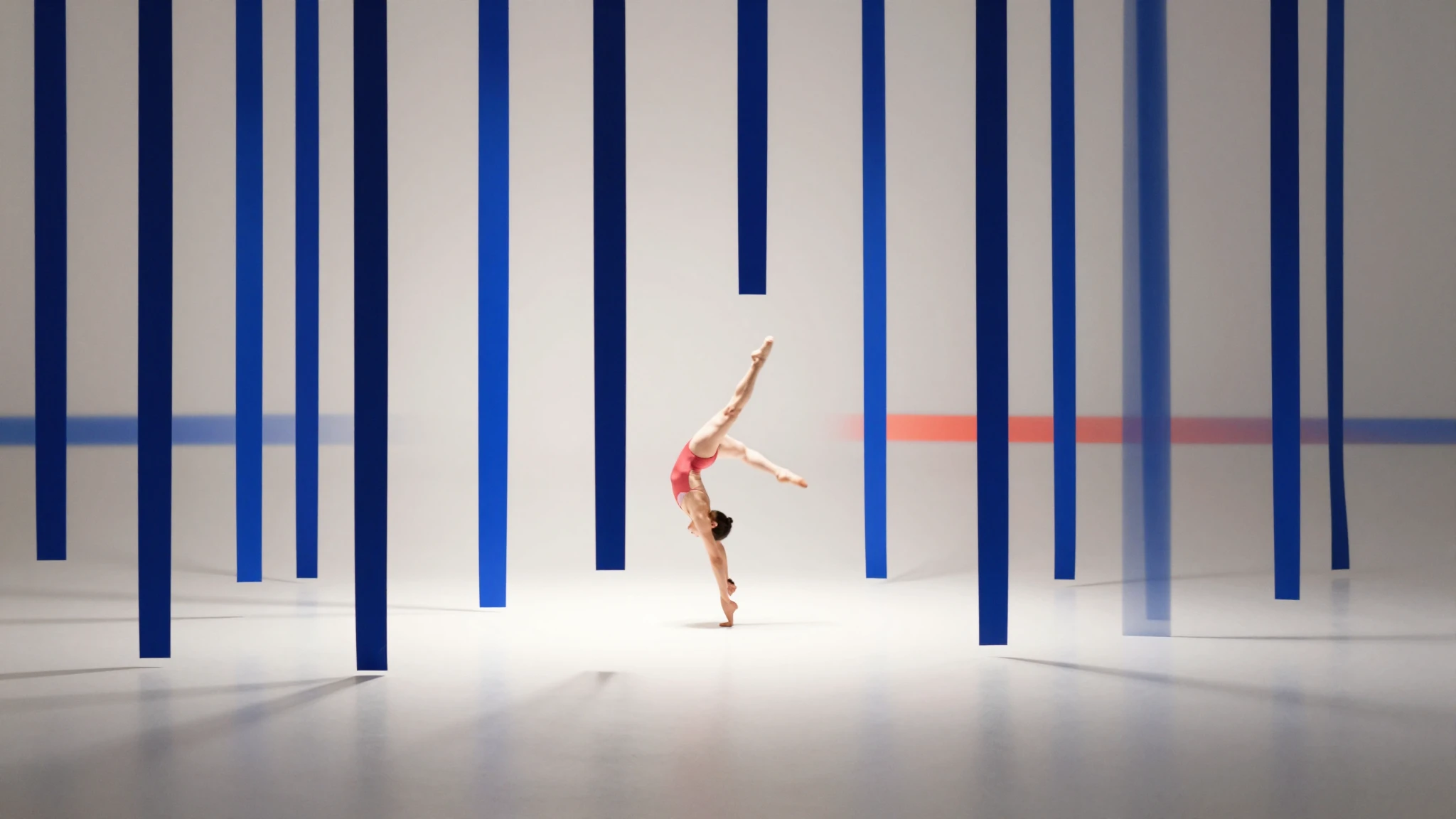
Vertical aspect ratios
Every reel renders at 9:16, paced for Instagram or YouTube Shorts, and exports ready to upload straight to the app.

Free reel maker online
Turn a prompt, a product photo, or a script into a scroll-stopping Instagram Reel. Get a 9:16 vertical video with a hook-first opener, AI voice-over, music, and captions baked in.
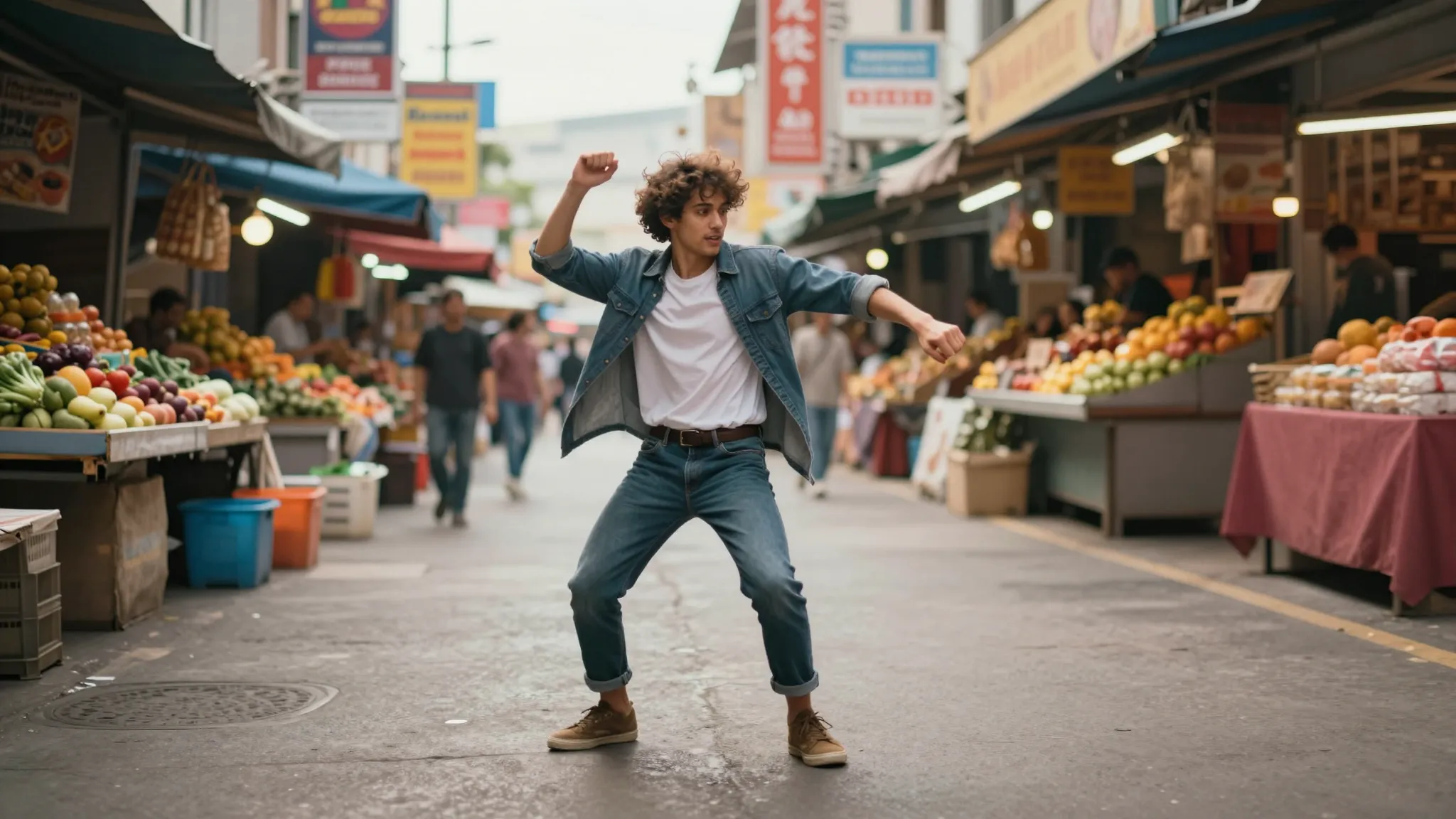
Every reel renders at 9:16, paced for Instagram or YouTube Shorts, and exports ready to upload straight to the app.
Every reel opens with a scroll-stopping hook tuned for short-form feeds, with multiple variations easily available.
The AI reels generator is perfect for both casual, personal use and professional, branded reels.
Creative possibilities
See how creators, influencers, and marketers are making high-quality, catchy reels with the AI reels maker.
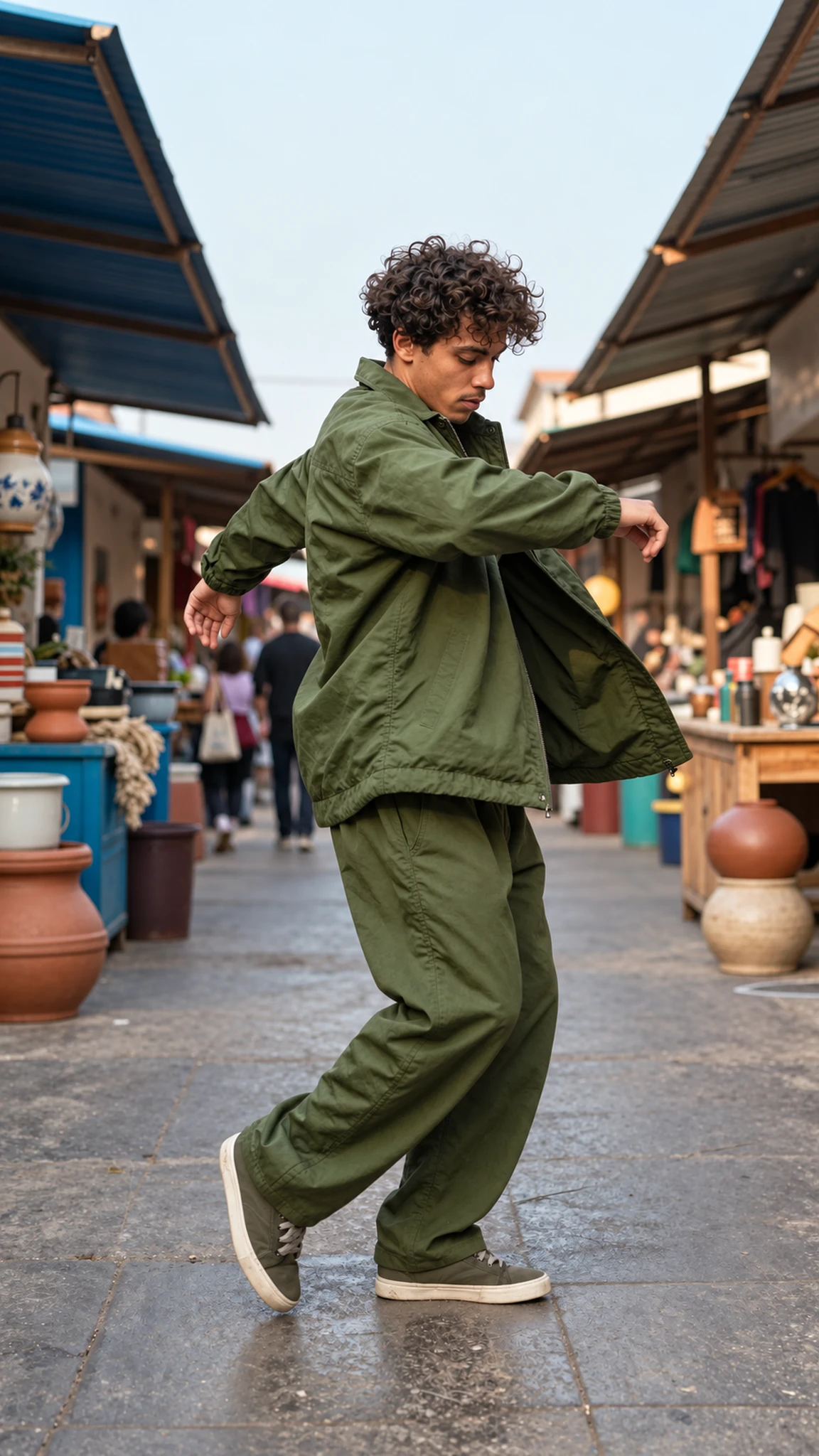
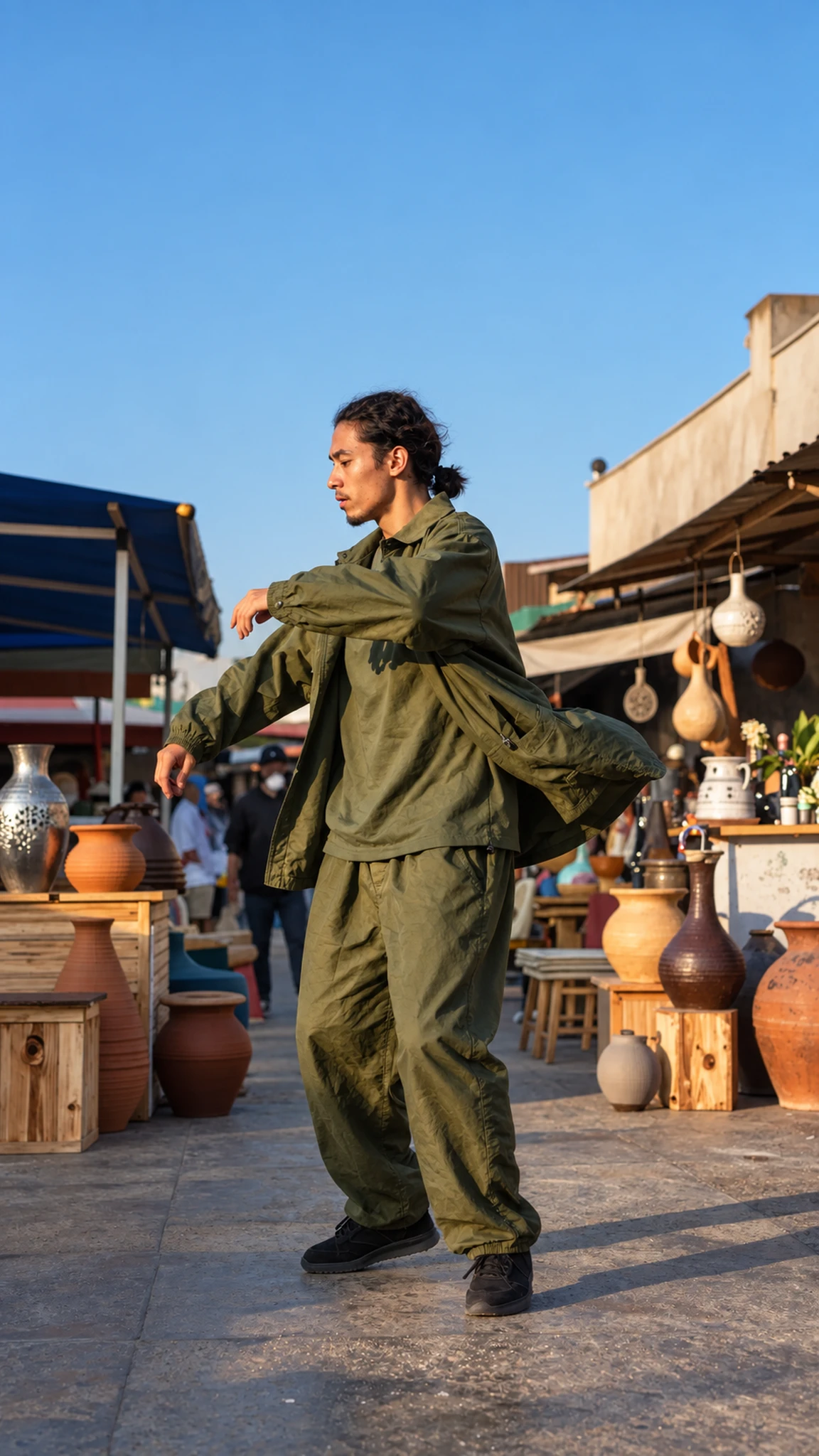

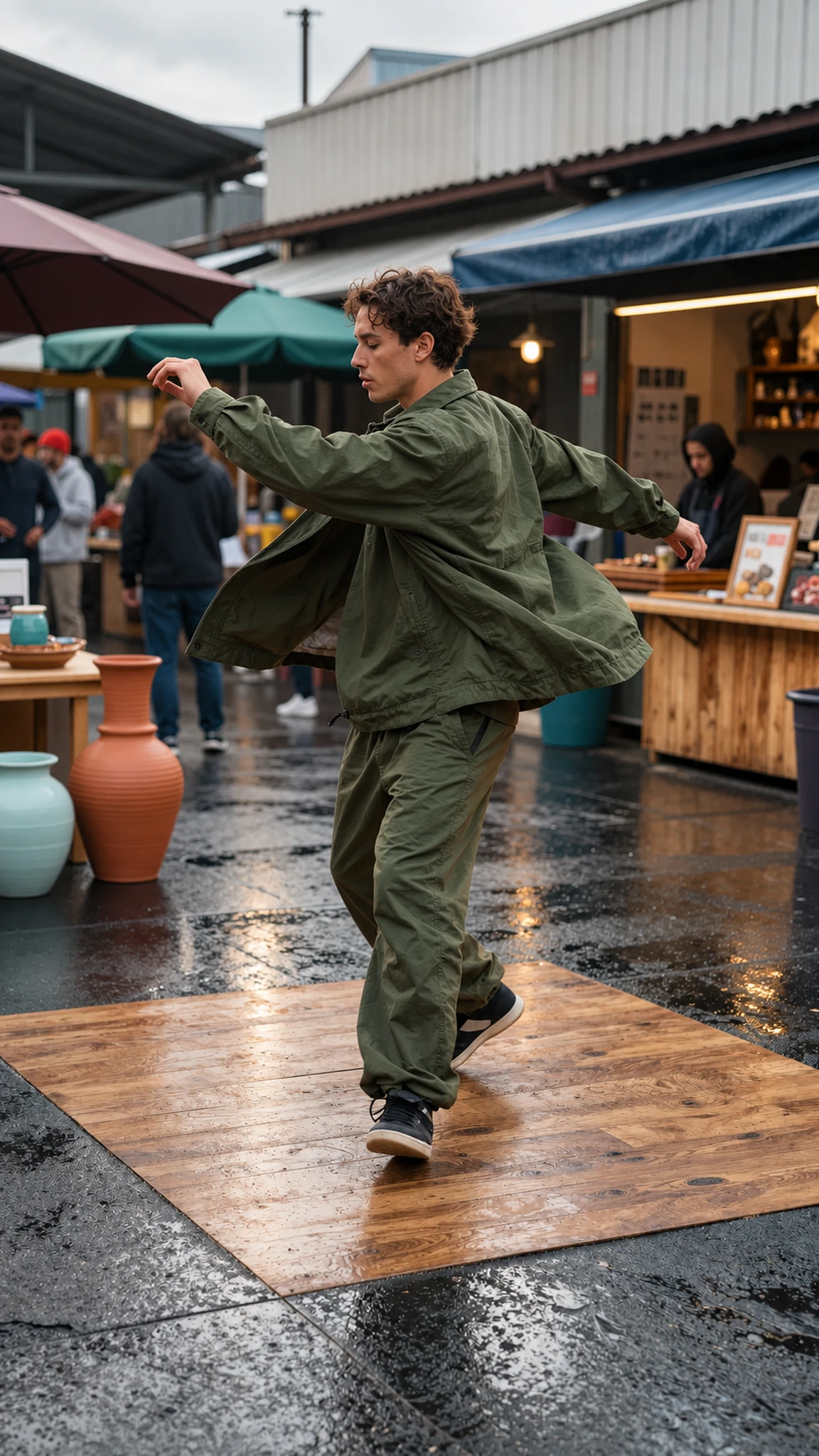
The AI Reels Maker runs on best-in-class video models for short-form social content.
Describe the scene, subject, and vibe in the prompt box, and the workflow generates a vertical clip within minutes. Expand a rough idea into a full shot description with camera direction, lighting, and pacing, then iterate through conversational editing.
Try it nowUpload a product shot, a portrait, or generate a fresh still inside the studio. Animate it with motion, camera movement, and atmosphere, then experiment with different environments and lighting inside the same project.
Try it nowAdd voice-over using text-to-speech, voice cloning, or expressive narration without leaving the workflow. Generate matching background music inside the same project and incorporate captions for sound-off viewing.
Try it nowSwitch between photorealistic, cinematic, anime, 3D, claymation, and pixel art without retouching individual frames. Apply styles like Ghibli, Japanese anime, or retro pixel art to a clip you already have for a completely different look in one shot.
Try it nowFrom idea to creation
Three steps from idea to a ready-to-post reel.
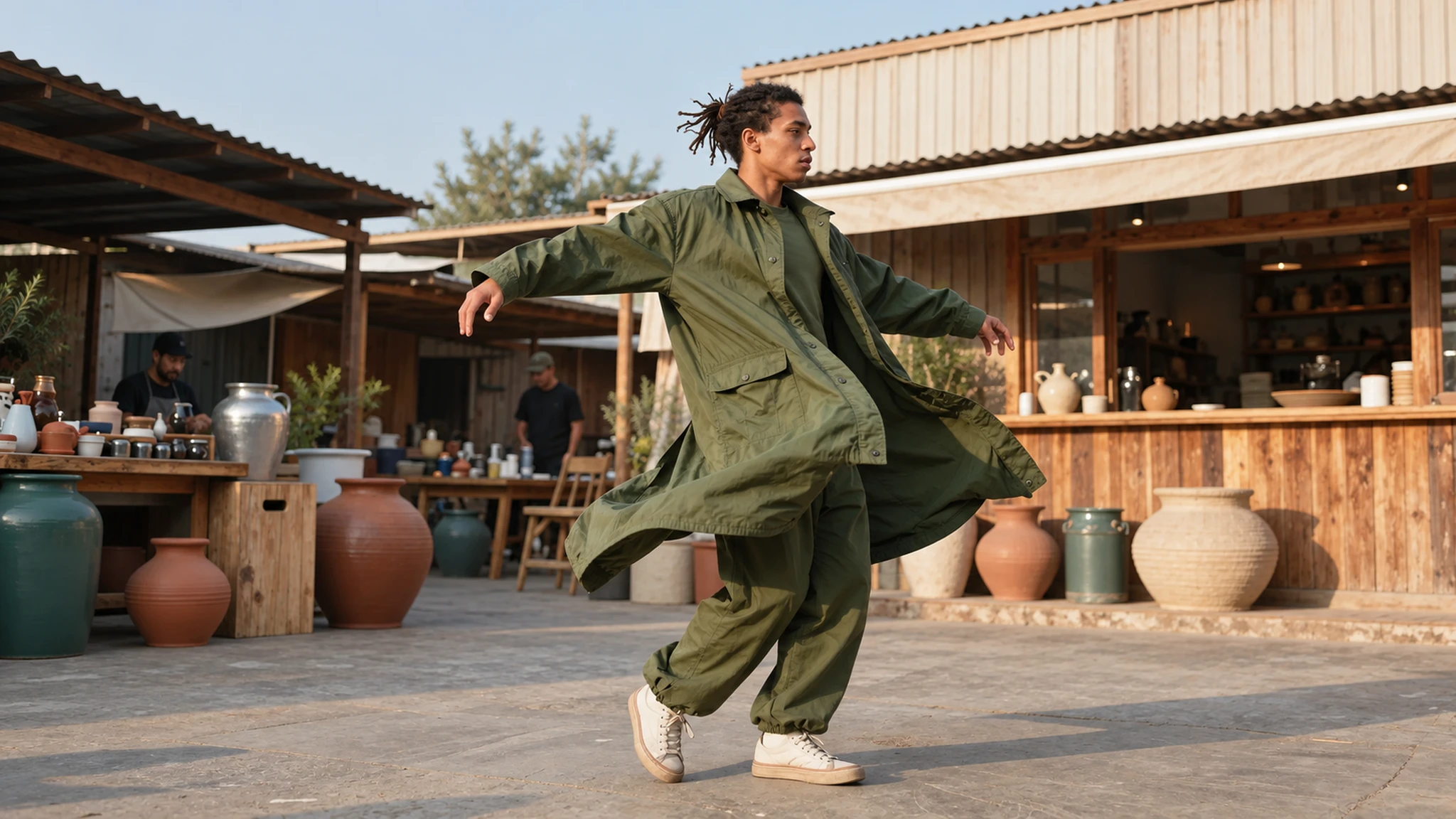
In the prompt box, type the reel you want, upload a product photo, paste a script, or drop in an AI-generated still. Tag a saved character to hold a face or product across the reel, then hit Start Creating.
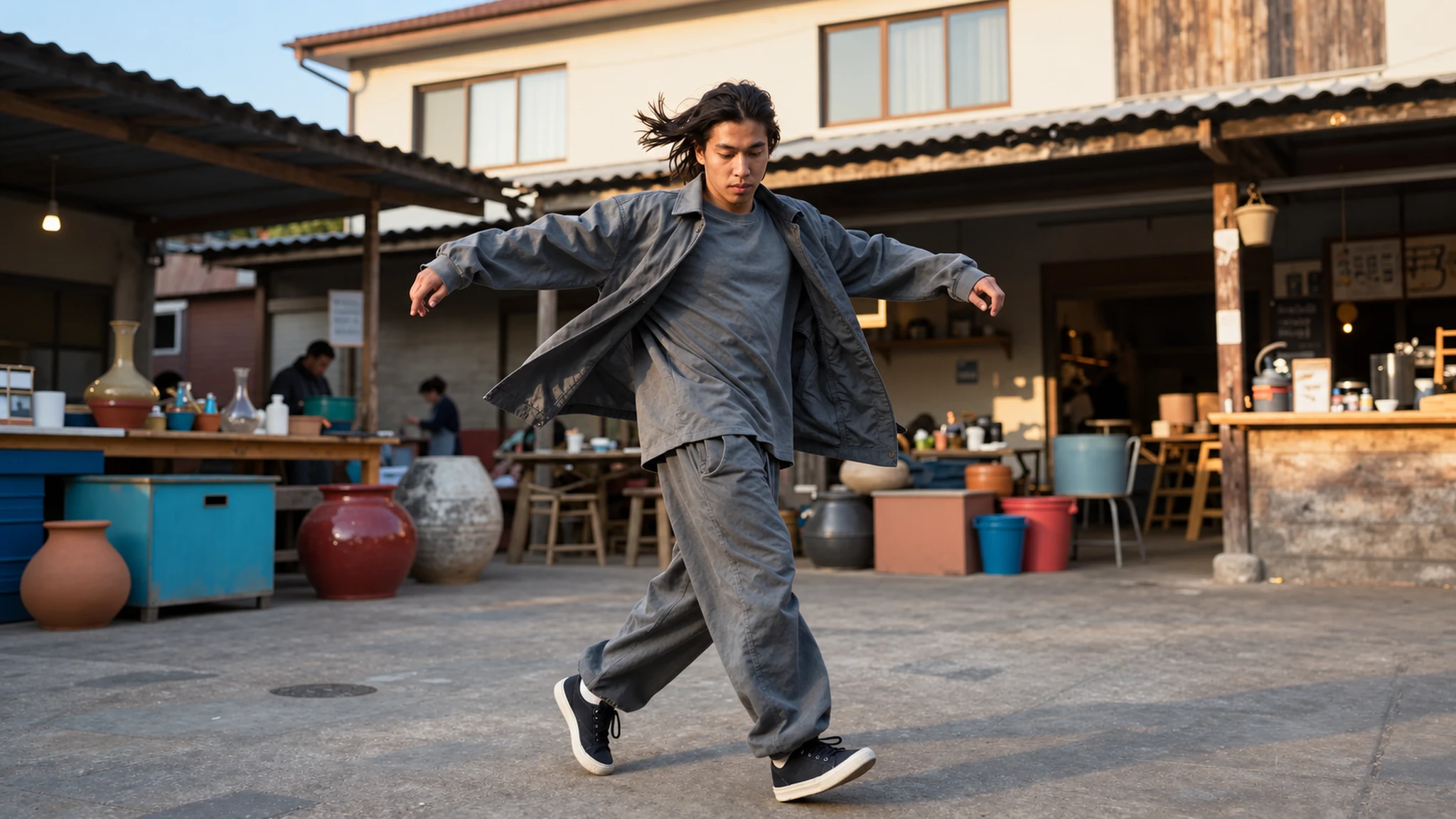
The AI plans the shots and builds the reel. Confirm the model, length, and vertical 9:16 format at each step, or let it proceed with the best settings for your prompt.
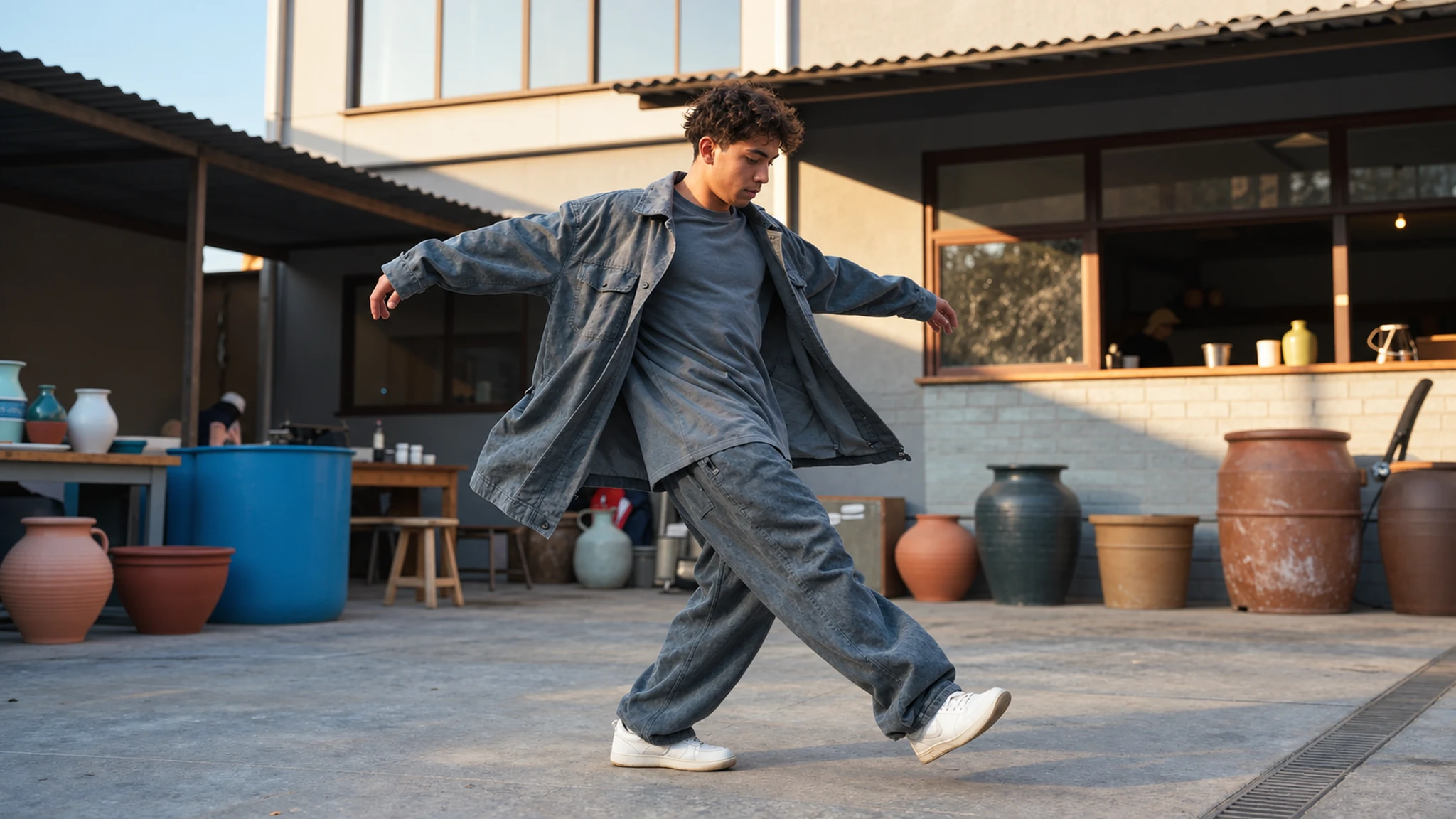
Watch it come back as a storyboard or a full cut. Give notes to sharpen the hook or pacing, then export a finished 9:16 reel with captions, music, and voice-over baked in.
From solo creators to brand teams, here is how people are making AI reels.
Solo creators, lifestyle channels, and influencers can ship multiple reels a day without filming, editing, or sourcing B-roll. Run the same concept through different hooks, styles, and durations to find the version that lands.
Try it nowDTC brands, Shopify sellers, and product marketers can animate product photography into scroll-stopping reels with motion, lifestyle context, and a hook tuned for paid social. One product shot becomes ten reels for ten campaigns.
Try it nowOnline coaches, course creators, and educators can turn a script or a one-liner into a presenter-style reel with AI voice-over, captions, and on-brand visuals. No camera, no studio, no green screen required.
Try it nowPerformance marketers, social agencies, and growth teams can produce a full test set of reels for a single brief in the time it usually takes to brief one creator. Spin up hook variants, swap openers, and ship coordinated campaigns sized for Reels Ads and Story placements.
Try it nowA Reels Maker is an AI-powered tool that turns a text prompt, an image, or a script into a vertical short-form video ready to post on Instagram Reels. You describe what you want, and the workflow builds the clip, captions, and audio in one pass, so you direct the reel instead of filming and editing it.
Find your next creative tool
Your next creation starts here
Start with your own content in AI Reel Maker Online. Review the settings in Studio and create your result.