The details to include
Upload both references and explain what to take from each, where to place it, and what to keep.
Try it now
AI image tools
Bring elements from two images into one shared composition.
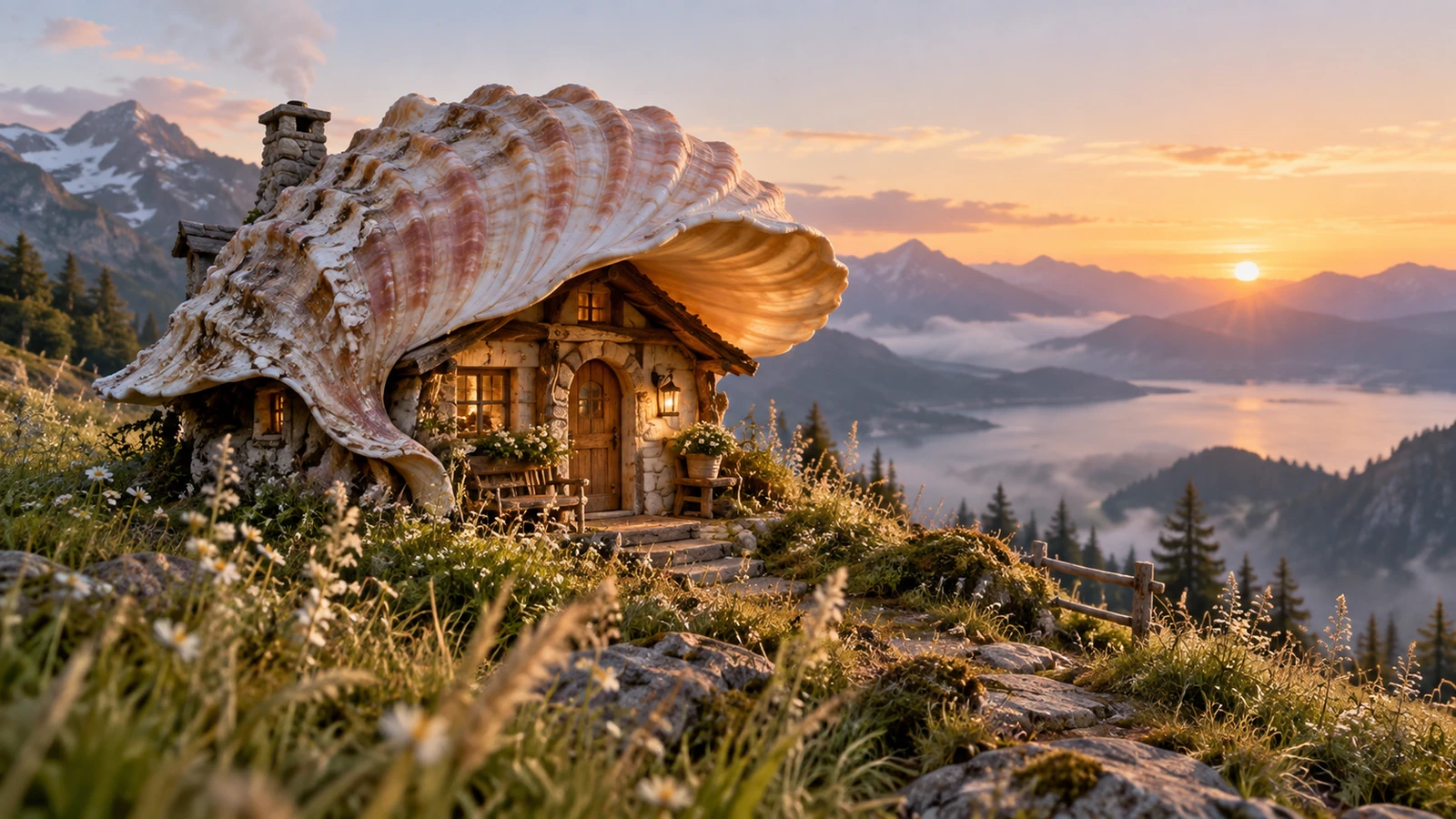
Upload both references and explain what to take from each, where to place it, and what to keep.
Try it nowUse the chair from the first image in the room from the second. Place it beside the window and match the daylight.
Try it nowFrom idea to creation
Upload both reference images, then describe how their subjects or elements should appear together.
Upload both references and explain what to take from each, where to place it, and what to keep.
Objects may be reinterpreted as the images are combined. Review edges, proportions, and lighting transitions.
Creative possibilities
Illustrative concepts show framing and visual treatment. Use your own brief and references to create a version for your project.
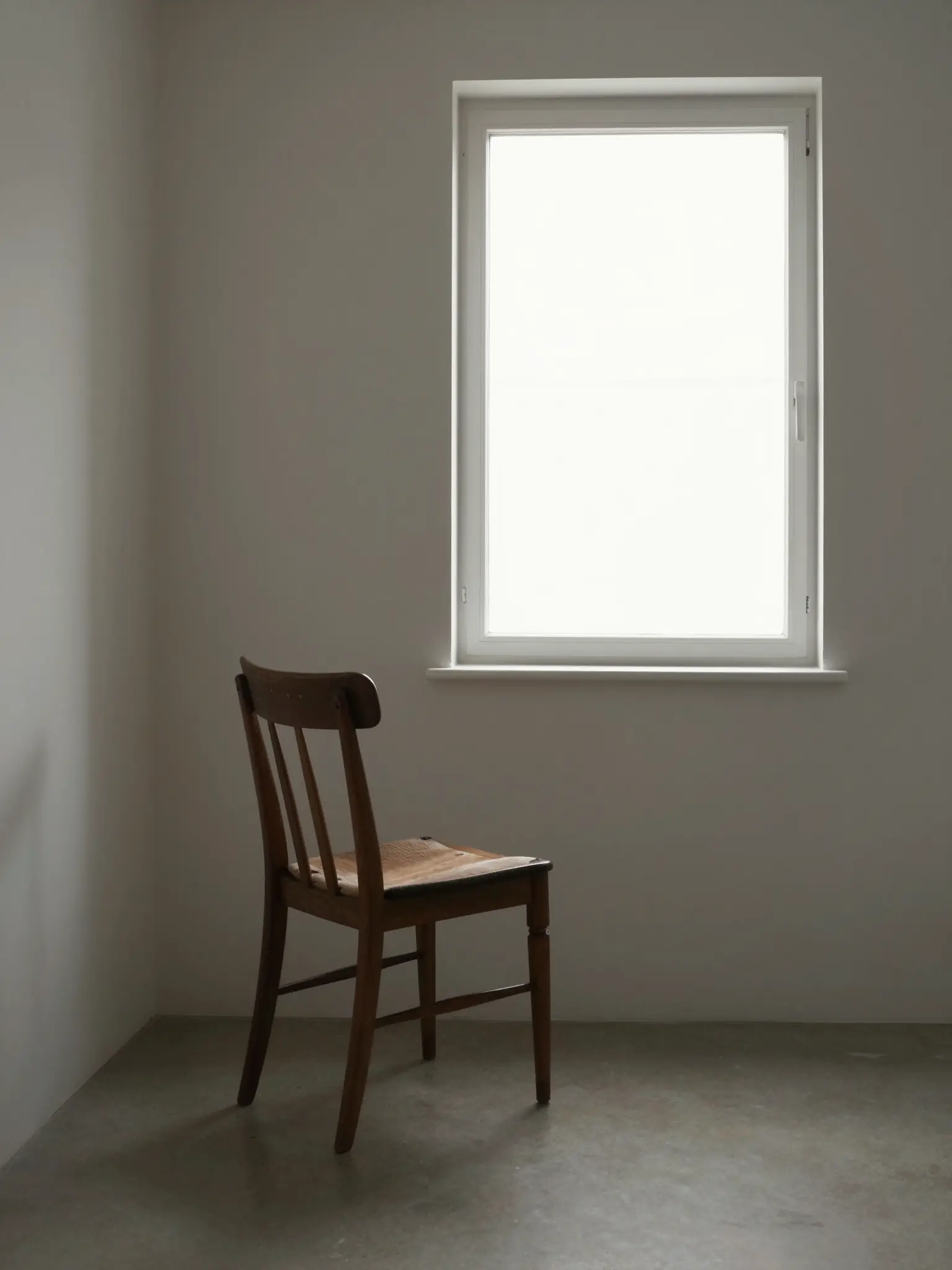
A restrained composition leaves room for the main message.
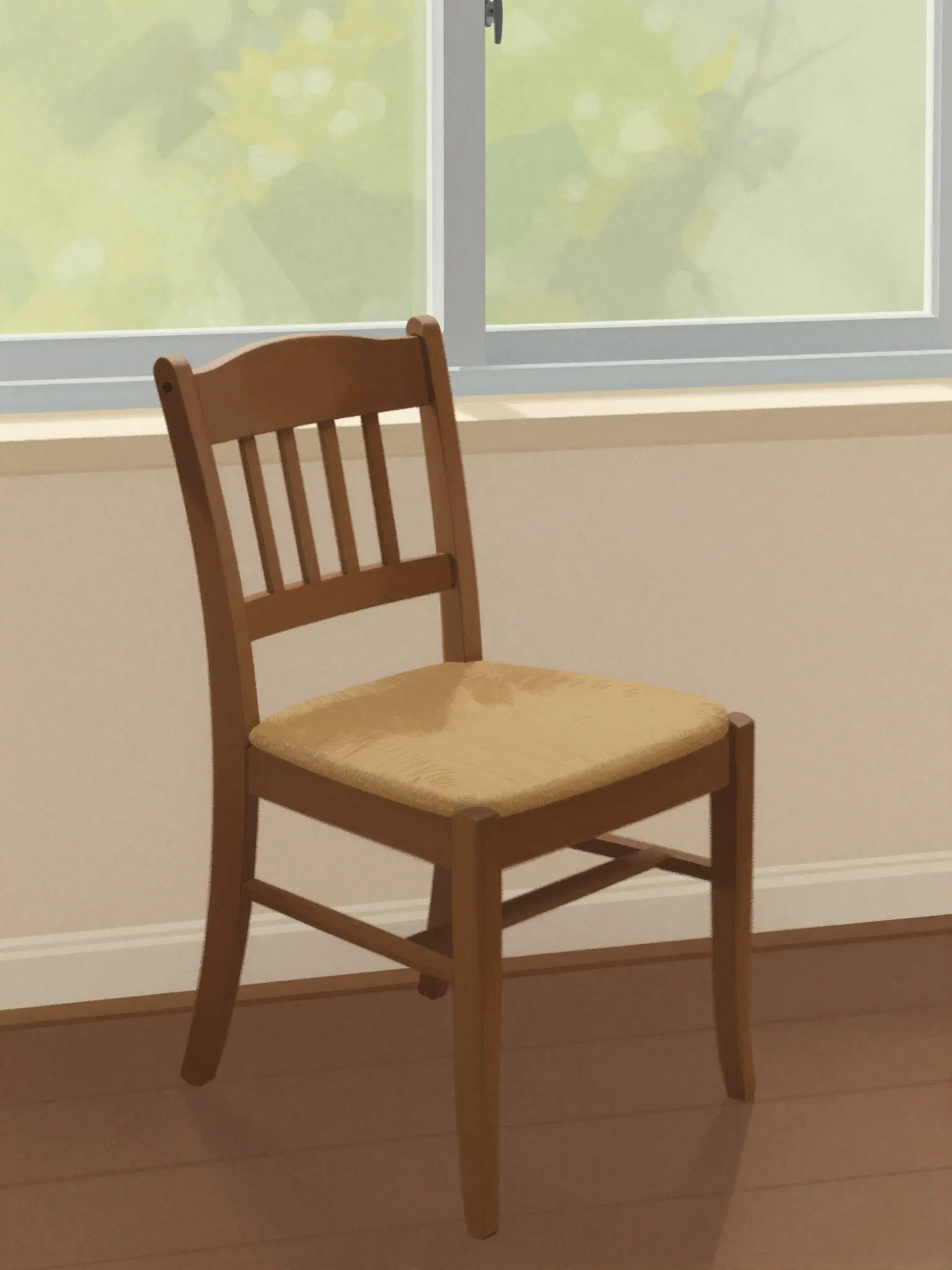
Richer color and illustration give the concept more energy.
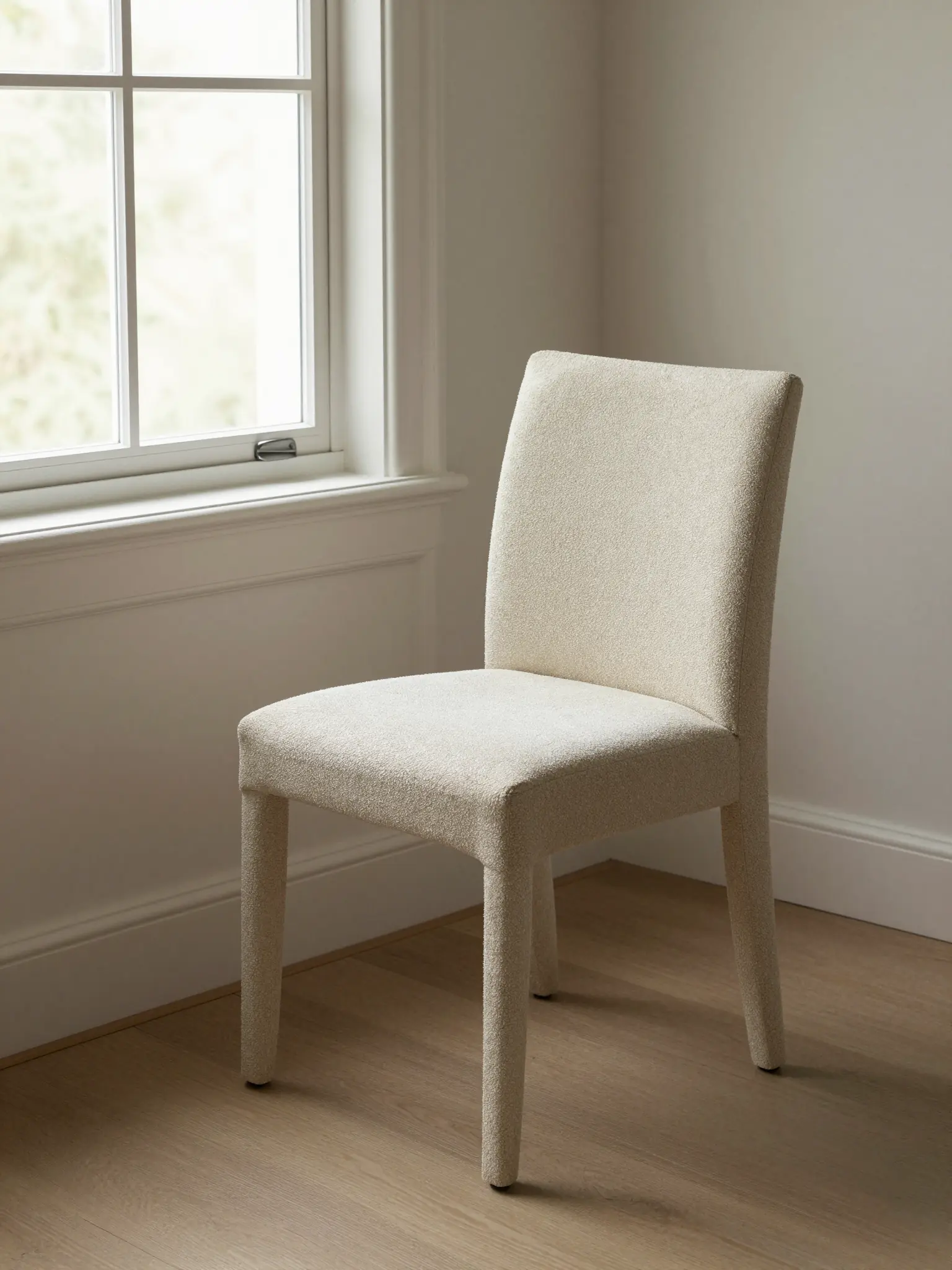
Texture and material add depth to the presentation.
Objects may be reinterpreted as the images are combined. Review edges, proportions, and lighting transitions.
Find your next creative tool
Your next creation starts here
Start with your own content in AI Image Combiner. Review the settings in Studio and create your result.