
AI image tools
AI Icon Generator
Explore an icon that communicates one idea with a simple shape.
Plan your icon generator image
A starting brief
A compact watering-can icon, rounded filled shapes, two green tones, no text, plain background.
Try it nowFrom idea to creation
How to use AI Icon Generator
Choose a starting point
Start with a written brief, a reference image, or both. A reference helps communicate the appearance you want.
Describe the result
Choose the concept, stroke or fill style, palette, and background.
Generate in the workspace
The output is a raster image. Inspect it at small sizes and redraw as a vector if your interface requires one.
Creative possibilities
Explore Icon Generator ideas
Illustrative concepts show framing and visual treatment. Use your own brief and references to create a version for your project.
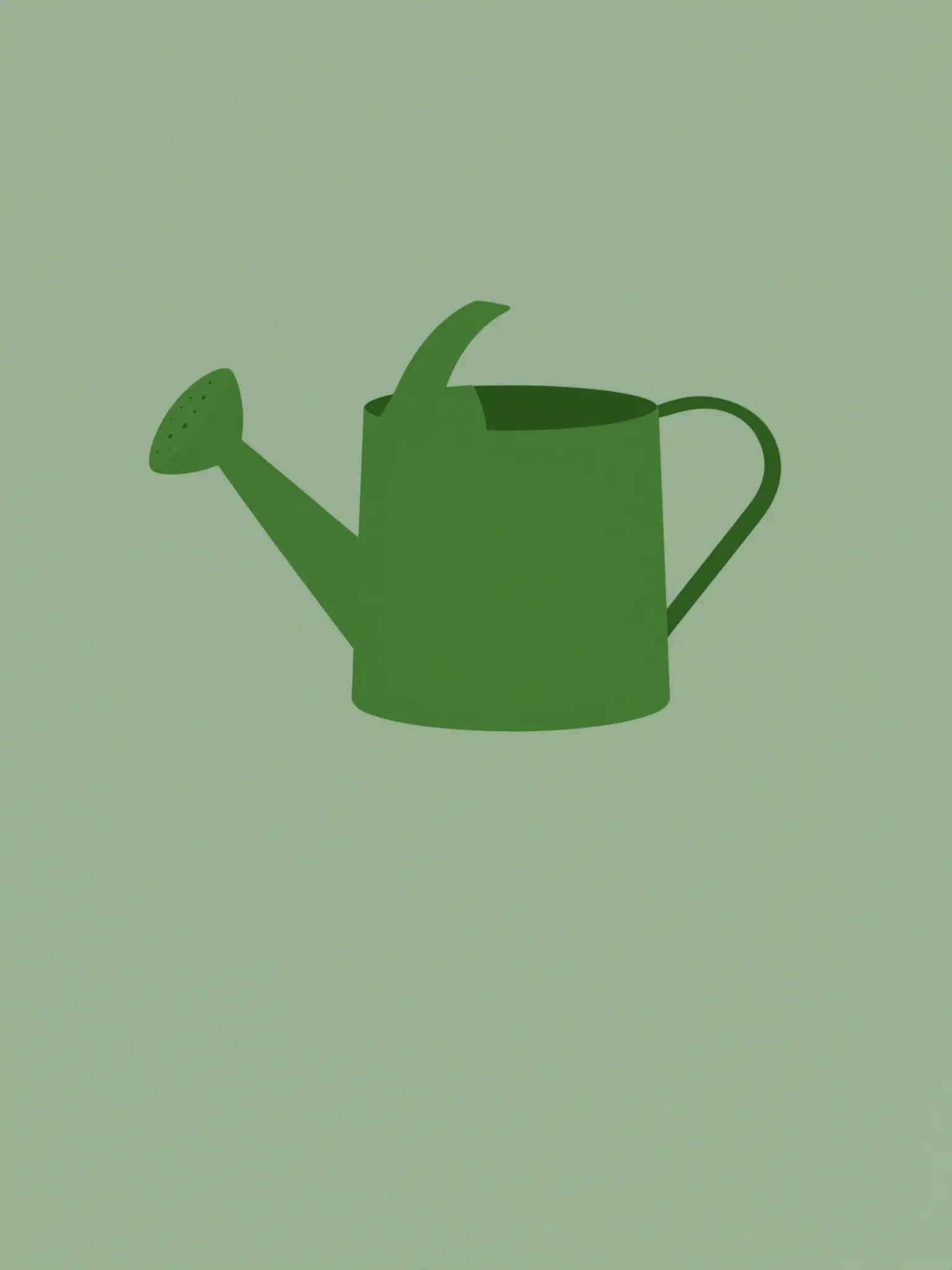
Minimal direction
A restrained composition leaves room for the main message.
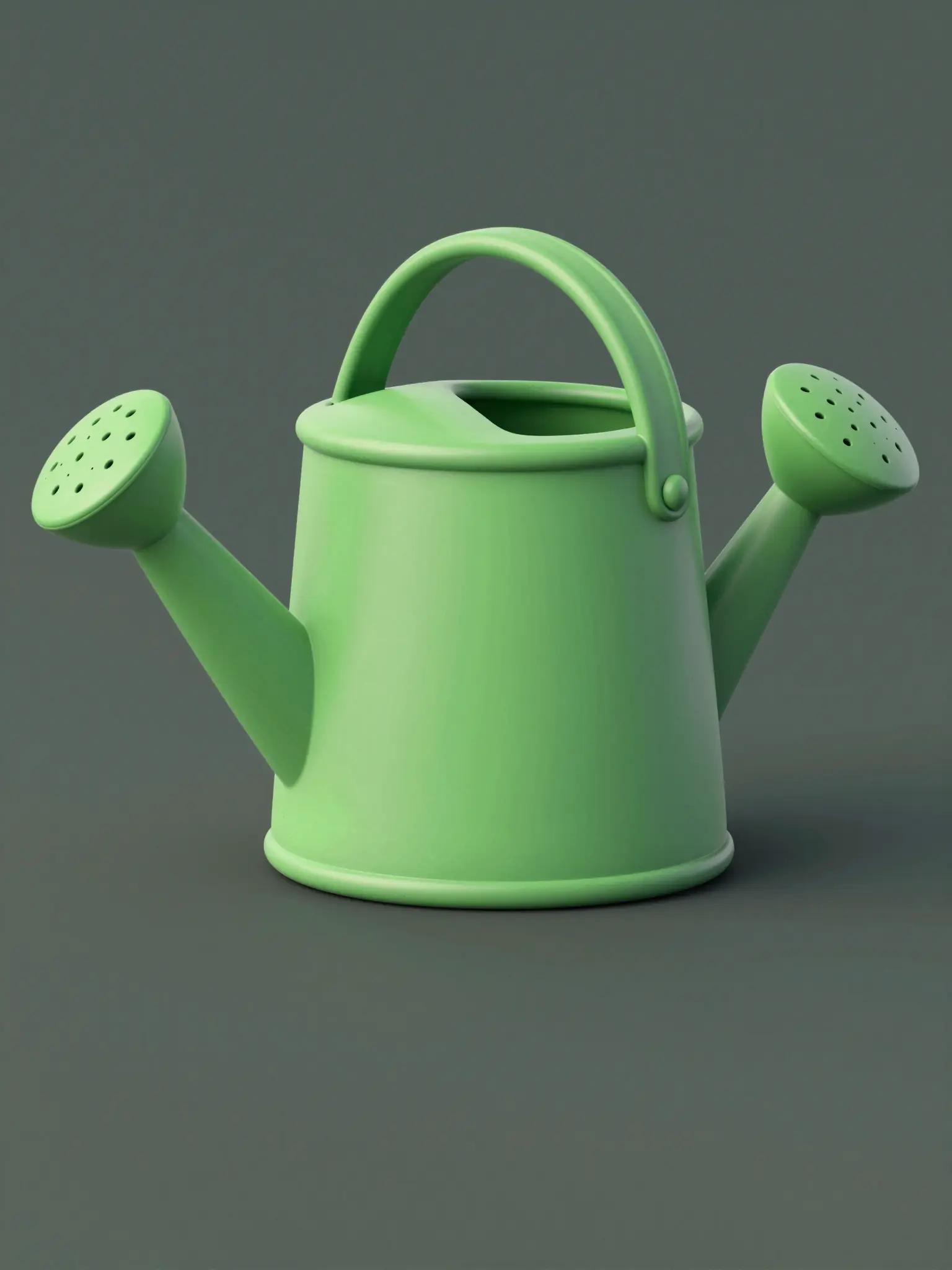
Expressive direction
Richer color and illustration give the concept more energy.
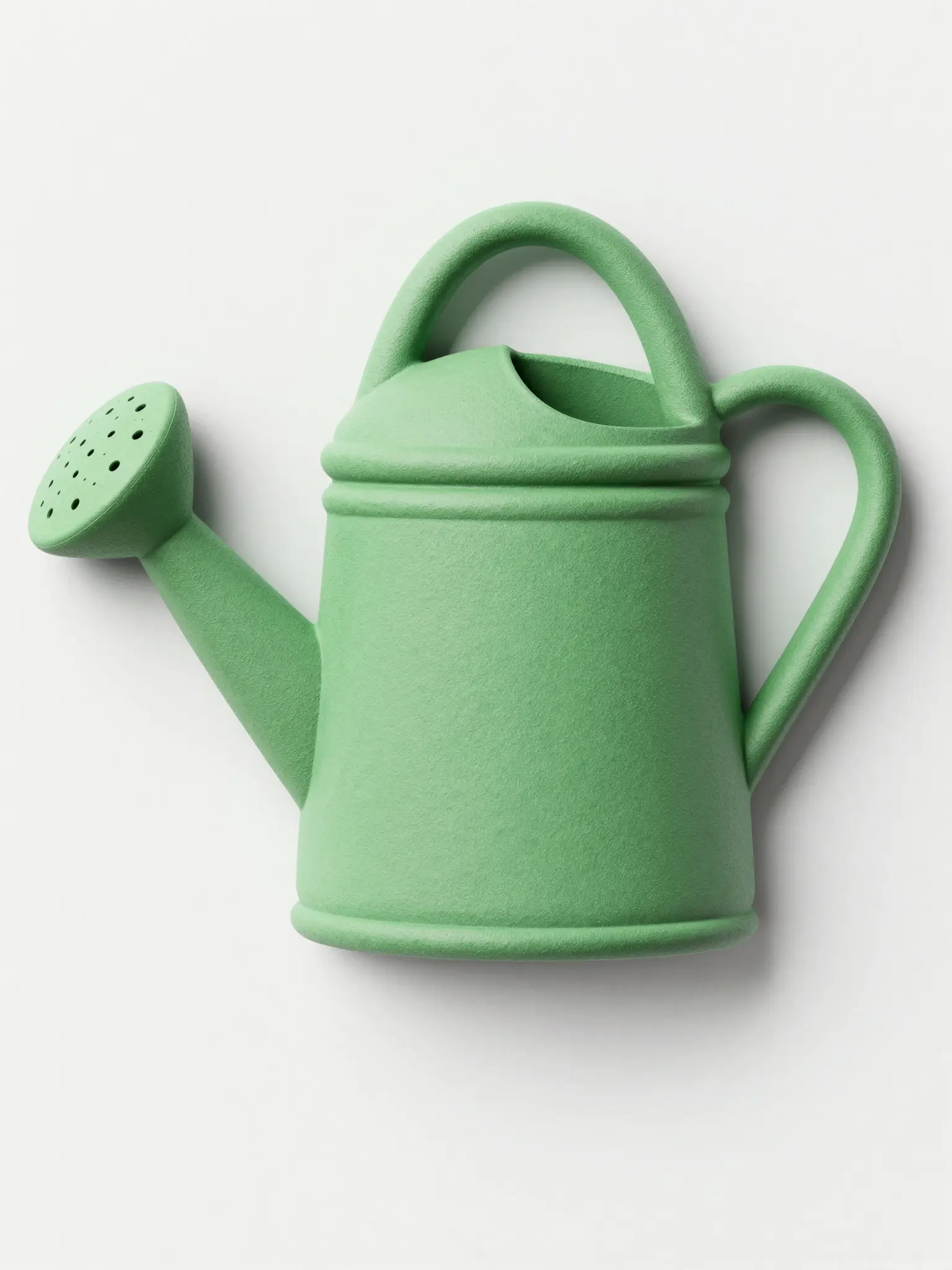
Material direction
Texture and material add depth to the presentation.
Frequently asked questions
The output is a raster image. Inspect it at small sizes and redraw as a vector if your interface requires one.
Find your next creative tool
Explore more creative tools



Your next creation starts here
Make something worth sharing.
Start with your own content in AI Icon Generator. Review the settings in Studio and create your result.