
AI image tools
AI Flyer Generator
Put an event or offer into a flyer with one clear message.
Community plant swap
Bring a plant. Take a plant.
14 June · 10 am · Community Hall
Plan your flyer generator image
A starting brief
A flyer for a fictional plant swap, Saturday 14 June, 10 am, Community Hall. Bring a plant, take a plant. Green line illustrations.
Try it nowFrom idea to creation
How to use AI Flyer Generator
Write your brief
Start with a written brief. This tool uses text input, so include the details you want to appear in the image.
Describe the result
Supply the headline, essential details, and a short call to action.
Generate in the workspace
Check all event details and small text. Prepare the correct print size and bleed separately if needed.
Creative possibilities
Explore Flyer Generator ideas
Illustrative concepts show framing and visual treatment. Use your own brief and references to create a version for your project.
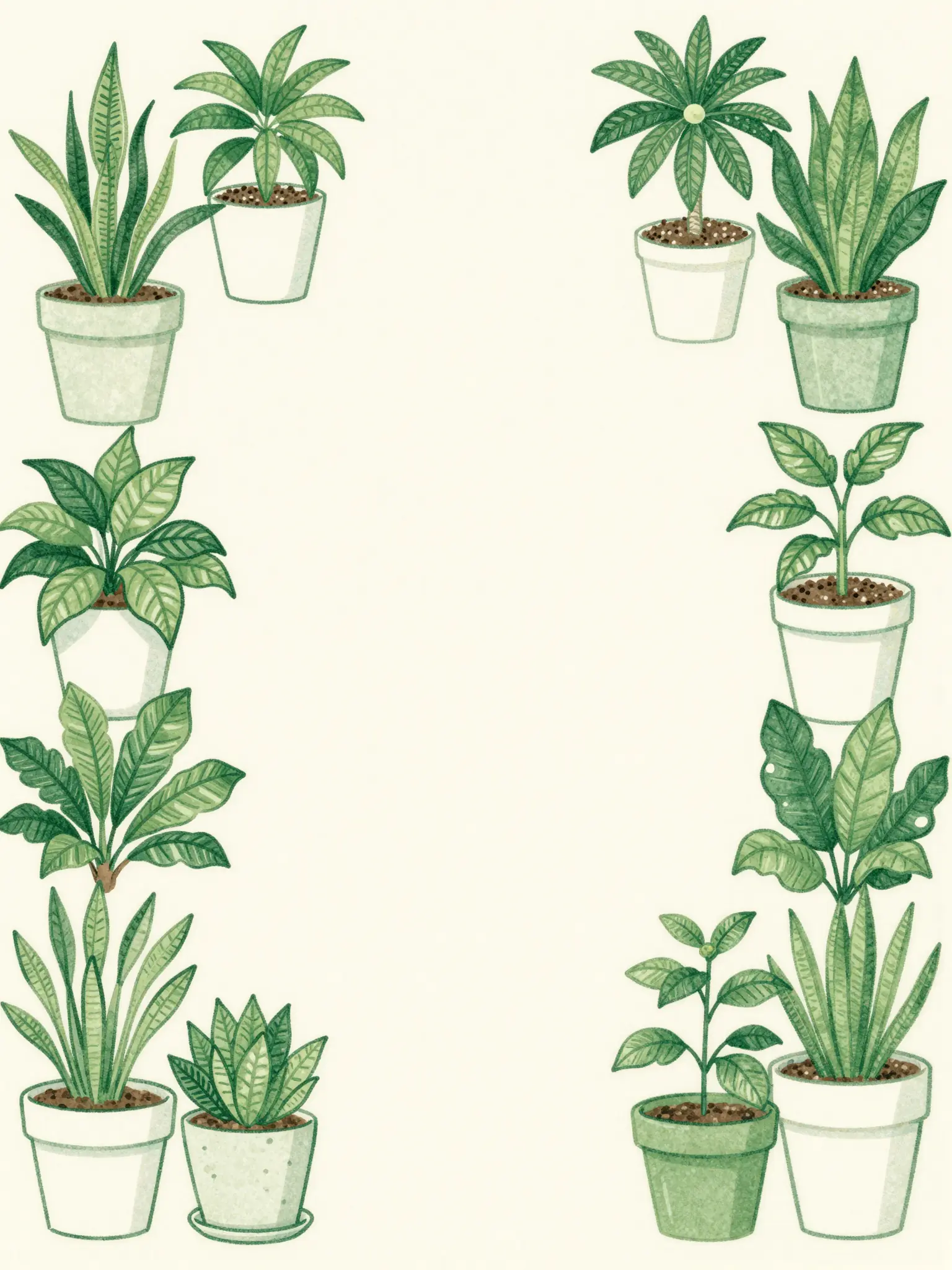
Community plant swap
Bring a plant. Take a plant.
14 June · 10 am · Community Hall
Minimal direction
A restrained composition leaves room for the main message.
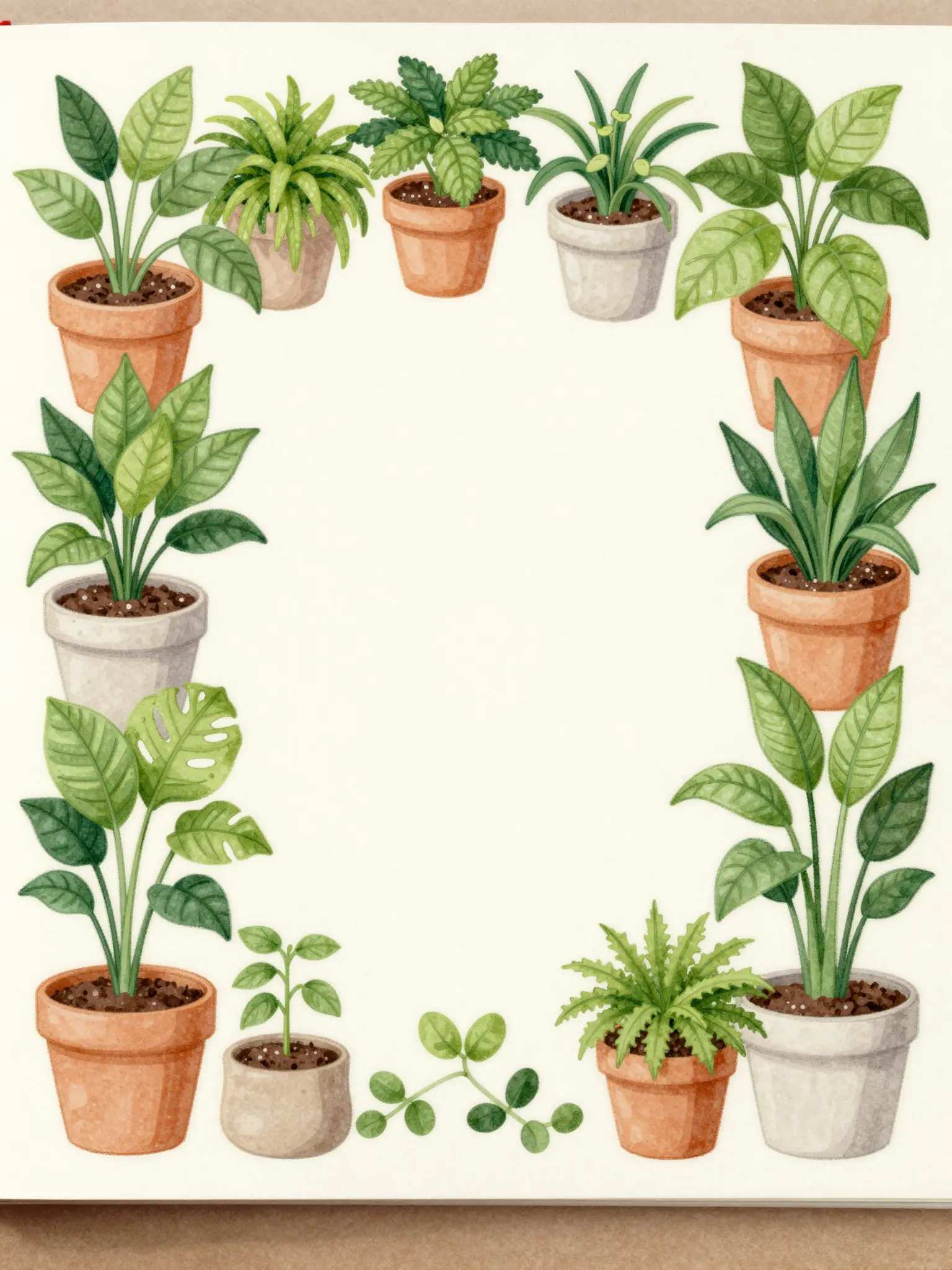
Community plant swap
Bring a plant. Take a plant.
14 June · 10 am · Community Hall
Expressive direction
Richer color and illustration give the concept more energy.
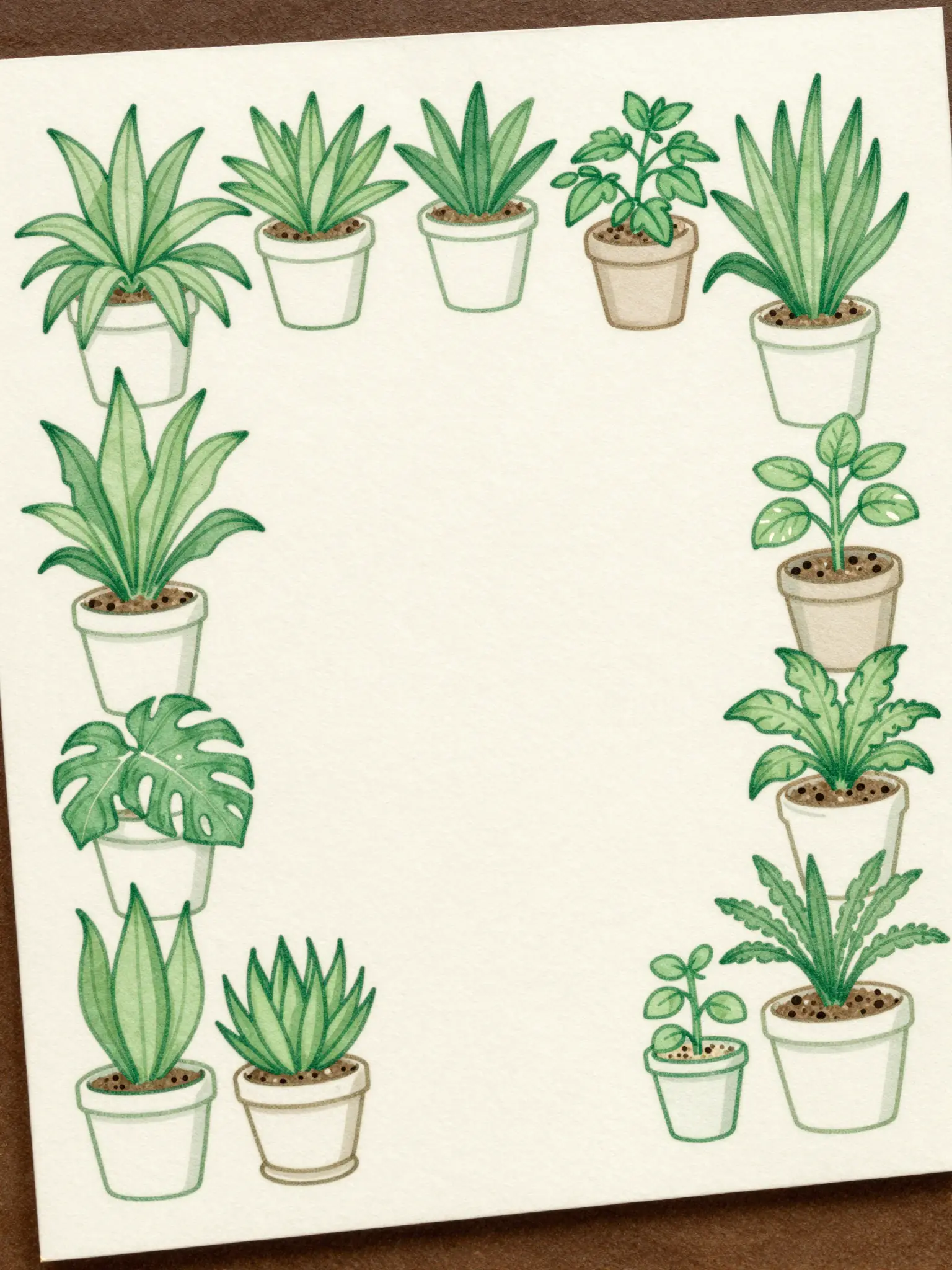
Community plant swap
Bring a plant. Take a plant.
14 June · 10 am · Community Hall
Material direction
Texture and material add depth to the presentation.
Frequently asked questions
Check all event details and small text. Prepare the correct print size and bleed separately if needed.
Find your next creative tool
Explore more creative tools



Your next creation starts here
Make something worth sharing.
Start with your own content in AI Flyer Generator. Review the settings in Studio and create your result.