The details to include
Describe the purpose, audience, content, palette, and the most important visual element.
Try it now
AI image tools
Explore a visual direction before building out the finished design.
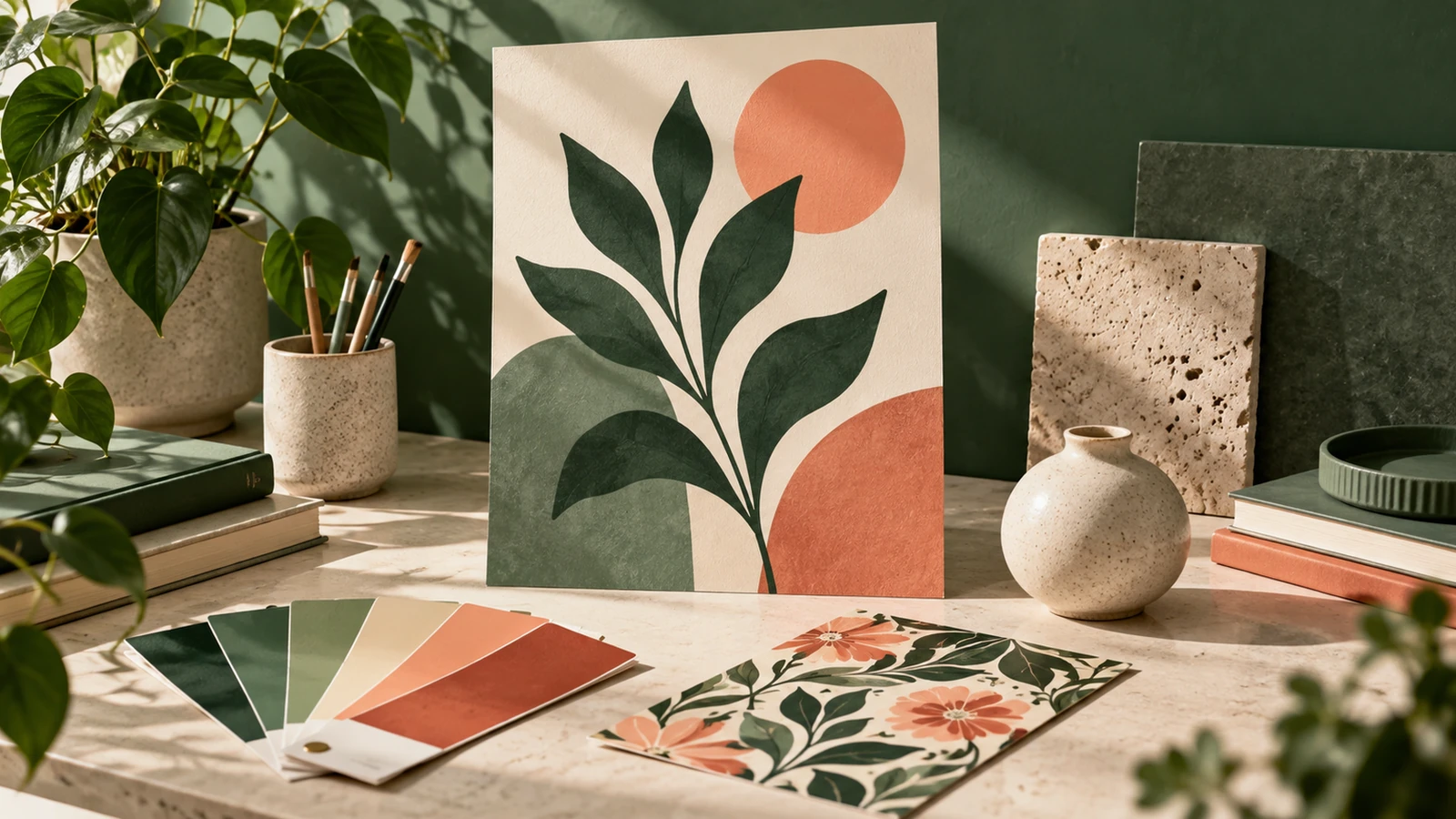
Describe the purpose, audience, content, palette, and the most important visual element.
Try it nowA concept graphic for a local ceramics workshop: handmade shapes, cobalt blue and cream, clear title space.
Try it nowFrom idea to creation
Start with a written brief, a reference image, or both. A reference helps communicate the appearance you want.
Describe the purpose, audience, content, palette, and the most important visual element.
The result is a visual concept image. Editable layouts and individual design layers are not included.
Creative possibilities
Illustrative concepts show framing and visual treatment. Use your own brief and references to create a version for your project.
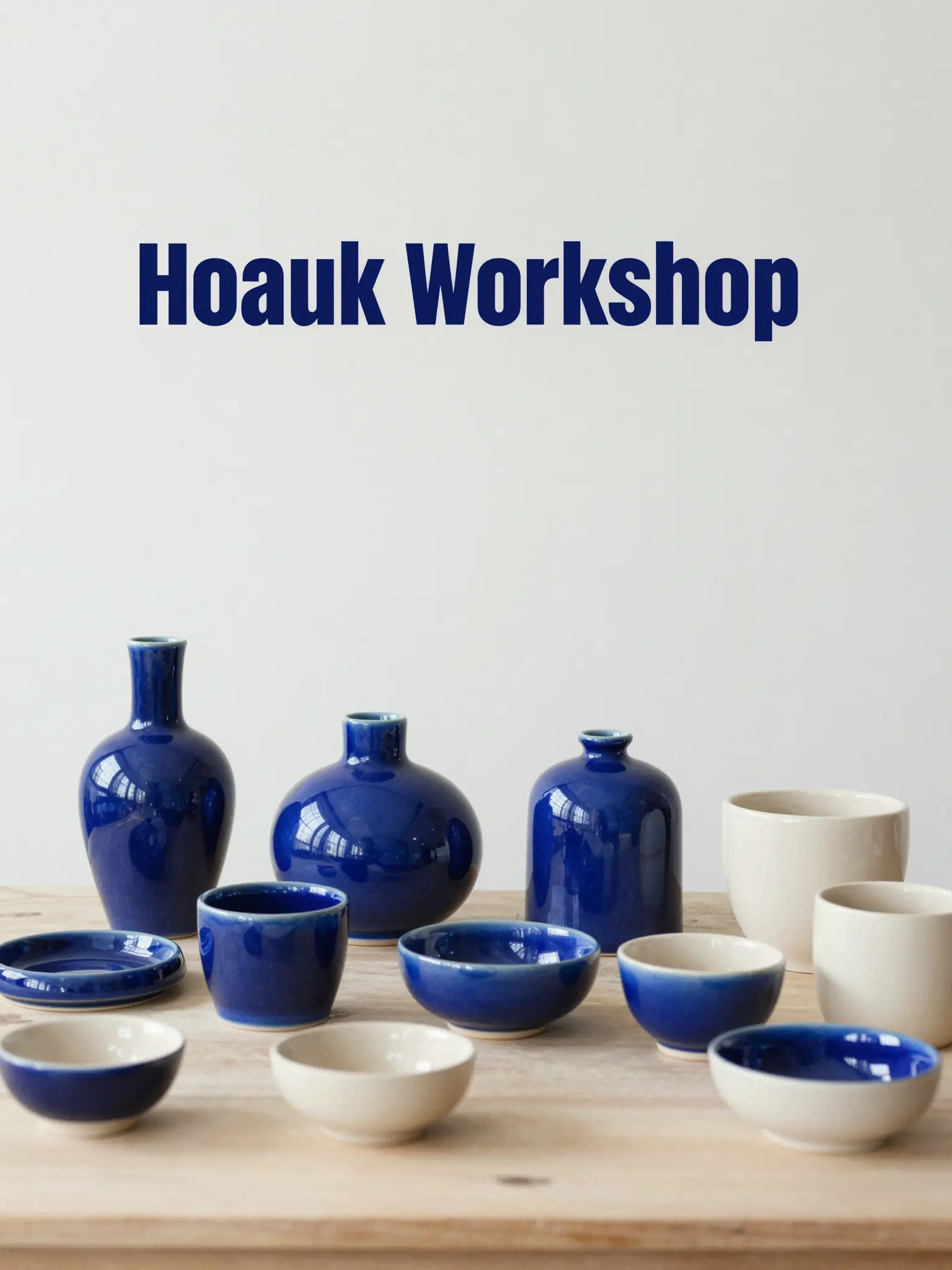
A restrained composition leaves room for the main message.
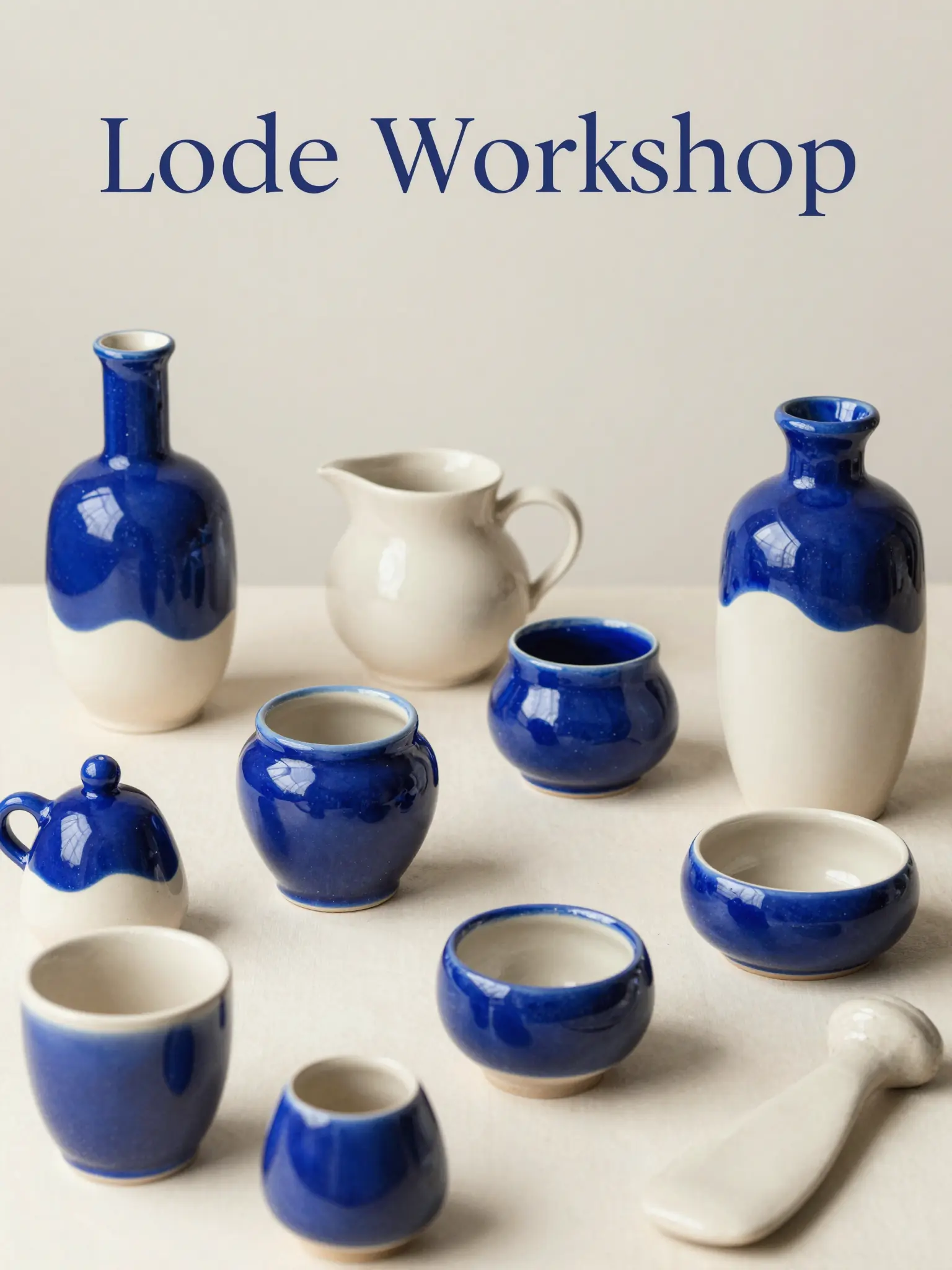
Richer color and illustration give the concept more energy.
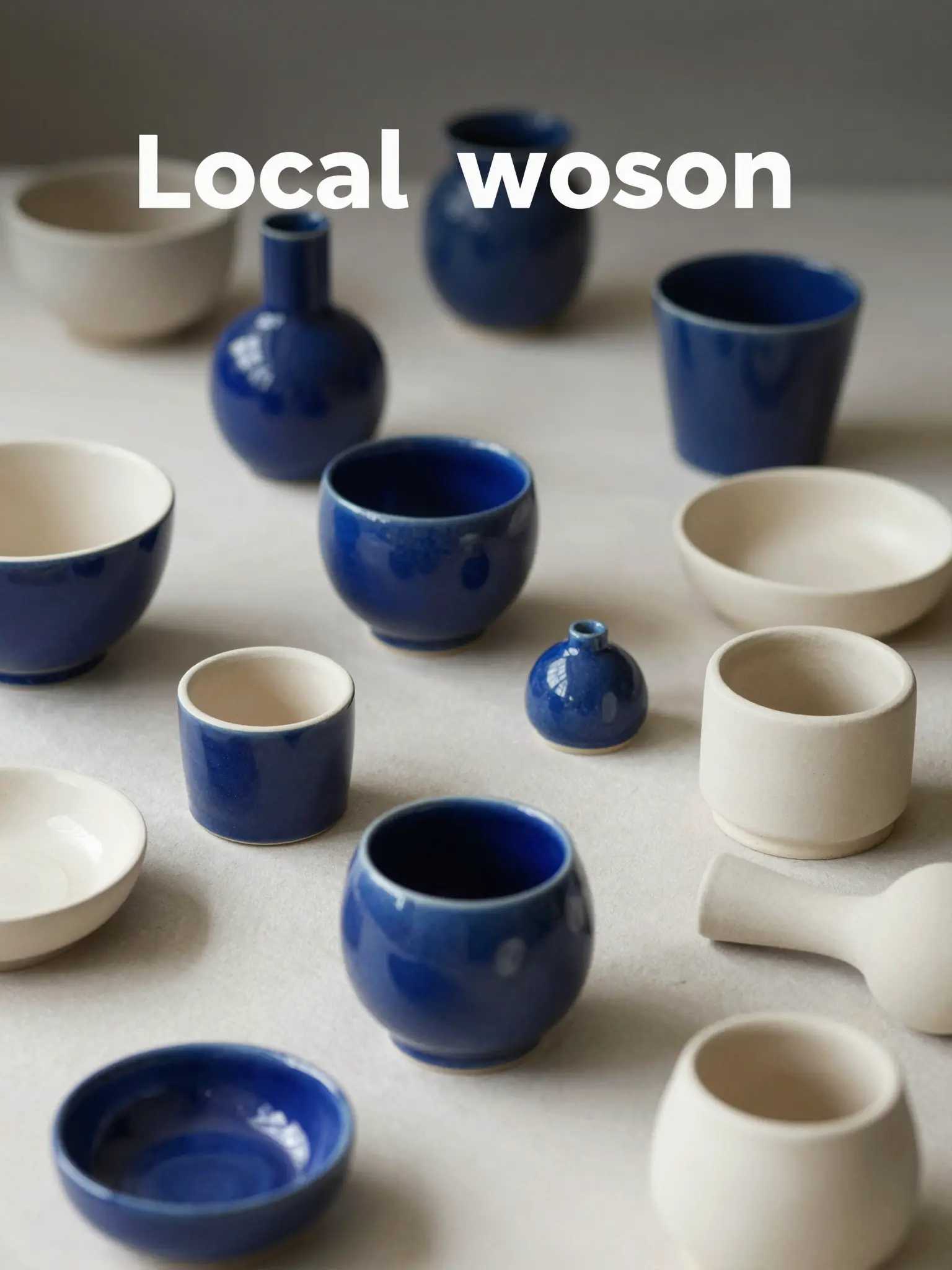
Texture and material add depth to the presentation.
The result is a visual concept image. Editable layouts and individual design layers are not included.
Find your next creative tool
Your next creation starts here
Start with your own content in AI Design Generator. Review the settings in Studio and create your result.