The details to include
Describe the outfit, accessories, packaging colors, and any short label.
Try it now
AI image tools
Reimagine a portrait as a doll displayed in a colorful presentation box.
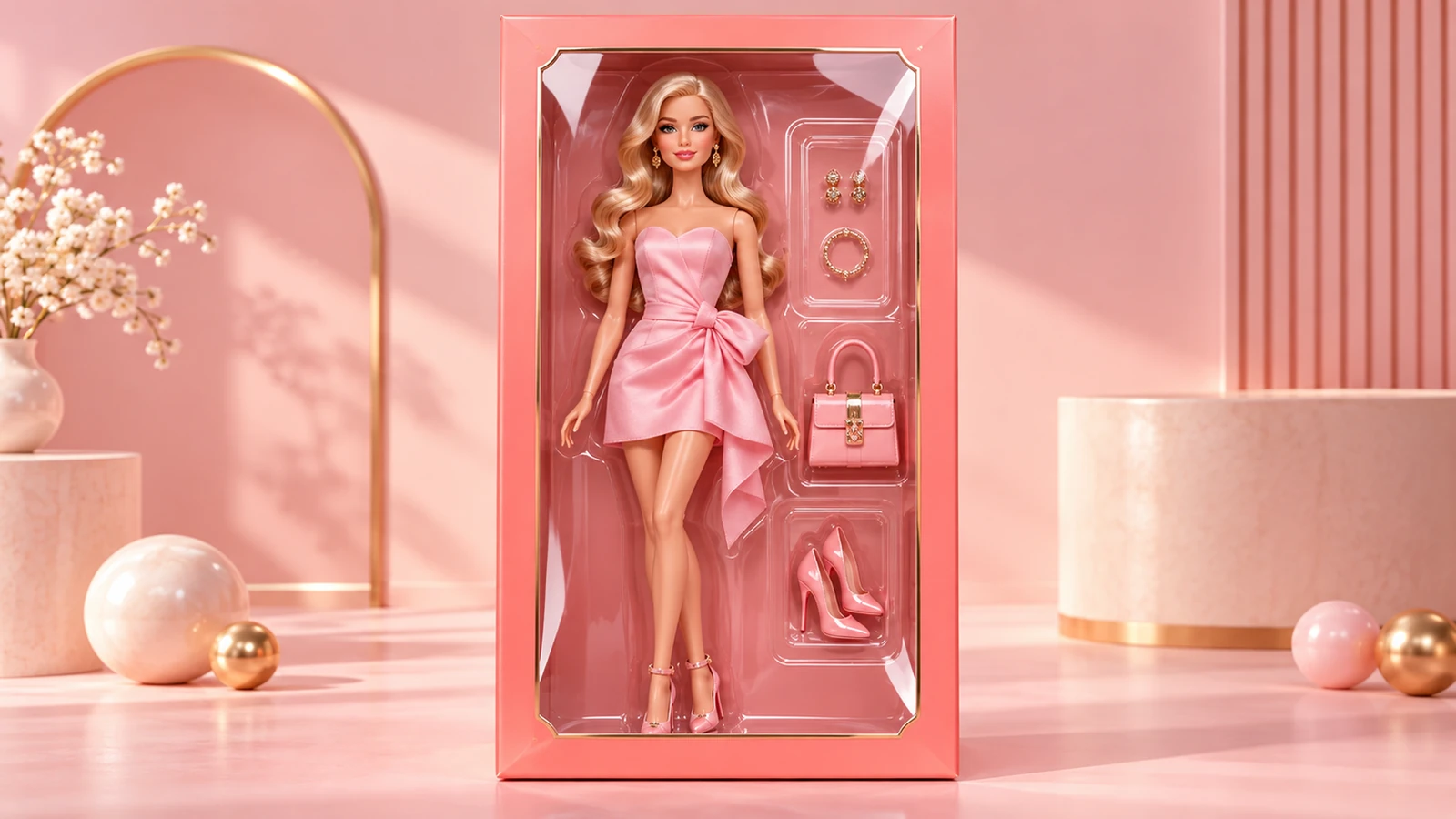
Describe the outfit, accessories, packaging colors, and any short label.
Try it nowTurn the person into a fashion doll in a coral display box, denim jacket, tiny camera and notebook accessories.
Try it nowFrom idea to creation
Upload one clear reference image, then add instructions for the result you want.
Describe the outfit, accessories, packaging colors, and any short label.
The output is a doll-box concept image; it does not create a physical toy or a packaging dieline.
Creative possibilities
Illustrative concepts show framing and visual treatment. Use your own brief and references to create a version for your project.
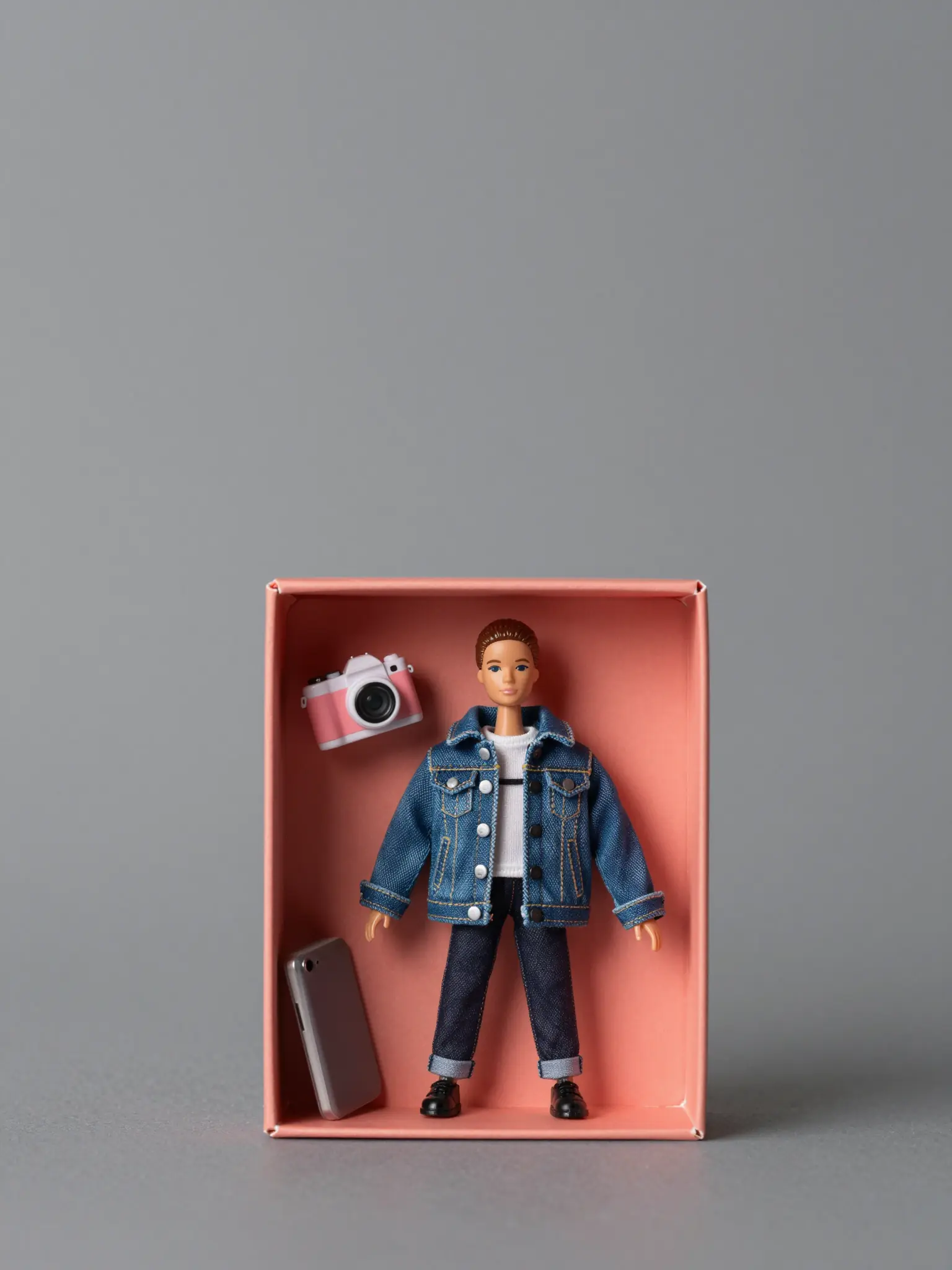
A restrained composition leaves room for the main message.
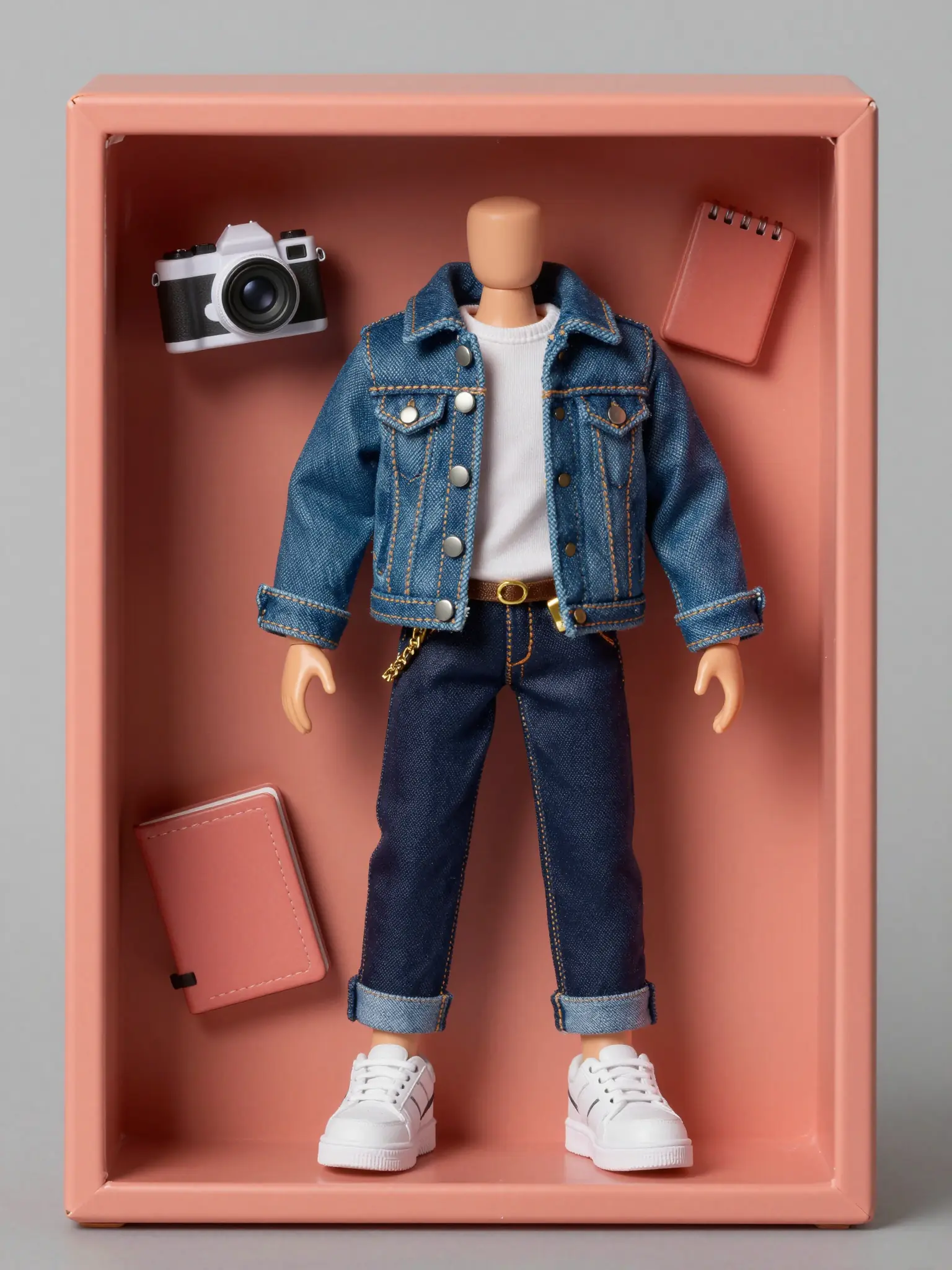
Richer color and illustration give the concept more energy.
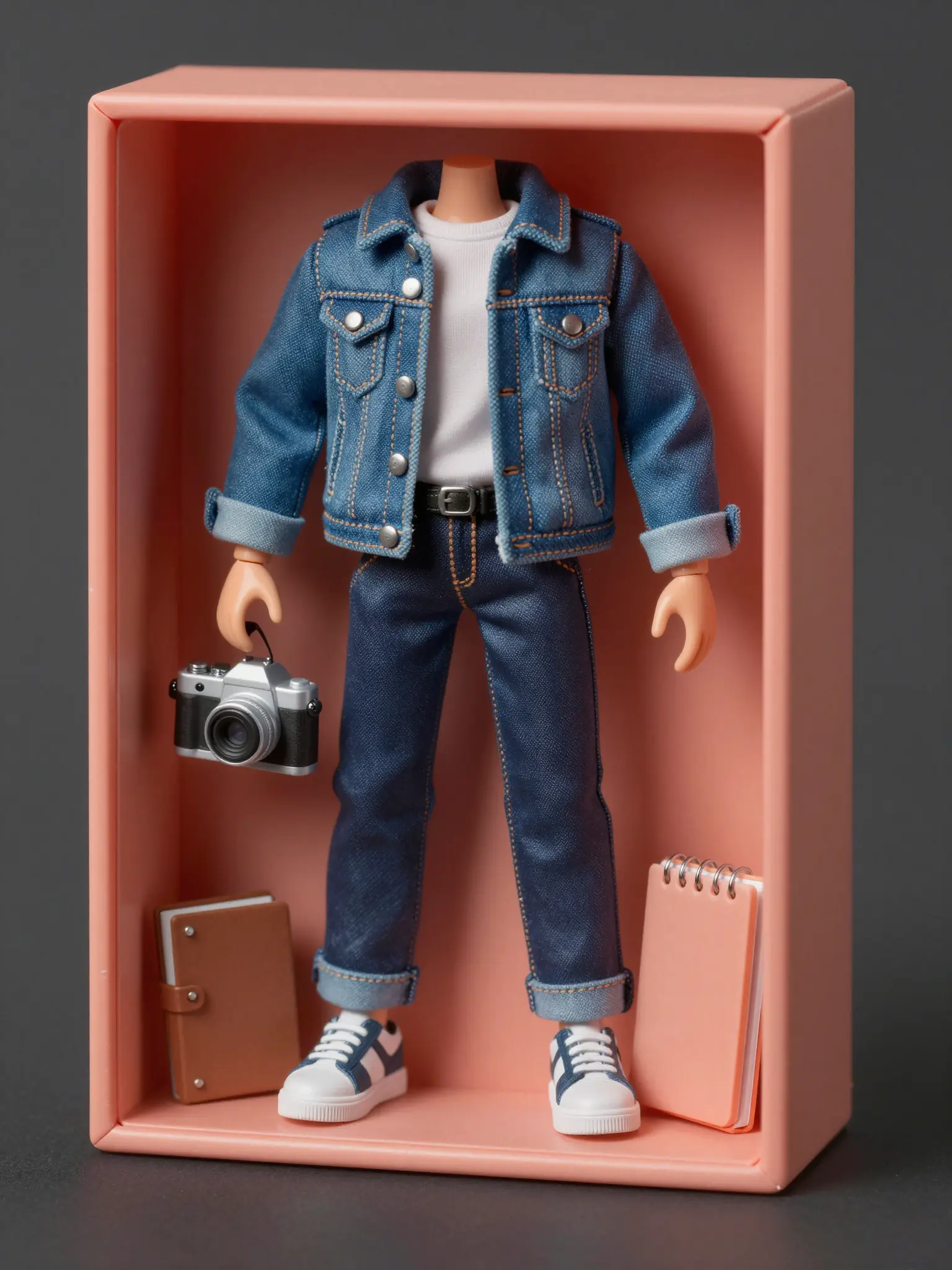
Texture and material add depth to the presentation.
The output is a doll-box concept image; it does not create a physical toy or a packaging dieline.
Find your next creative tool
Your next creation starts here
Start with your own content in AI Barbie Box Generator. Review the settings in Studio and create your result.