01
Remove
Erase distractions and rebuild nearby texture.

Cuta turns focused instructions into believable photo edits. Replace an object, rebuild a background, tune light, or clean a product shot without rebuilding the whole image.
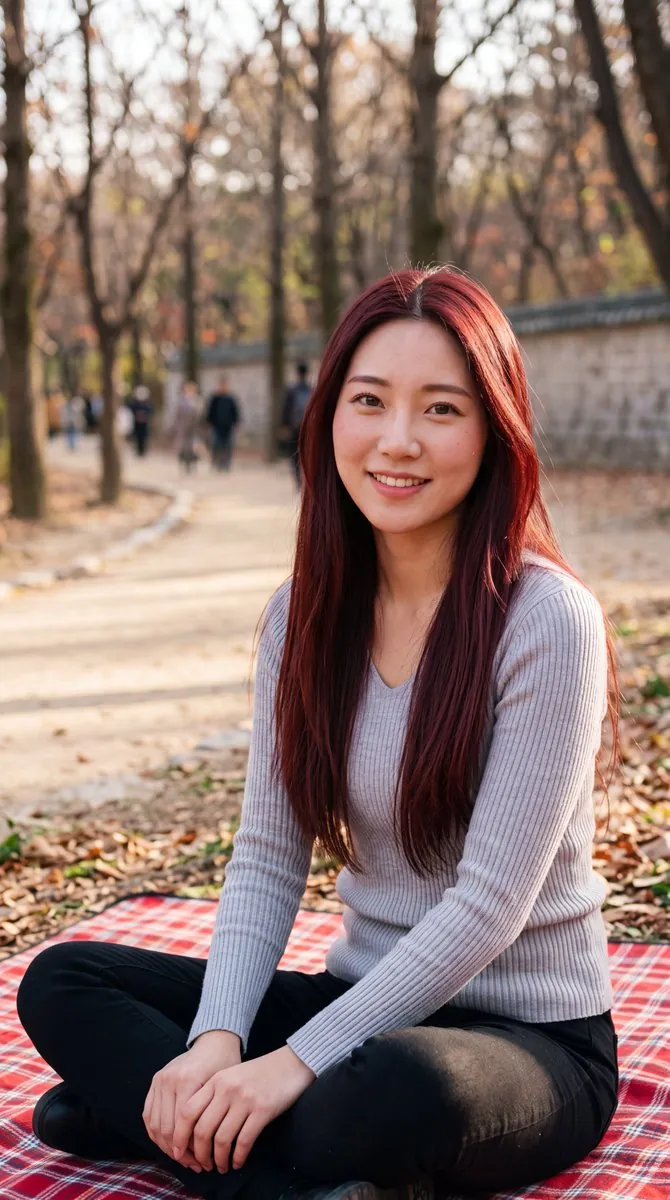
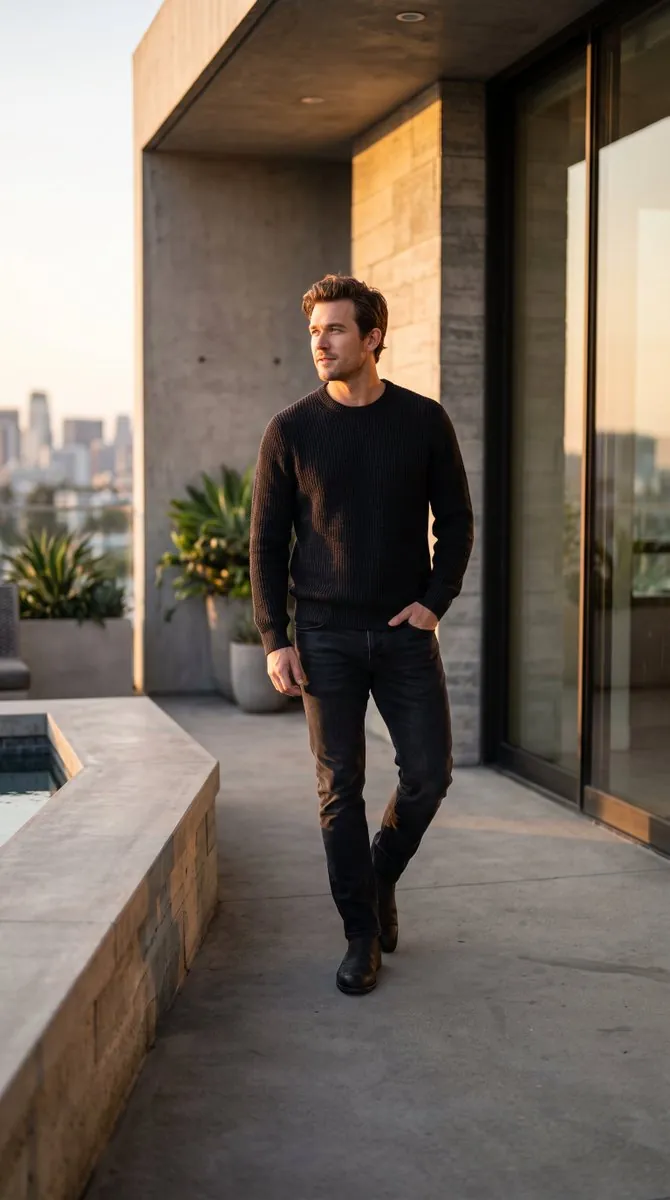
Choose the smallest useful edit and describe what must stay unchanged.
Erase distractions and rebuild nearby texture.
Swap one selected object while preserving perspective.
Change local light direction, warmth, or shadow density.
Refine details without changing identity or material.
Extend the scene or create a cleaner crop.
Apply a controlled visual treatment to one region.
Start with the highest-quality original available.
Identify the person, object, background, or detail to change.
State what should remain fixed: identity, pose, light, framing, or label.
Review the result and adjust one instruction at a time.
Traditional editors are still best for pixel-level production. Cuta is faster when the goal is a convincing creative change expressed in plain language.
Layers, selections, masks, color curves, and detailed retouching controls.
Target, requested change, visual treatment, and the details that stay fixed.
Portraits, products, editorial systems, diagrams, environments, and visual stories.
Upload an image and turn its subject, composition, lighting, palette, style, and mood into a detailed reusable AI prompt with Cuta.
Explore adaptable AI photo prompts for portraits, travel photos, professional profiles, fashion, and lifestyle edits while preserving identity.
An AI photo editor changes an existing image from natural-language instructions. Cuta lets you describe a focused replacement, cleanup, lighting adjustment, or style change while preserving the rest of the composition.