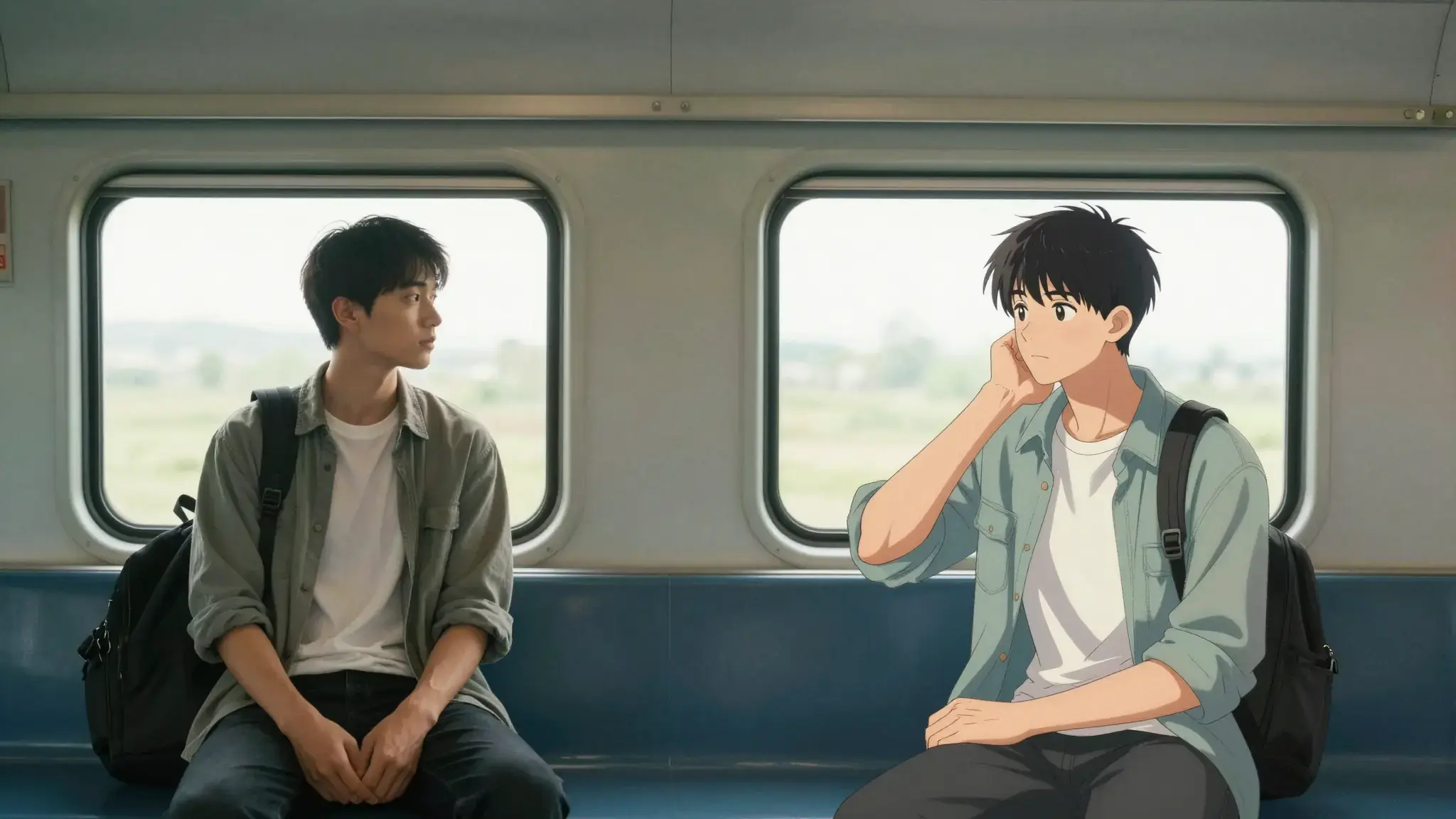
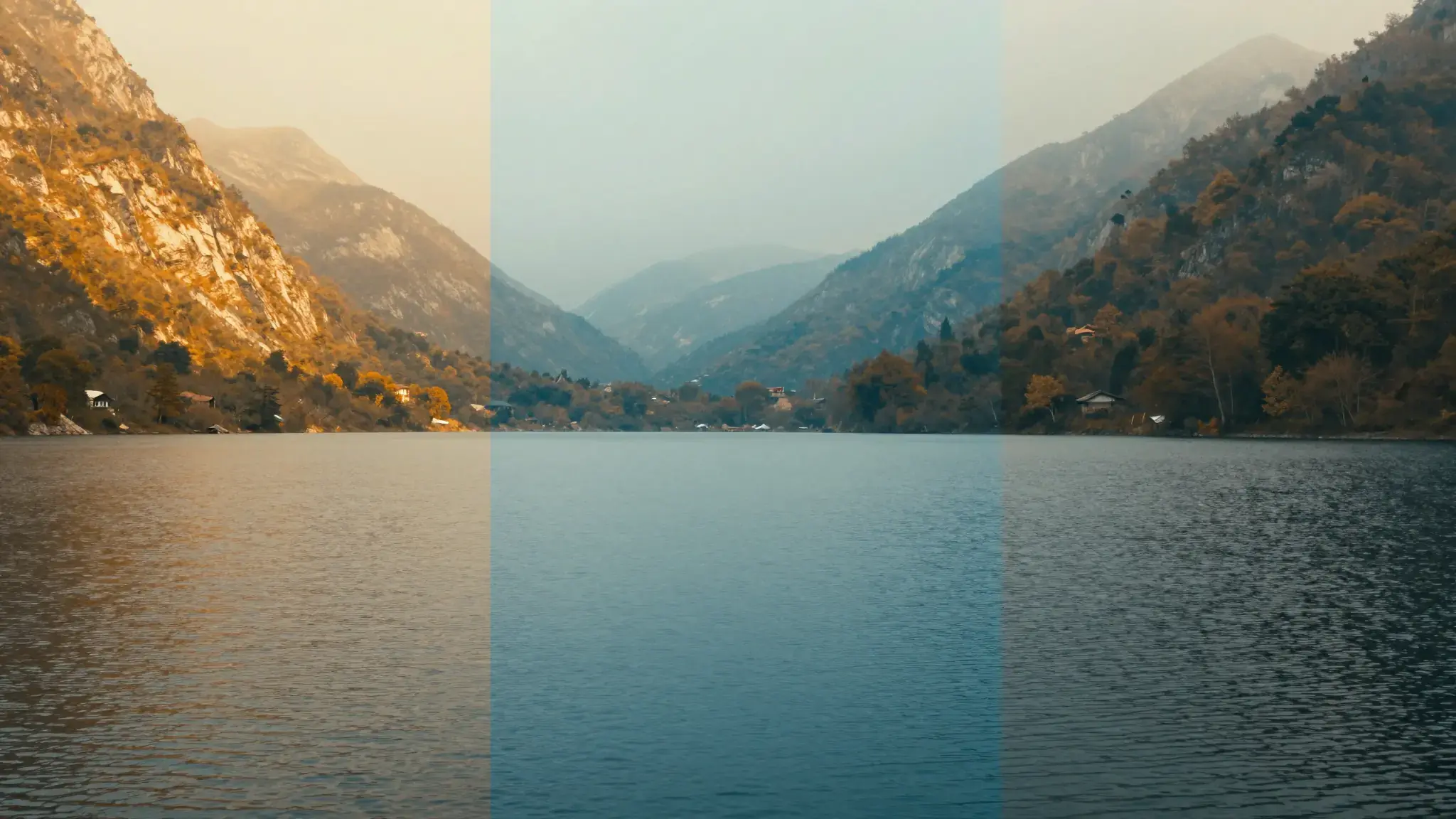
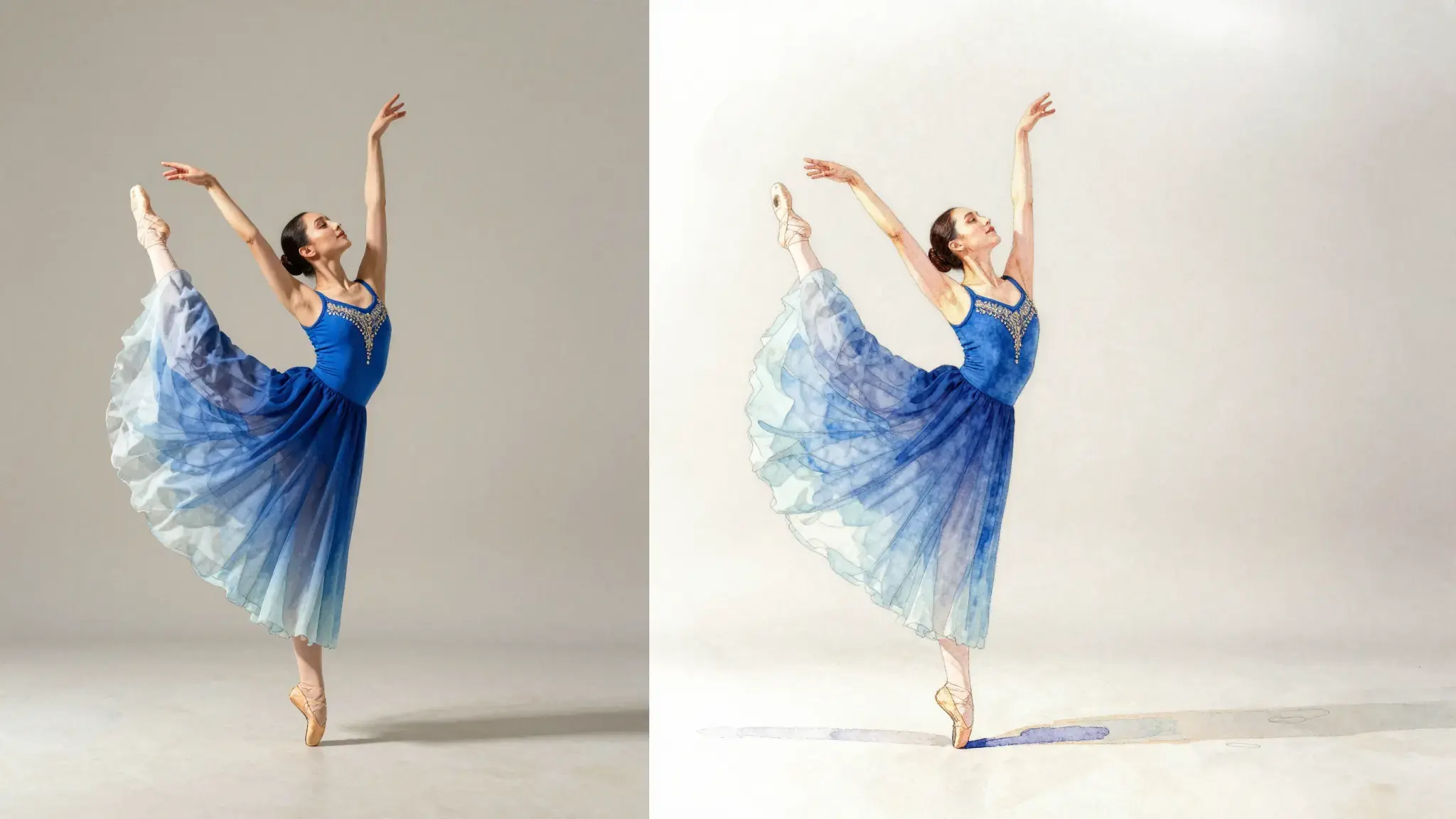
Keep motion while exploring another visual treatment
Supply a source clip and describe the medium, palette and appearance you want. Repeat the subject details that should stay recognizable.

Video To Video
Transform the visual style of a video with Cuta's video-to-video AI. Use your source footage to explore new looks for the subject, background and scene.
Supply a source clip and describe the medium, palette and appearance you want. Repeat the subject details that should stay recognizable.
Add the materials to their named inputs. Original video: one video.
Available settings include Target style; Processing strength; Process subject only; Subject description; Replacement background color. Review the full options in Studio before generation.
From idea to creation
Add the materials to their named inputs. Original video: one video.
Available settings include Target style; Processing strength; Process subject only; Subject description; Replacement background color. Review the full options in Studio before generation.
Check faces, outlines and texture across the whole clip. A style may look good in one frame but flicker during movement.
Illustrative artwork shows the intended visual direction. Your result depends on your source materials and settings.
Reinterpret a quiet garden-walk clip in soft watercolor, retaining the walking direction and main subject while simplifying the foliage and background.
Try it nowCompare how an existing movement could appear in a different artistic medium.
Explore a consistent treatment for a short scene and review transitions and detail changes.
Creative possibilities
Use these illustrative references to compare framing, texture and visual treatment before creating your own version.
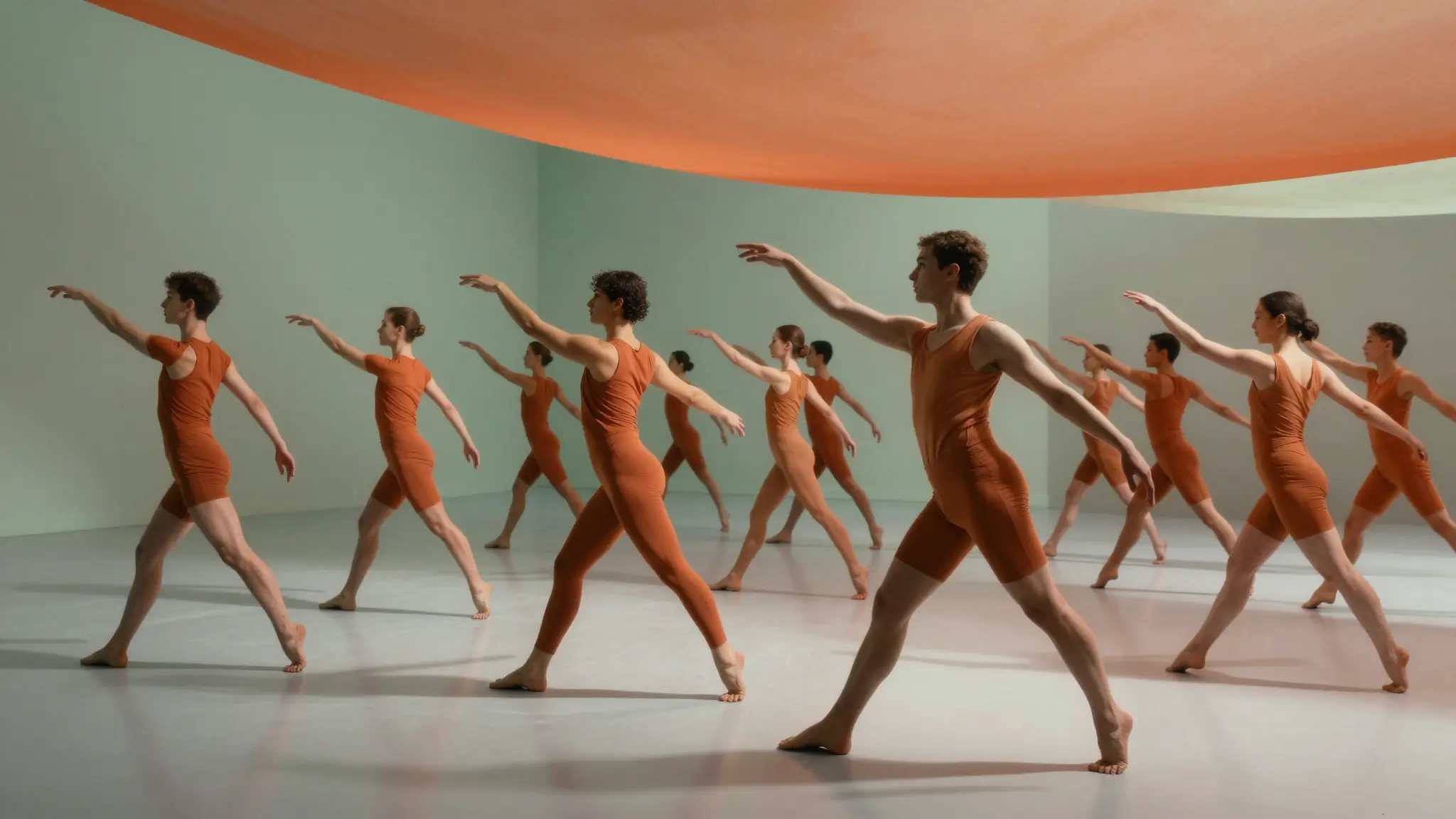
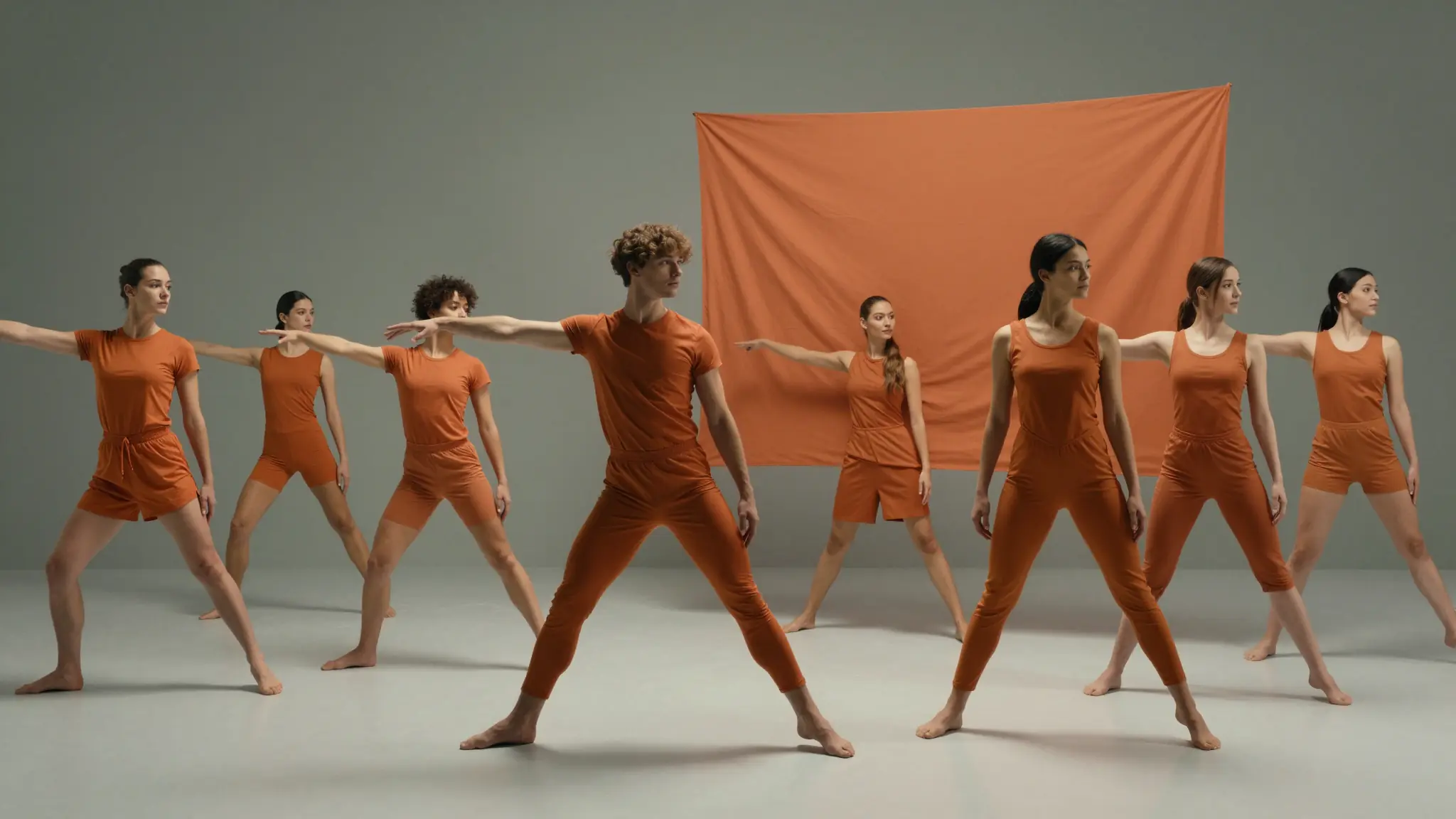
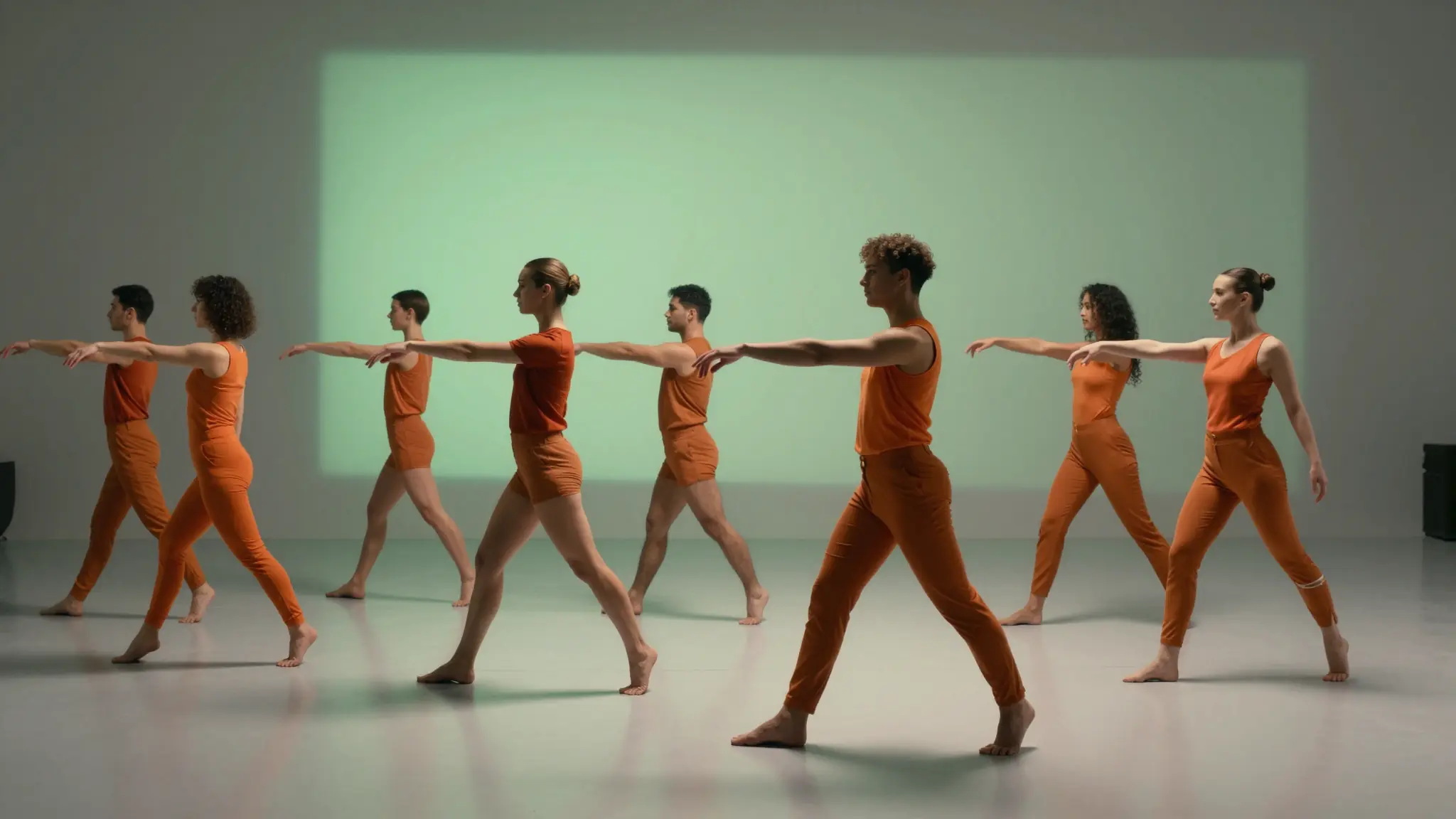
Add the materials to their named inputs. Original video: one video.
Keep exploring
Your next creation starts here
Start with your own content in Video To Video. Review the settings in Studio and create your result.