Enlarge a clip with attention to moving detail
Use the best source file available and choose the supported enlargement settings. Review fine detail in both still and moving areas.

Video Enhancer
Improve the visual quality of your footage with Cuta's AI video enhancer. Refine soft details and create a clearer version of your source video.
Use the best source file available and choose the supported enlargement settings. Review fine detail in both still and moving areas.
Add the materials to their named inputs. Original video: one video.
Available settings include Upscale factor (2x, 4x). Review the full options in Studio before generation.
From idea to creation
Add the materials to their named inputs. Original video: one video.
Available settings include Upscale factor (2x, 4x). Review the full options in Studio before generation.
Inspect noise, edge halos and texture flicker during playback. A larger output does not recover every missing source detail.
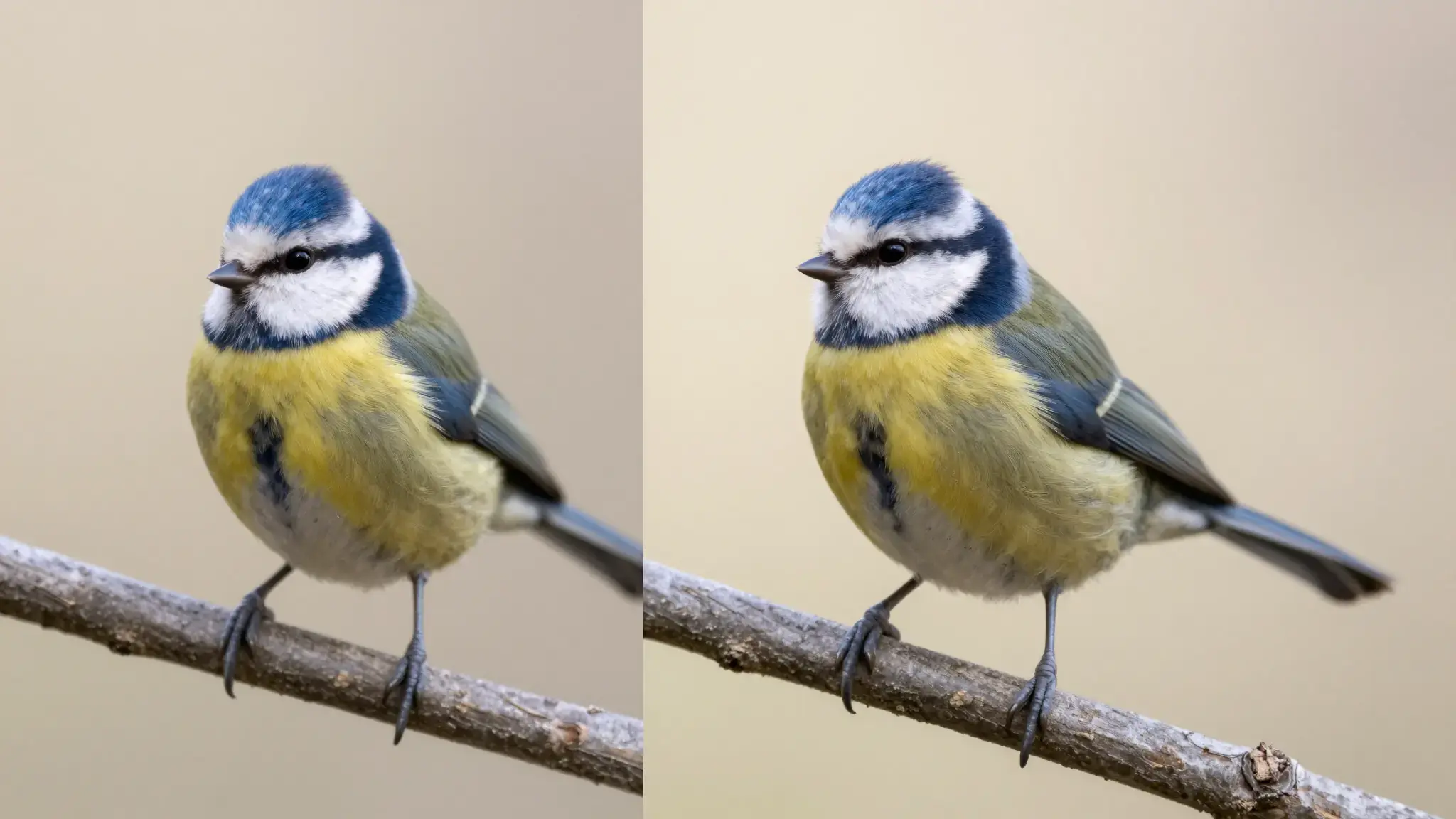
Illustrative artwork shows the intended visual direction. Your result depends on your source materials and settings.
Two matched cinematic views of a blue kingfisher on a branch, first slightly soft and dim, second crisply detailed with balanced bright color, clear visual enhancement without labels. gentle side lighting, warm cream and natural neutral tones
Try it nowExplore a clearer presentation of a small source clip and inspect faces, text and movement.
Check how an enlarged clip holds up at the screen size used in your presentation.
Add the materials to their named inputs. Original video: one video.
Keep exploring
Your next creation starts here
Start with your own content in Video Enhancer. Review the settings in Studio and create your result.