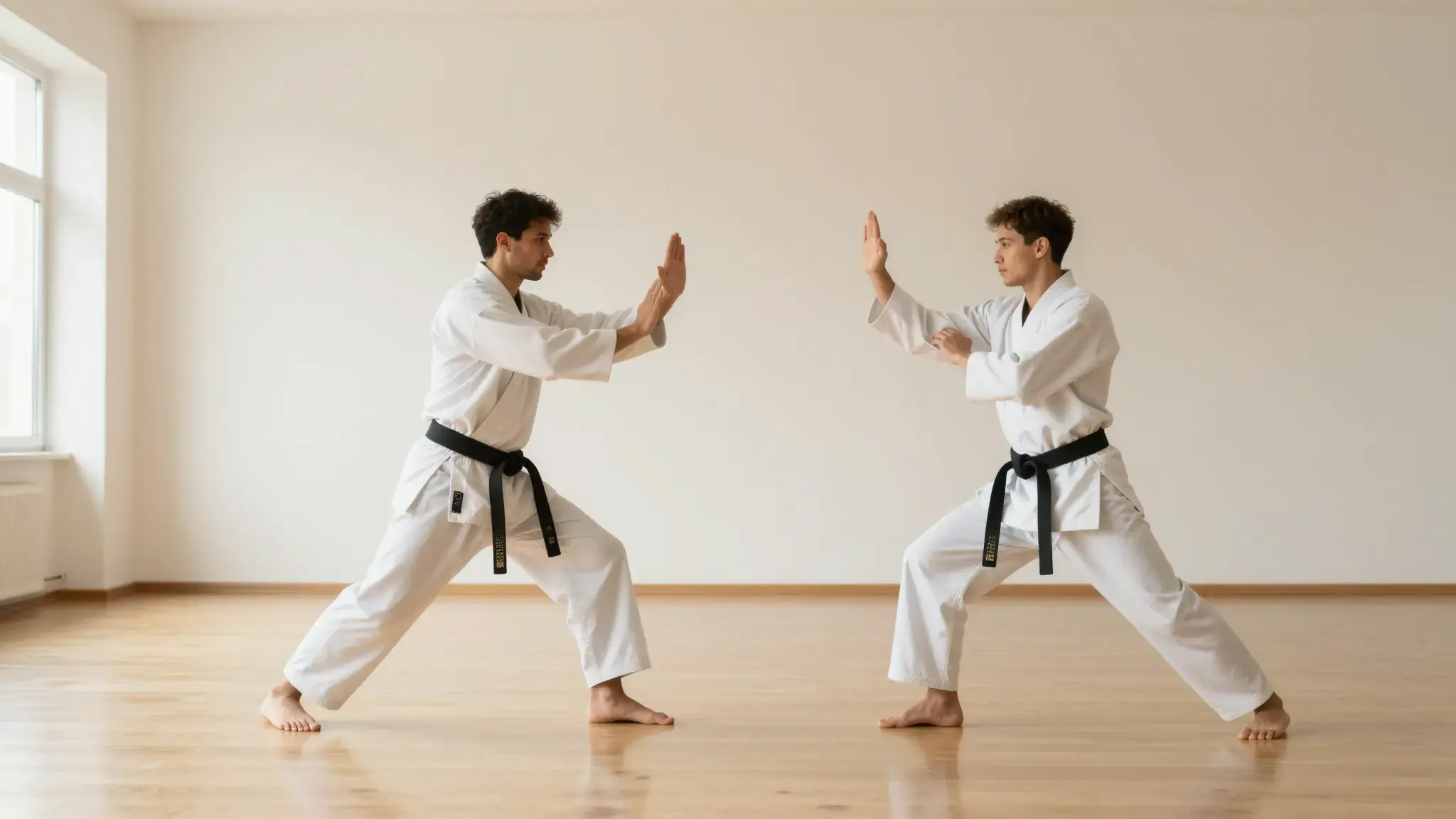
Separate the moving subject from the scene
Supply a clip with a visible subject and limited obstruction. Review hair, thin edges and motion blur against the new composition.

Video Background Remover
Remove video backgrounds with Cuta. Isolate a person or object from source footage for compositing, product presentations and new scene backgrounds.
Supply a clip with a visible subject and limited obstruction. Review hair, thin edges and motion blur against the new composition.
Add the materials to their named inputs. Original video: one video.
From idea to creation
Add the materials to their named inputs. Original video: one video.
Supply a clip with a visible subject and limited obstruction. Review hair, thin edges and motion blur against the new composition.
Inspect the full clip for edge flicker and missing subject detail. Verify the output format supports the background workflow you need.
Illustrative artwork shows the intended visual direction. Your result depends on your source materials and settings.
A fully clothed adult dancer isolated cleanly against an ivory seamless background, wisps of hair and flowing blue fabric with crisp accurate edges, subtle grounding shadow
Try it nowExplore isolating a speaker for another layout while checking hair and hands in motion.
Prepare a subject-focused clip and inspect its edges before compositing.
Add the materials to their named inputs. Original video: one video.
Keep exploring
Your next creation starts here
Start with your own content in Video Background Remover. Review the settings in Studio and create your result.