Cuta
All tools

Tutorial Video

Tutorial Video

Tutorial Video Maker: create videos from images with Cuta. Build a visual explanation around a lesson, teaching topic or course concept.

Try Tutorial Video
Creative illustrationVideo

Start with your content

Add your source now, or later in Studio.

Review settings and cost in Studio before generating. Your selected files and inputs will be carried over.

A starting direction for Tutorial Video

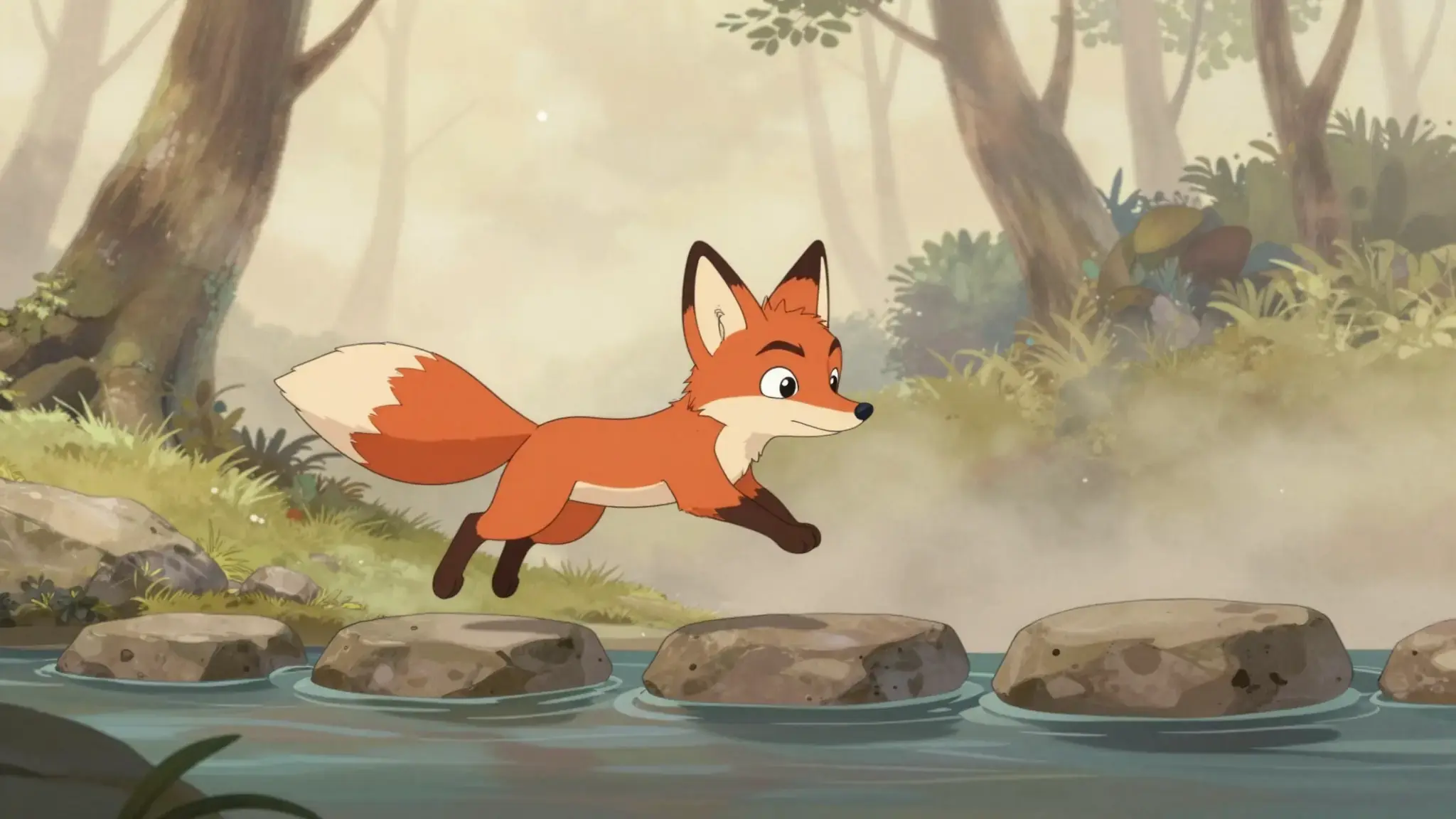
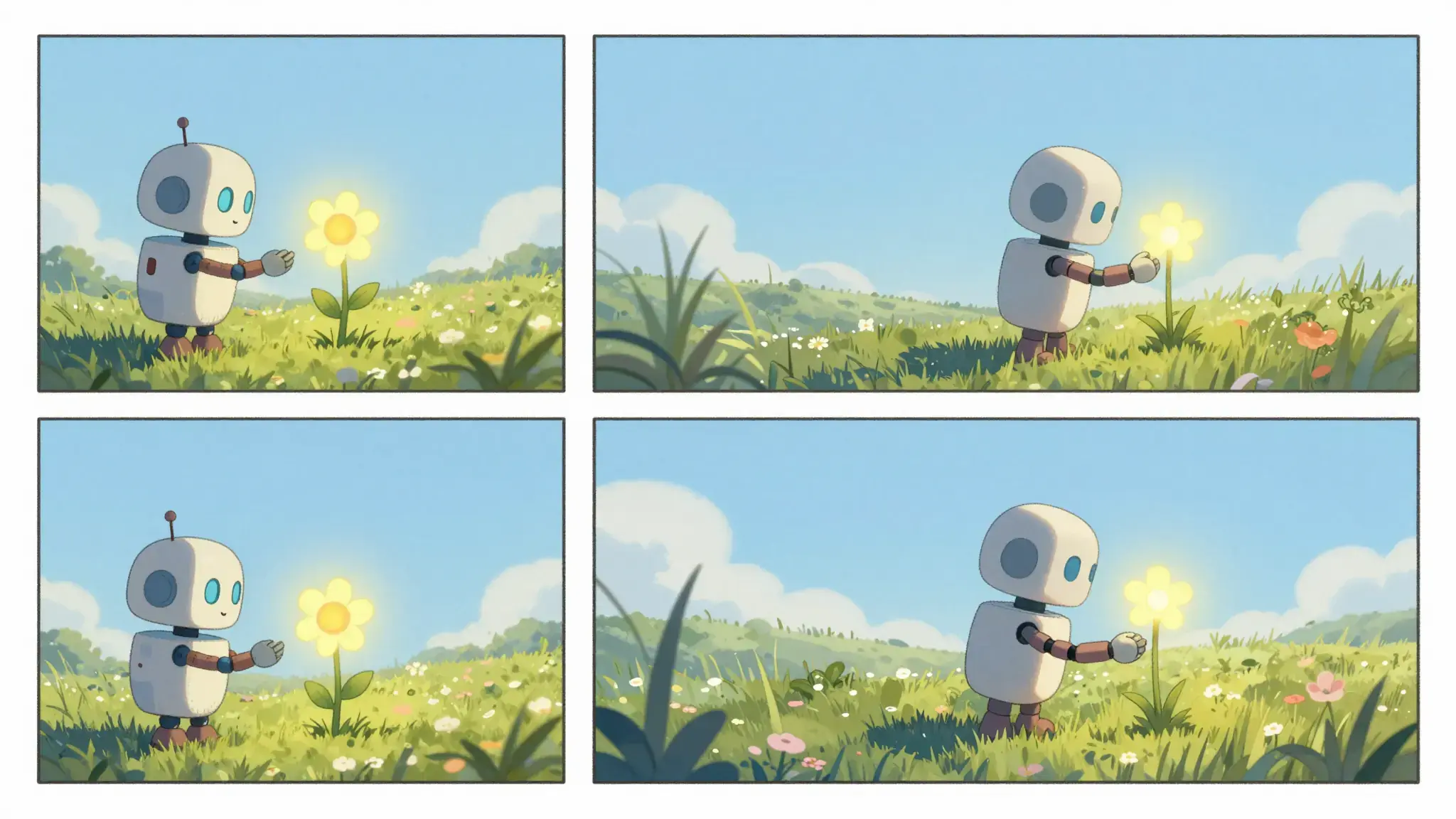
Illustrative artwork shows the intended visual direction. Your result depends on your source materials and settings.

An example to adapt

An adult watercolor artist demonstrating a delicate leaf brushstroke on plain paper, brushes and a small palette clearly visible in an overhead teaching composition. luminous diffuse lighting, understated background and distinct subject colors

Try it now

Working with Tutorial Video

Build an opening, change and ending

Describe the protagonist, setting and action in a short sequence. Reuse character references and repeat defining details when planning related scenes.

Materials for this task

Add the materials to their named inputs. Source image: up to 5 images.

Choose the supported settings

Available settings include Language; Audience; Visual style. Review the full options in Studio before generation.

From idea to creation

How to use Tutorial Video

  1. Add the source

    Add the materials to their named inputs. Source image: up to 5 images.

  2. Set the direction

    Available settings include Language; Audience; Visual style. Review the full options in Studio before generation.

  3. Review the result in Studio

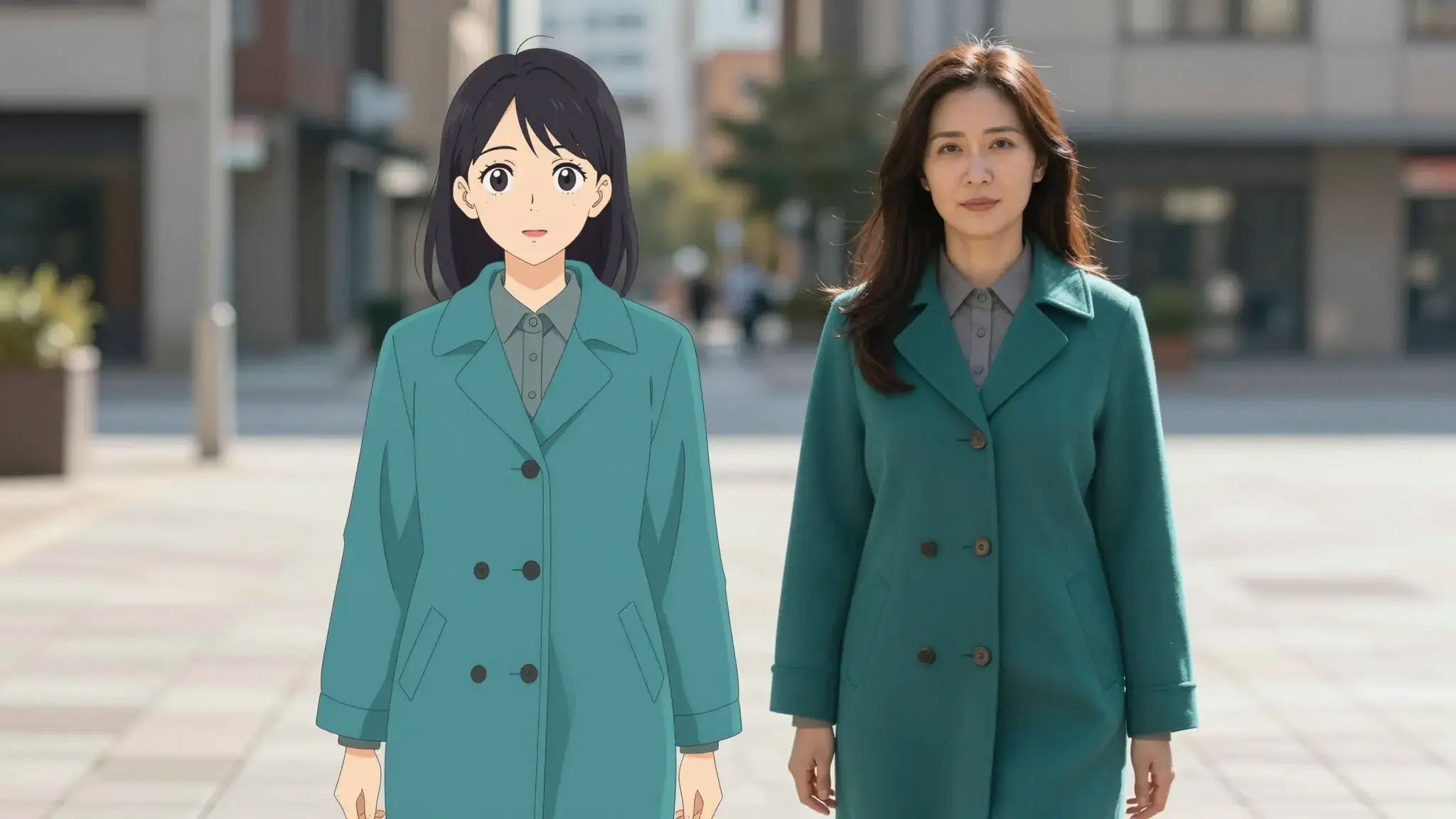
    Review character appearance, scene continuity, narration and the ending. Generated motion can change clothing, objects or spatial relationships.

Ideas for Tutorial Video

Short narratives

Develop a small story around one event and a clear final moment.

Visual storyboards

Explore the mood and sequence of a scene before developing a longer production.

Frequently asked questions

Add the materials to their named inputs. Source image: up to 5 images.

Your next creation starts here

Make something worth sharing.

Start with your own content in Tutorial Video. Review the settings in Studio and create your result.

Start creating