An example to adapt
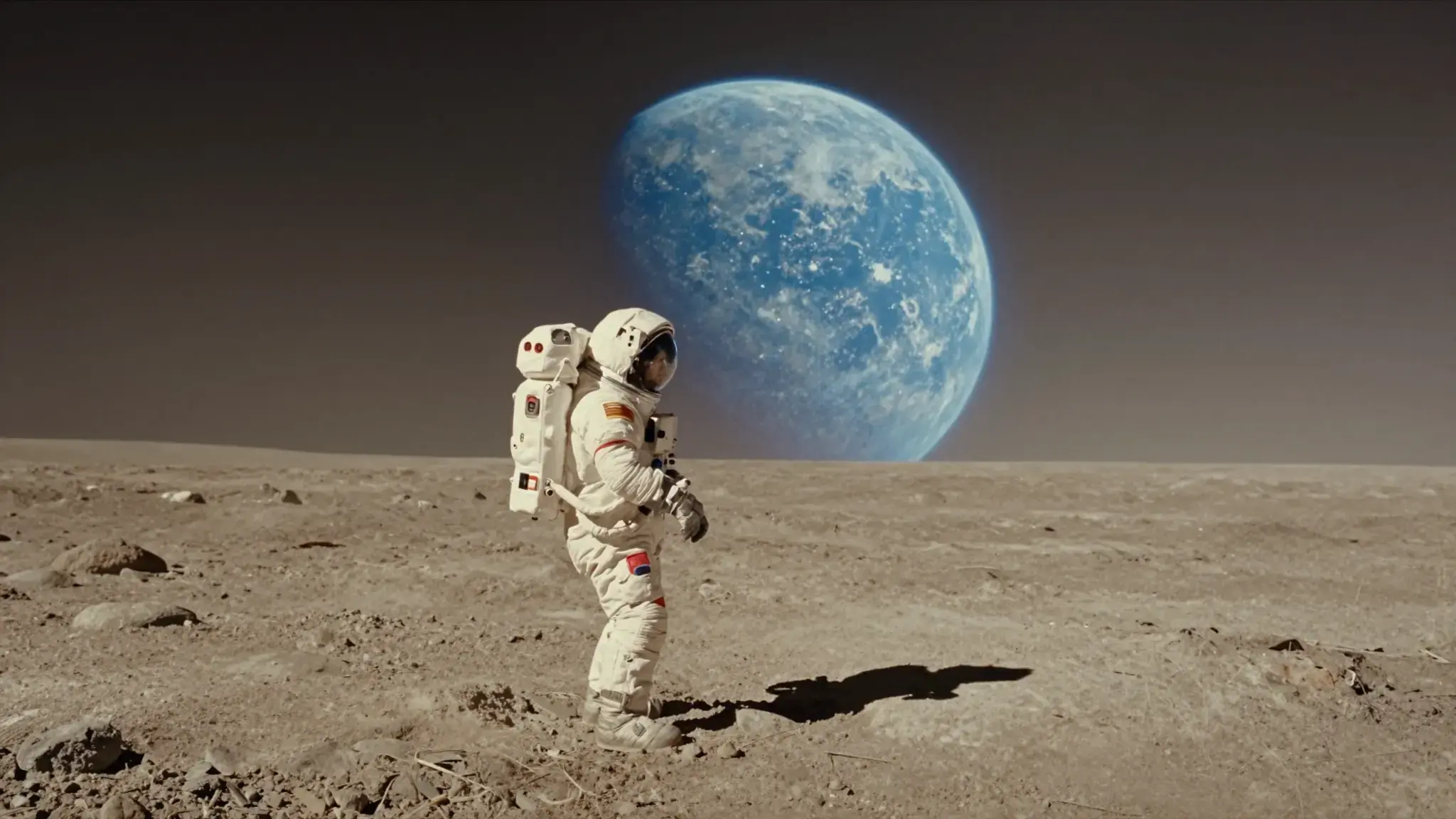
An adult astronaut stepping out of a small lunar lander as a huge blue planet rises above the rocky horizon, original cinematic science-fiction adventure still. gentle side lighting, warm cream and natural neutral tones

Trailer Video Maker: create videos from text with Cuta. Explore cinematic scenes, character moments and visual ideas for a film project.
Illustrative artwork shows the intended visual direction. Your result depends on your source materials and settings.
An adult astronaut stepping out of a small lunar lander as a huge blue planet rises above the rocky horizon, original cinematic science-fiction adventure still. gentle side lighting, warm cream and natural neutral tones
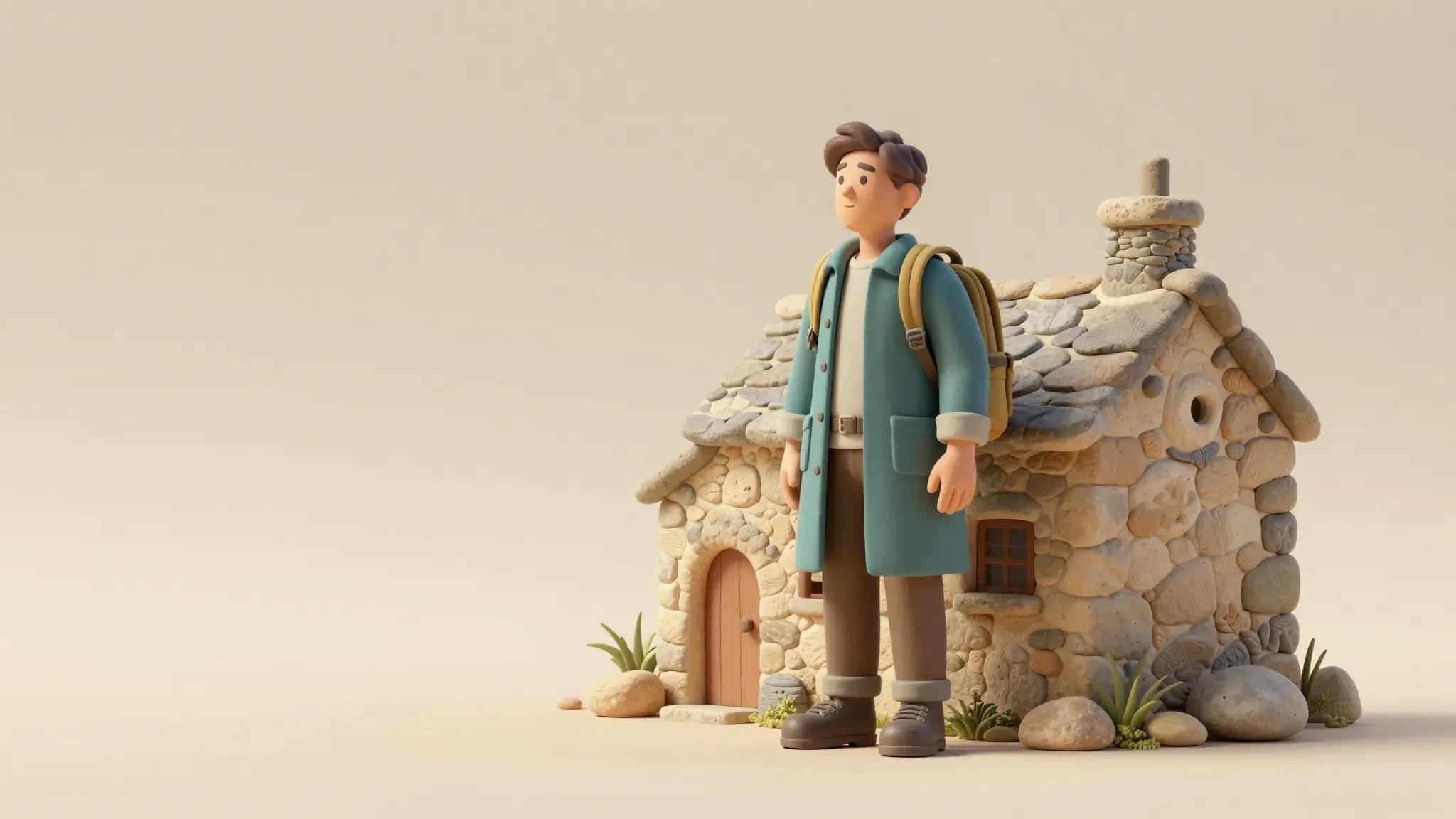
Describe the protagonist, setting and action in a short sequence. Reuse character references and repeat defining details when planning related scenes.
Start with a written brief. Include the subject, the intended result and any details that must appear accurately.
Available settings include Language; Audience; Visual style. Review the full options in Studio before generation.
Step 01
Start with a written brief. Include the subject, the intended result and any details that must appear accurately.
Step 02
Available settings include Language; Audience; Visual style. Review the full options in Studio before generation.
Step 03
Review character appearance, scene continuity, narration and the ending. Generated motion can change clothing, objects or spatial relationships.
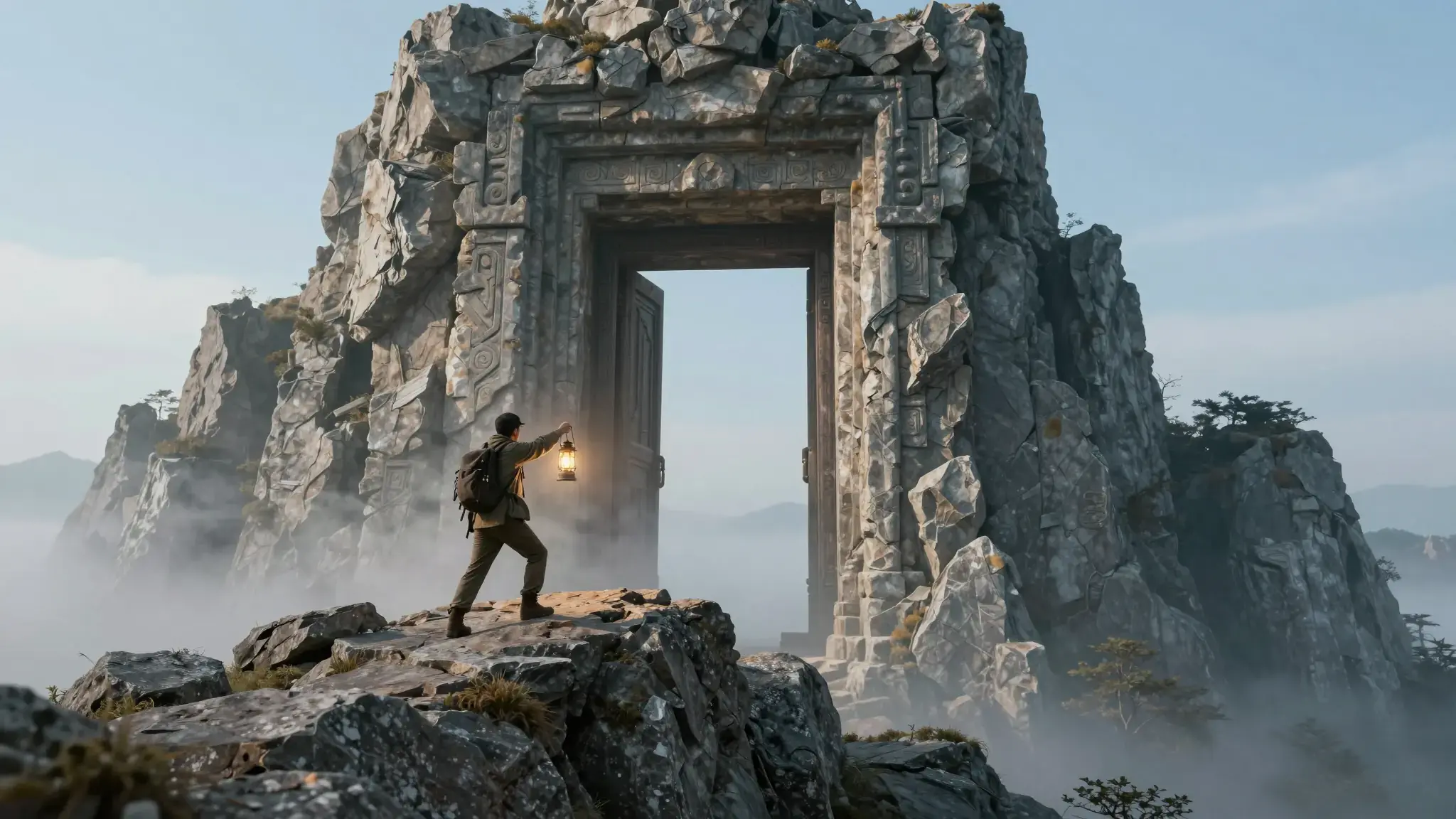
Develop a small story around one event and a clear final moment.
Explore the mood and sequence of a scene before developing a longer production.
Review character appearance, scene continuity, narration and the ending. Generated motion can change clothing, objects or spatial relationships.
Start with a written brief. Include the subject, the intended result and any details that must appear accurately.