Turn a product page into a focused ad brief
Provide the product URL, then verify the name, selling points, offer and audience in the available fields. Describe the opening and closing message.

Shopify URL to Video
Turn a Shopify product link into a video ad with Cuta. Use your listing and campaign brief to develop promotional footage for your online store.
Provide the product URL, then verify the name, selling points, offer and audience in the available fields. Describe the opening and closing message.
Start with a written brief. Include the subject, the intended result and any details that must appear accurately.
Available settings include Product URL; Output language; Product name; Key selling points; Offer or discount; Audience; Call to action. Review the full options in Studio before generation.
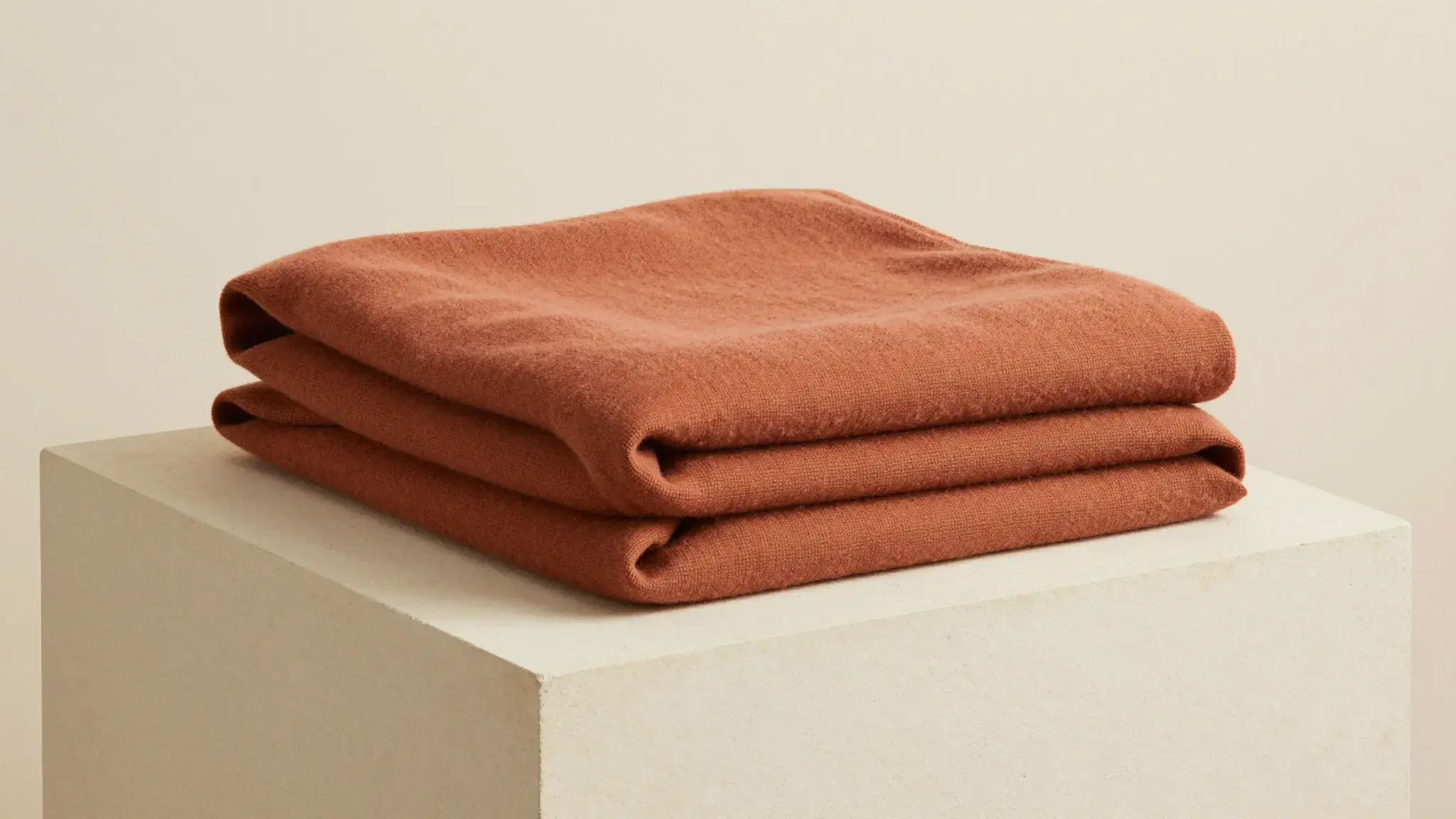
Illustrative artwork shows the intended visual direction. Your result depends on your source materials and settings.
A polished ecommerce product photograph of a completely plain clear glass candle holder with a cream candle, carefully staged on a cream stone pedestal with a matching natural material detail, clear shape and soft commercial light. luminous diffuse lighting, understated background and distinct subject colors
Try it nowUse a listing as the starting material for a short campaign concept built around one verified benefit.
Compare an opening or offer while preserving the same product information and final action.
From idea to creation
Start with a written brief. Include the subject, the intended result and any details that must appear accurately.
Available settings include Product URL; Output language; Product name; Key selling points; Offer or discount; Audience; Call to action. Review the full options in Studio before generation.
Confirm any extracted product information before generation. Review visual product accuracy, spoken claims and the final call to action.
Start with a written brief. Include the subject, the intended result and any details that must appear accurately.
Keep exploring
Your next creation starts here
Start with your own content in Shopify URL to Video. Review the settings in Studio and create your result.