Describe the action as well as the scene
Write what changes during the shot, how the camera behaves and where the clip should end. Keep the first brief focused on one main action.

Prompt to Video
Prompt to Video Maker: create videos from text with Cuta. Develop short video content for your channel, community or next social post.
Write what changes during the shot, how the camera behaves and where the clip should end. Keep the first brief focused on one main action.
Start with a written brief. Include the subject, the intended result and any details that must appear accurately.
From idea to creation
Start with a written brief. Include the subject, the intended result and any details that must appear accurately.
Write what changes during the shot, how the camera behaves and where the clip should end. Keep the first brief focused on one main action.
Watch the full clip for motion, object continuity and abrupt endings. A detailed description guides the model without guaranteeing an exact sequence.
Illustrative artwork shows the intended visual direction. Your result depends on your source materials and settings.
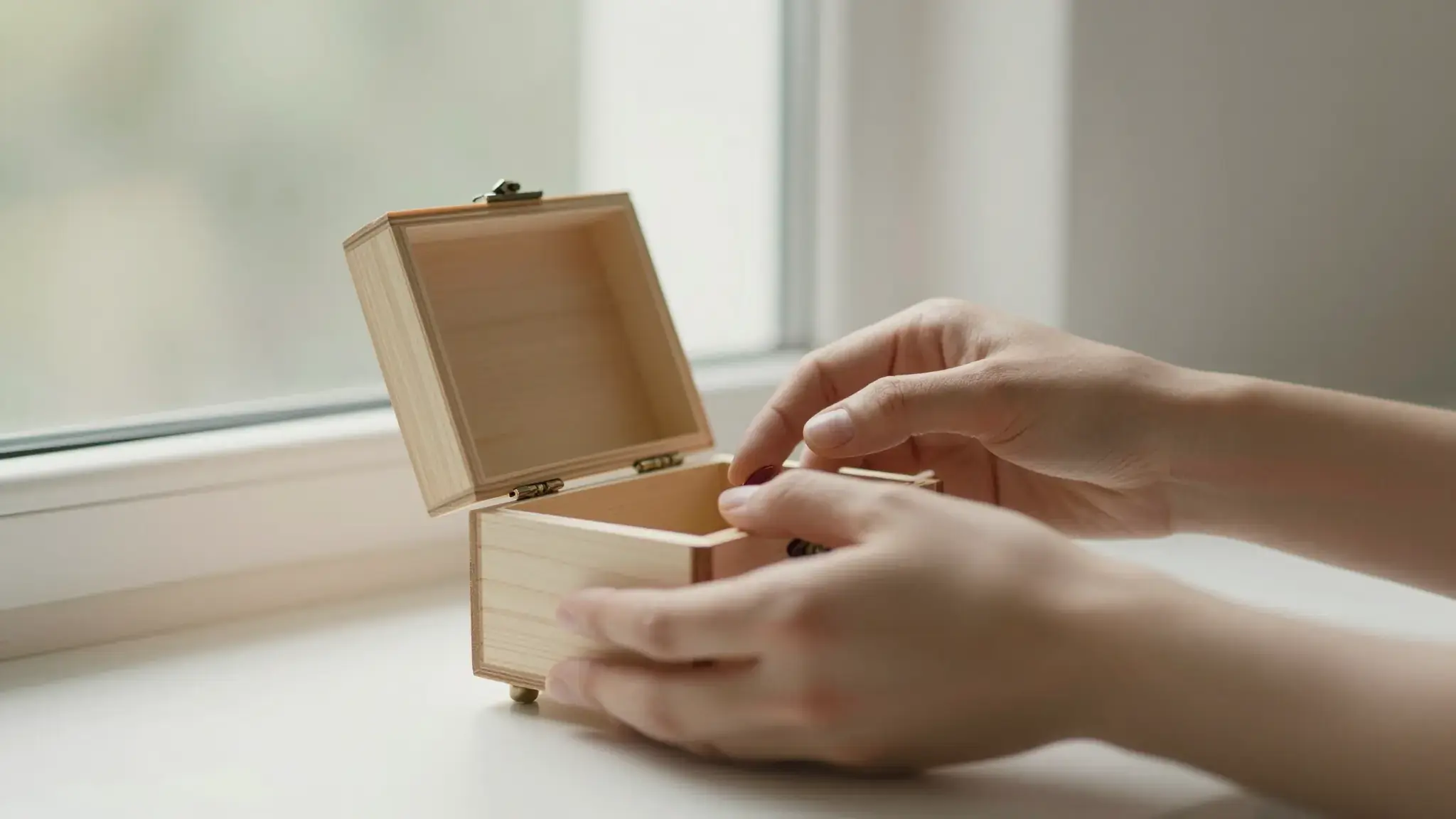
A cinematic close-up of adult hands opening a small handmade wooden box beside a sunny window, a soft silhouette in the background, elegant natural storytelling scene
Try it nowExplore a shot with a defined subject, setting and camera movement.
Compare the same action with another viewpoint, pace or lighting direction.
Start with a written brief. Include the subject, the intended result and any details that must appear accurately.
Keep exploring
Your next creation starts here
Start with your own content in Prompt to Video. Review the settings in Studio and create your result.