Cuta

Pool Table Shot

Pool Table Shot: transform your image with Cuta's AI photo effects. Give your image a different atmosphere and visual mood.

Pool Table Shot creative concept

A starting direction for Pool Table Shot

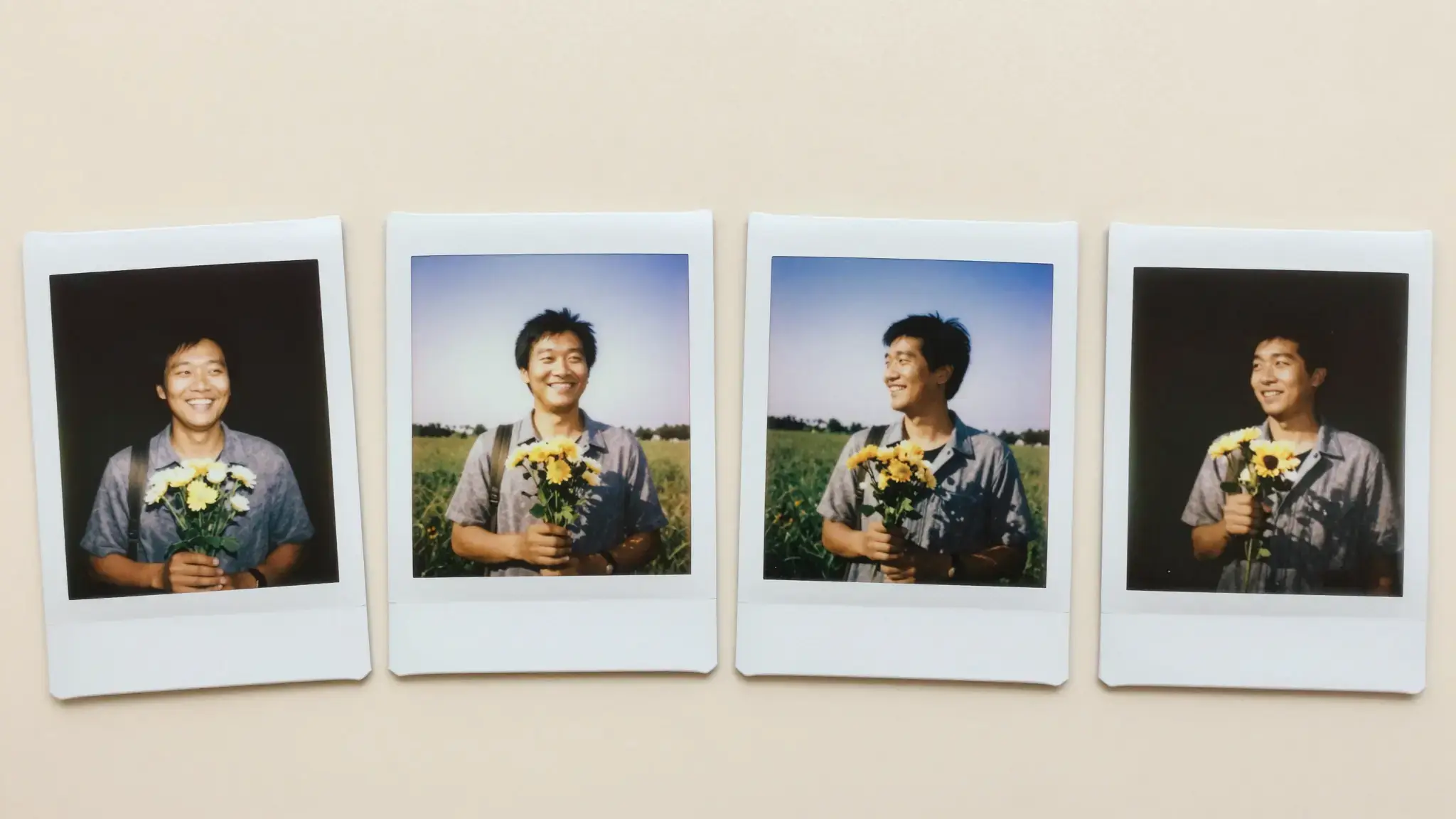
Illustrative artwork shows the intended visual direction. Your result depends on your source materials and settings.

Pool Table Shot creative concept

An example to adapt

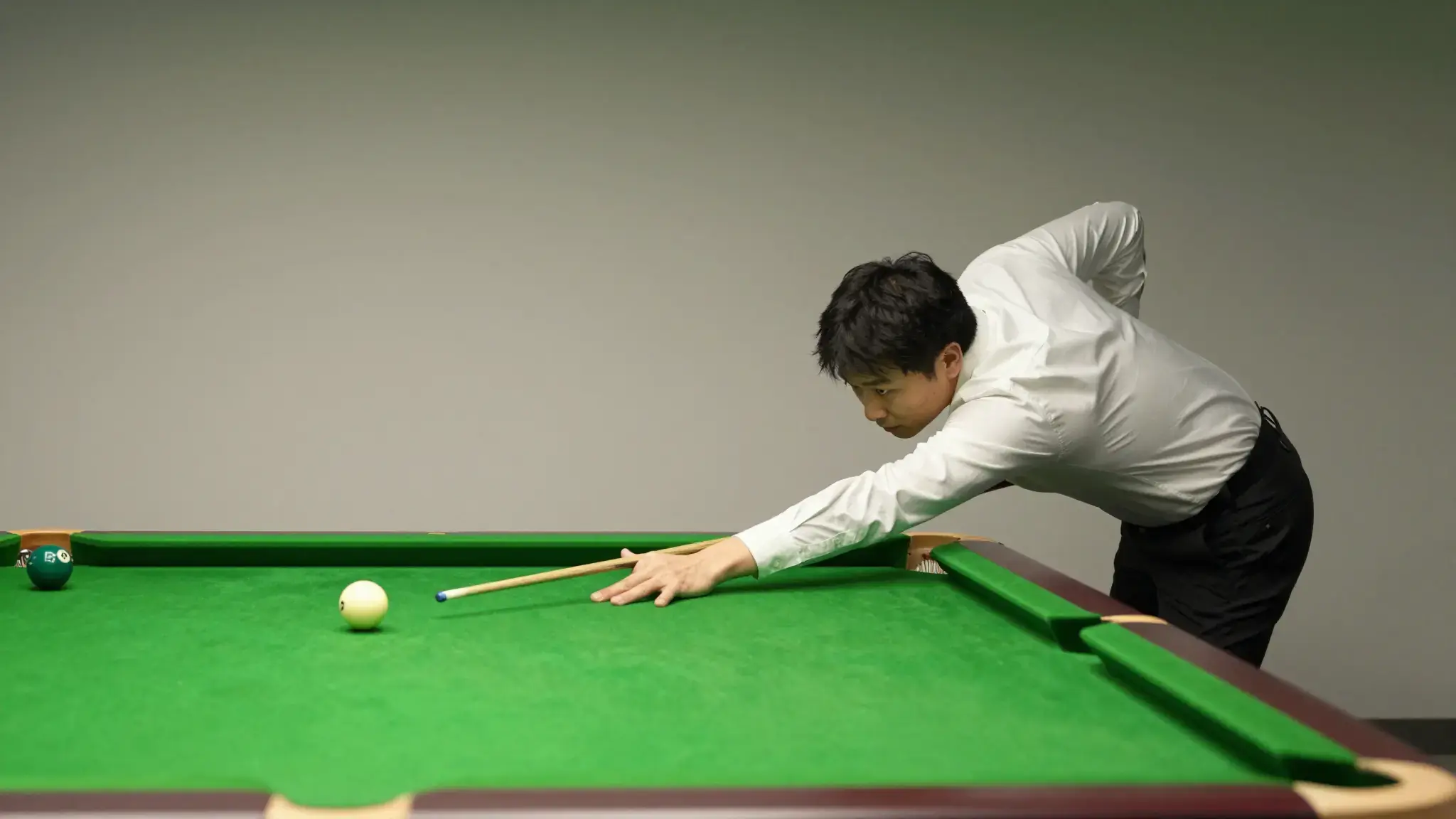
An adult in a white shirt leaning carefully over a green billiard table to aim a wooden cue at a plain ivory ball, cinematic side perspective without numbered balls. luminous diffuse lighting, understated background and distinct subject colors

Working with Pool Table Shot

Shape the treatment around your reference

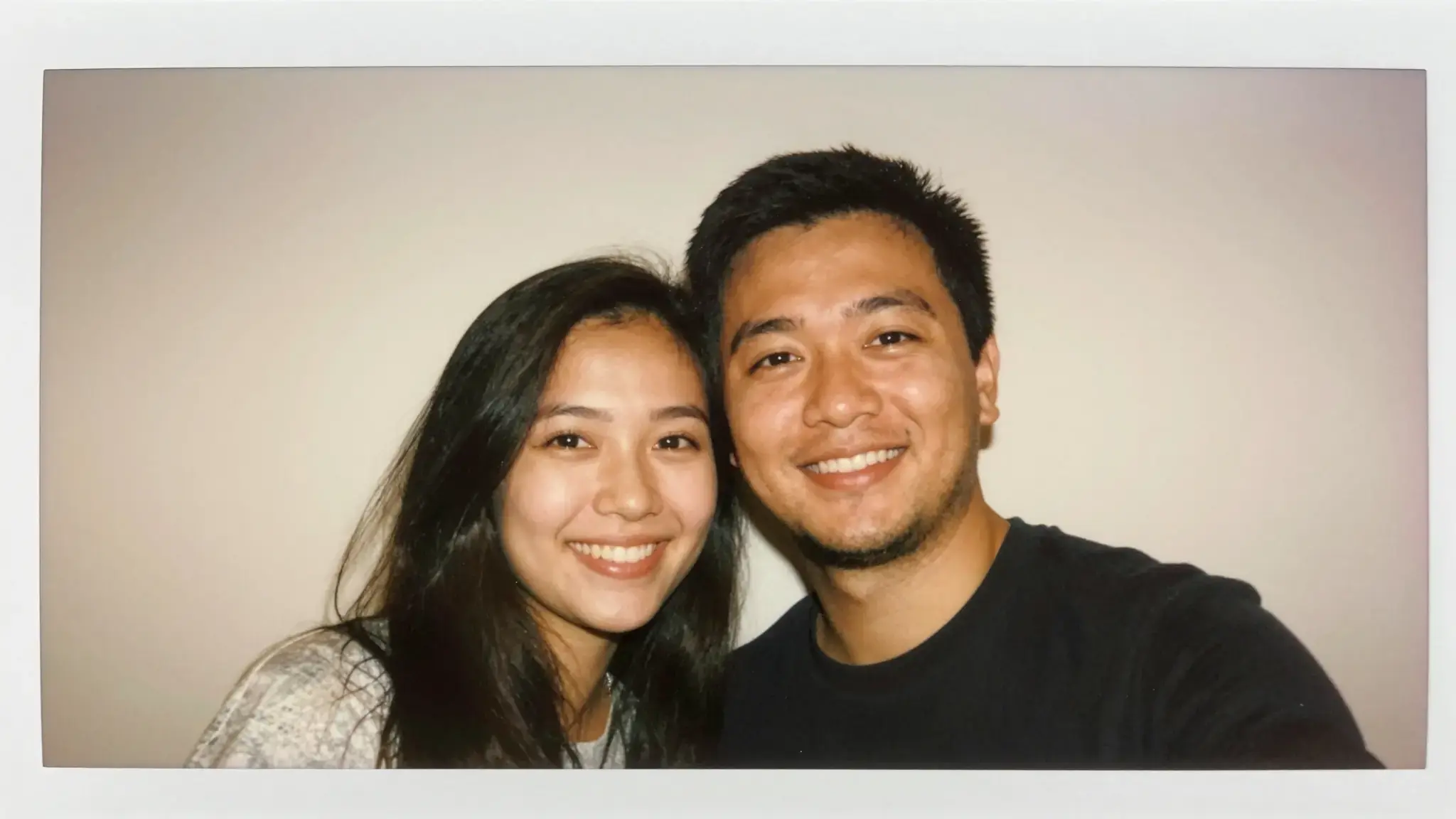
Describe the visual change and name what should stay recognizable: the subject, pose, colors or background. A clear reference gives the edit a useful starting point.

Materials for this task

Add the materials to their named inputs. Image 1: one image.

How to use Pool Table Shot

  1. Step 01

    Add the source

    Add the materials to their named inputs. Image 1: one image.

  2. Step 02

    Shape the treatment

    Describe the visual change and name what should stay recognizable: the subject, pose, colors or background. A clear reference gives the edit a useful starting point.

  3. Step 03

    Review the result in Studio

    Compare the edited subject with your reference. AI may reinterpret facial features, small text, accessories and background details as well as the requested treatment.

Ideas for Pool Table Shot

A personal visual

Use your own reference to make a portrait or object image with this treatment, then inspect it at the size you plan to share.

A style study

Keep the reference fixed while adjusting the treatment, palette or intensity in the brief to compare visual directions.

What to check in your image

Shape the treatment around your reference

Compare the edited subject with your reference. AI may reinterpret facial features, small text, accessories and background details as well as the requested treatment.

Frequently asked questions

Add the materials to their named inputs. Image 1: one image.

Create with Pool Table Shot

Start creating