The details to include
Describe the silhouette, outfit, face, and framing. Plan expressions around how the character will appear on stream.
Try it now
AI image tools
Develop a character illustration for your PNGTuber setup.
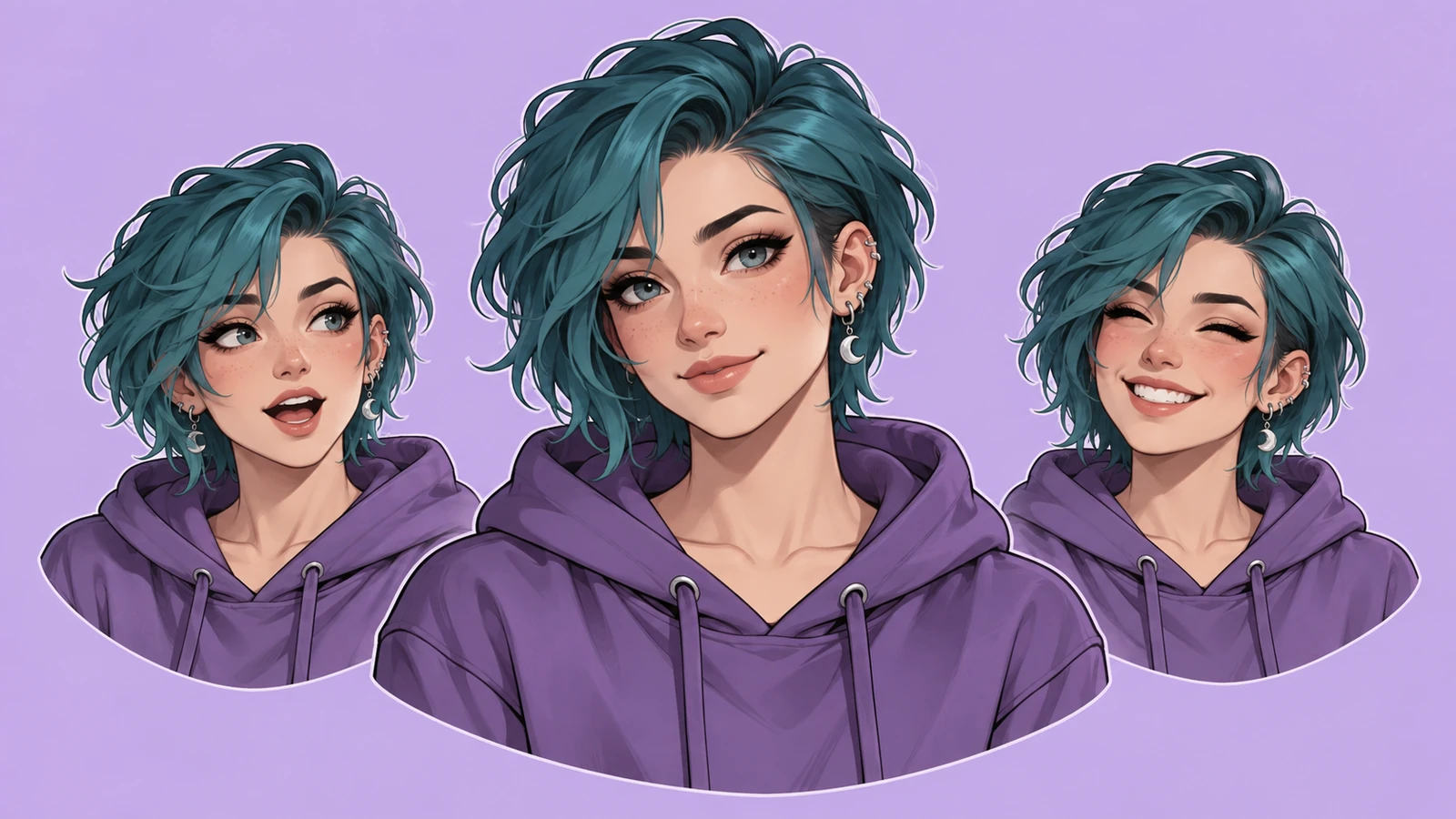
Describe the silhouette, outfit, face, and framing. Plan expressions around how the character will appear on stream.
Try it nowA chest-up raccoon librarian character, round glasses, green vest, cheerful open-mouth expression, plain background.
Try it nowFrom idea to creation
Start with a written brief, a reference image, or both. A reference helps communicate the appearance you want.
Describe the silhouette, outfit, face, and framing. Plan expressions around how the character will appear on stream.
The output is character artwork. Prepare separate expression assets and configure your streaming software yourself.
Creative possibilities
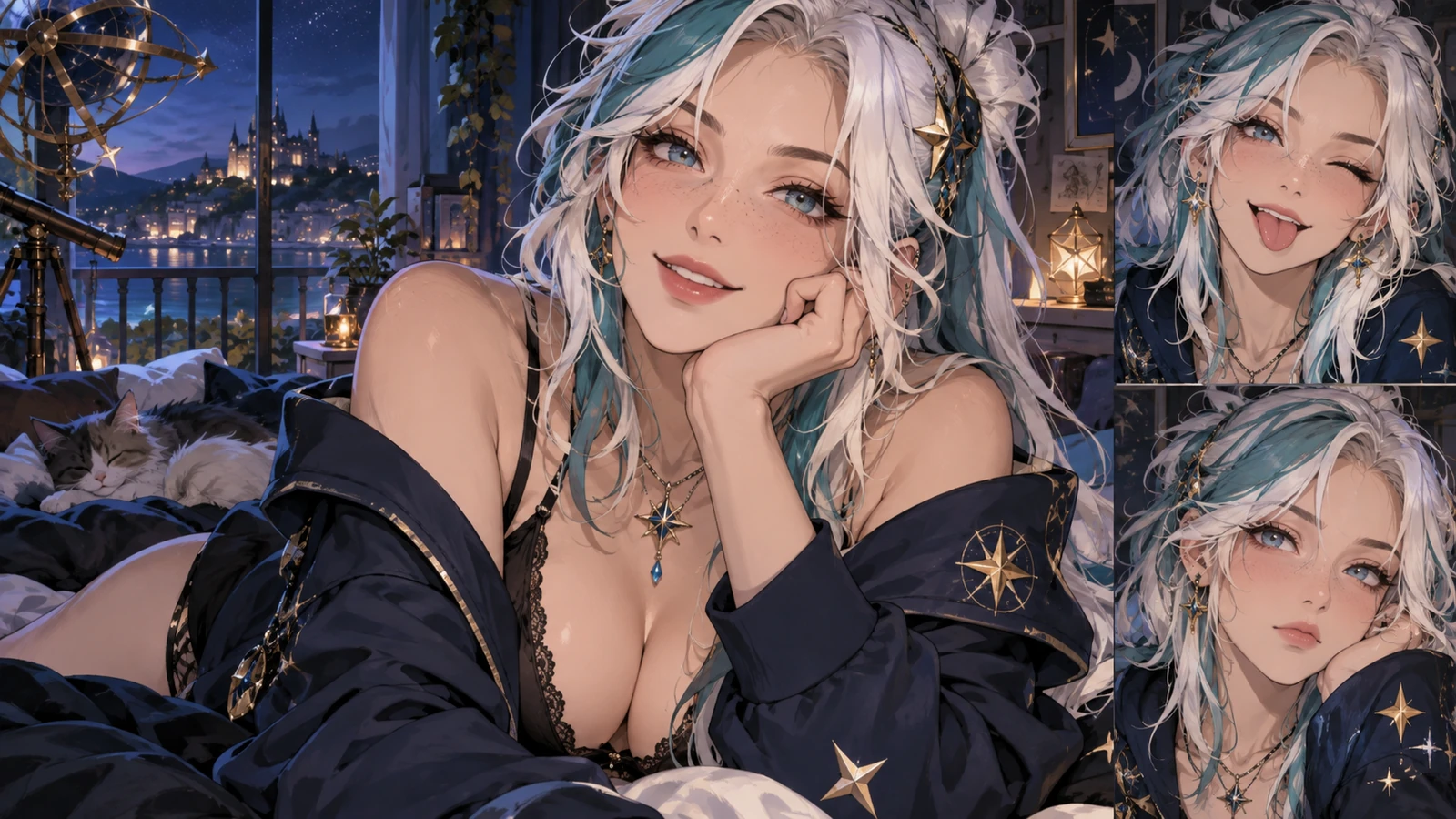
Illustrative concepts show framing and visual treatment. Use your own brief and references to create a version for your project.
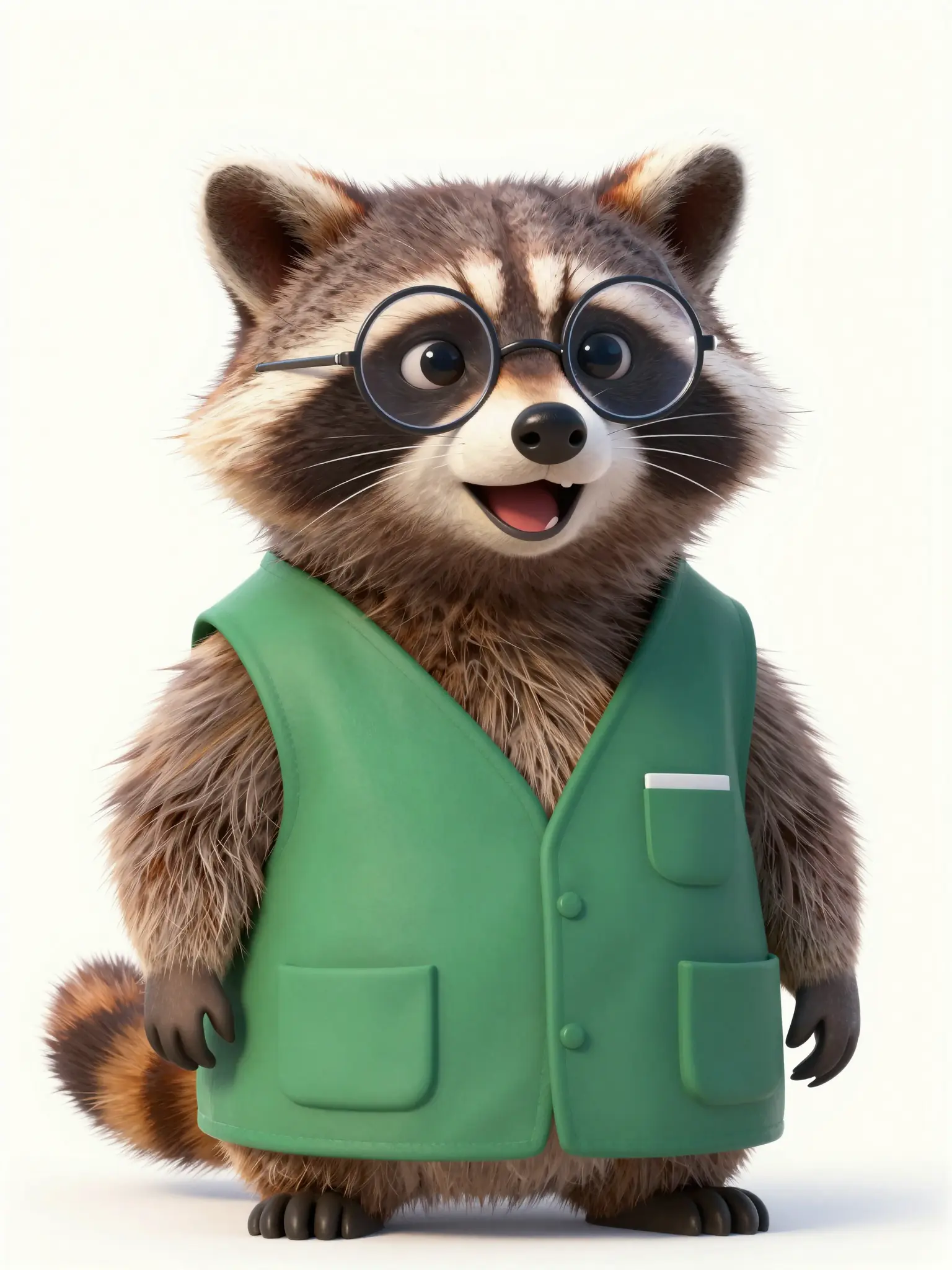
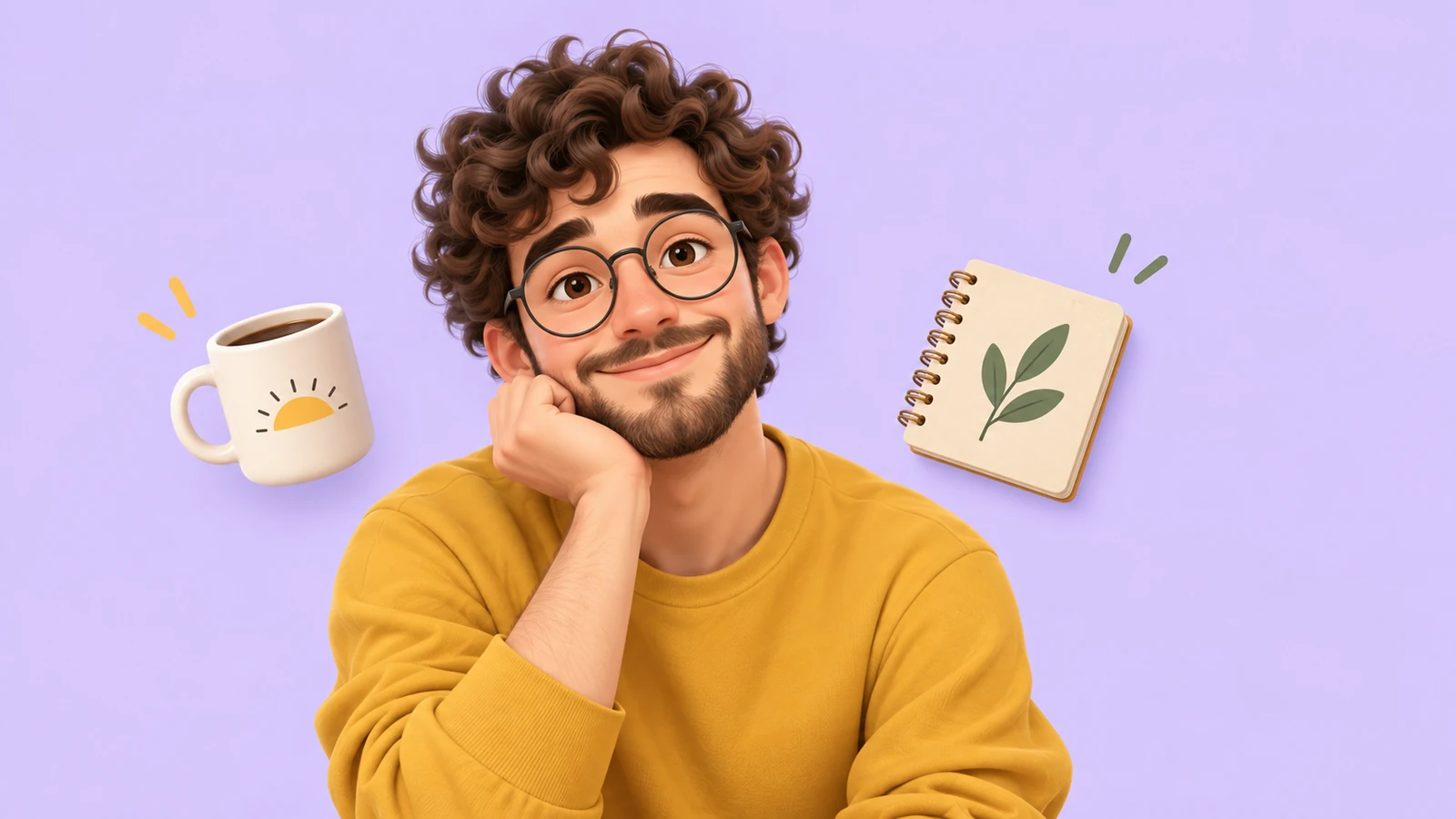
An expressive portrait introduces the character’s personality.
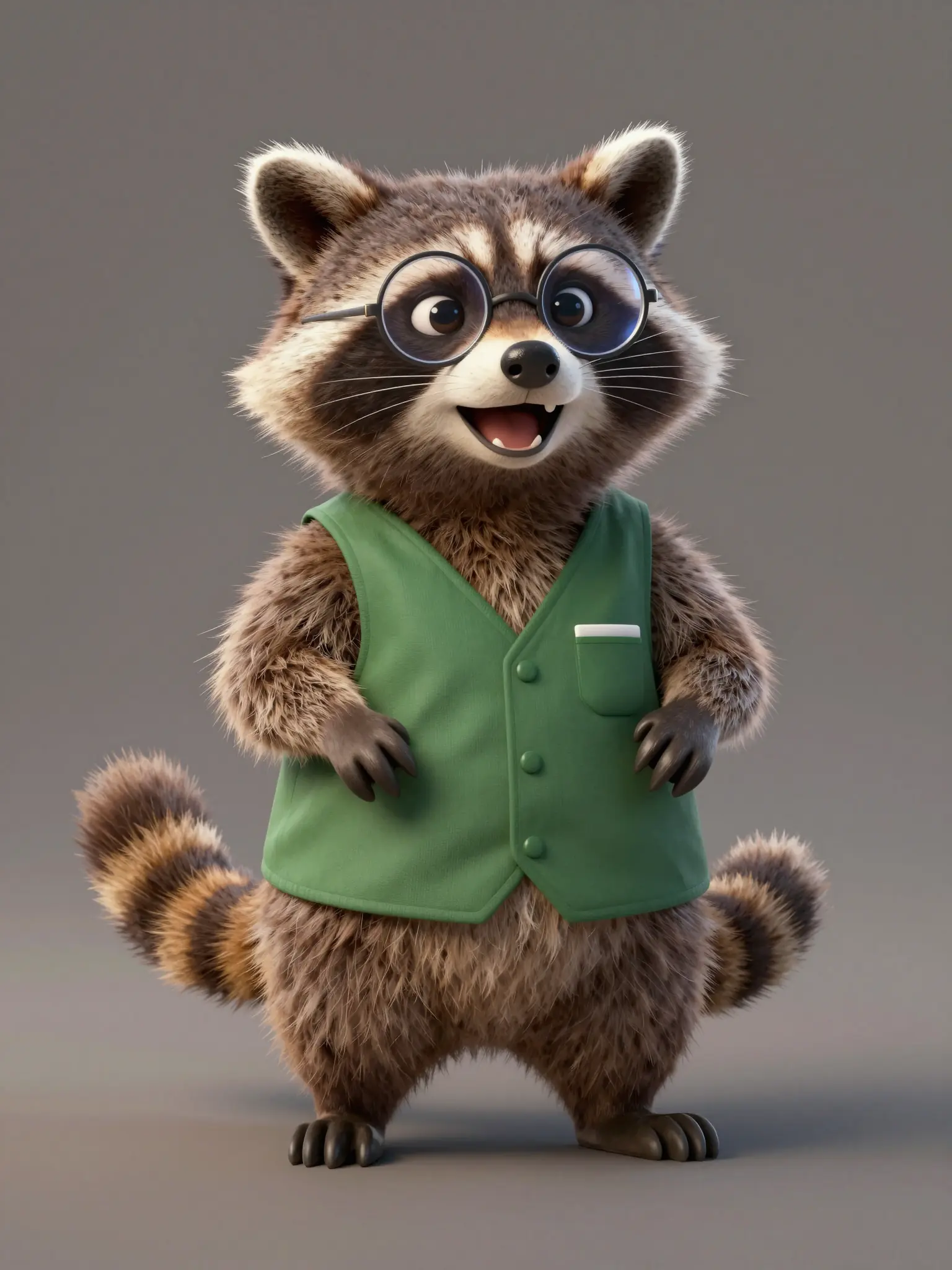
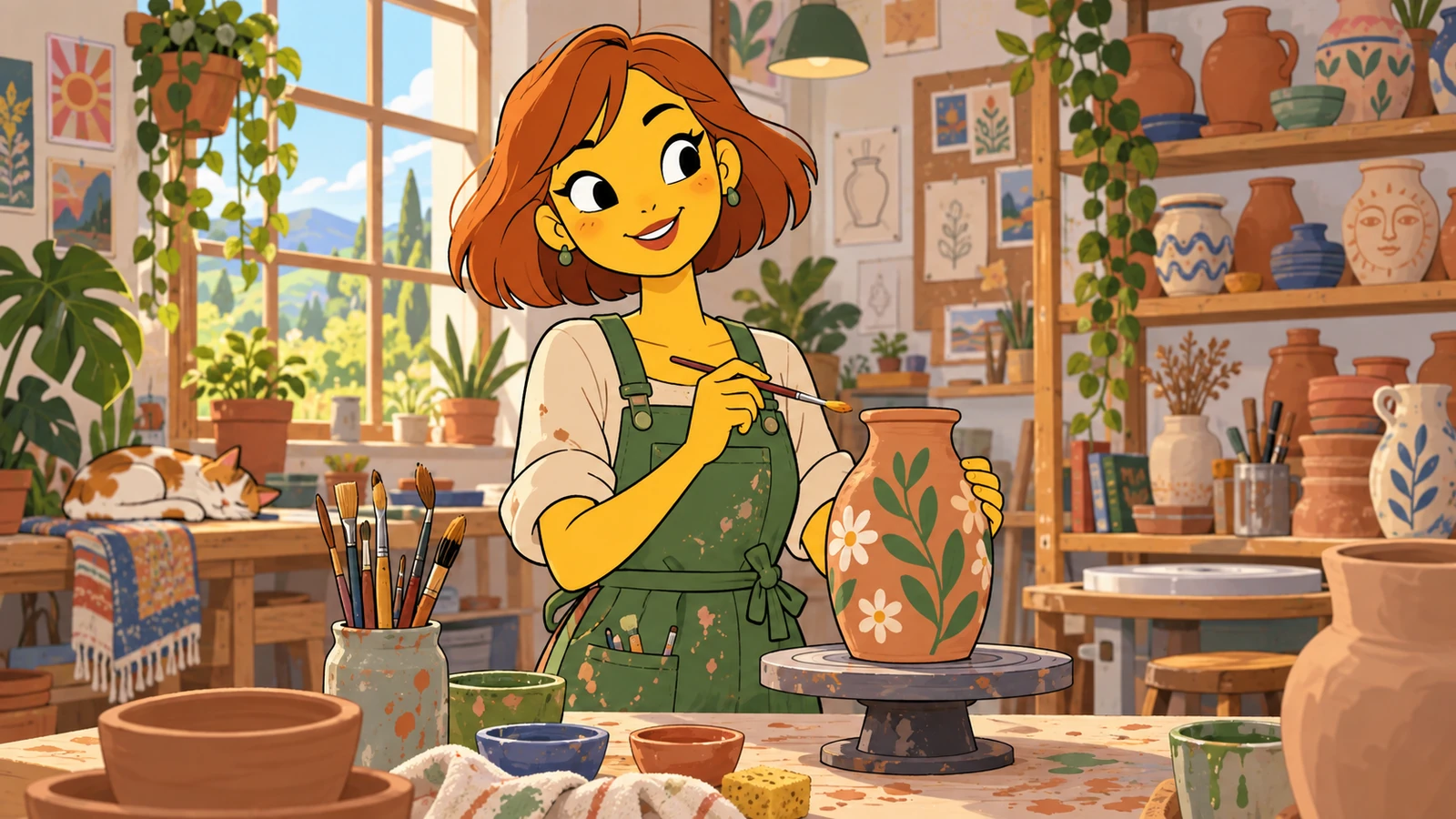
A setting gives the character a place in the story.
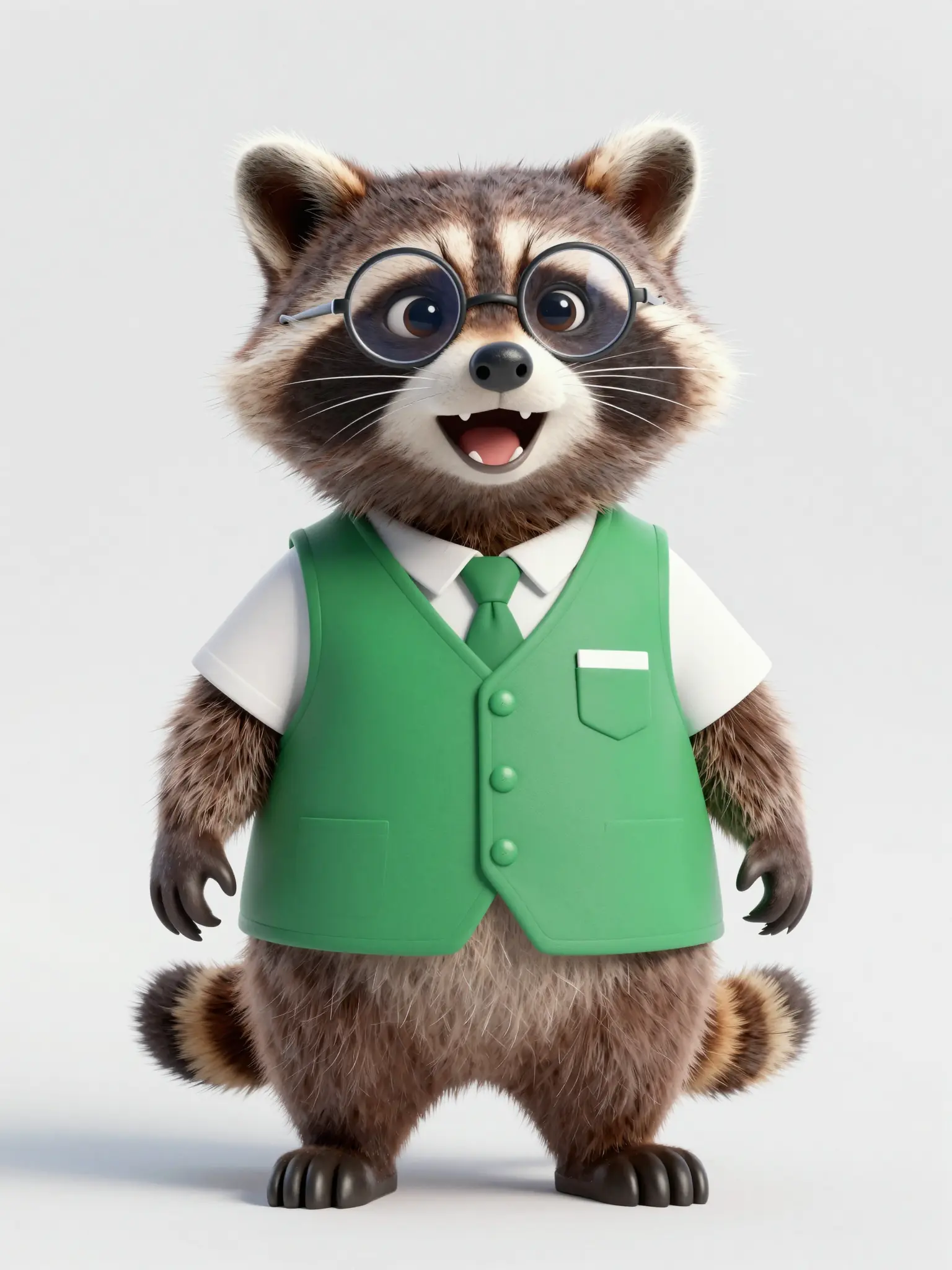
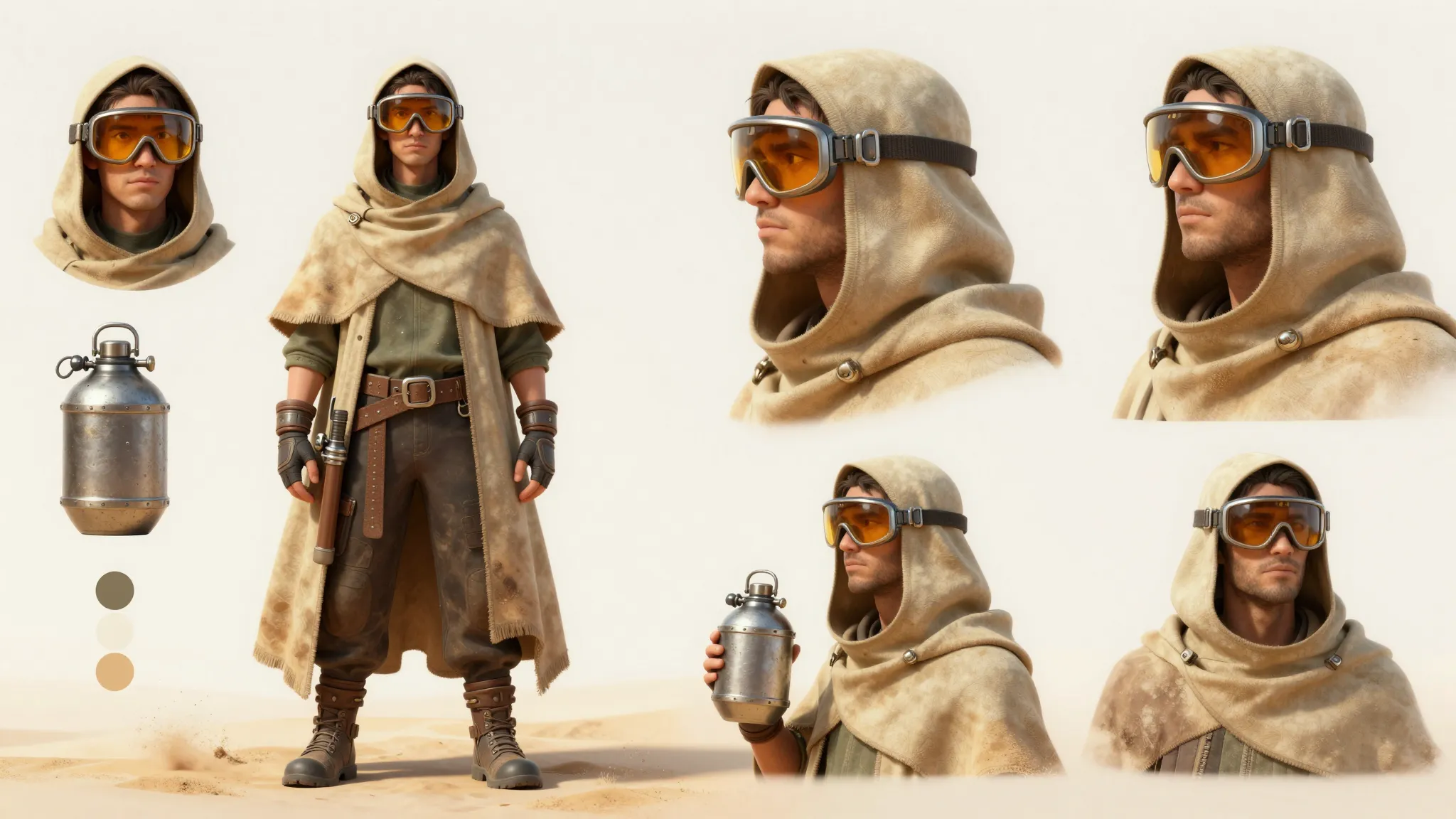
A clear view of the outfit helps develop a consistent design.
The output is character artwork. Prepare separate expression assets and configure your streaming software yourself.
Find your next creative tool
Your next creation starts here
Start with your own content in PNGTuber Maker. Review the settings in Studio and create your result.